All Features on Every Plan. No Lock-In.

Mailchimp Alternatives

Explore alternatives to Mailchimp based on how teams actually work.

Last updated: December 28, 2025

How to Read This List

Teams exploring options beyond Mailchimp typically face decisions around pricing structure, automation depth, or how the tool fits their specific workflow (creator-focused vs ecommerce vs general email).

The platforms below are ordered by use case similarity. Each section describes how teams actually work with the tool day to day — not just feature lists.

#1 Brevo

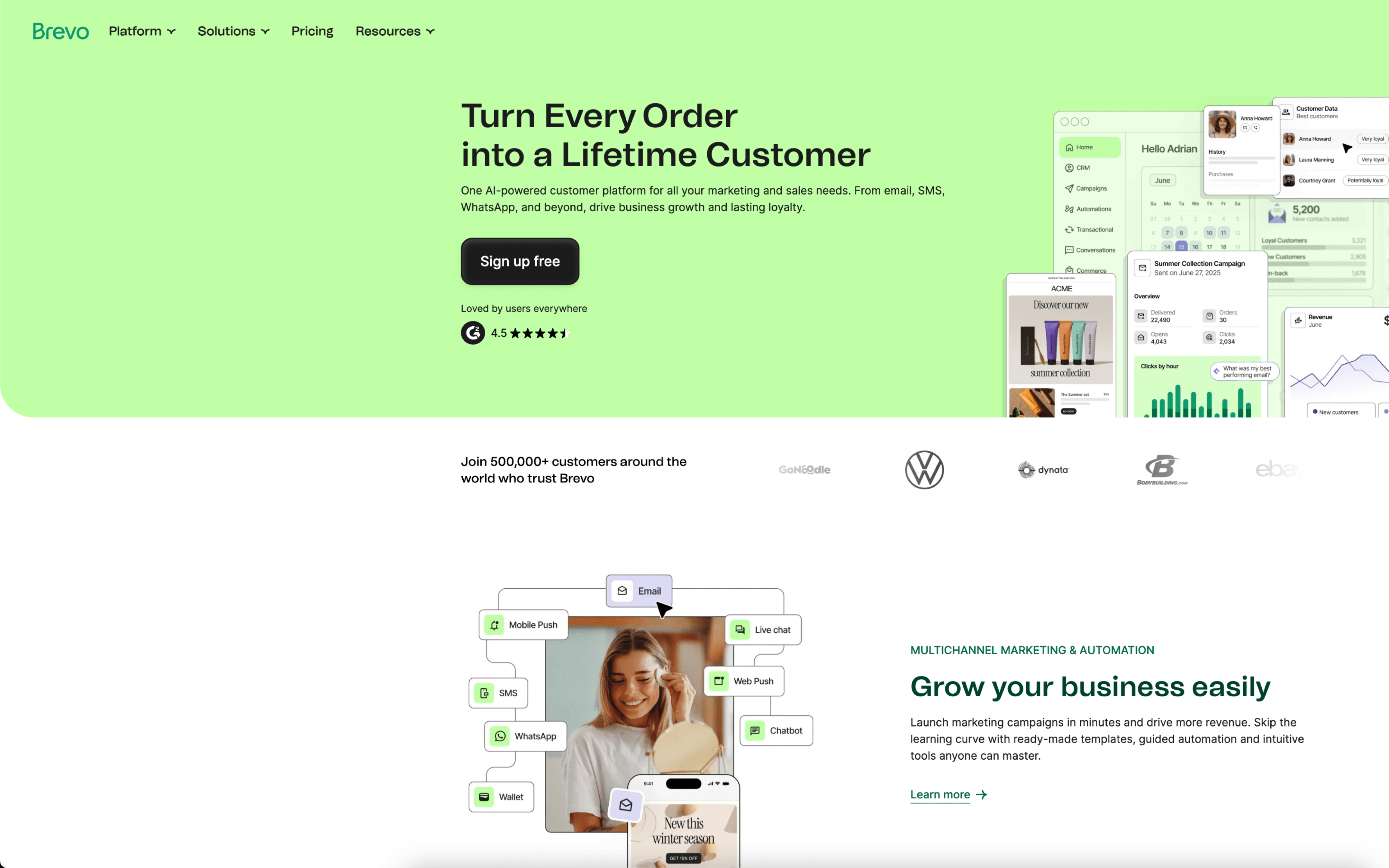
Brevo screenshot

Brevo is typically used by marketing and operations teams that run recurring email and SMS communications while also needing a shared customer record for segmentation and follow-up. It often sits with small-to-mid teams that handle both promotional and transactional messaging.

Teams import and maintain contacts, then group them into lists and segments to coordinate newsletters, announcements, and lifecycle sends. A common cadence is weekly campaigns paired with always-on automations like cart recovery and post-purchase messages, monitored through campaign reporting to adjust targeting and timing.

Good Fit For

  • Teams sending weekly newsletters and occasional promotions that rely on list hygiene, segmentation, and repeatable templates
  • Ecommerce or subscription teams running always-on flows such as abandoned cart, replenishment, and win-back alongside one-off campaigns
  • Organizations that need marketing messages and basic sales follow-up to reference the same contact history and attributes

Considerations

  • Day-to-day work can depend on keeping contact properties and segments consistently mapped, especially when syncing data via API or imports
  • Coordinating complex, multi-step journeys across channels may require ongoing monitoring to avoid overlaps in frequency and audience eligibility
#2 Constant Contact

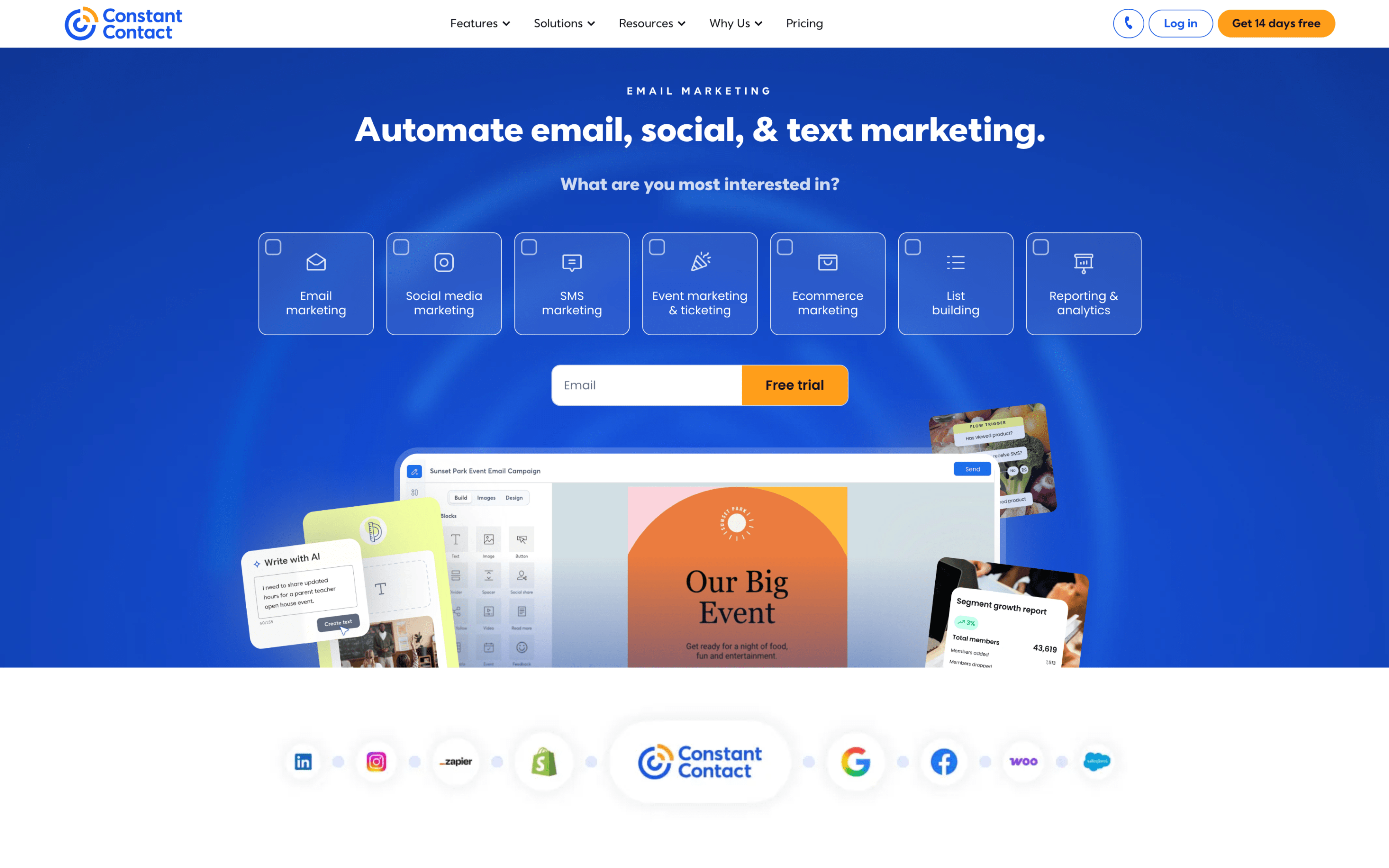
Constant Contact screenshot

Constant Contact is commonly used by small organizations and service-based teams that need a repeatable way to send email campaigns and manage subscriber lists. It often shows up where marketing is handled alongside other day-to-day responsibilities.

Teams typically import or grow contacts through forms, organize them into lists or segments, then build emails with a drag-and-drop editor. Work runs on a calendar cadence—draft, review, schedule, and monitor results—while maintaining unsubscribe handling and list hygiene between sends.

Good Fit For

  • Teams running weekly or monthly newsletters that need straightforward list segmentation and scheduled sends.
  • Organizations coordinating event or fundraising outreach where sign-ups flow into a central contact list and follow-up emails go out in batches.
  • Agencies or consultants managing recurring email outreach for multiple clients, where quick campaign setup and contact filtering are part of the routine.

Considerations

  • Some operational tasks around subscription status changes and account-level administration can require extra manual steps, which can slow down transitions or cleanup.
  • Workflows can feel less flexible for teams that want highly customized lifecycle paths, requiring more workarounds as messaging becomes more behavior-driven.

#3 Campaign Monitor

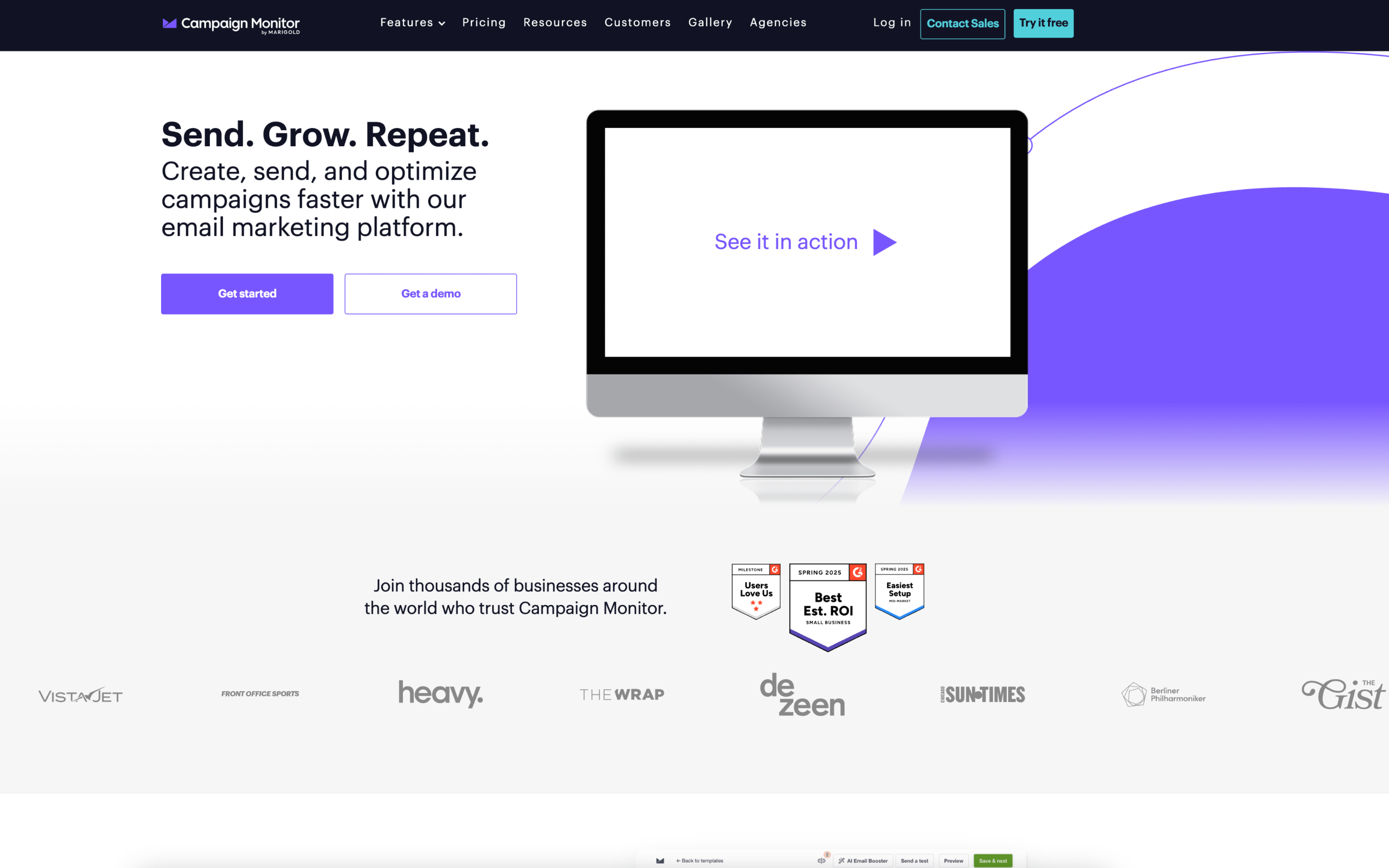
Campaign Monitor screenshot

Campaign Monitor is commonly used by marketing teams and agencies that run scheduled email campaigns and need repeatable processes for building, approving, and sending branded messages to segmented audiences.

Teams typically import or sync subscriber lists, maintain custom fields for segmentation, and assemble emails from shared templates. Work often follows a campaign cadence: draft, review, schedule by time zone, send, then monitor opens and clicks to inform the next send or automated follow-up.

Good Fit For

  • Marketing teams producing weekly or monthly newsletters that reuse approved templates and require consistent review before sending
  • Organizations running event or announcement blasts where timing matters and delivery is scheduled around audience time zones
  • Teams setting up basic lifecycle emails triggered by signups, RSS updates, or known subscriber actions, with periodic reporting check-ins

Considerations

  • Teams with heavy cross-channel planning may need to coordinate work outside the platform to align email with other campaign touchpoints
  • As segmentation and automation logic grows, ongoing list hygiene and data-field governance can become a recurring operational task

#4 Mailjet

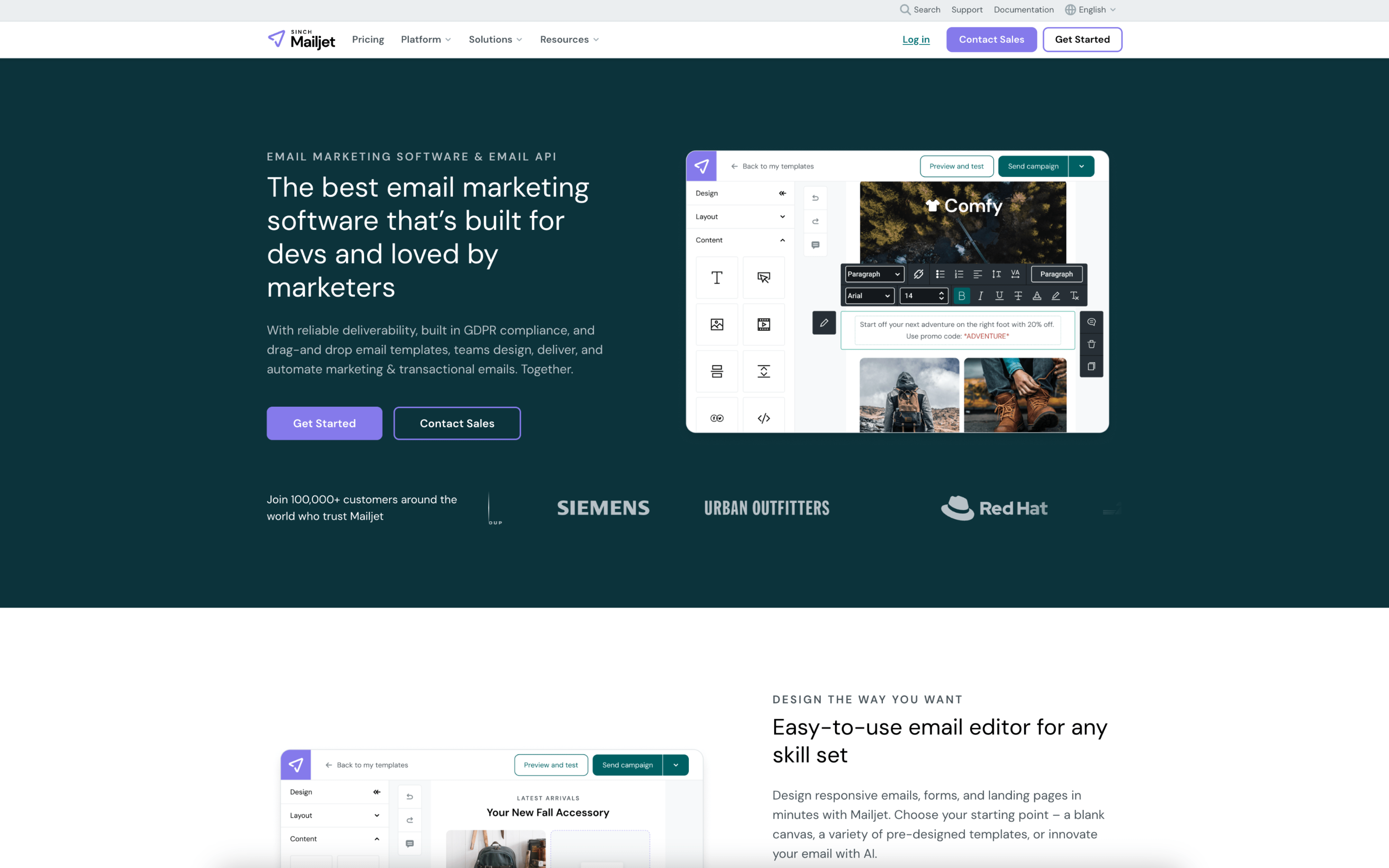
Mailjet screenshot

Mailjet is used by marketing and product teams that need to send both campaign emails and application-triggered messages from one system. It often shows up where developers and marketers share ownership of templates and sending operations.

Teams typically set up sending domains, build reusable templates, and organize contacts into lists or segments for targeted sends. Marketers run scheduled newsletters and announcements, while product teams connect transactional email via SMTP or API and monitor deliverability and event logs.

Good Fit For

  • Teams running weekly newsletters that reuse a shared template library and coordinate copy, design, and final sends on a set cadence
  • Product teams that need password resets, receipts, and alerts wired into the app while marketing maintains brand-consistent email templates
  • Organizations managing multiple brands or regions that separate audiences by lists/segments and report on performance by campaign or domain

Considerations

  • Splitting ownership between marketing campaigns and transactional sending can require tighter governance on templates, sender identities, and list hygiene to avoid operational conflicts.
  • Teams with complex lifecycle programs may need additional process around data syncing and segmentation logic, since the day-to-day workflow often depends on how well upstream systems maintain contact attributes.

#5 MailerLite

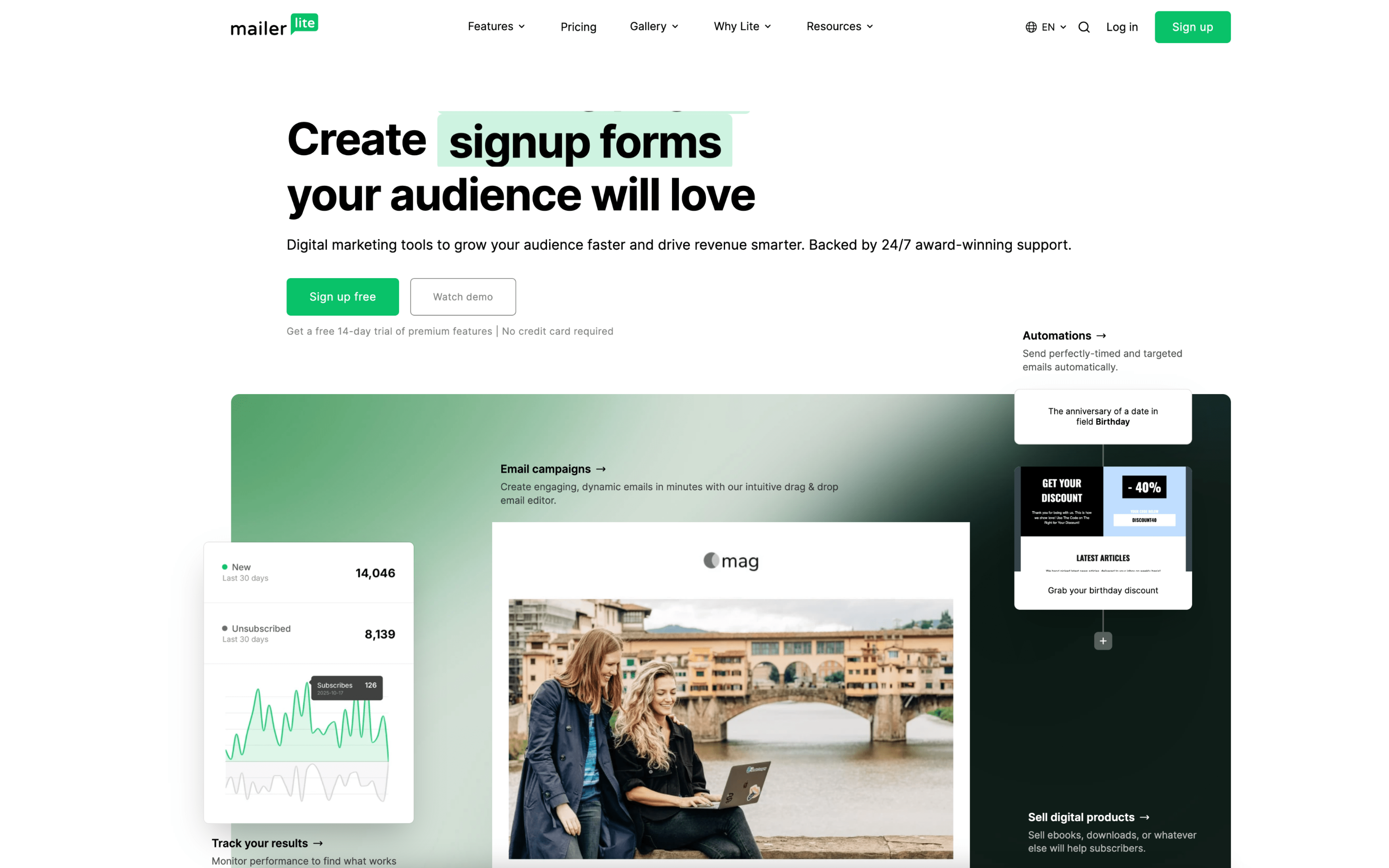
MailerLite screenshot

MailerLite is commonly used by small marketing teams, creators, and agencies that run email newsletters and lifecycle messaging without a large operations layer. It typically supports teams that want one place to manage subscribers, campaigns, and simple automations.

Teams build subscriber lists and groups, collect signups through forms or landing pages, and run a steady cadence of broadcasts alongside automated flows. Day to day work centers on drafting emails, segmenting recipients, setting triggers from behaviors, and reviewing engagement to adjust future sends.

Good Fit For

  • Teams sending weekly or monthly newsletters and occasional announcements, with basic segmentation by signup source, interests, or past engagement
  • Ecommerce operators setting up always-on automations like welcome series, post-purchase follow-ups, and abandoned cart reminders tied to store activity
  • Agencies managing multiple client workstreams where drafts, approvals, and recurring campaign launches need to be coordinated across several user accounts

Considerations

  • Workflows that require highly customized routing, complex branching logic, or deeply interconnected customer journeys may need additional process outside the tool
  • As sending volume and audience rules grow, teams may spend more time maintaining groups, fields, and entry conditions to keep automations and targeting consistent

#6 GetResponse

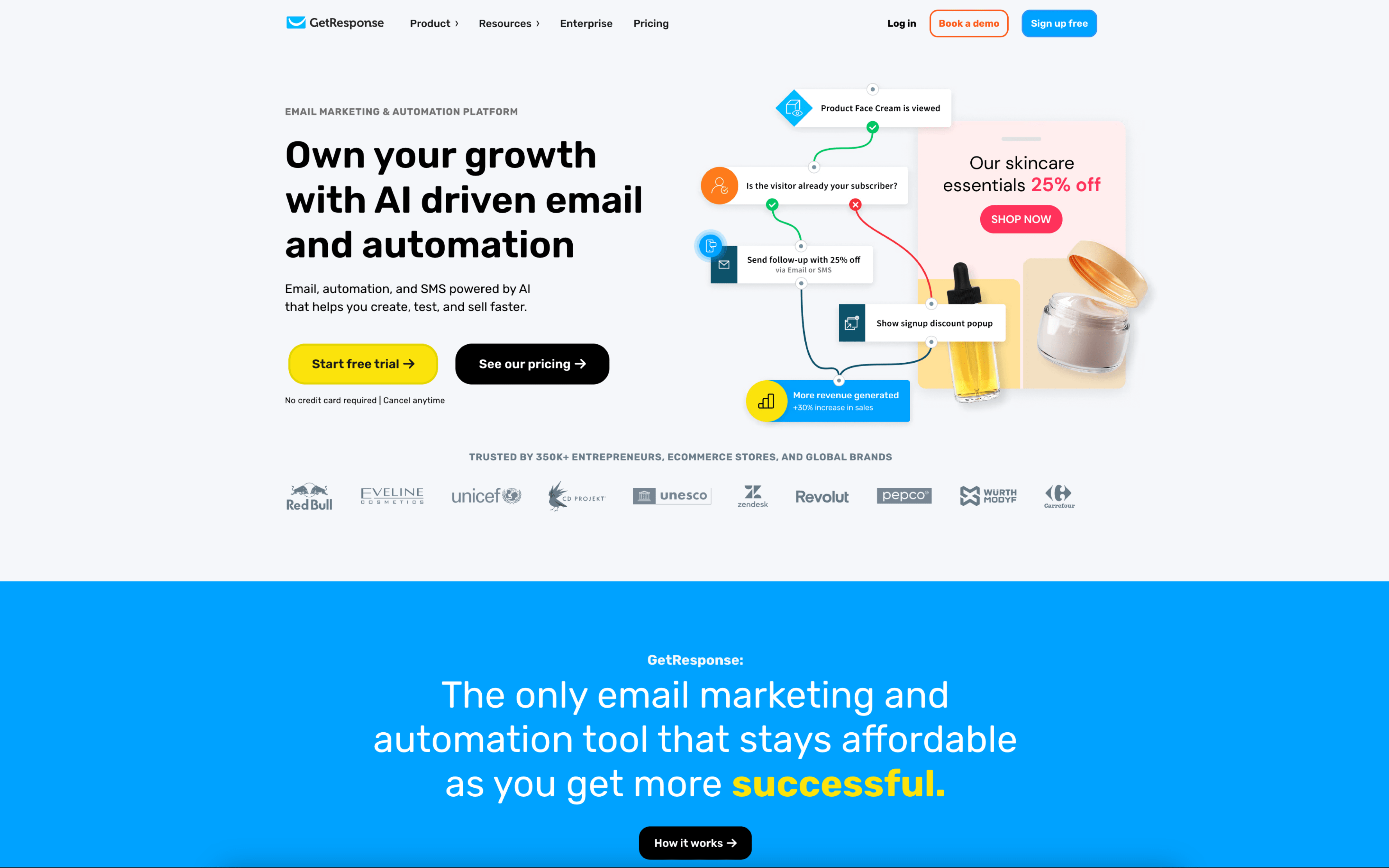
GetResponse screenshot

GetResponse is typically used by marketing teams and agencies that run recurring email campaigns and automated lead-nurture programs, often alongside landing pages and webinar-driven acquisition.

Teams organize contacts into lists and segments, then build newsletters and triggered journeys that react to behavior like opens, clicks, site events, or purchases. Work often follows a weekly campaign rhythm plus always-on automation, with roles and approvals controlling sending.

Good Fit For

  • Teams running weekly newsletters plus a set of evergreen automations for onboarding, re-engagement, and time-based reminders.
  • Lead gen programs that pair landing pages and forms with follow-up sequences, routing contacts into segments based on registrations and engagement.
  • Agency workflows where multiple people draft, design, and review campaigns, and a designated owner approves and publishes sends for clients.

Considerations

  • Teams with complex approval chains may need to standardize roles and handoffs to avoid bottlenecks around final authorization and publishing.
  • Keeping automations accurate requires ongoing list hygiene, tagging discipline, and periodic reviews as segments and journeys expand over time.

#7 ActiveCampaign

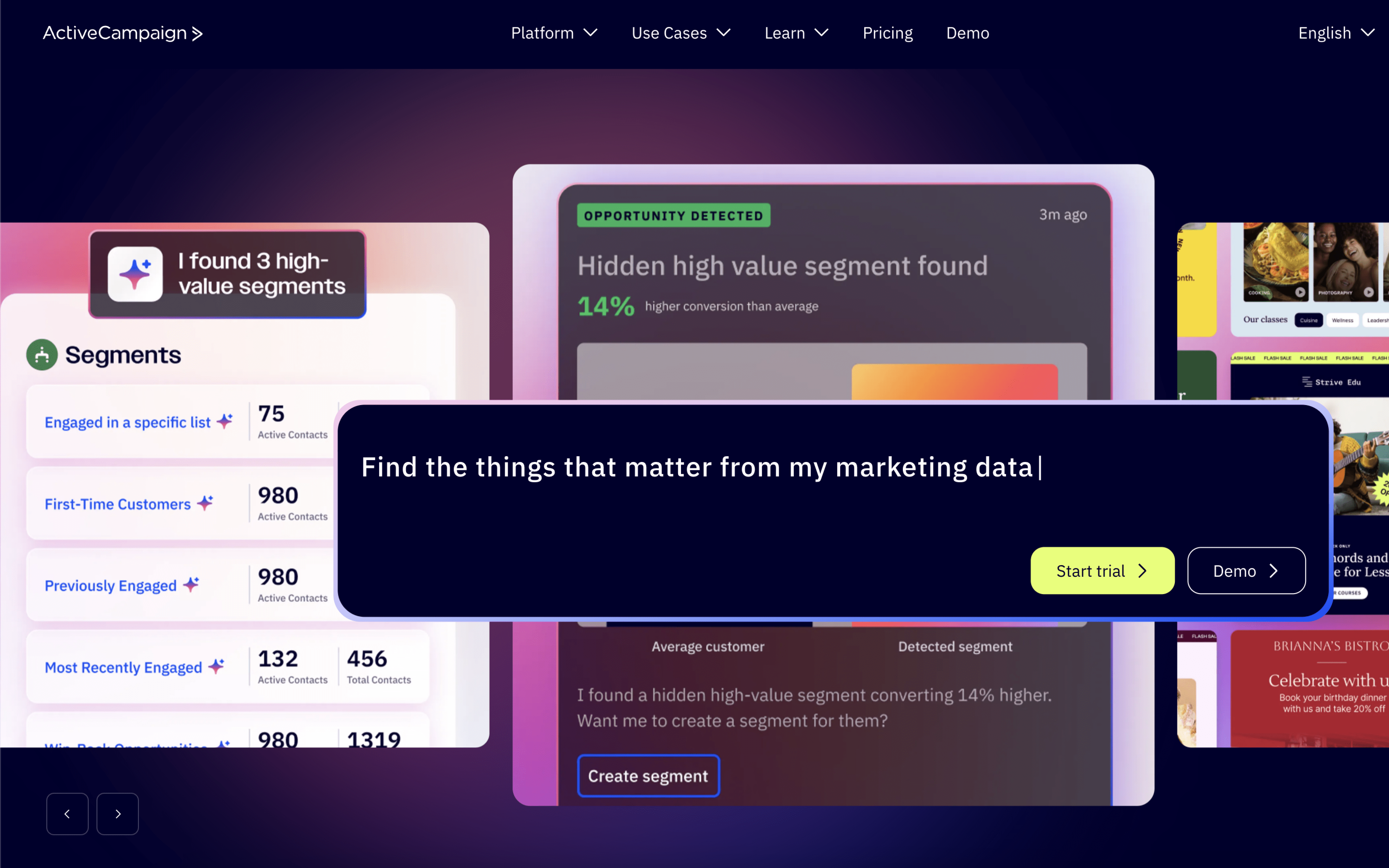
ActiveCampaign screenshot

ActiveCampaign is typically used by marketing and revenue teams that want email campaigns and lifecycle automation to run from a shared contact record. It often sits alongside lightweight CRM processes where marketing and sales coordinate handoffs.

Teams centralize contacts, sync behavioral data from forms, site tracking, and integrations, then build automations that segment audiences and trigger messages based on actions. Day to day, marketers iterate on journeys while sales works deals in pipelines with tasks, notes, and automated follow-ups.

Good Fit For

  • Teams running always-on nurture programs where contacts move through branching sequences based on clicks, visits, or form submissions
  • Organizations managing inbound leads that need automated routing, reminders, and pipeline stage updates tied to marketing engagement
  • Ecommerce or subscription teams maintaining post-purchase and re-engagement flows that adjust messaging based on customer events

Considerations

  • Operationally, automations and segmentation can become difficult to govern as they grow, requiring naming conventions, ownership, and regular audits to avoid conflicting logic.
  • Because workflows often depend on reliable event and integration data, teams may spend ongoing time maintaining tracking, field mappings, and CRM hygiene to keep handoffs and personalization consistent.