All Features on Every Plan. No Lock-In.

Klaviyo Alternatives

Explore alternatives to Klaviyo based on how teams actually work.

Last updated: December 28, 2025

How to Read This List

Teams exploring options beyond Klaviyo typically face decisions around pricing structure, automation depth, or how the tool fits their specific workflow (creator-focused vs ecommerce vs general email).

The platforms below are ordered by use case similarity. Each section describes how teams actually work with the tool day to day — not just feature lists.

#1 Omnisend

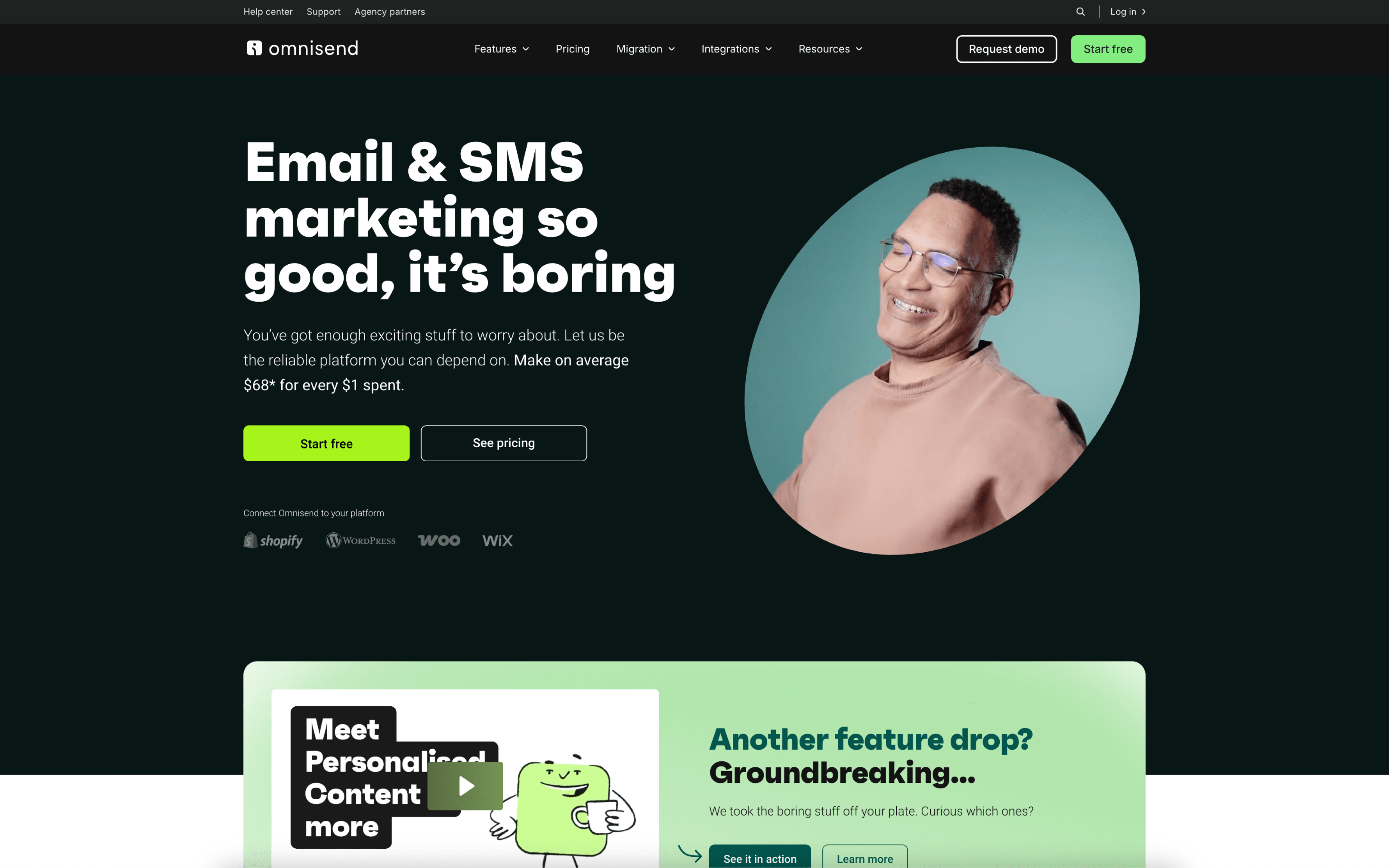
Omnisend screenshot

Omnisend is typically used by ecommerce teams that run customer messaging tied to store activity, such as promotions and lifecycle follow-ups. It is often owned by a marketer or small team managing email alongside SMS and web push.

Teams connect their ecommerce platform so customer events sync in real time, then build a routine around two tracks: scheduled campaigns and always-on automations. Day to day, they segment by purchase and engagement behavior, update creative, and review automation and channel performance.

Good Fit For

  • Brands running weekly promotional sends and needing targeting based on purchases, browsing, and engagement
  • Teams setting up standard lifecycle flows like welcome, cart recovery, post-purchase, back-in-stock, and win-back with periodic optimization
  • Marketers who want to coordinate email, SMS, and web push in the same workflow for time-sensitive retail messaging

Considerations

  • Cross-channel programs add operational overhead around consent, message frequency, and keeping templates consistent across channels
  • Performance reporting is oriented around campaign and automation revenue, which may require extra work to align with broader analytics or attribution practices
#2 Drip

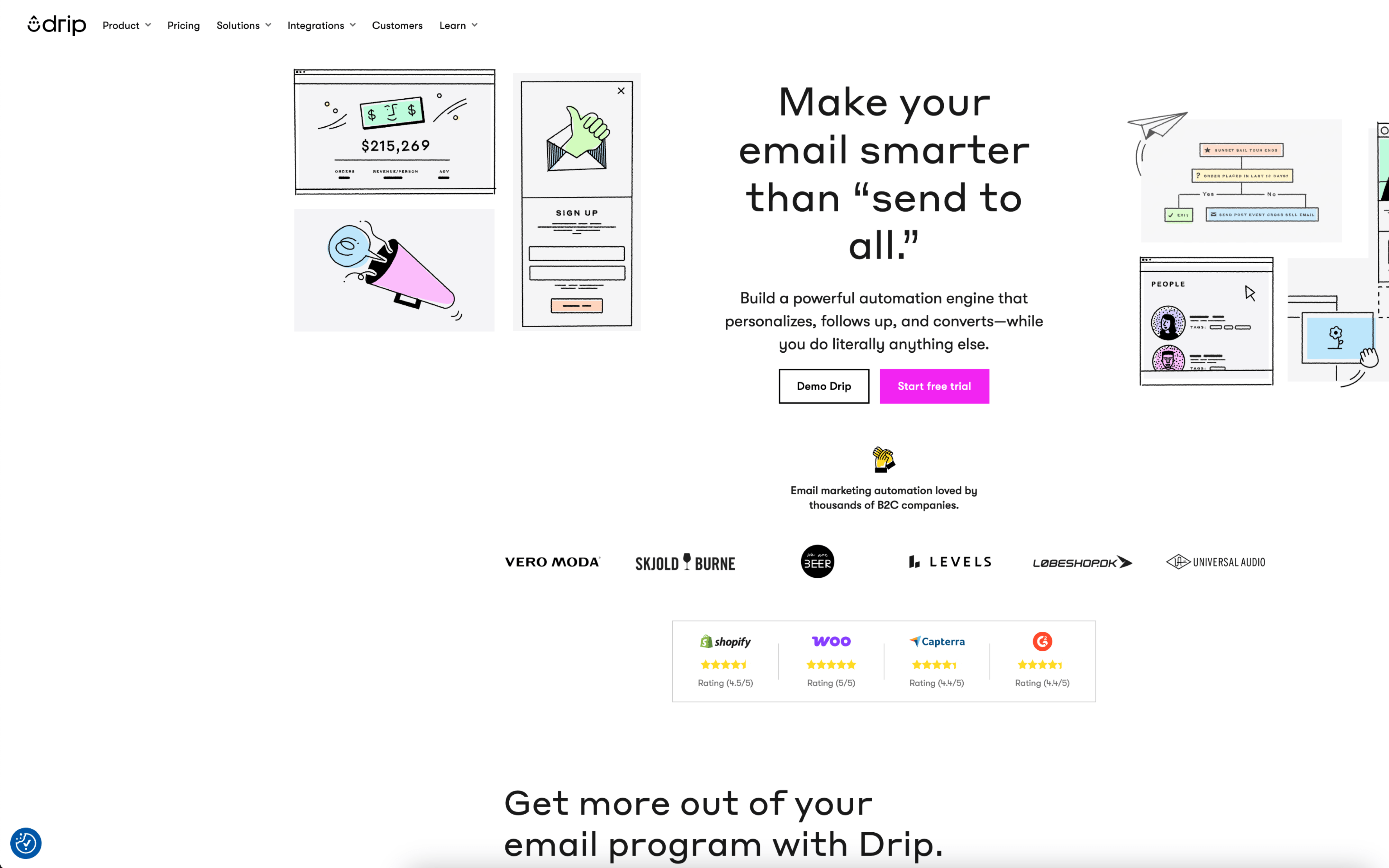
Drip screenshot

Drip is typically used by B2C teams that sell physical or digital products online and rely on email to convert subscribers into repeat buyers. It commonly shows up in ecommerce, creator-led brands, and businesses that manage bookings or enrollments.

Teams connect their store or customer system, bring in existing contacts, then run a mix of recurring broadcasts and always-on automated workflows tied to behavior. Day to day, they review performance, adjust segments, and iterate messages based on engagement and purchase activity.

Good Fit For

  • Ecommerce teams running weekly promotions alongside automated post-purchase, browse, and cart follow-up sequences
  • Brands that want audience segmentation driven by customer behavior and order history, refreshed as data changes
  • Small marketing teams that need a steady cadence of campaigns without rebuilding targeting rules for each send

Considerations

  • Teams may need ongoing attention to data cleanliness and event tracking so automations and segments behave as expected
  • Organizations with complex approval processes or many stakeholders may find coordinating multi-step campaigns requires extra internal workflow outside the tool

#3 Customer.io

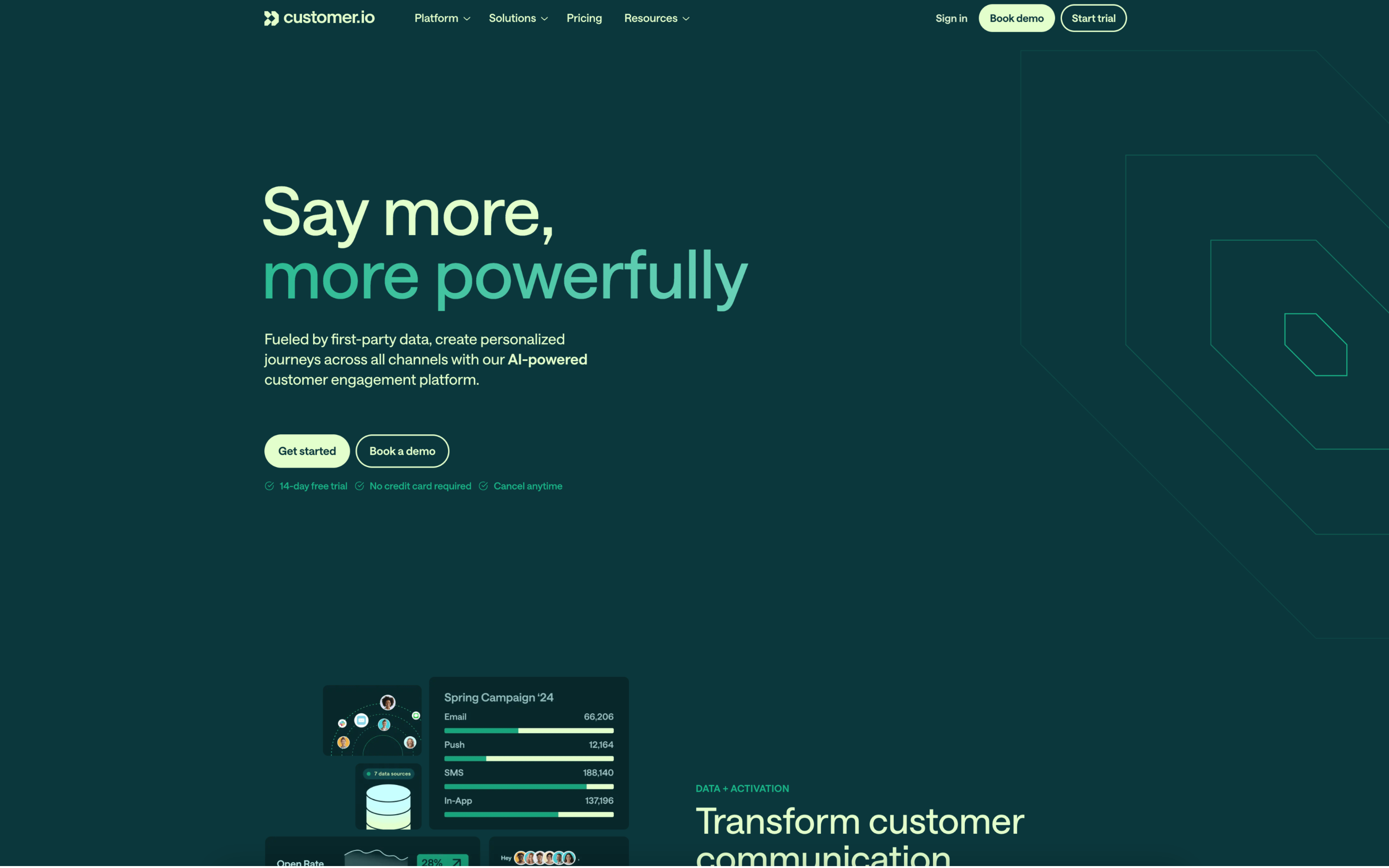
Customer.io screenshot

Customer.io is typically used by product and lifecycle marketing teams that want messaging tied to user behavior and account data. It fits organizations where marketing and product teams coordinate around onboarding, activation, retention, and transactional communications.

Teams connect event and profile data, then build ongoing journeys that trigger when people enter segments or perform key actions. Day to day, marketers adjust branching rules, timing windows, and message content, while monitoring results within workflows and iterating as product behavior changes.

Good Fit For

  • Teams running always-on onboarding and activation sequences triggered by in-app events and milestones
  • Organizations coordinating email, in-app, push, or SMS touches as part of a single journey with conditional paths
  • Groups that need to route customers into different messaging based on account attributes, relationships, or timezone timing

Considerations

  • Workflow quality depends on having reliable event instrumentation and a shared data model across teams
  • As journeys branch and multiply, ongoing QA and governance effort increases to prevent conflicting messages and logic drift

#4 ActiveCampaign

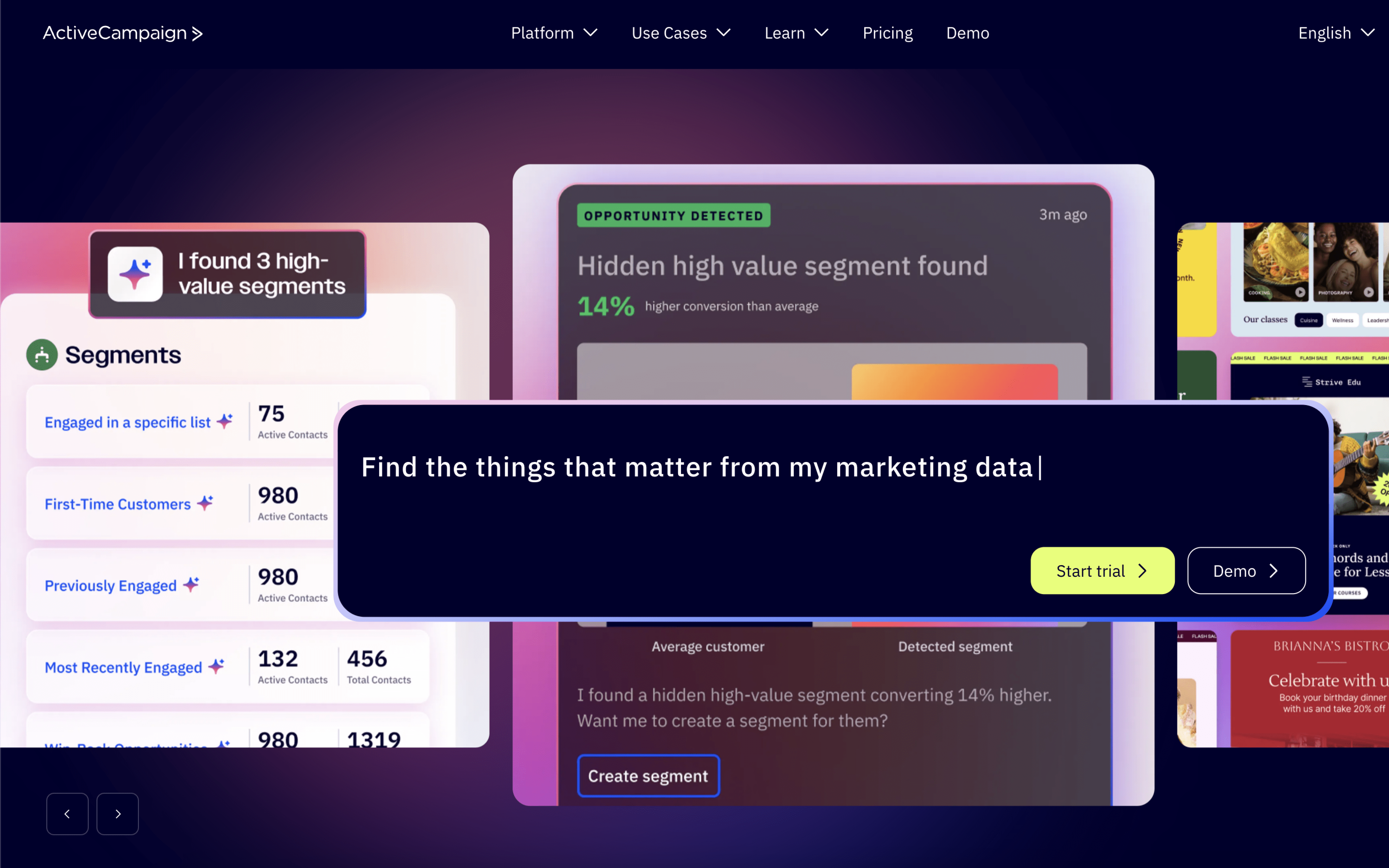
ActiveCampaign screenshot

ActiveCampaign is typically used by marketing and revenue teams that run ongoing lifecycle messaging while tracking leads and customer interactions in a shared contact database. It often supports organizations that want marketing automations and lightweight sales follow-up to live in the same workflow.

Teams centralize contacts, tag and segment them based on attributes and behavior, then run a mix of scheduled campaigns and always-on automations. Day to day, they monitor engagement and activity timelines, adjust branching paths, and coordinate handoffs by creating deals, tasks, and reminders tied to specific contacts.

Good Fit For

  • Teams running weekly email sends alongside triggered journeys like onboarding, re-engagement, and post-purchase follow-ups
  • Organizations that need marketing and sales to coordinate lead qualification using shared contact records, pipelines, and task assignments
  • Programs that rely on behavior-based routing, where messaging changes based on opens, clicks, site activity, or other tracked events

Considerations

  • Maintaining clean segments, tags, and automation logic can become operational overhead as journeys and audiences expand
  • Shared ownership across marketing and sales can require governance to avoid conflicting edits to contact fields, pipelines, and automations

#5 HubSpot Email Marketing

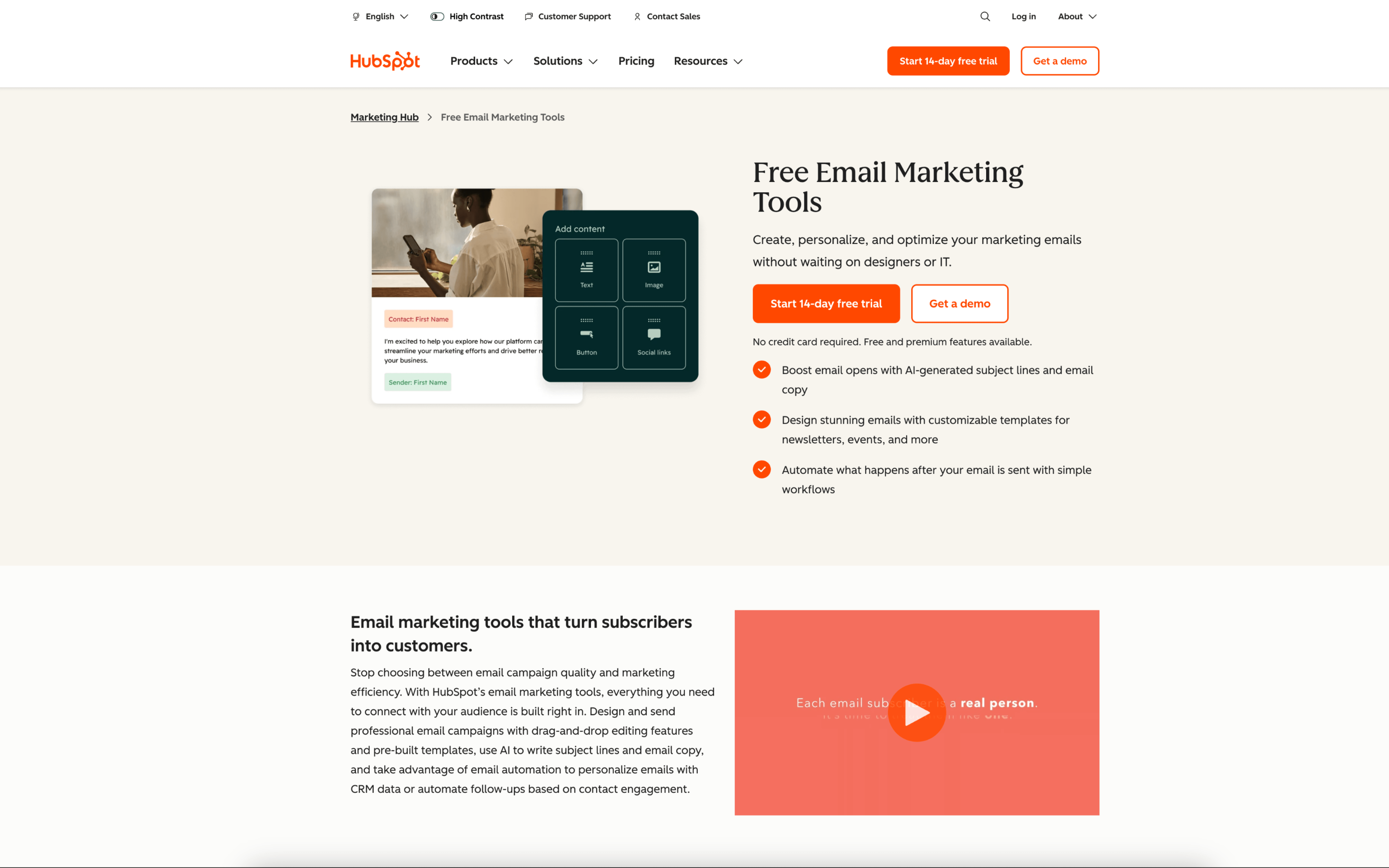
HubSpot Email Marketing screenshot

HubSpot Email Marketing is typically used by marketing and revenue teams that want email execution to stay connected to a shared contact database and lifecycle tracking. It often sits alongside CRM, forms, and landing pages for coordinated lead and customer communications.

Teams segment contacts from CRM properties and engagement history, draft emails in a shared workspace, and schedule one-off sends around weekly or monthly campaign calendars. They review performance, update lists, and adjust follow-ups and nurturing sequences to match pipeline stages.

Good Fit For

  • Teams running recurring newsletters and product updates where targeting depends on CRM fields like lifecycle stage, industry, or account owner
  • Marketing teams coordinating lead capture forms, landing pages, and email follow-ups as part of a weekly campaign rhythm
  • Organizations that need sales and marketing to see the same contact activity history when handing off leads and tracking engagement

Considerations

  • Keeping segmentation reliable depends on consistent CRM data hygiene and agreed naming conventions across teams
  • Teams with highly specialized email production or complex experimentation workflows may need additional processes outside the tool to manage approvals and QA

#6 Mailchimp

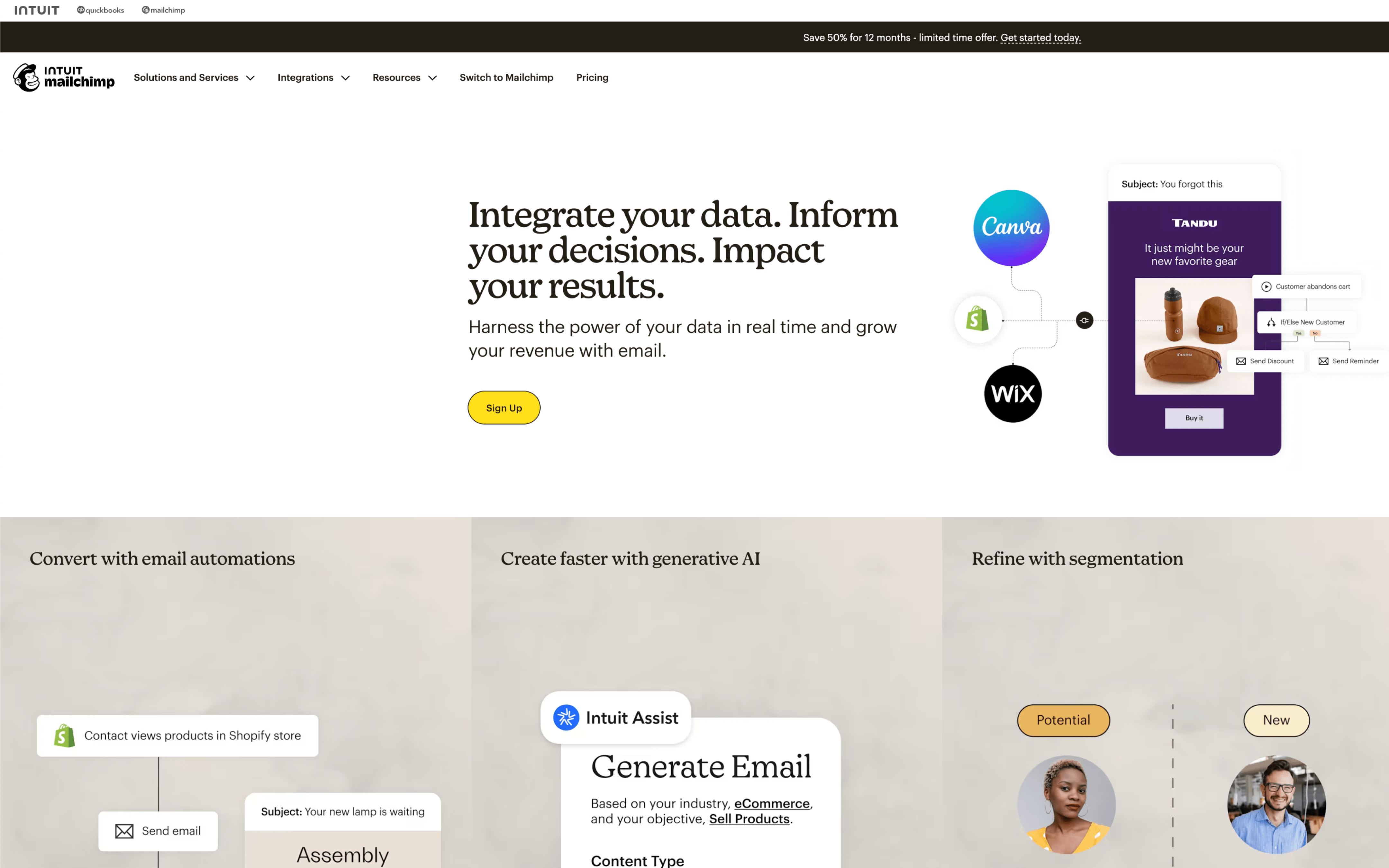
Mailchimp screenshot

Mailchimp is typically used by small and midsize teams that run recurring email marketing and basic multichannel campaigns, often without a dedicated marketing operations function. It commonly serves as the central workspace for audience management, campaign production, and performance reporting.

Teams import and maintain an audience, organize contacts with tags and segments, and then build emails on a calendar-based cadence (weekly newsletters, promos, or event pushes). Day to day, work cycles between drafting content, scheduling sends, monitoring reports, and iterating based on engagement, with automations running alongside for welcome, nurture, or cart-recovery style sequences.

Good Fit For

  • Teams publishing weekly or monthly newsletters and coordinating approvals, scheduling, and post-send reporting in one place
  • Organizations capturing leads through signup forms and then routing subscribers into simple nurture journeys with periodic check-ins
  • Ecommerce or service teams running a mix of one-off announcements and a small set of triggered messages tied to customer behavior

Considerations

  • As campaigns, segments, and automations expand, maintaining consistent naming, ownership, and governance can become an ongoing operational task
  • Teams with complex lifecycle requirements may need additional processes or external systems to manage deeper data modeling and cross-channel orchestration

#7 GetResponse

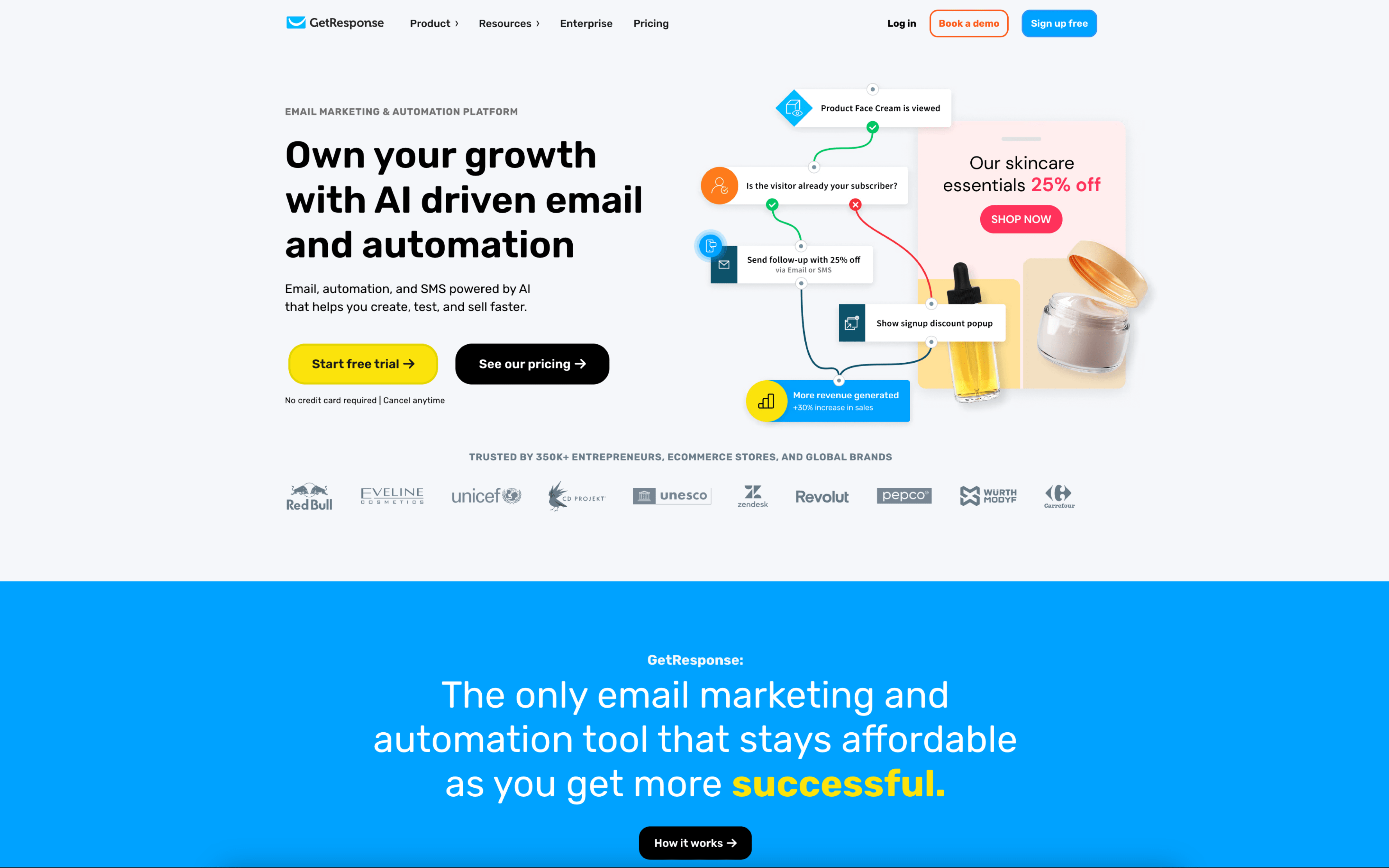
GetResponse screenshot

GetResponse is used by marketing teams and operators who run email-led acquisition and lead-nurture programs and want to manage campaigns, landing pages, and webinars in one workflow. It also shows up in agencies coordinating work across multiple client accounts.

Teams typically build contact lists from forms and landing pages, then segment using tags, custom fields, and behavior. Day to day, they schedule broadcasts, maintain automated journeys with triggers and filters, and review engagement reports to adjust targeting and re-engagement.

Good Fit For

  • Teams running recurring lead-generation campaigns that combine landing pages, sign-up capture, and follow-up sequences
  • B2B marketers using webinars as a regular cadence and needing post-registration and post-attendance nurture flows
  • Organizations that require internal approval before sends, with different roles for building, reviewing, and publishing campaigns

Considerations

  • Keeping email, landing pages, webinars, and automation in one place can concentrate work in a single system, which may increase process impact when changes are needed across multiple assets at once
  • Segmentation, tagging, scoring, and journey logic can create operational overhead as lists and automations grow and need ongoing governance