All Features on Every Plan. No Lock-In.

ActiveCampaign Alternatives

Explore alternatives to ActiveCampaign based on how teams actually work.

Last updated: December 28, 2025

How to Read This List

Teams exploring options beyond ActiveCampaign typically face decisions around pricing structure, automation depth, or how the tool fits their specific workflow (creator-focused vs ecommerce vs general email).

The platforms below are ordered by use case similarity. Each section describes how teams actually work with the tool day to day — not just feature lists.

#1 GetResponse

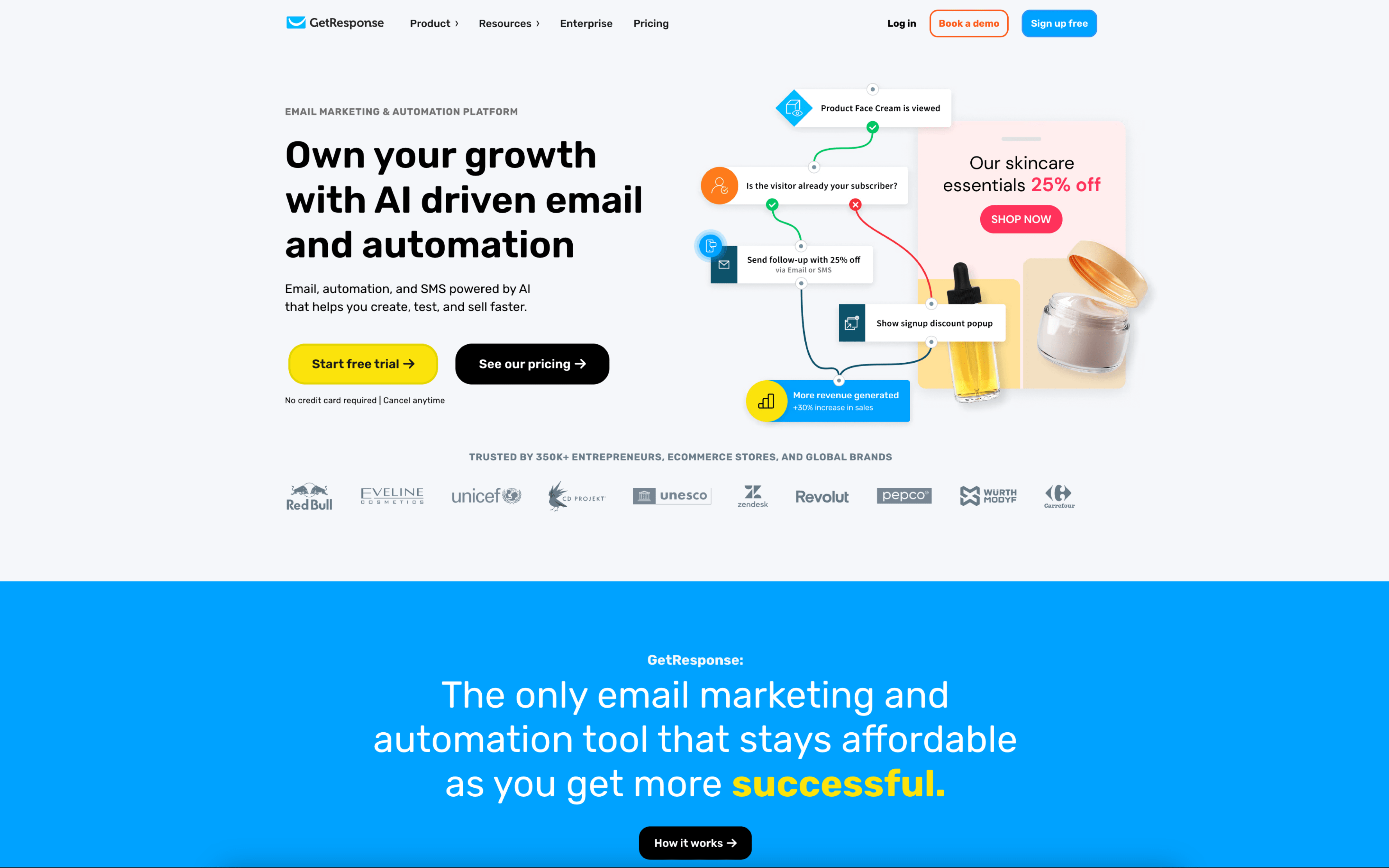
GetResponse screenshot

GetResponse is typically used by marketing teams and operators who run recurring email campaigns and automated follow-ups, often alongside landing pages and webinar-based lead capture. It also shows up in agency workflows where multiple people contribute to campaign production and approvals.

Teams usually work in cycles: build lists through forms, landing pages, or webinar registrations, then segment contacts by behavior and attributes. Day to day, they draft emails, set up automation workflows for nurture or re-engagement, and route sends through role-based access and approvals before monitoring performance and iterating.

Good Fit For

  • Teams running weekly newsletters plus event or webinar registrations and follow-up sequences
  • Marketing groups coordinating drafts, design, and send approvals across multiple contributors or clients
  • Operators managing always-on lifecycle messaging where tags, scoring, and behavior-based segments drive the next message

Considerations

  • Workflows that span many channels and subaccounts can add setup overhead around permissions, asset organization, and governance
  • Teams with strict internal reporting or data flows may need additional integration work to sync analytics and contact activity into their broader systems
#2 HubSpot Email Marketing

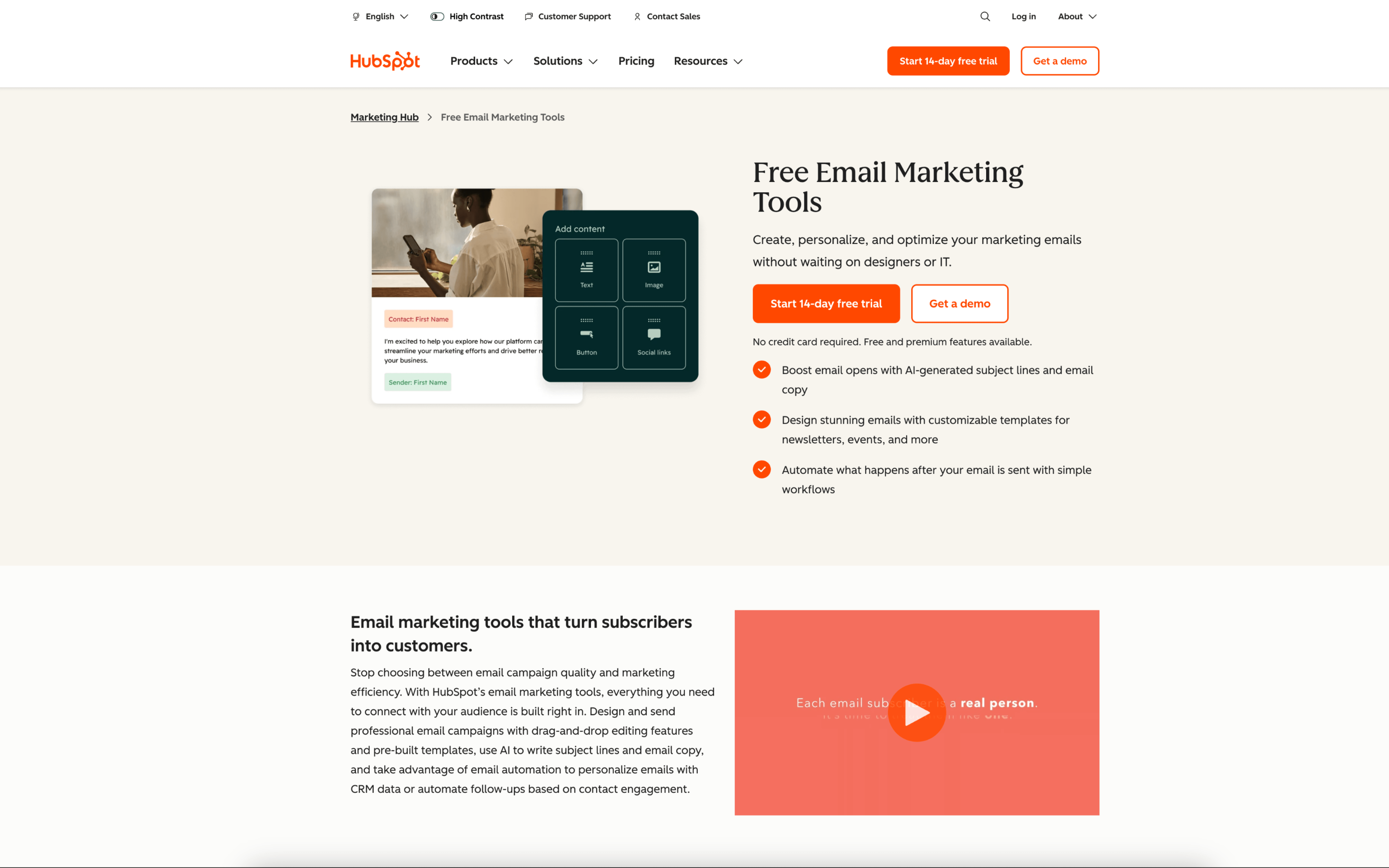
HubSpot Email Marketing screenshot

HubSpot Email Marketing is typically used by marketing and revenue teams that want email campaigns tied closely to a shared contact database. It often sits alongside CRM and lifecycle tracking so targeting and follow-up are based on known contact activity.

Teams organize contacts into lists and segments, draft emails in a visual editor, and schedule one-off sends like newsletters or announcements. Day to day work includes updating audiences from forms and CRM activity, coordinating reviews, and checking post-send engagement reports to adjust future sends.

Good Fit For

  • Teams running weekly or monthly newsletters that need recipient selection based on CRM fields, lifecycle stage, or recent engagement
  • Marketing teams coordinating product launches or event promotions where email performance needs to be tracked against specific contact cohorts
  • Organizations that want email work to share the same contact records used by sales and support for consistent targeting and follow-up

Considerations

  • Workflows tend to assume contacts and campaign activity live inside the same system, which can add process overhead when data is managed elsewhere
  • As segmentation and reporting become more granular, teams may spend more time on data hygiene and list logic to keep targeting accurate

#3 Brevo

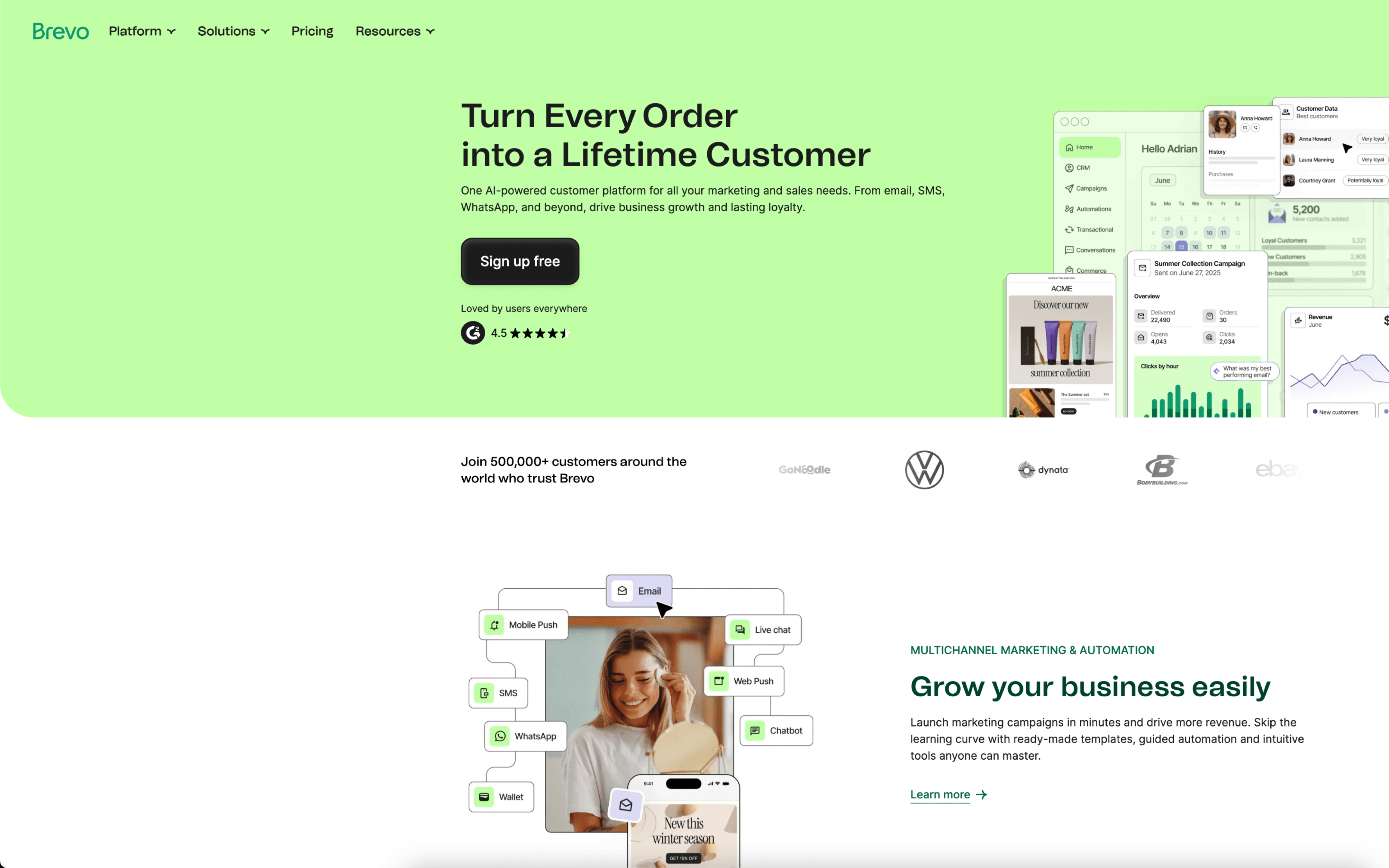
Brevo screenshot

Brevo is typically used by small-to-midsize teams that manage customer communications across email and SMS, often alongside basic contact management and sales follow-up. It commonly shows up in ecommerce, services, and creator-led businesses running recurring campaigns and lifecycle messages.

Teams centralize contacts, segment audiences, and build messages for scheduled campaigns and automated sequences like sign-up, cart recovery, post-purchase, and win-back. Day to day, work cycles between preparing templates, syncing list data, launching sends, and reviewing performance to adjust timing, targeting, and content.

Good Fit For

  • Marketing teams running weekly or monthly newsletters plus a small set of lifecycle automations tied to site behavior
  • Ecommerce operators coordinating abandoned cart, back-in-stock, and post-purchase messages across email and SMS
  • Teams that need a shared contact view for basic pipeline follow-up alongside campaign execution

Considerations

  • Keeping contact data clean often depends on consistent list/attribute conventions and reliable imports or API syncs
  • As messaging expands across multiple channels and many parallel automations, ongoing monitoring and governance becomes a recurring operational task

#4 Drip

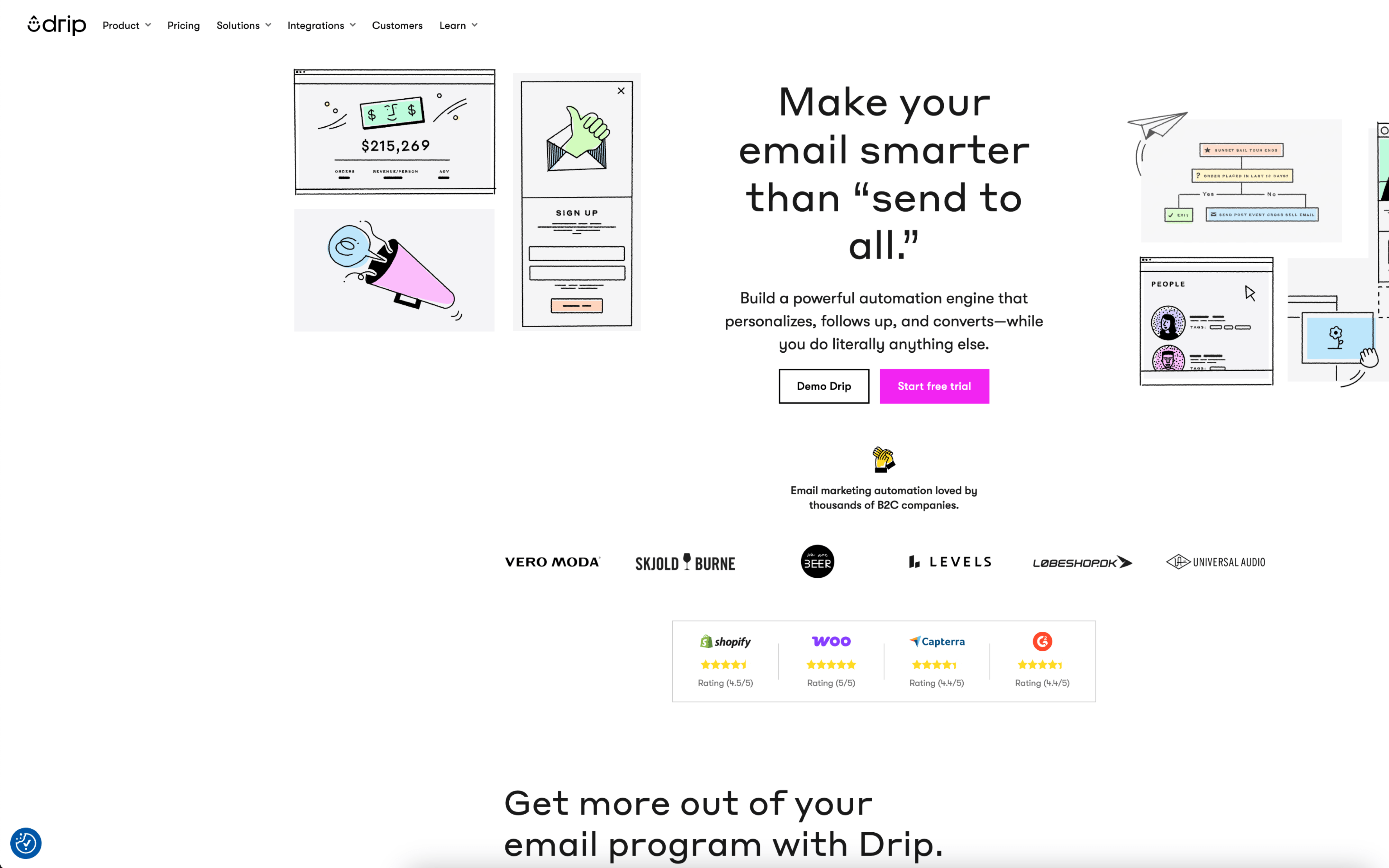
Drip screenshot

Drip is typically used by ecommerce and direct-to-consumer marketing teams that run lifecycle messaging tied to shopping behavior. It tends to sit with the team responsible for retention, promotions, and customer segmentation.

Teams connect customer and order data, then build automated sequences that trigger when people subscribe, browse, add to cart, purchase, or go inactive. Day to day, marketers adjust segments, update message timing and content, run scheduled campaigns, and review performance to refine flows.

Good Fit For

  • Ecommerce teams running always-on journeys like welcome, abandoned cart, post-purchase follow-ups, and winback sequences
  • Marketing teams that plan weekly promotional sends while maintaining automated lifecycle programs in the background
  • Teams that coordinate work around audience segments built from shopping activity and engagement signals

Considerations

  • Most value comes after customer data is integrated and flows are maintained, which can add ongoing operational overhead
  • Teams with limited behavioral data or infrequent campaigns may find automation setup effort outweighs day-to-day usage

#5 Customer.io

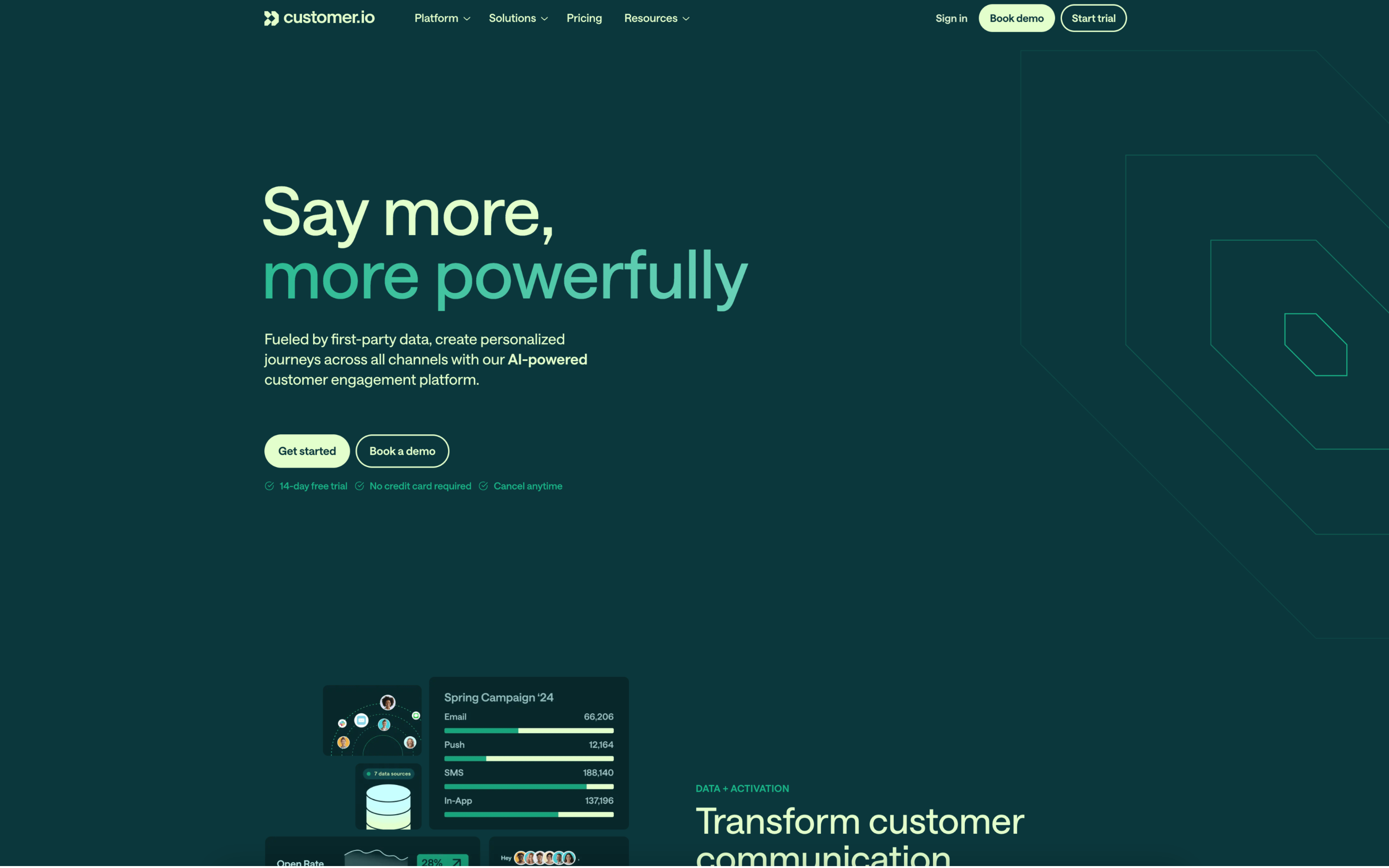
Customer.io screenshot

Customer.io is used by lifecycle, growth, and product teams that coordinate messaging based on real user behavior and account data. It tends to fit organizations where marketing and engineering share responsibility for data quality and customer communications.

Teams pipe in events and profile attributes from their product and systems, then build automated journeys that react to signups, feature usage, and milestones. Day to day, they iterate on segments, timing rules, branching logic, and message content, with reviews and QA before campaigns go live.

Good Fit For

  • Teams running onboarding and activation sequences triggered by in-app actions, not just list membership
  • Organizations coordinating cross-channel lifecycle messaging where cadence depends on behavior, time windows, and goal completion
  • Teams that need marketers to ship workflows while relying on engineers or data teams to maintain event tracking and identity data

Considerations

  • Successful use depends on consistent event instrumentation and data hygiene, which can add setup and ongoing maintenance work
  • As journeys grow, governance around naming, versioning, and approvals becomes important to avoid overlapping triggers and hard-to-debug messaging outcomes

#6 Mailchimp

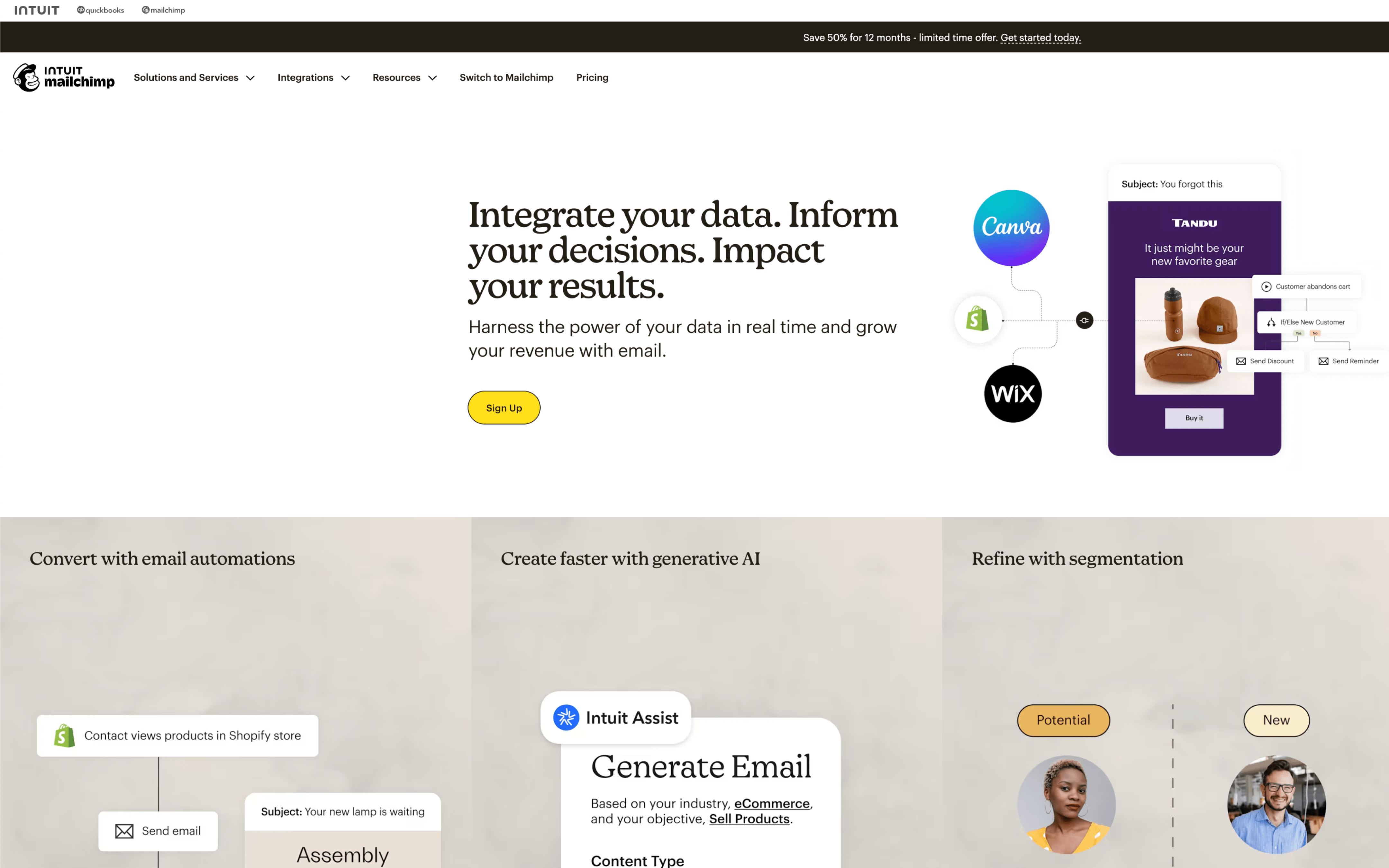
Mailchimp screenshot

Mailchimp is used by marketing teams and operators who run email-led campaigns and need a central place to manage audiences, messages, and performance. It often shows up in teams that coordinate recurring newsletters, promotions, and lifecycle touchpoints.

Teams typically import or sync contacts, organize them into audiences and segments, then build and schedule campaigns on a calendar-based cadence. Day to day work includes drafting emails, setting triggers for automated journeys, reviewing reports, and adjusting segmentation and timing based on engagement.

Good Fit For

  • Teams sending weekly or monthly newsletters that follow a repeatable build-review-schedule workflow
  • Ecommerce or membership programs running behavior-triggered emails like welcome, post-purchase, and abandoned cart sequences
  • Marketing groups coordinating multi-touch campaigns across email and other channels with shared timelines and handoffs

Considerations

  • As automations and segmentation become more branched, ongoing upkeep can turn into a dedicated operational task
  • Keeping audience data clean often depends on consistent integration setup and regular list hygiene to avoid targeting mistakes

#7 Omnisend

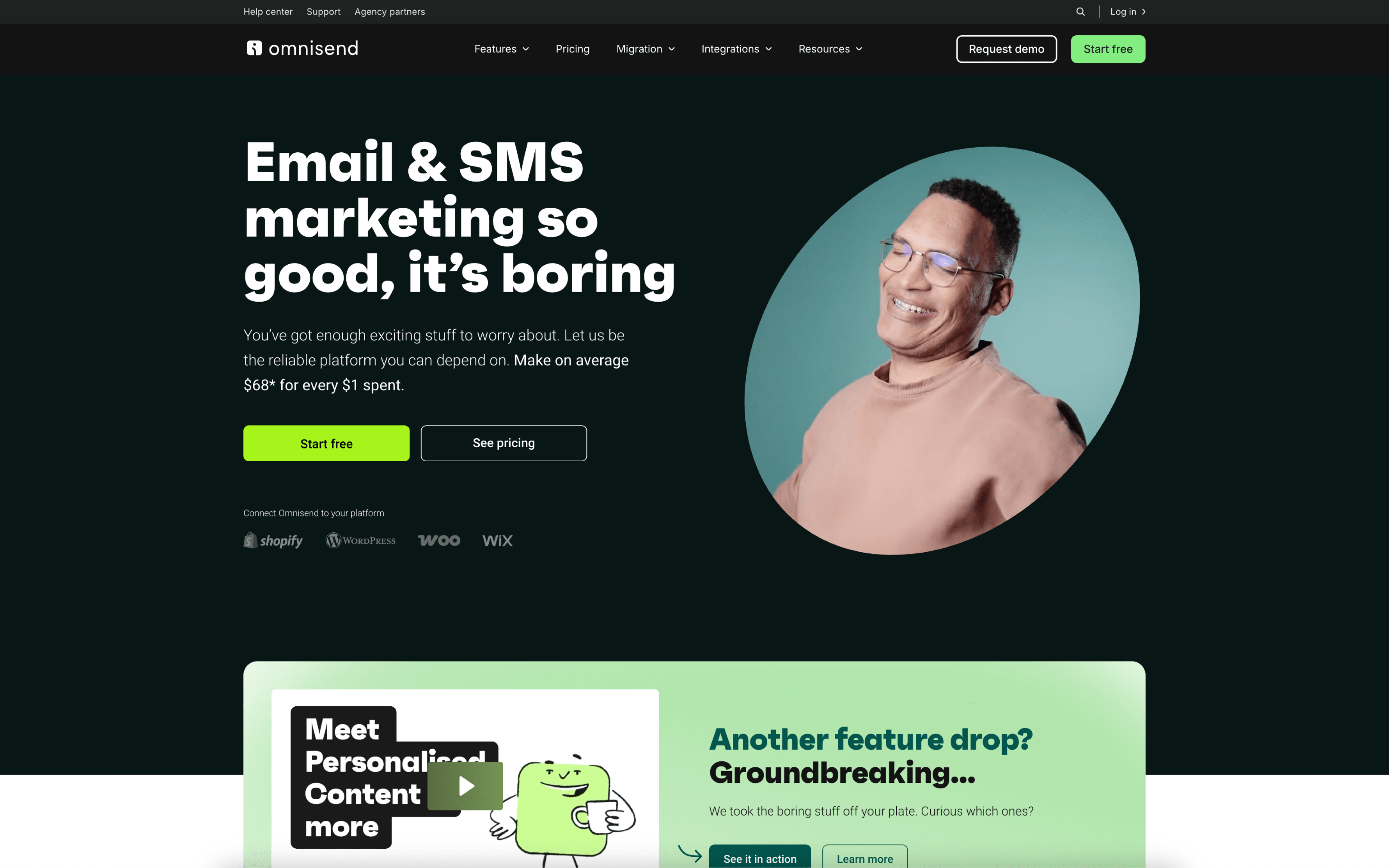
Omnisend screenshot

Omnisend is typically used by ecommerce teams that run retention marketing tied closely to store activity such as browsing, carts, and purchases. It is often owned by a lifecycle marketer or ecommerce manager coordinating messaging across customer touchpoints.

Teams connect their store so shopper events and product data sync into messaging. Day to day, they schedule promotional sends around launches and sales, while maintaining always-on flows like welcome, cart recovery, post-purchase, and win-back, then adjust targeting and timing based on performance.

Good Fit For

  • Brands running weekly promotions and product drops that need campaigns coordinated with real-time inventory and merchandising changes
  • Teams relying on always-on ecommerce automations such as welcome, abandoned cart, browse, and post-purchase sequences to drive repeat orders
  • Marketers who want email and other shopper messages managed from the same workflow and reported against store revenue

Considerations

  • Work tends to center on ecommerce events and catalog-driven content, which may be limiting for non-commerce lead nurturing or account-based workflows
  • Cross-channel coordination adds operational overhead, including consent management, message frequency control, and keeping creative consistent across channels