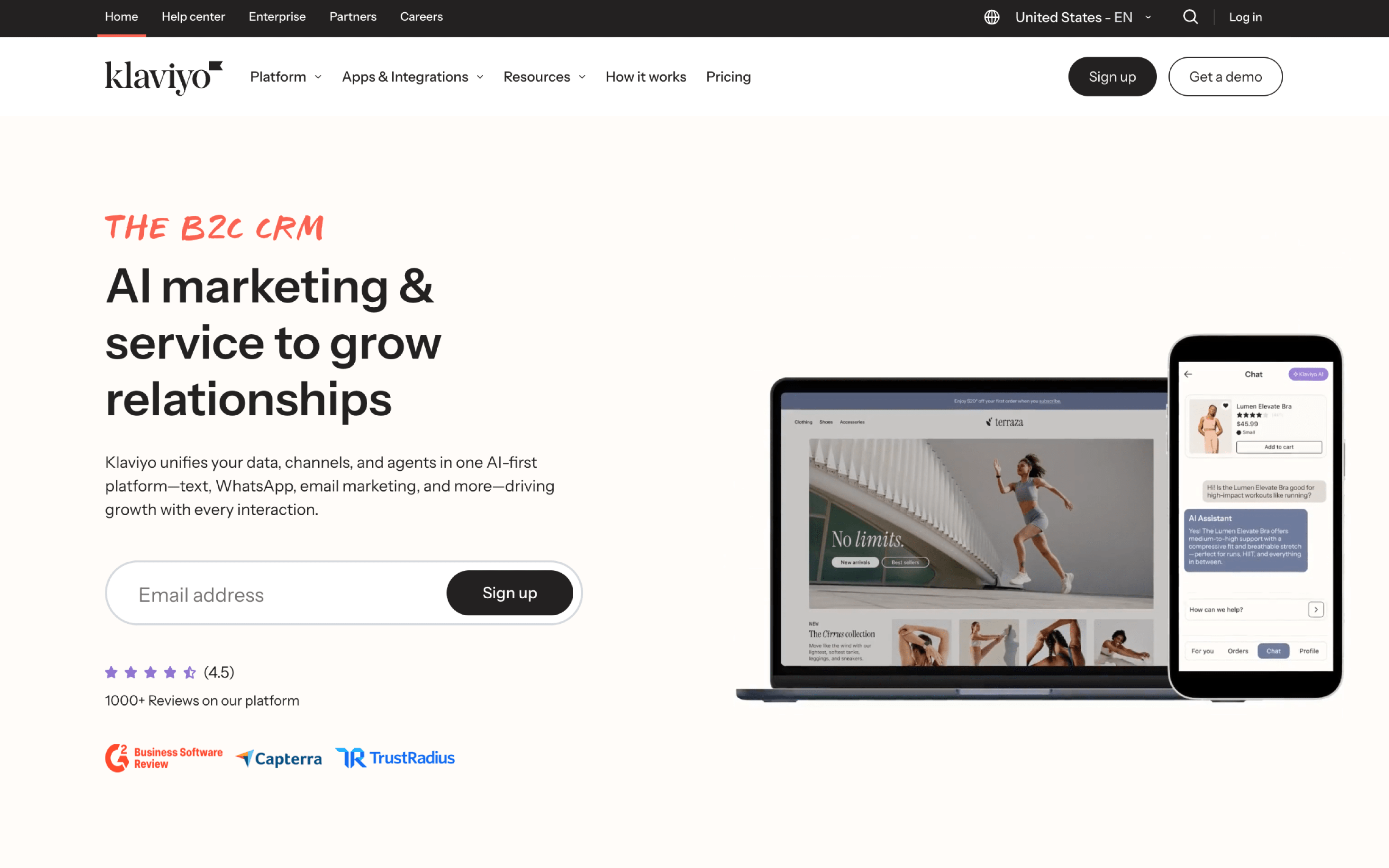
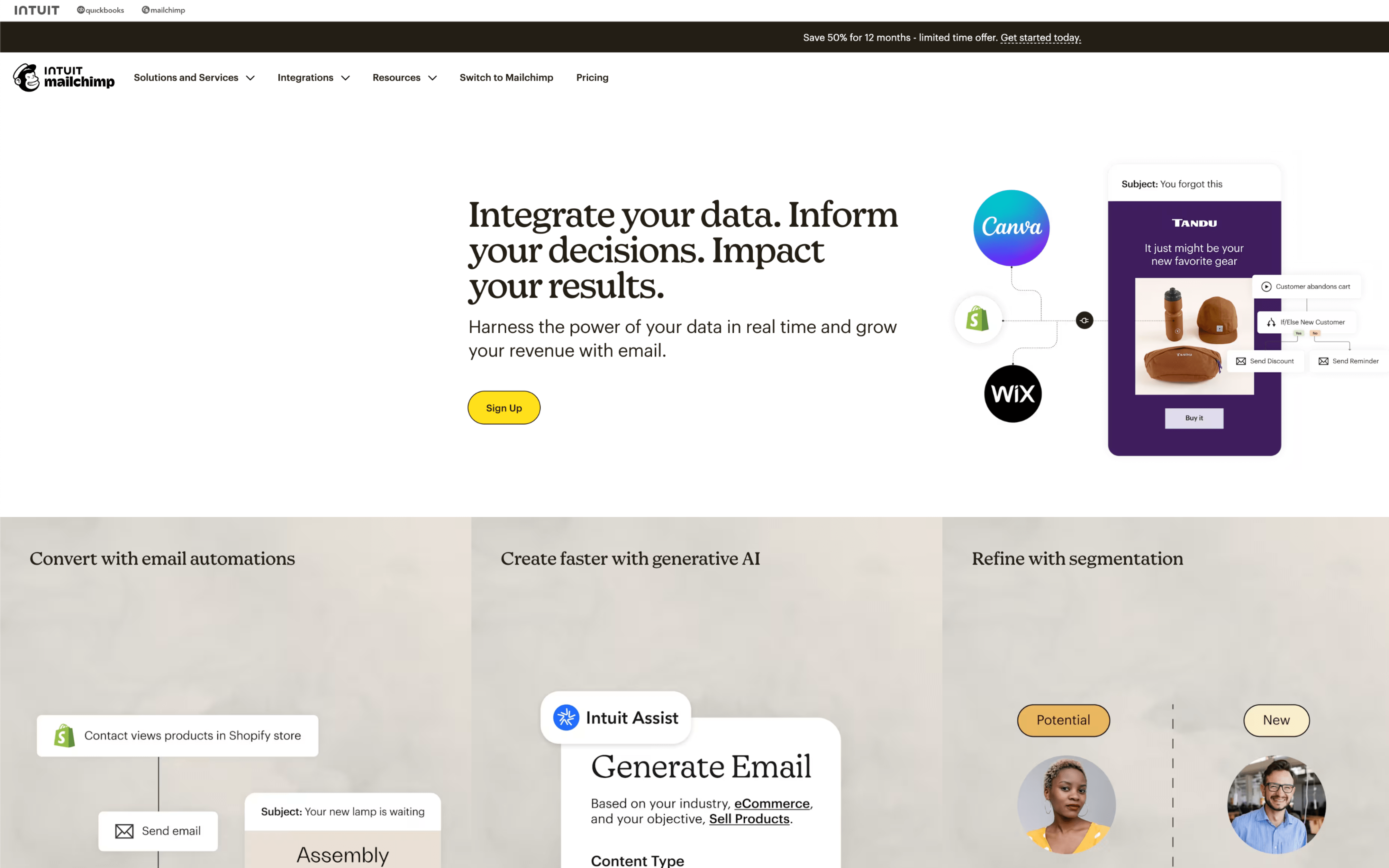
The biggest difference between Klaviyo and Mailchimp is what they treat as the “center” of your marketing system. Klaviyo is built around a unified customer data foundation (positioned as a B2C CRM) designed to power highly targeted, behavior-led lifecycle marketing, while Mailchimp emphasizes an all-in-one marketing platform experience that helps you organize contacts, segment audiences, and launch campaigns quickly without needing an especially complex data layer.
That tradeoff exists because Klaviyo was founded in 2012 to “solve the customer data problem,” starting as a customer database and evolving into a platform that consolidates real-time behavior into unified profiles for segmentation and automation, whereas Mailchimp’s product bets center on making contact data actionable inside a single, accessible dashboard—using segments, tags, and connected store data to guide campaigns—without requiring you to rebuild your marketing around a dedicated customer data platform approach.
In practice, this difference shapes how far you can push personalization and orchestration as your lifecycle programs mature. With Klaviyo, the upside is deeper customer context driving more granular segmentation and automated journeys; with Mailchimp, the upside is a more straightforward operating model for managing audiences and launching cross-channel marketing. The rest of this page breaks down what that means for automation depth, data connectedness, analytics confidence, and day-to-day overhead.