All Features on Every Plan. No Lock-In.

VerticalResponse Alternatives

Explore alternatives to VerticalResponse based on how teams actually work.

Last updated: December 31, 2025

How to Read This List

Teams exploring options beyond VerticalResponse typically face decisions around pricing structure, automation depth, or how the tool fits their specific workflow (creator-focused vs ecommerce vs general email).

The platforms below are ordered by use case similarity. Each section describes how teams actually work with the tool day to day — not just feature lists.

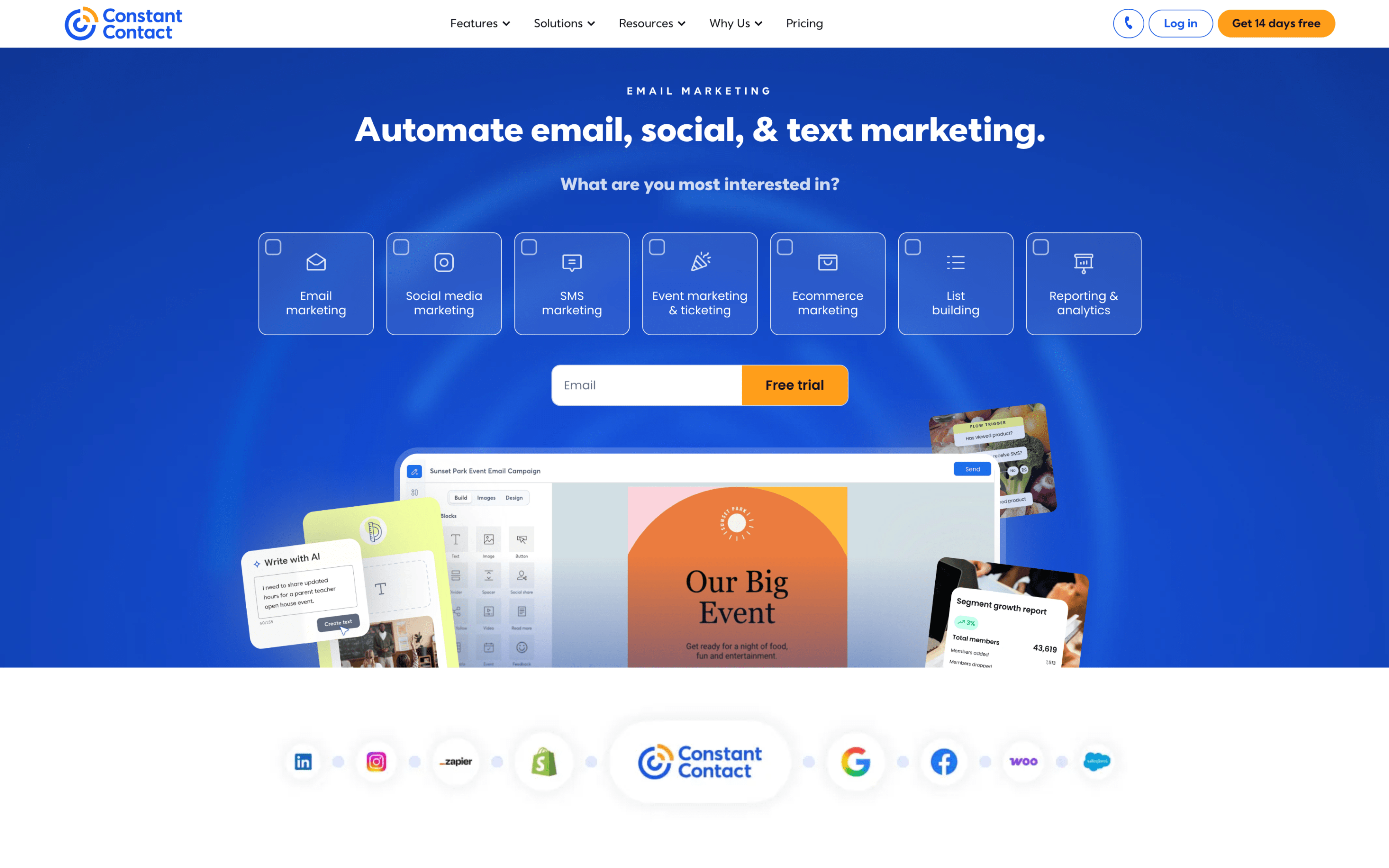
#1 Constant Contact

Constant Contact screenshot

Constant Contact is commonly used by small organizations that run recurring outreach, such as newsletters, announcements, and event communications, without a dedicated marketing operations function. It often supports a single owner plus occasional collaborators who contribute content or approvals.

Teams typically maintain contact lists, add signups from forms or imports, and segment audiences for targeted sends. Work runs in a weekly or monthly cadence: draft an email, review and test, schedule delivery, then check engagement reports to adjust the next send and keep lists clean.

Good Fit For

  • Teams sending weekly or monthly newsletters and announcements to a contact list that is updated from signups and periodic imports
  • Organizations promoting classes, fundraisers, or events where invites, reminders, and follow-ups need to go out on a predictable schedule
  • Local businesses coordinating simple lifecycle messages like welcome notes and basic follow-ups tied to list changes or engagement

Considerations

  • As segmentation rules, approval workflows, and multi-step automations grow, day-to-day setup can become more manual and harder to standardize across campaigns
  • Teams that need deeply integrated, real-time behavioral data across multiple channels may need additional systems to coordinate triggers and reporting
#2 Mailchimp

Mailchimp screenshot

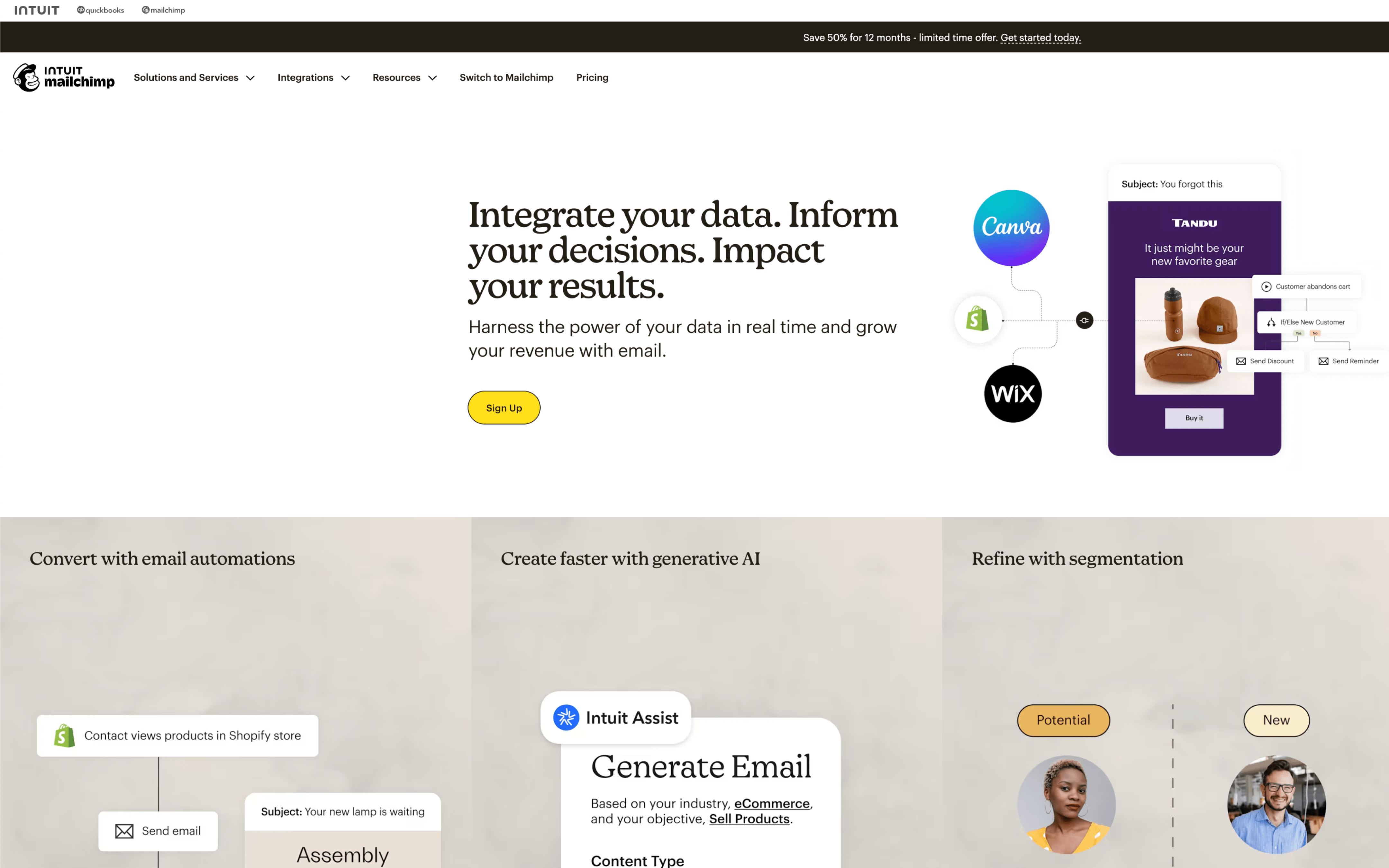
Mailchimp is used by marketing and customer teams that run email-led outreach tied to an audience database, often alongside web forms, landing pages, and basic CRM-style contact histories. It commonly supports recurring newsletters, promotions, and lifecycle messaging managed from one workspace.

Teams import or sync contacts, organize them with segments and tags, then build campaigns on a calendar-like cadence (weekly newsletters, product launches, event pushes). Day to day, they draft emails, schedule sends, run A/B tests, monitor reports, and adjust automations such as welcome or abandoned-cart journeys based on engagement and purchase behavior.

Good Fit For

  • Teams sending recurring newsletters and promotional blasts that need consistent list hygiene, segmentation, and reporting
  • Ecommerce or membership programs running always-on lifecycle journeys like welcome, browse, and cart follow-ups tied to storefront data
  • Marketing teams coordinating campaigns across email plus supporting touchpoints like signup forms and landing pages with a shared audience record

Considerations

  • Keeping data clean can require ongoing governance around audiences, tags, and duplicates, especially when syncing multiple sources
  • As journeys and segmentation logic grow, campaign setup and troubleshooting can become more process-heavy and may require more specialized operator time

#3 Campaign Monitor

Campaign Monitor screenshot

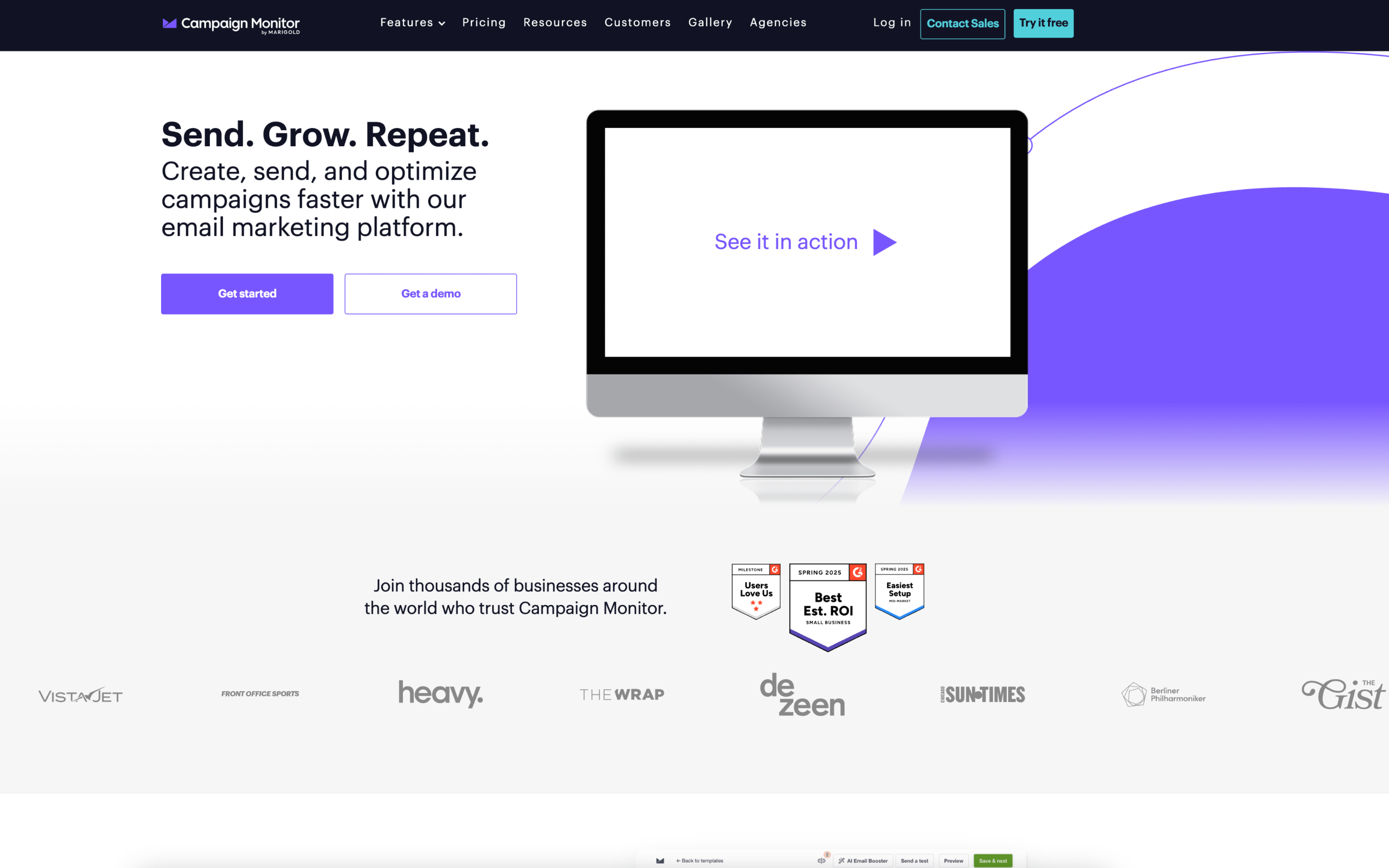
Campaign Monitor is used by marketing teams that run recurring email campaigns and lifecycle messages, often alongside a website, ecommerce store, or CRM. It also fits agencies managing multiple client accounts with role-based access and shared oversight.

Teams typically import or sync subscribers, organize audiences into lists and segments, and build emails from templates in a drag-and-drop editor. Work runs in weekly or monthly cycles: draft, review, schedule by time zone, send, then monitor opens/clicks and refine future sends and automations.

Good Fit For

  • Marketing teams sending regular newsletters and product updates that need consistent templates and repeatable approval workflows
  • Ecommerce teams running triggered journeys like welcome, post-purchase, and abandoned-cart follow-ups based on customer actions
  • Agencies operating multiple client accounts where permissions, account separation, and an overview of recent activity matter

Considerations

  • Teams with complex cross-channel orchestration may need to coordinate planning and task management outside the platform
  • Segmentation and personalization depend on the quality of synced subscriber data, which can require ongoing list hygiene and integration maintenance

#4 GetResponse

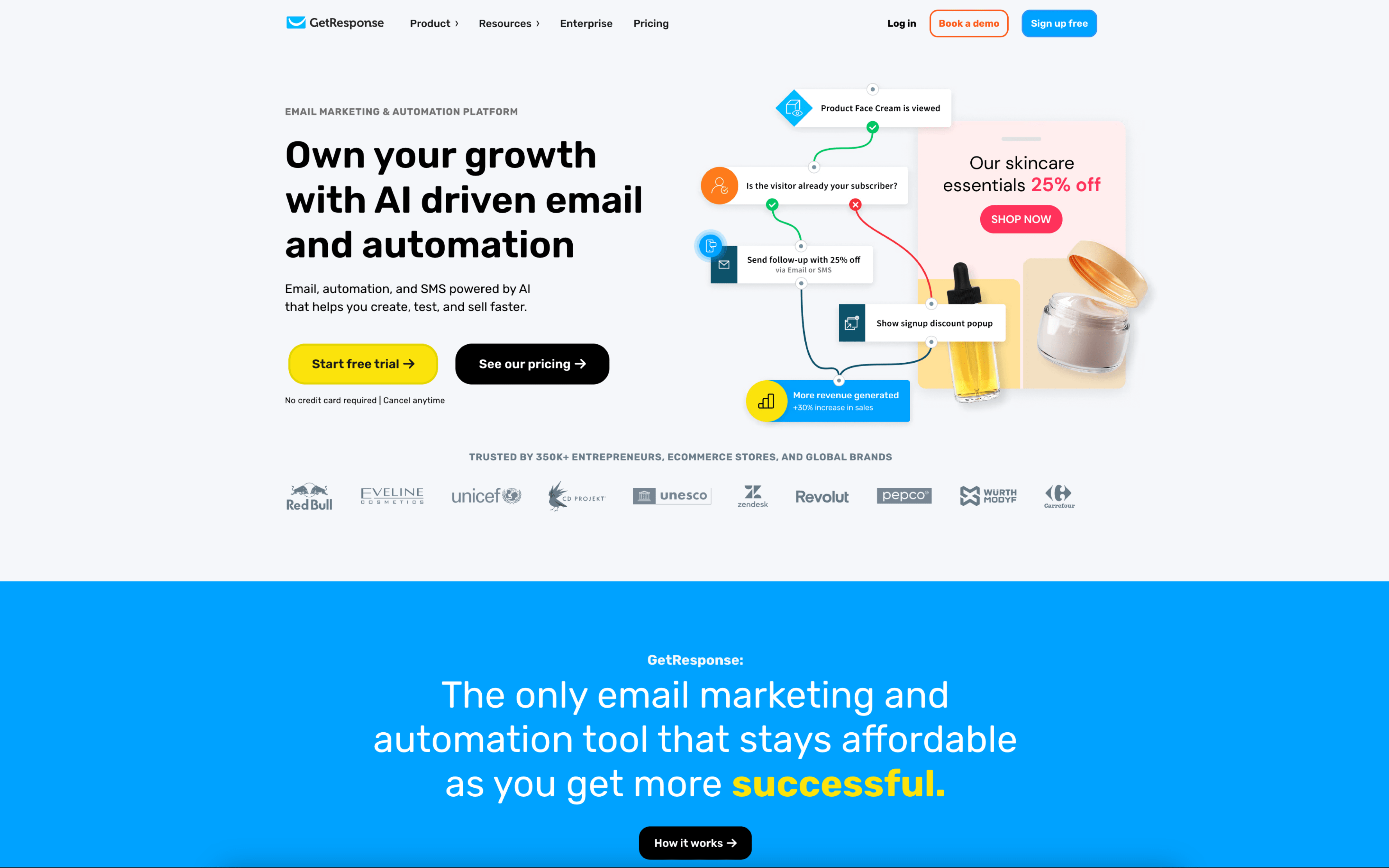
GetResponse screenshot

GetResponse is commonly used by marketing teams and agencies that run email-driven acquisition and nurturing programs alongside landing pages and other campaign assets. It tends to show up where one team needs to manage both one-off sends and ongoing automated journeys.

Teams typically start by bringing contacts in through imports, forms, or landing pages, then organizing audiences with segments, tags, and custom fields. Day to day, they draft newsletters or promotions, run approval steps, and monitor engagement reports while automation workflows handle timed sequences and behavior-triggered follow-ups.

Good Fit For

  • Teams running weekly newsletters plus always-on welcome and nurture sequences that react to clicks, visits, or signup sources
  • Marketers who regularly pair campaign emails with landing pages or webinar registrations and want the handoff into follow-up messaging to be coordinated
  • Agencies managing multiple client workstreams where access levels, send approvals, and reporting need to be handled inside a shared account structure

Considerations

  • As automation paths, segmentation rules, and cross-channel campaigns grow, ongoing maintenance can become a separate operational task rather than an occasional setup
  • Teams with strict creative, legal, or brand governance may need to define roles and approval workflows carefully to avoid mis-sends or inconsistent assets

#5 MailerLite

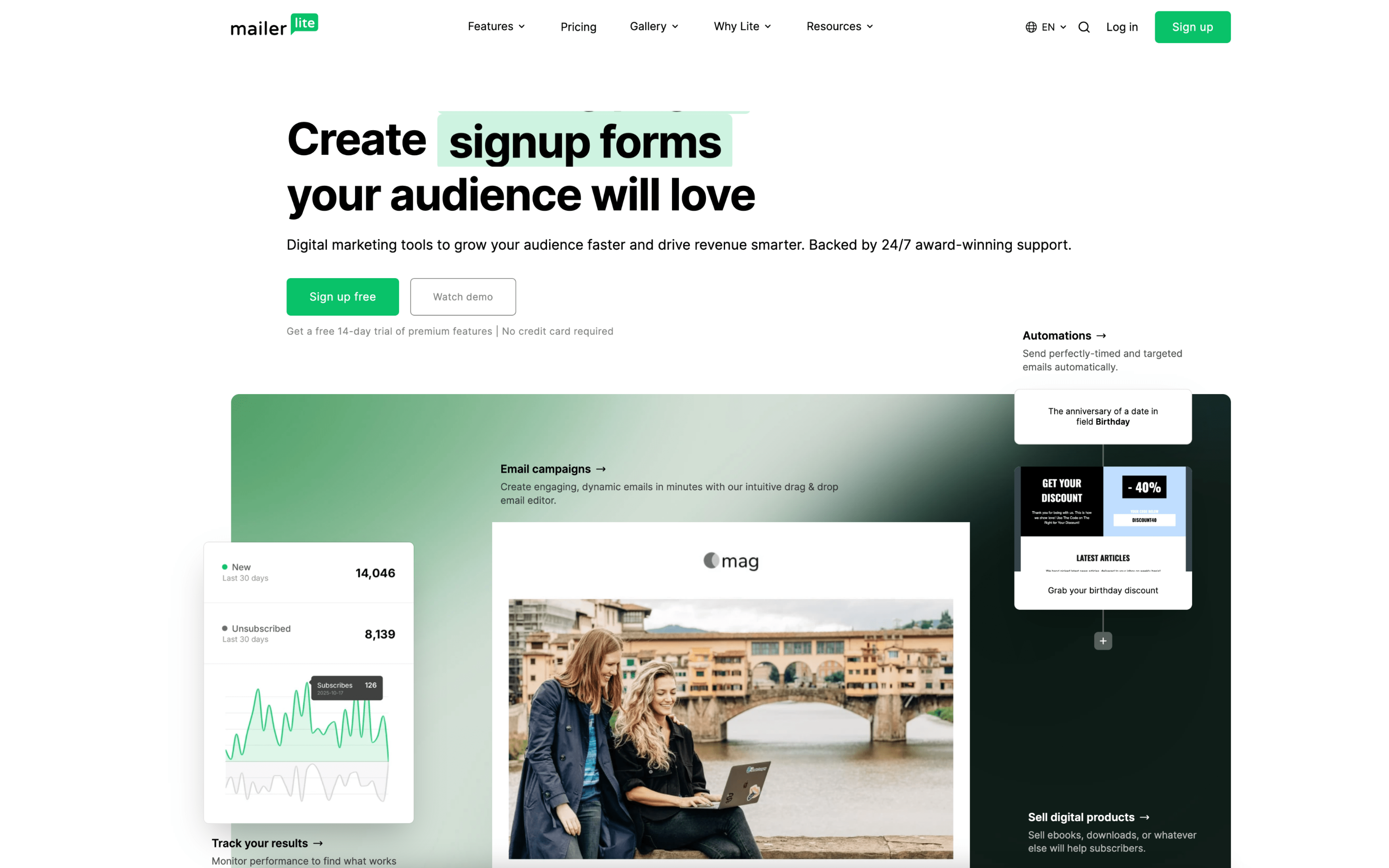
MailerLite screenshot

MailerLite is used by teams that run email-driven audience growth and recurring campaigns, often alongside basic web capture like forms and landing pages. It commonly supports creator, small business, and ecommerce workflows that need repeatable sends and automated follow-up.

Teams typically set up signup forms and landing pages to collect subscribers into groups, then send newsletters on a weekly or monthly cadence. Day to day, they monitor subscriber activity and use triggers like form completion, link clicks, or group joins to route people into automated sequences such as welcomes, nurture, or post-purchase follow-ups.

Good Fit For

  • Teams publishing recurring newsletters and doing lightweight segmentation using groups and custom fields
  • Ecommerce teams running lifecycle emails like abandoned cart, post-purchase review requests, and category-based follow-ups tied to store events
  • Marketing teams collecting leads through embedded forms or landing pages, then handing off to automated onboarding or webinar-style sequences

Considerations

  • Work can become harder to govern as automations and groups multiply, especially when multiple people edit journeys and audience rules
  • Teams with complex approval processes or deeply customized data models may need additional operational discipline and integrations to keep targeting consistent

#6 Aweber

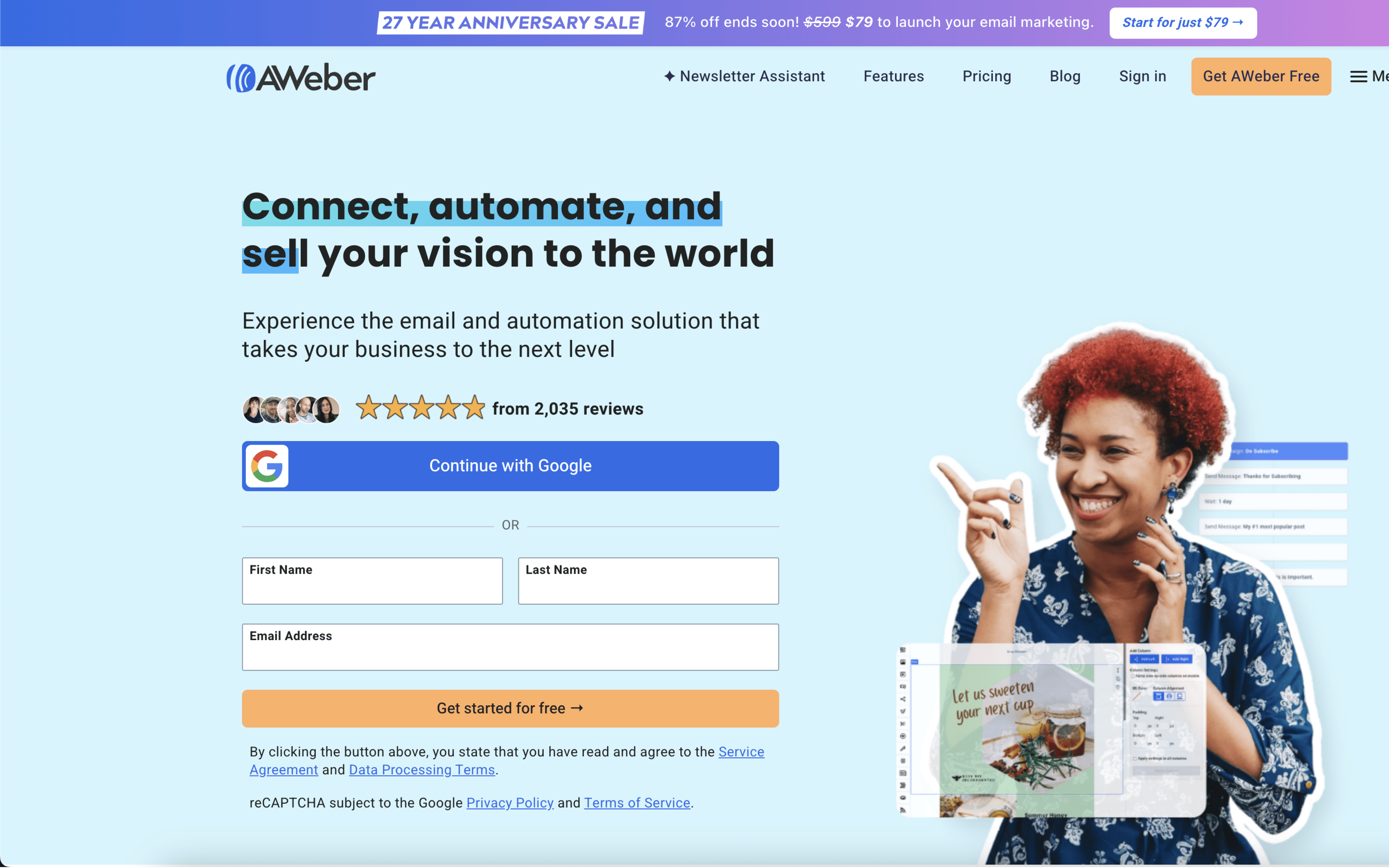
Aweber screenshot

AWeber is typically used by small teams and solo operators who run email newsletters, promotions, and follow-up sequences for an audience they build through websites, landing pages, and sign-up forms.

Teams usually start by collecting subscribers through embedded forms, landing pages, or connected lead sources, then organize contacts into lists and segments. Work happens in a recurring cycle: draft emails, schedule sends, trigger automated follow-ups, and review opens and clicks to adjust future messages.

Good Fit For

  • Teams sending weekly or monthly newsletters and occasional promotions, with a need to keep subscriber lists organized and updated from web forms
  • Operators running always-on welcome and nurture sequences where subscriber actions trigger follow-up messages over days or weeks
  • Marketing workflows that rely on connecting contacts from a website, ecommerce, scheduling, or lead capture tools into one email audience

Considerations

  • Campaign setup can involve extra steps for items like sender verification or template adjustments, which may slow down fast turnaround work
  • Automation and design workflows may feel limiting when a team needs highly custom layouts or more complex branching logic across many audience paths

#7 Brevo

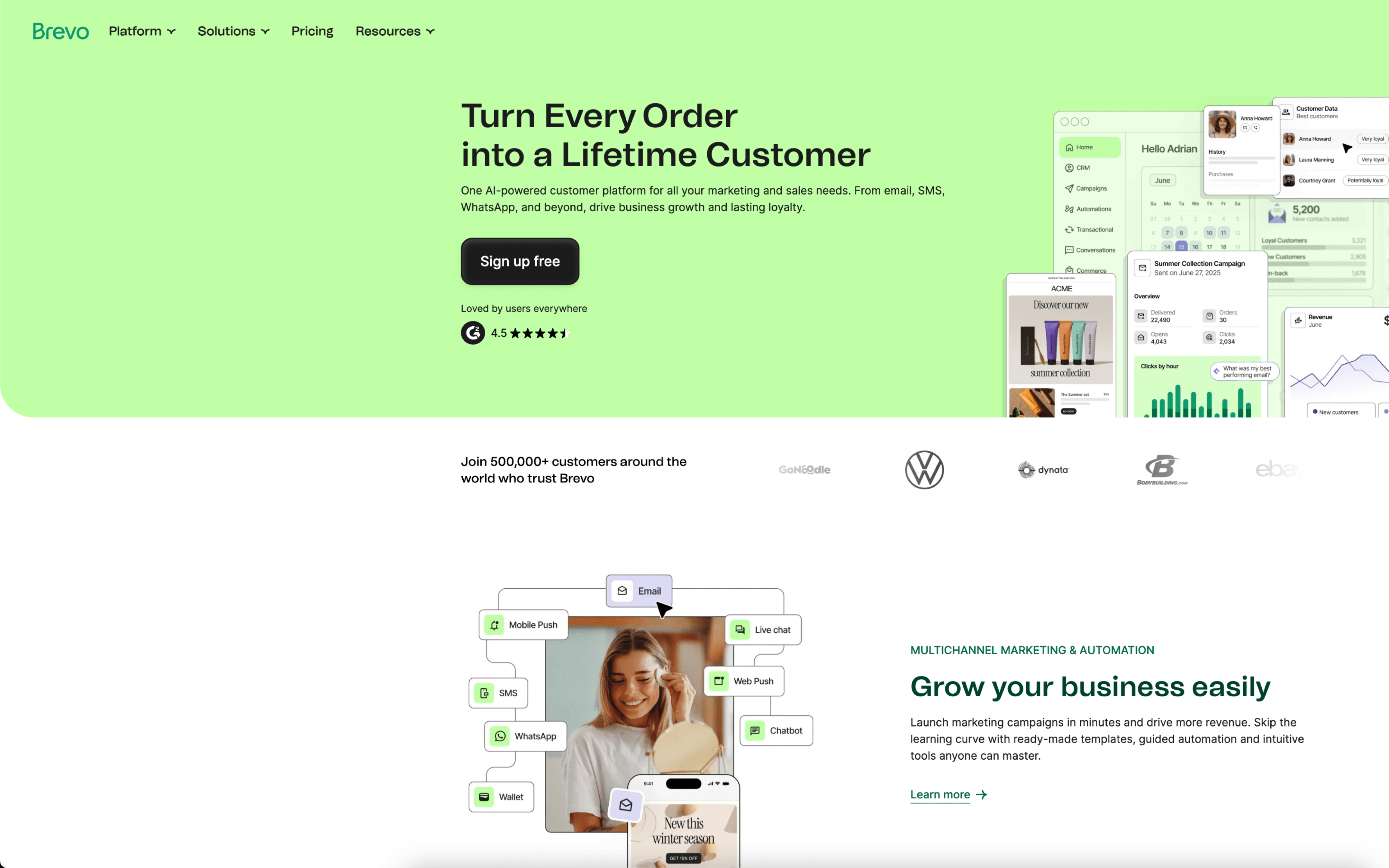
Brevo screenshot

Brevo is used by teams that coordinate customer communications across email and mobile channels while keeping contact data, segmentation, and light CRM activity in one place. It often shows up in small-to-mid operations that need both marketing sends and triggered messages.

Teams typically import and maintain contacts, assign attributes, and build segments that map to lifecycle states like new leads, active customers, or lapsed users. Day to day, marketers draft newsletters or promotions, schedule sends, and review performance, while also running automated flows tied to events such as sign-ups, cart abandonment, or post-purchase follow-ups.

Good Fit For

  • Teams running weekly or monthly email campaigns and reviewing opens, clicks, and conversions to adjust the next send
  • Organizations that need triggered messaging alongside planned campaigns, such as onboarding sequences and cart or browse follow-ups
  • Groups coordinating customer outreach across email and SMS with a shared contact database and consistent segmentation rules

Considerations

  • Some teams report workflow friction as contact lists grow, especially around organizing, navigating, or updating segmentation at scale
  • Interface changes and feature depth can require ongoing process adjustments, particularly for teams relying on stable reporting and complex automation routines