All Features on Every Plan. No Lock-In.

Mailjet Alternatives

Explore alternatives to Mailjet based on how teams actually work.

Last updated: December 31, 2025

How to Read This List

Teams exploring options beyond Mailjet typically face decisions around pricing structure, automation depth, or how the tool fits their specific workflow (creator-focused vs ecommerce vs general email).

The platforms below are ordered by use case similarity. Each section describes how teams actually work with the tool day to day — not just feature lists.

#1 SendGrid

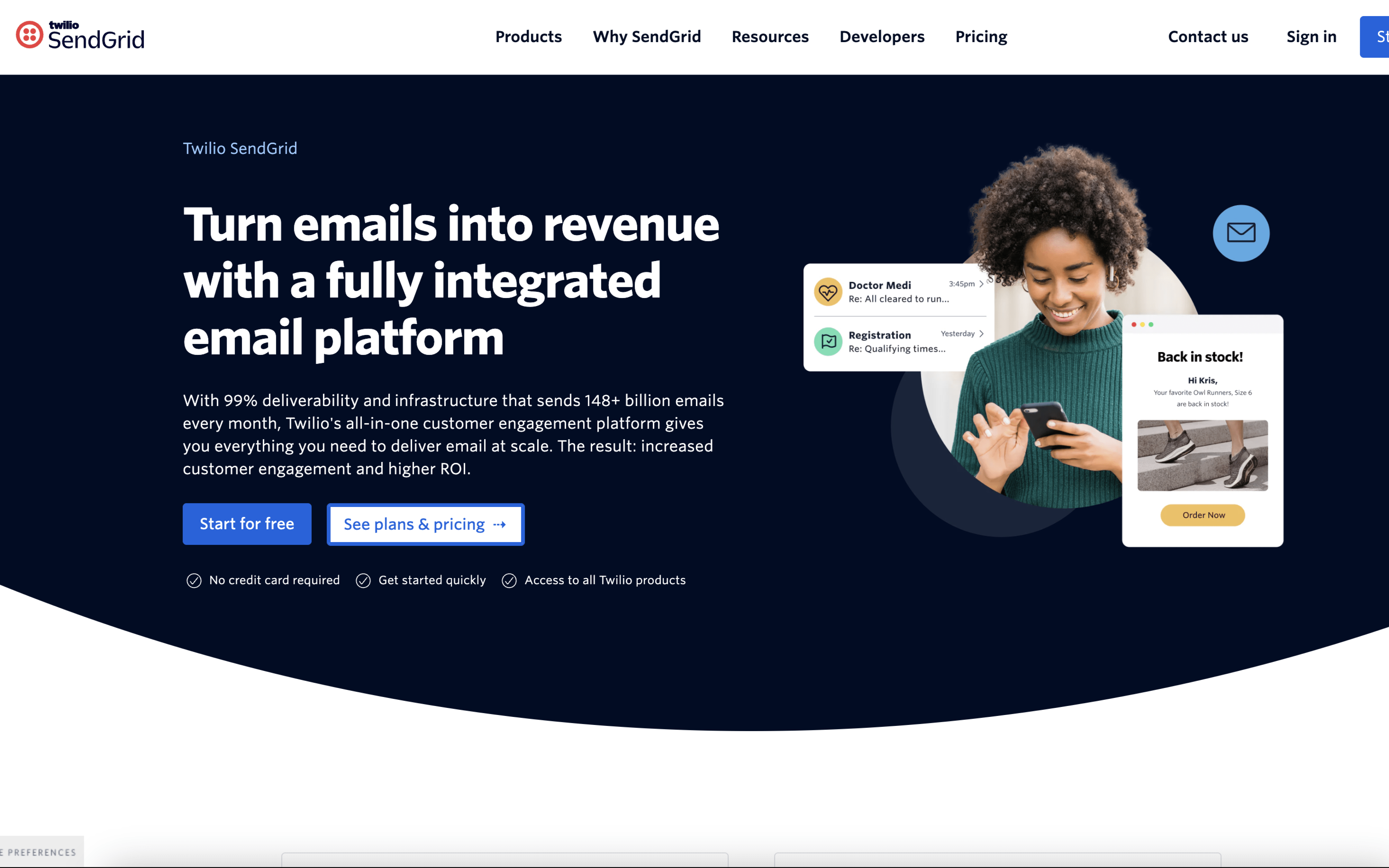
SendGrid screenshot

SendGrid is typically used by product and engineering teams that need to reliably send application emails at scale, often alongside marketing teams running scheduled campaigns. It commonly sits behind customer-facing products where email is part of core workflows.

Teams usually connect SendGrid via API or SMTP to trigger transactional messages from their app, then iterate on templates without changing application code. Day to day, they monitor delivery events, manage suppressions, and adjust sending domains and authentication as volume and use cases expand.

Good Fit For

  • SaaS teams sending password resets, sign-in links, receipts, and onboarding sequences triggered directly from the product
  • Ecommerce teams running order, shipping, and returns notifications where timely delivery and bounce handling are operational requirements
  • Teams that need a clear handoff between developers implementing sending logic and non-developers maintaining email templates and content updates

Considerations

  • Setup and ongoing operations tend to involve deliverability hygiene work (authentication, suppressions, event monitoring) that requires consistent ownership
  • When email programs become highly segmented and calendar-driven, teams may need additional process outside the tool to coordinate approvals, content timelines, and audience logic
#2 Mailgun

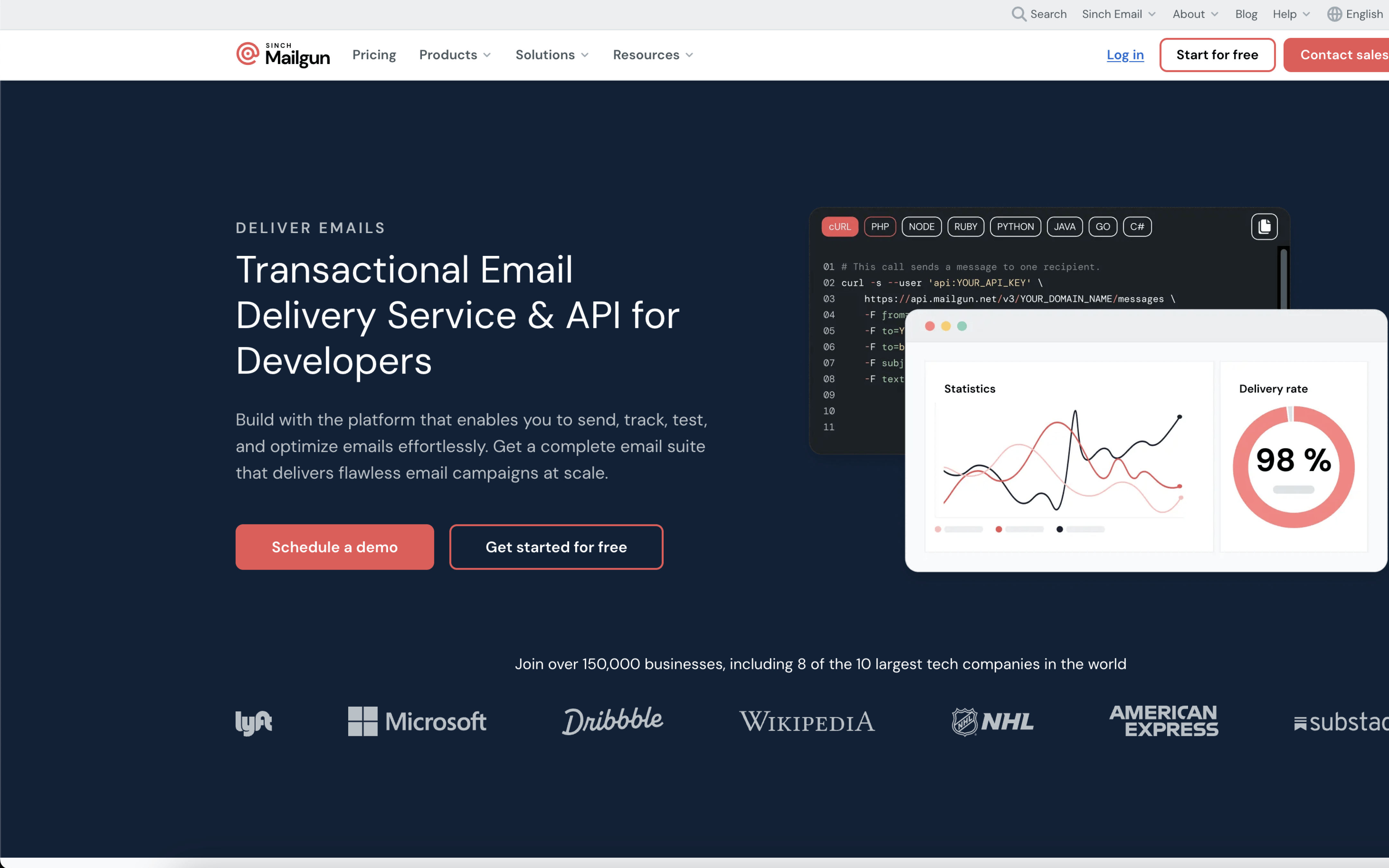
Mailgun screenshot

Mailgun is typically used by engineering and product teams that need to send application email through an API or SMTP relay. It often sits behind customer-facing products where email delivery is part of core system behavior.

Teams usually start by configuring sending domains and wiring Mailgun into their app or backend services. Day to day, engineers monitor message activity, bounces, and complaints, and use event data and webhooks to update internal systems, suppress recipients, and troubleshoot delivery issues.

Good Fit For

  • Teams sending transactional messages like password resets, receipts, alerts, and onboarding emails triggered directly from application events
  • Product teams that need email event callbacks to drive workflows such as retry logic, user notifications, or CRM/support updates
  • Organizations that route inbound email into an application to capture replies, parse messages, or power email-based features

Considerations

  • Requires engineering ownership to implement sending, template management, and event handling in the surrounding application stack
  • Less suited to workflows where non-technical teams need to build, schedule, and coordinate campaigns primarily inside the email tool

#3 Brevo

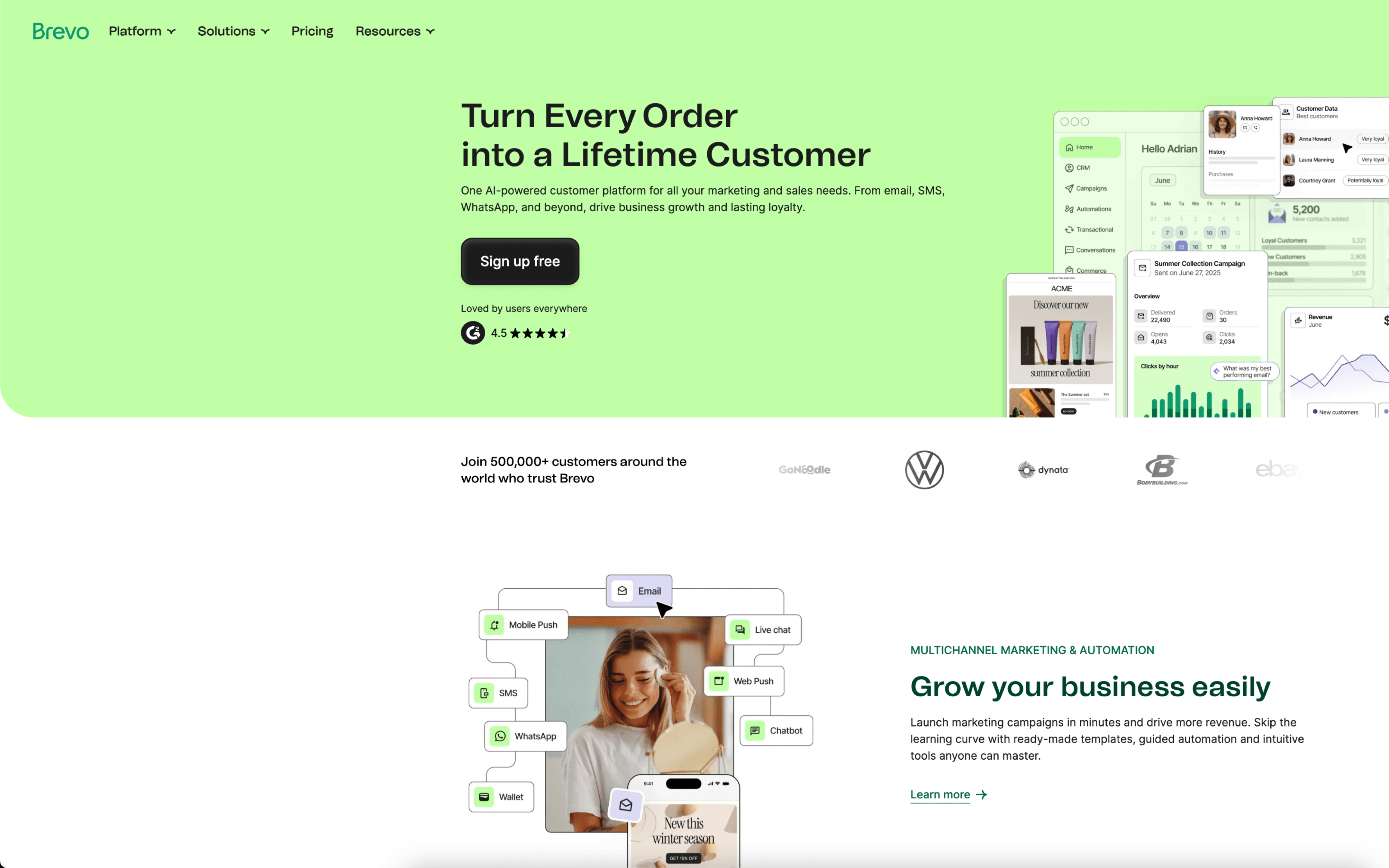
Brevo screenshot

Brevo is typically used by marketing and lifecycle teams that coordinate customer communications across email and SMS, often alongside basic sales follow-up. It tends to fit organizations that want campaign work and customer data handled in one place.

Teams import or sync contacts, segment audiences, and run a recurring cadence of newsletters and promotions while maintaining always-on automations like abandoned cart and post-purchase messages. Day to day, work revolves around building messages, scheduling sends, monitoring deliverability and engagement, and updating contact records as customers move through funnels.

Good Fit For

  • Teams running weekly promotional campaigns while also maintaining triggered flows like welcome, cart recovery, and win-back
  • Ecommerce or DTC teams that want to target audiences using purchase and engagement history within a single workflow
  • Organizations coordinating marketing outreach and lightweight deal follow-up using shared contact records and activity history

Considerations

  • Combining campaigns, automations, and CRM-style work can create overlapping responsibilities between marketing and sales, requiring clearer internal processes
  • Workflow depth can depend on how well data is kept clean and consistently synced, which adds ongoing operational upkeep

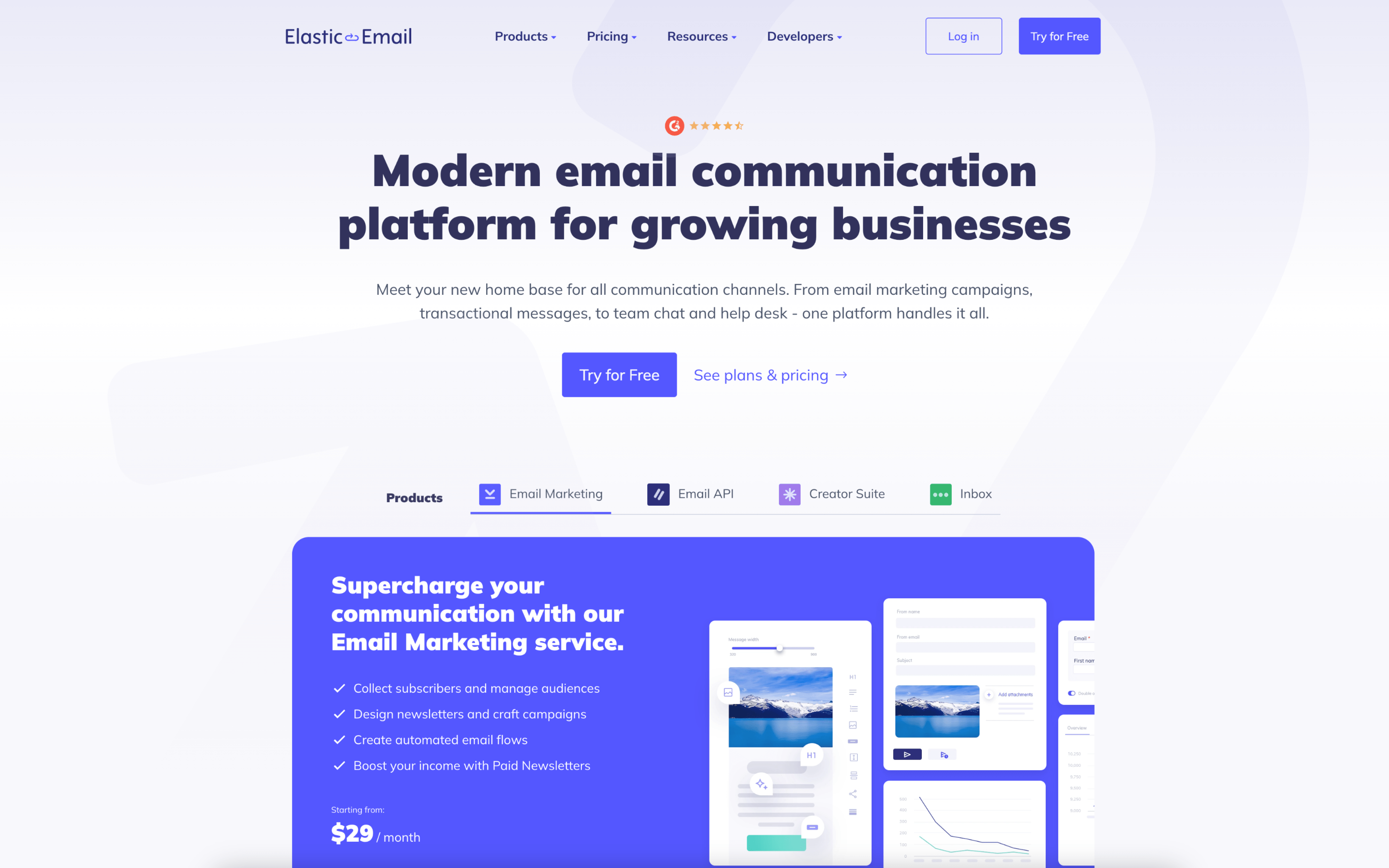
#4 Elastic Email

Elastic Email screenshot

Elastic Email is used by teams that need to send both marketing campaigns and application-driven transactional messages from one place. It often sits between marketing operations and engineering when email sending needs to be coordinated across campaigns, automations, and product events.

Teams typically import or capture contacts via forms and integrations, organize audiences into lists and dynamic segments, and build templates for recurring sends. Day to day, marketers schedule newsletters and lifecycle automations, while product teams send receipts and notifications via SMTP or API and review logs and suppressions.

Good Fit For

  • Teams running weekly or monthly newsletters and need repeatable templates, segmentation, and scheduled campaign sends
  • Product or ecommerce teams sending order confirmations, receipts, and delivery updates from an app while also running promotional email bursts
  • Organizations that monitor deliverability operationally using email logs, suppressions, and webhooks to troubleshoot bounces and complaints

Considerations

  • Coordinating marketing campaigns and developer-driven sending in the same workspace can require clear ownership to avoid overlapping templates, lists, and sending domains
  • Teams with complex multi-step customer journeys may need time to model data and segments cleanly before automations behave predictably

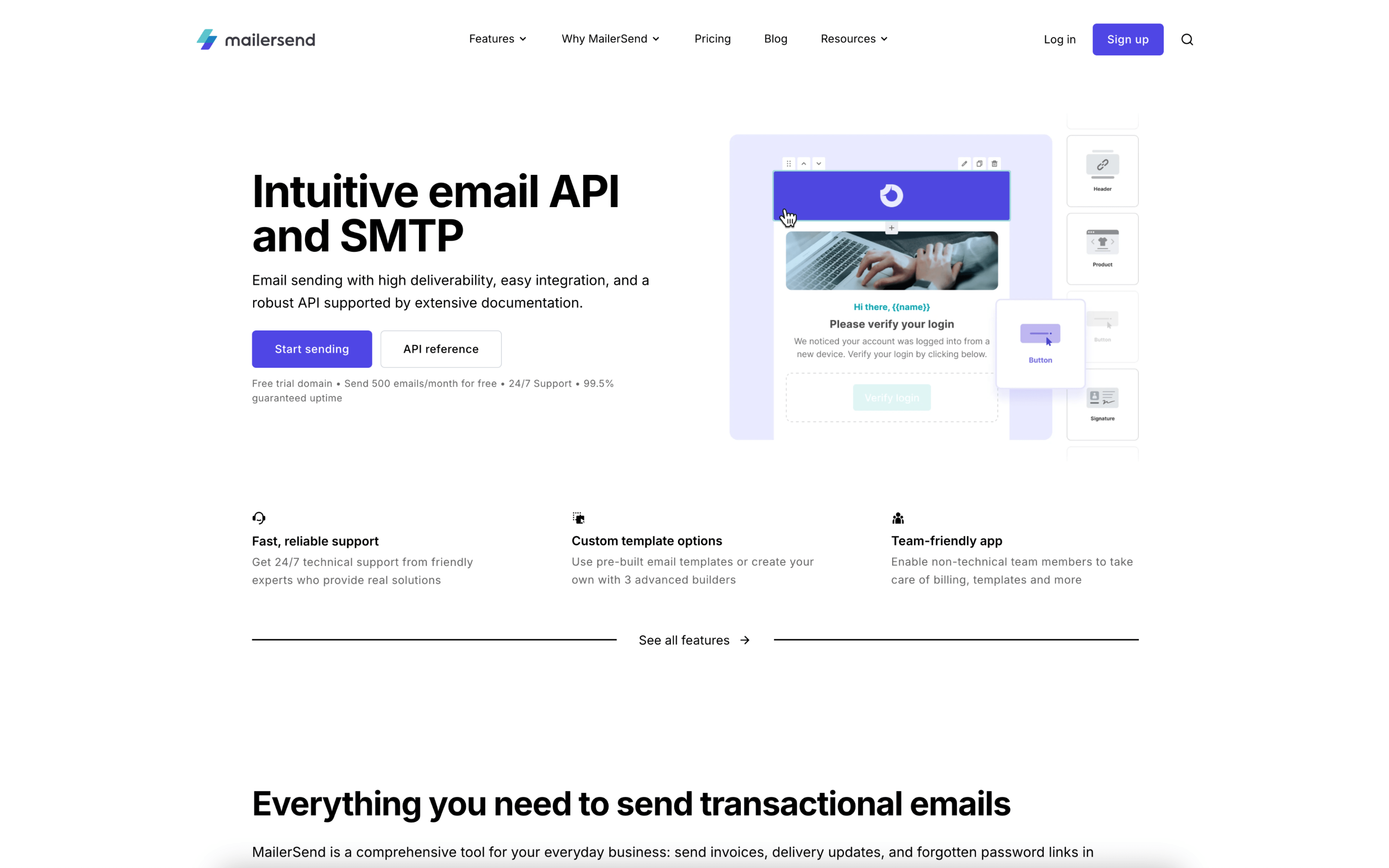
#5 MailerSend

MailerSend screenshot

MailerSend is typically used by product and engineering teams that need to send transactional emails from an application, with support from marketing or design for message content and branding. It often sits alongside a product’s notification and customer-communication stack.

Teams connect their app via API or SMTP, then build reusable templates that the application populates with customer data at send time. Day to day, they monitor delivery and engagement signals, review logs for failures, and adjust templates, domains, or event triggers as product changes roll out.

Good Fit For

  • SaaS teams sending onboarding, password reset, billing, and security notifications triggered by in-app events
  • Ecommerce operations sending order, shipping, refund, and survey emails from storefront or order systems
  • Support teams that want replies to system emails routed back into workflows via inbound handling

Considerations

  • Workflow is oriented around event-driven transactional messaging, so campaign-style newsletter planning may require separate processes
  • Integrations and monitoring add operational overhead, including domain setup, template governance, and ongoing log review

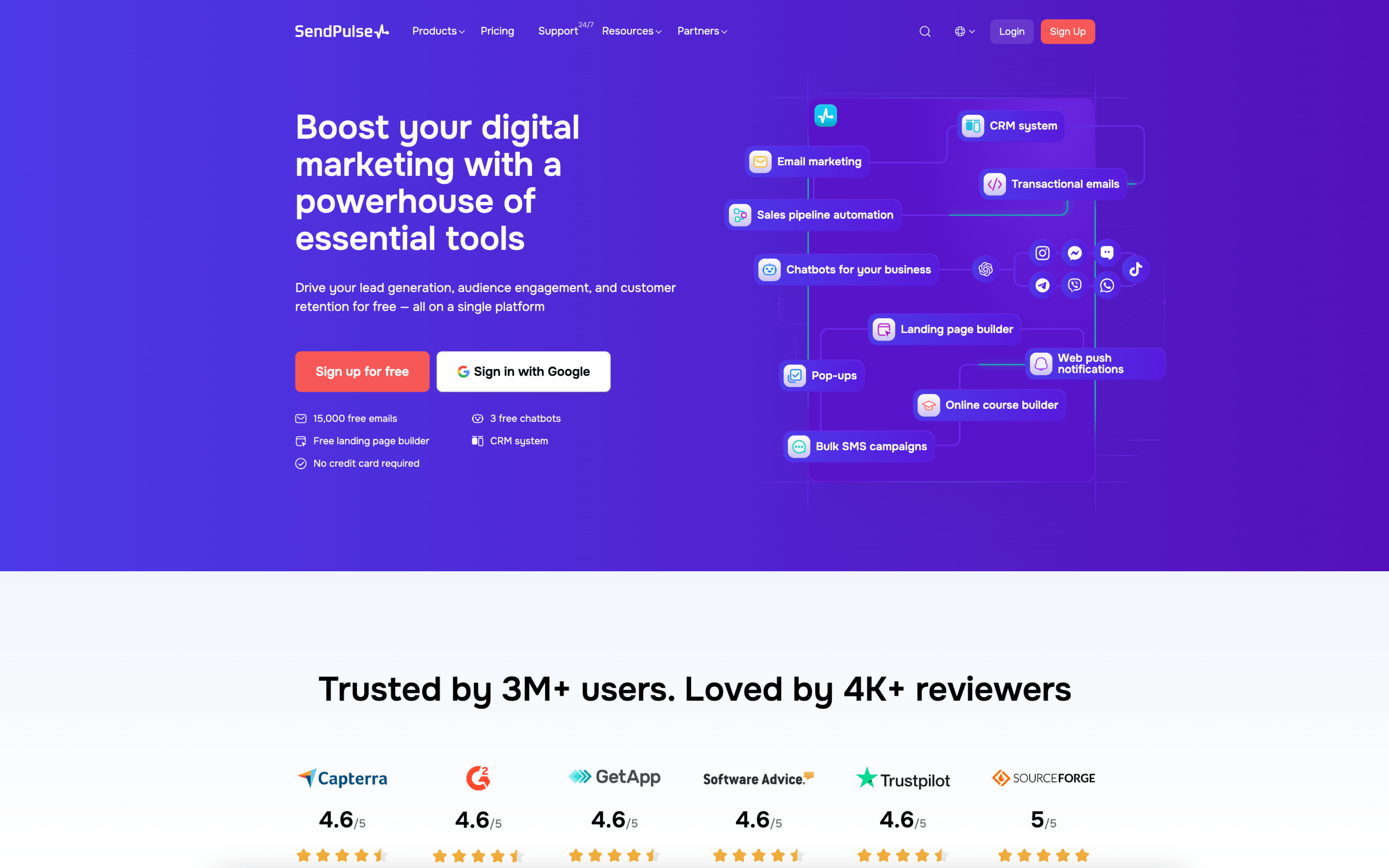
#6 SendPulse

SendPulse screenshot

SendPulse is typically used by marketing and customer-ops teams that need to coordinate outreach across email plus channels like SMS, web push, and chatbots. It tends to fit teams running both scheduled campaigns and triggered customer messaging from one workspace.

Teams usually set up contact capture and segmentation, then run a cadence that mixes one-off broadcasts with automated flows triggered by signup, purchase, or engagement events. Day to day, they draft messages, review performance, iterate on segments, and adjust timing across channels.

Good Fit For

  • Teams running weekly promotional campaigns and occasional product announcements that need consistent scheduling and approvals
  • Organizations building lifecycle messaging such as welcome, re-engagement, and post-purchase sequences that run continuously in the background
  • Support or sales teams using chatbots to handle recurring questions and hand off qualified conversations to people

Considerations

  • Coordinating multiple channels in one place can increase setup work for data mapping, consent handling, and message consistency across touchpoints
  • Teams may need process discipline to avoid overlapping automations and broadcasts that contact the same users too frequently

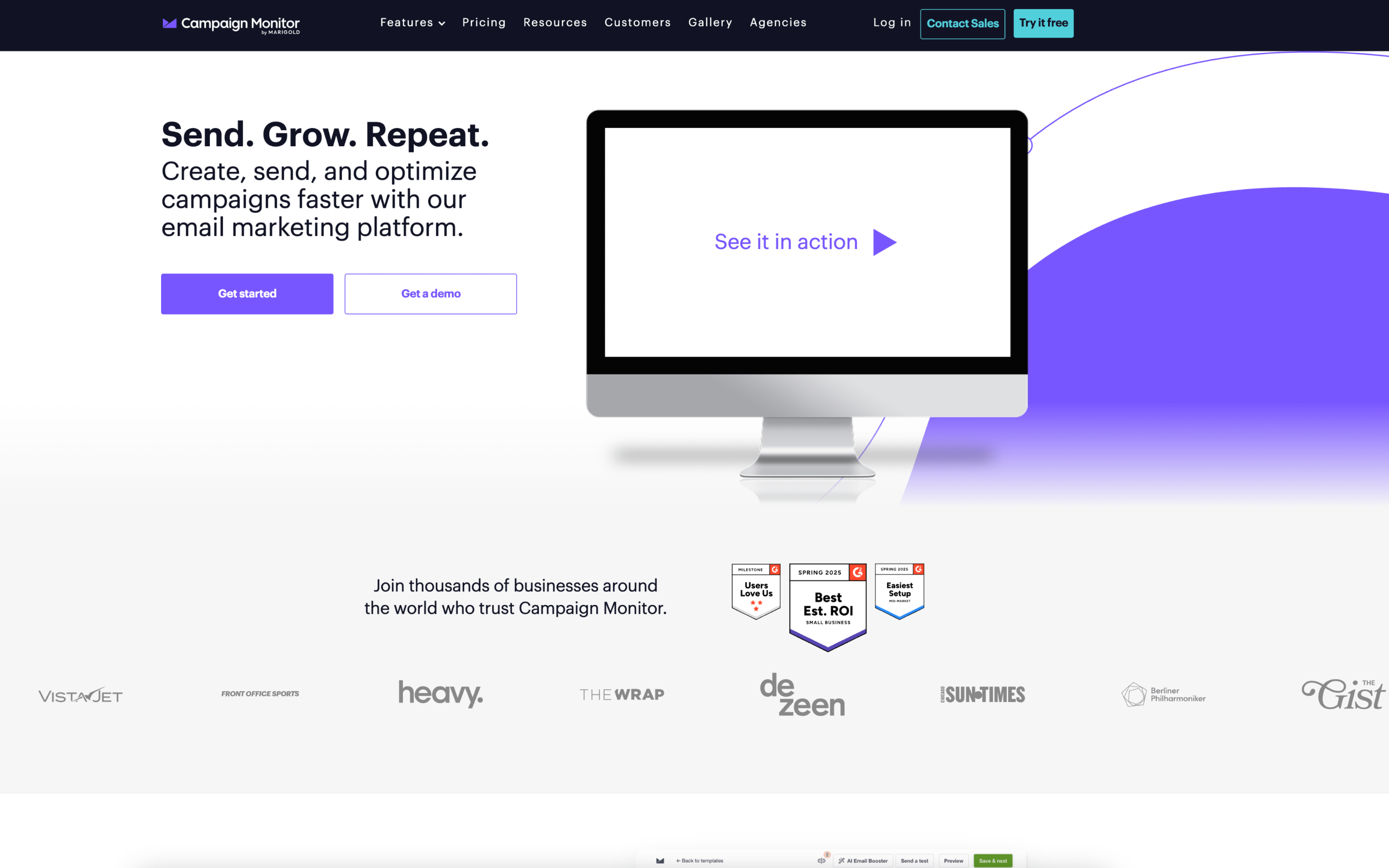
#7 Campaign Monitor

Campaign Monitor screenshot

Campaign Monitor is typically used by marketing teams and agencies that run scheduled email campaigns and manage subscriber lists across brands or clients. It supports teams that need repeatable production for newsletters, promotions, and lifecycle messaging.

Teams import and maintain lists, build templates, and assemble campaigns in a drag-and-drop workflow, then schedule sends (often timed by recipient time zone). Day to day, work centers on segmenting audiences, reviewing drafts, launching sends, and monitoring engagement reports to adjust future messaging.

Good Fit For

  • Teams publishing weekly or monthly newsletters that rely on templates, basic personalization, and consistent brand control
  • Marketing groups running recurring promotional campaigns with planned send times, QA steps, and post-send engagement reporting
  • Organizations setting up triggered journeys for common events like signups, content delivery, or purchase follow-ups alongside one-off campaigns

Considerations

  • Campaign production tends to be campaign-and-template oriented, so teams with highly custom, event-driven workflows may need more integration work to keep data and triggers aligned
  • Coordination across multiple stakeholders can require defined internal processes for approvals and permissions to prevent accidental edits or inconsistent template usage