All Features on Every Plan. No Lock-In.

Emma Email Marketing Alternatives

Explore alternatives to Emma Email Marketing based on how teams actually work.

Last updated: December 31, 2025

How to Read This List

Teams exploring options beyond Emma Email Marketing typically face decisions around pricing structure, automation depth, or how the tool fits their specific workflow (creator-focused vs ecommerce vs general email).

The platforms below are ordered by use case similarity. Each section describes how teams actually work with the tool day to day — not just feature lists.

#1 Campaign Monitor

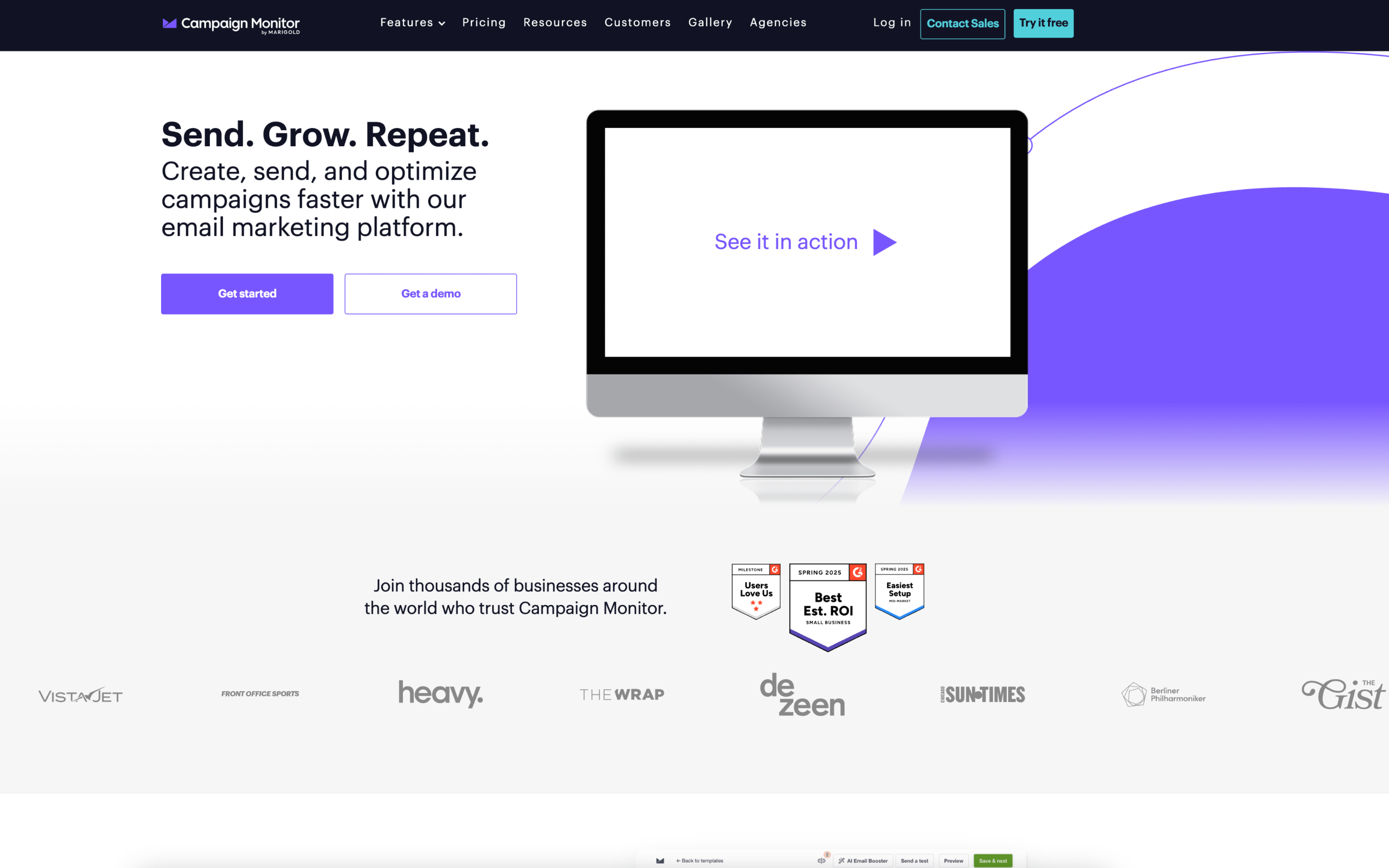
Campaign Monitor screenshot

Campaign Monitor is used by marketing teams and agencies that run recurring email campaigns and lifecycle programs tied to subscriber lists. It is commonly adopted when email production and reporting need to be handled in a shared workspace with defined roles.

Teams typically organize subscribers into lists and segments, build emails from templates in a drag-and-drop editor, and coordinate internal review before sending. Work runs on a campaign cadence (weekly or monthly sends) alongside always-on automations triggered by signup or customer activity, with reporting used to adjust targeting and content between sends.

Good Fit For

  • Marketing teams sending regular newsletters and promotions, where templates and audience segments are reused across each send cycle
  • Organizations running triggered journeys such as welcome series, renewals, or post-purchase follow-ups that need ongoing monitoring and periodic tweaks
  • Agencies managing multiple client accounts with separate permissions, shared templates, and a central view of recent activity

Considerations

  • As journeys, segments, and custom fields grow, keeping data definitions consistent across lists and campaigns can become an ongoing operational task
  • Teams expecting deep cross-channel orchestration may still coordinate parts of planning, approvals, and performance analysis outside the platform
#2 Mailchimp

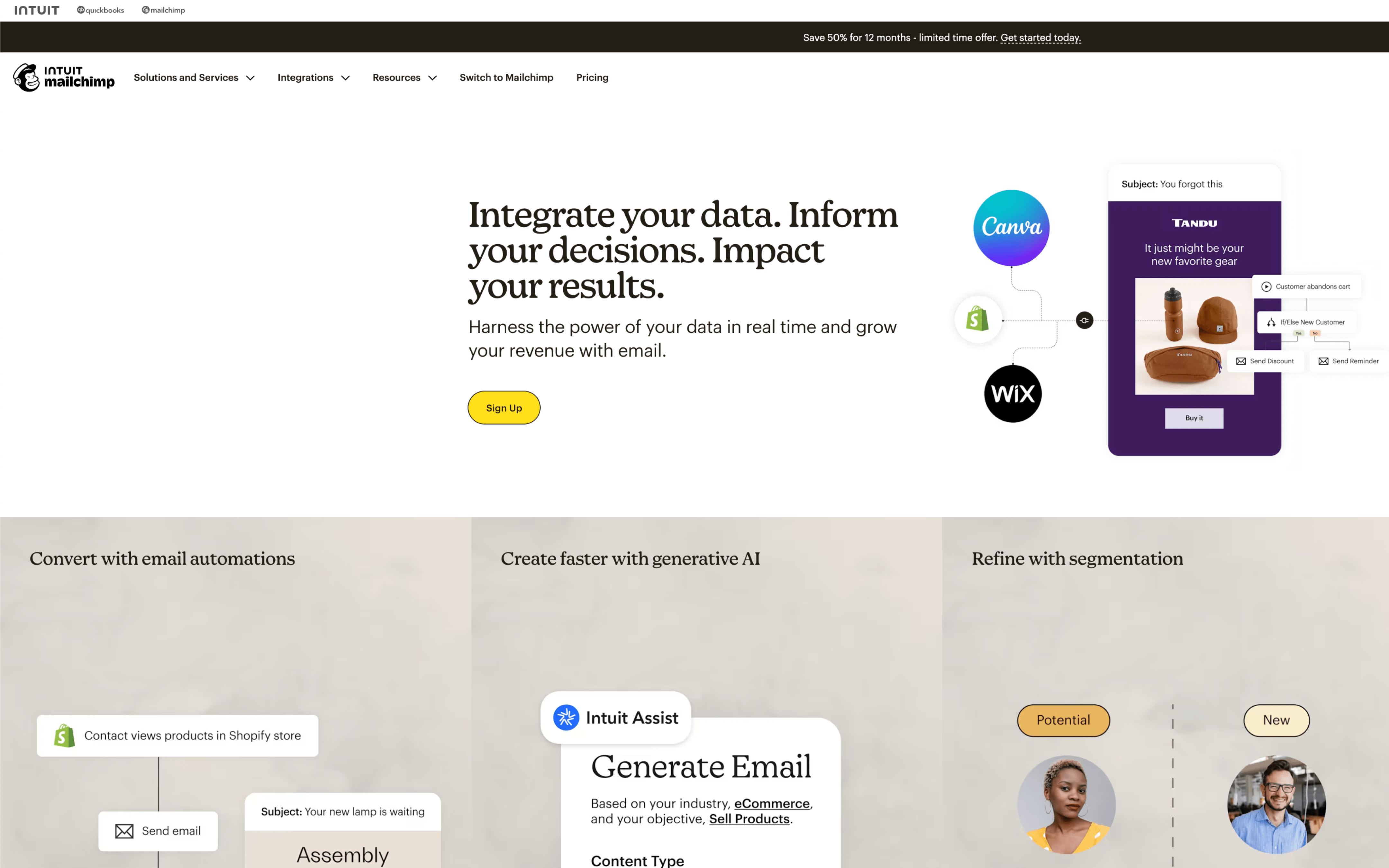
Mailchimp screenshot

Mailchimp is used by marketing teams that run recurring email campaigns and lifecycle messaging from a single workspace, often alongside basic audience management. It commonly supports small to mid-sized organizations coordinating newsletters, promotions, and automated follow-ups.

Teams typically import or sync contacts into an audience, organize them with tags, groups, and segments, then build emails and schedule sends around a weekly or monthly cadence. Ongoing work includes setting up automations like welcome or abandoned cart flows, reviewing reports, and adjusting targeting and timing.

Good Fit For

  • Teams sending regular newsletters and periodic promotions that need a repeatable draft-review-schedule-report loop
  • Ecommerce or subscription businesses running welcome, post-purchase, and abandoned checkout messages triggered by customer behavior
  • Marketing teams coordinating multiple campaign touchpoints on a calendar and relying on consistent audience segmentation to personalize sends

Considerations

  • Keeping audience data clean can require ongoing effort when contacts come from multiple sources and segmentation rules evolve
  • Cross-team coordination may depend on agreed internal processes, since approvals and ownership are often managed outside the tool

#3 Constant Contact

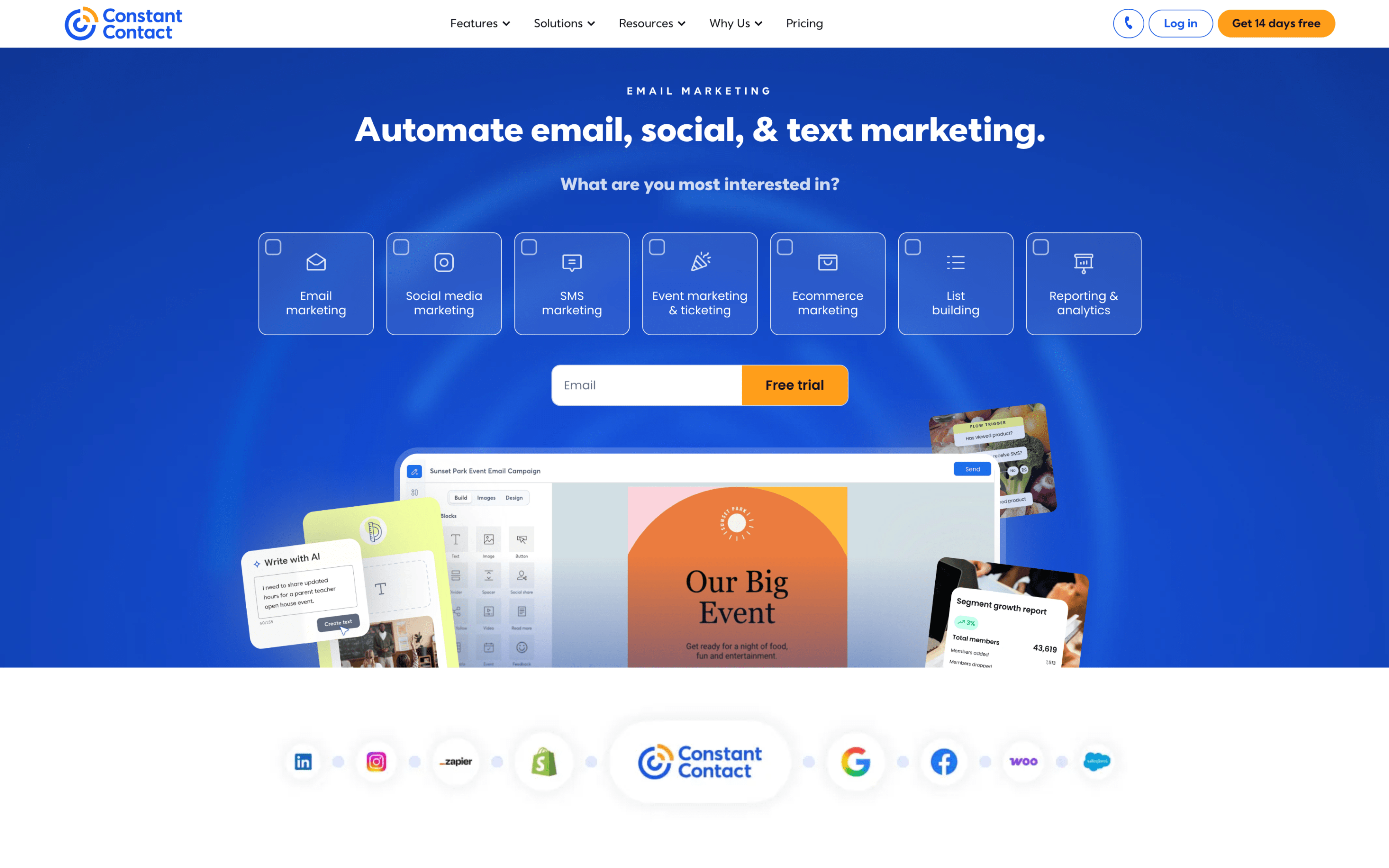
Constant Contact screenshot

Constant Contact is commonly used by small businesses, nonprofits, and local organizations that run recurring outreach and promotional campaigns. It tends to fit teams that want a shared workspace for building lists, sending emails, and reviewing results on a regular cadence.

Teams typically import and maintain contact lists, collect new signups through forms or landing pages, then assemble campaigns in a drag-and-drop editor and schedule sends around weekly or monthly calendars. They segment audiences by attributes or engagement, trigger basic automations like welcome or birthday messages, and monitor opens and clicks to decide who to resend to and how to adjust future sends.

Good Fit For

  • Teams sending weekly newsletters and occasional promotions, with a need to segment by location, interest, or engagement
  • Organizations that collect contacts from events, in-store interactions, or online forms and want a consistent process for cleaning and organizing lists
  • Groups running simple lifecycle touchpoints like welcome series, reminders, and follow-ups tied to subscriber actions

Considerations

  • Work can become campaign-centric, requiring manual coordination to keep content, audiences, and send schedules consistent across multiple stakeholders
  • Automation and personalization often start from pre-defined triggers and fields, which may limit highly customized journeys without additional setup via integrations

#4 ActiveCampaign

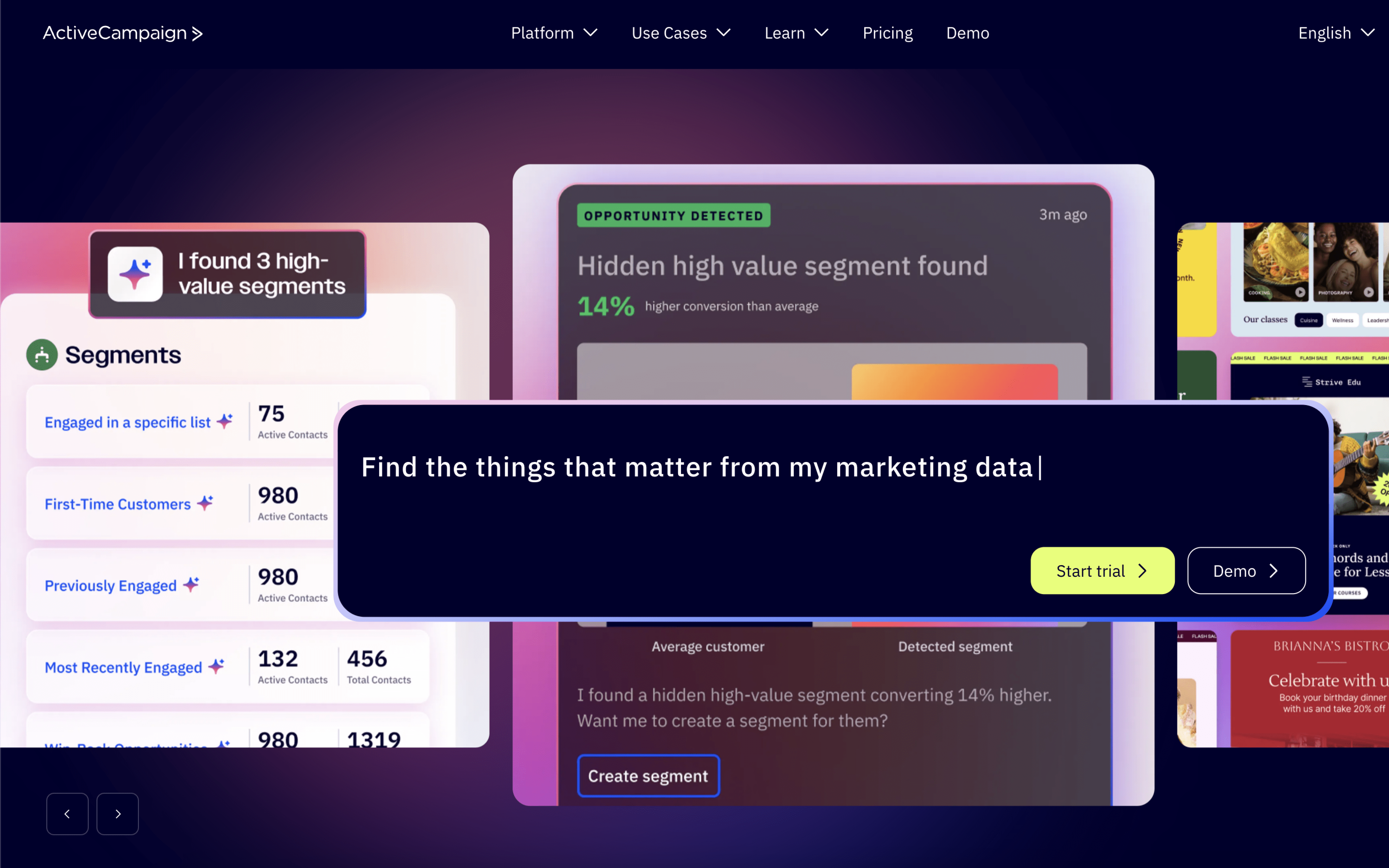
ActiveCampaign screenshot

ActiveCampaign is typically used by marketing and customer lifecycle teams that run ongoing email-led programs and want behavior-based follow-up built into their day-to-day operations. It is also used where marketing and sales coordination relies on shared contact data and handoffs.

Teams centralize contacts, apply tags or segments, and trigger automations when people subscribe, click, visit key pages, or complete purchases. Work often alternates between scheduled campaign sends and continuous automation maintenance, with routine reviews of deliverability, engagement, and funnel movement.

Good Fit For

  • Teams running always-on nurture sequences that change based on clicks, site activity, or form submissions
  • Organizations coordinating marketing follow-ups and sales outreach using shared contact records and pipeline stages
  • Lifecycle programs where email, SMS, or messaging steps are scheduled as part of a multi-touch journey

Considerations

  • Ongoing automation-driven workflows can require consistent upkeep to prevent outdated branches, conflicting tags, or unclear ownership
  • With many segments, triggers, and journeys, diagnosing why a contact received (or did not receive) a message can become time-consuming

#5 GetResponse

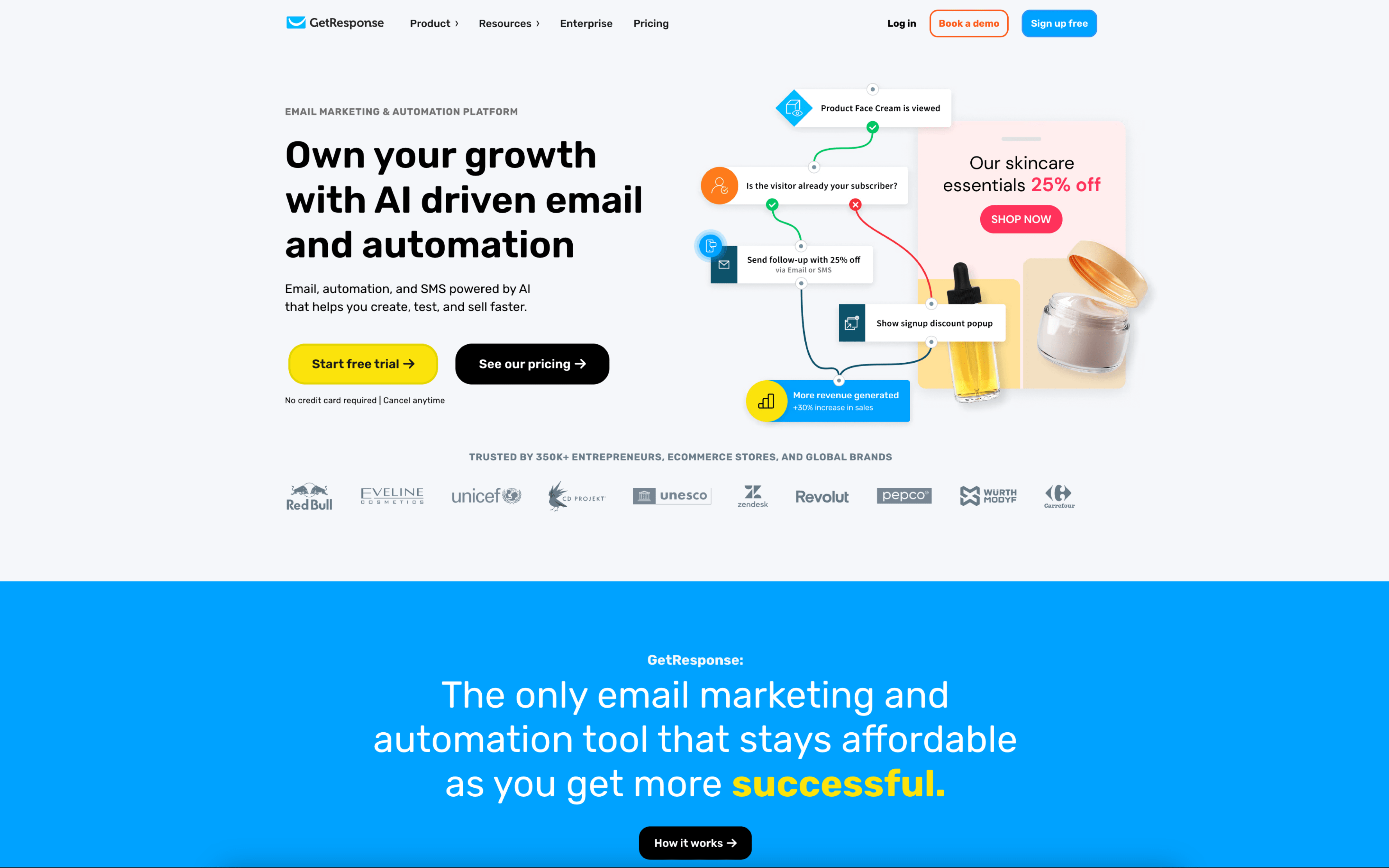
GetResponse screenshot

GetResponse is used by marketing teams that run email-led acquisition and lifecycle programs and want to manage campaigns, automation, and lead capture in one operational workspace. It is also used by agencies coordinating work across multiple client brands.

Teams typically build lists from forms and landing pages, then run a cadence of scheduled newsletters alongside always-on automations triggered by signups and behavior. Work is coordinated through roles, permissions, and approval steps, with reporting used to adjust segments, timing, and follow-ups between campaign cycles.

Good Fit For

  • Teams running weekly newsletters plus onboarding or nurture sequences that rely on tags, segments, and behavior-based triggers
  • Marketers who regularly launch lead-gen campaigns using landing pages and registration flows, then follow up with automated journeys
  • Agencies or distributed teams that need controlled access, multi-user collaboration, and send approvals before broadcasts go out

Considerations

  • Coordinating newsletters, landing pages, and automation in one place can require clearer internal processes to keep naming, segmentation, and asset ownership consistent
  • Teams with complex governance needs may spend time setting up roles, permissions, and approval paths to match how work is reviewed and released

#6 Aweber

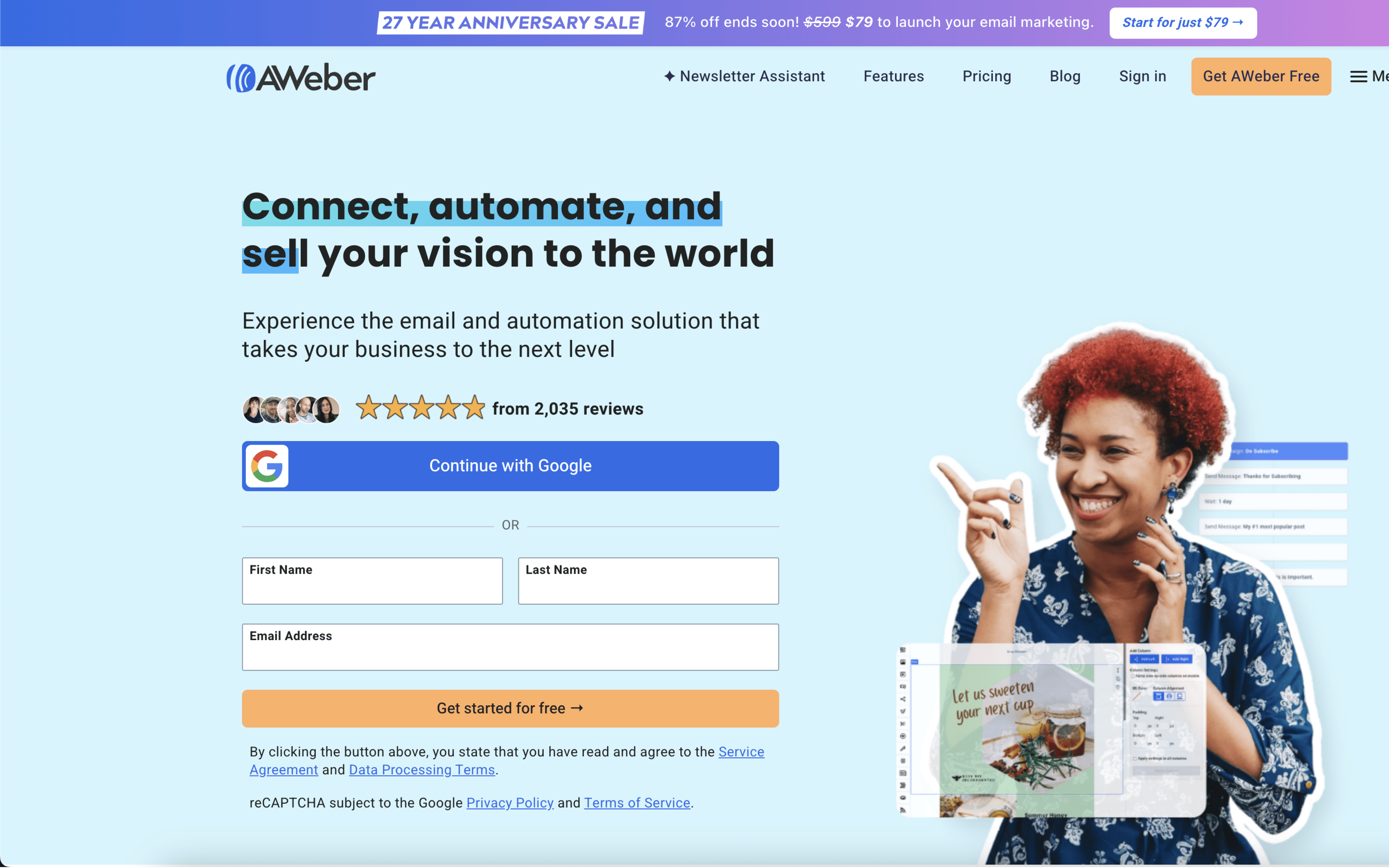
Aweber screenshot

AWeber is typically used by small teams and owner-operators who run email newsletters and automated follow-ups to maintain an audience, capture leads, and promote offers. It commonly supports organizations that want a repeatable email cadence without heavy operational overhead.

Teams collect subscribers through sign-up forms or integrated sources, then organize contacts with lists, tags, and basic segments. Day to day, they draft and schedule broadcasts, monitor opens and clicks, and adjust content. In parallel, they set up evergreen autoresponders that trigger from subscriptions or behaviors, revisiting workflows as campaigns change.

Good Fit For

  • Teams sending weekly or monthly newsletters and occasional promotions with lightweight segmentation needs
  • Creators and service businesses using opt-in forms and lead magnets, then running welcome and nurture sequences year-round
  • Ecommerce or course operators coordinating campaigns around launches while keeping ongoing automated follow-ups running in the background

Considerations

  • Automation tends to be oriented toward straightforward sequences and triggers, which can limit highly branched, exception-heavy customer journeys
  • Teams with strict brand and layout requirements may spend extra time working around template and design constraints during production

#7 MailerLite

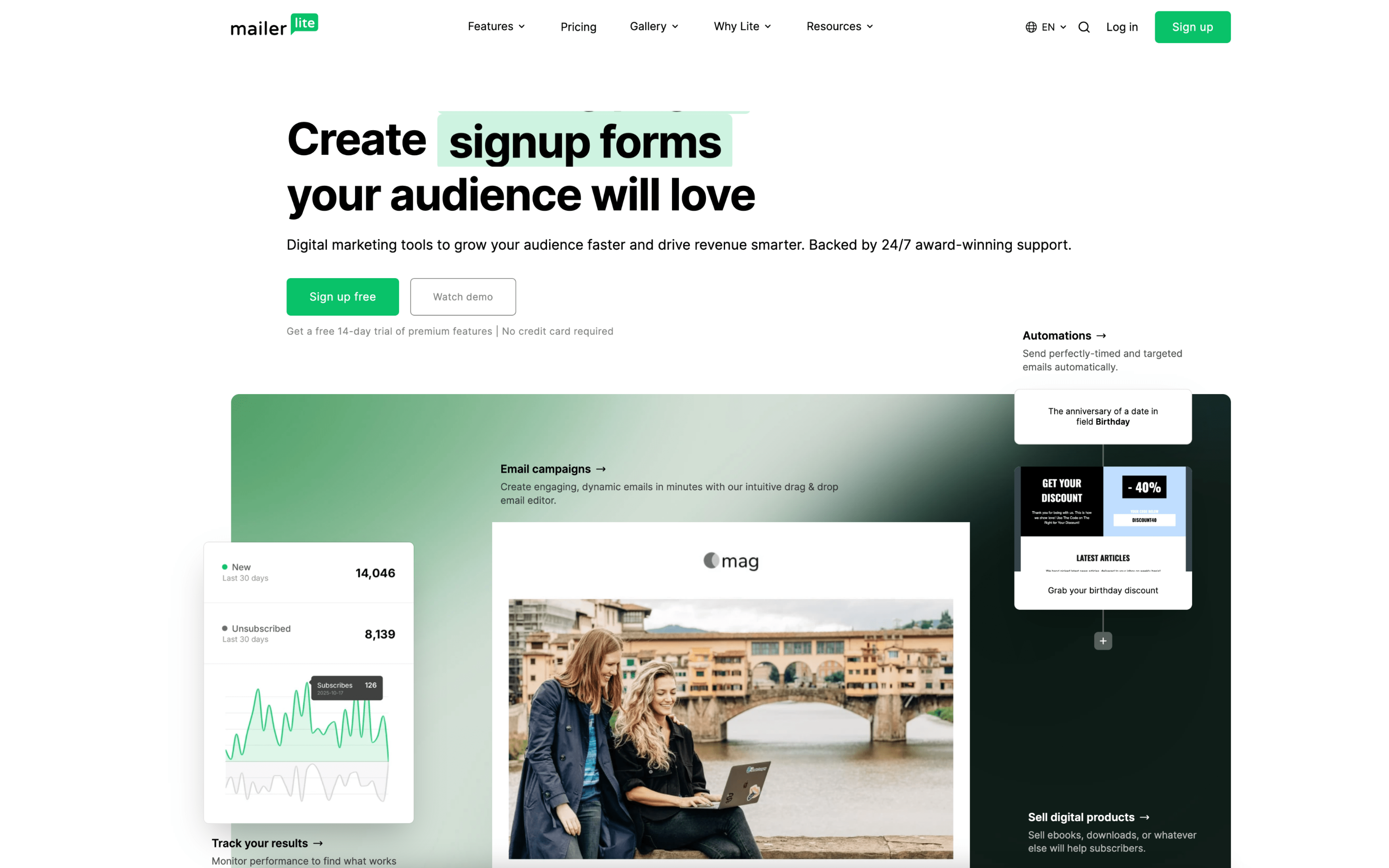
MailerLite screenshot

MailerLite is typically used by teams that run recurring newsletters and lightweight lifecycle messaging from one workspace. It shows up in creator, small business, ecommerce, and agency workflows where one system is used to capture leads and send campaigns.

Teams collect subscribers through forms, pop-ups, or landing pages, then organize people into groups and segments. Work tends to alternate between scheduled campaigns and always-on automations triggered by actions like joining a group, submitting a form, clicking a link, or making a purchase.

Good Fit For

  • Teams publishing weekly or monthly newsletters and managing list hygiene with simple grouping and segmentation
  • Marketers running welcome series, lead magnet delivery, or webinar follow-ups triggered by form submissions or group joins
  • Ecommerce operators setting up post-purchase and abandoned cart messaging tied to store events and product/category behavior

Considerations

  • Teams with multi-step approval processes may need to define roles and handoffs carefully to avoid changes happening directly in live campaigns or automations
  • As targeting and automation logic grows across many groups, maintaining consistent naming, triggers, and reporting conventions becomes an ongoing operational task