All Features on Every Plan. No Lock-In.

Elastic Email Alternatives

Explore alternatives to Elastic Email based on how teams actually work.

Last updated: December 31, 2025

How to Read This List

Teams exploring options beyond Elastic Email typically face decisions around pricing structure, automation depth, or how the tool fits their specific workflow (creator-focused vs ecommerce vs general email).

The platforms below are ordered by use case similarity. Each section describes how teams actually work with the tool day to day — not just feature lists.

#1 MailerSend

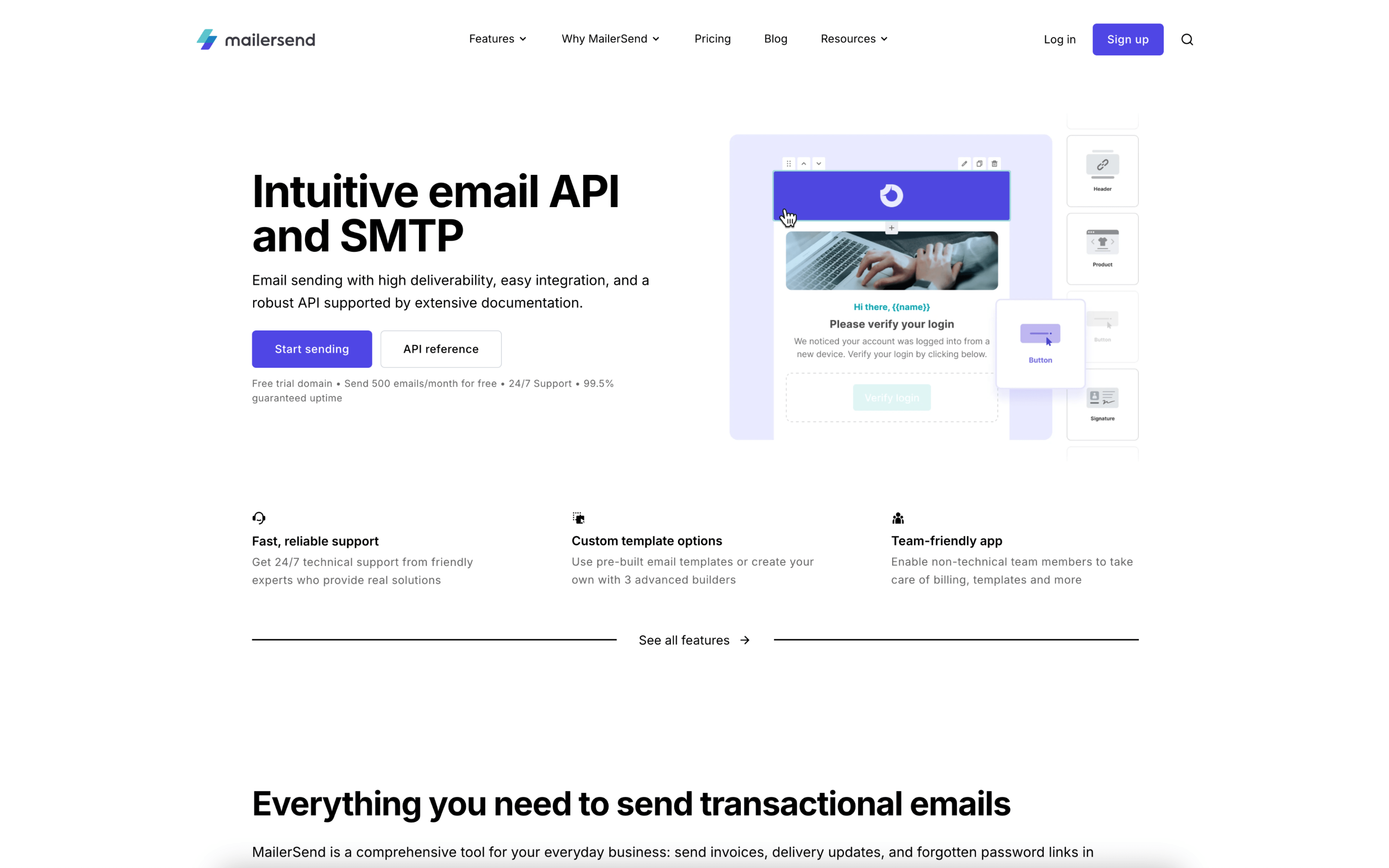
MailerSend screenshot

MailerSend is used by product and engineering teams that need to send and manage transactional and service emails from applications. It often sits alongside support or ops workflows where message delivery, logs, and event data are reviewed regularly.

Teams typically authenticate domains, set up templates, and connect sending through an API or SMTP relay. Day to day, developers trigger emails from application events, while teammates adjust templates and variables. Delivery activity is monitored via logs, analytics, and webhooks feeding internal dashboards.

Good Fit For

  • SaaS teams sending password resets, OTPs, receipts, and account notifications triggered by in-app events
  • Teams that want designers or non-developers to edit transactional templates while developers keep sending logic in code
  • Support or community workflows where users reply to automated messages and inbound routing is used to parse responses into an app

Considerations

  • Owning the workflow in code (API/SMPP) can require engineering time for implementation, testing, and ongoing maintenance
  • Using logs, analytics, and webhooks effectively often involves building internal reporting and alerting around email events
#2 Mailjet

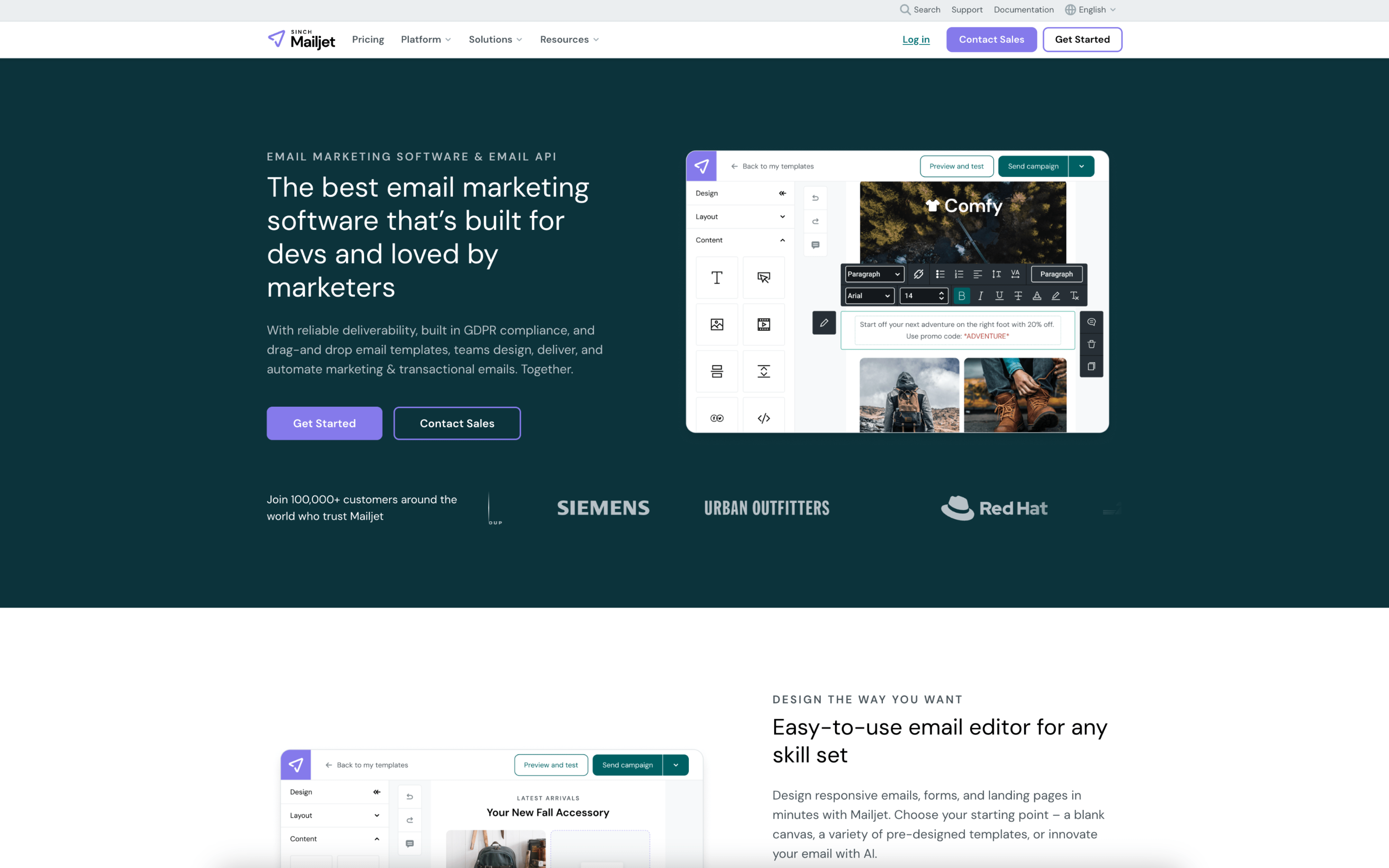
Mailjet screenshot

Mailjet is commonly used by product and marketing teams that need to send both application-triggered emails and planned newsletter-style campaigns from one workspace. It tends to fit organizations where developers and marketers share responsibility for email delivery and content updates.

Teams typically set up sending domains and create reusable templates, then split work between building messages and wiring sends through an API or SMTP for transactional traffic. For campaigns, marketers assemble emails, select segments, schedule sends, and review delivery and engagement results.

Good Fit For

  • Teams running weekly or monthly newsletters while also sending product emails like password resets, invoices, or order updates from an application
  • Organizations where marketing and engineering need a shared template workflow so content can be updated without redeploying application code
  • Programs that coordinate recurring campaigns across multiple audiences and rely on reporting to adjust send times, subject lines, and list hygiene

Considerations

  • Blending marketing and transactional use in one setup can require clear internal rules for template ownership, approval, and sender identity to avoid operational confusion
  • Teams with complex lifecycle journeys may need additional process or external systems to manage deep automation, since day-to-day work often centers on templates, segments, and scheduled sends

#3 SendGrid

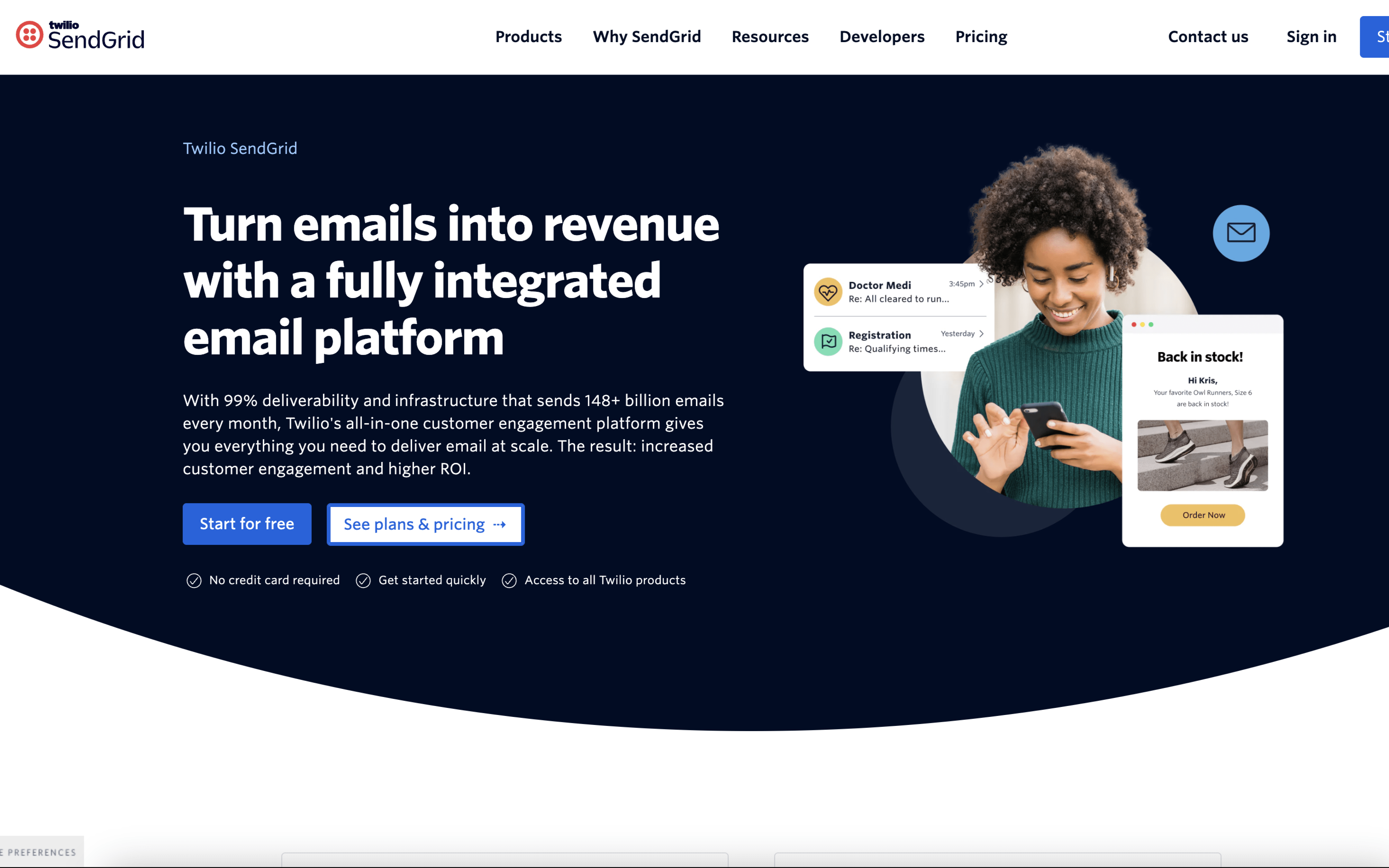
SendGrid screenshot

SendGrid is typically used by product and engineering teams that need to send transactional email from applications, alongside operations or marketing teams that manage sender identity and messaging templates.

Teams connect SendGrid to their app via API or SMTP to send events like password resets, receipts, and notifications. Day to day, they iterate on templates, monitor delivery and engagement metrics, handle bounces and complaints via suppression workflows, and use webhooks to sync events back into internal systems.

Good Fit For

  • Engineering teams sending high-frequency application emails where delivery events need to feed back into product logic (for example, retry rules, user messaging, or audit logs)
  • Organizations that separate responsibilities, with developers owning sending integration while others maintain templates, sender domains, and operational monitoring
  • Teams running lifecycle or notification programs where ongoing work includes deliverability troubleshooting, suppression hygiene, and periodic template updates

Considerations

  • Operational value depends on maintaining sender authentication, suppression handling, and event processing; neglecting these workflows can create delivery and data-quality issues
  • Teams may need additional internal tooling or processes to connect email events to customer records, reporting, and incident response beyond what the sending layer provides

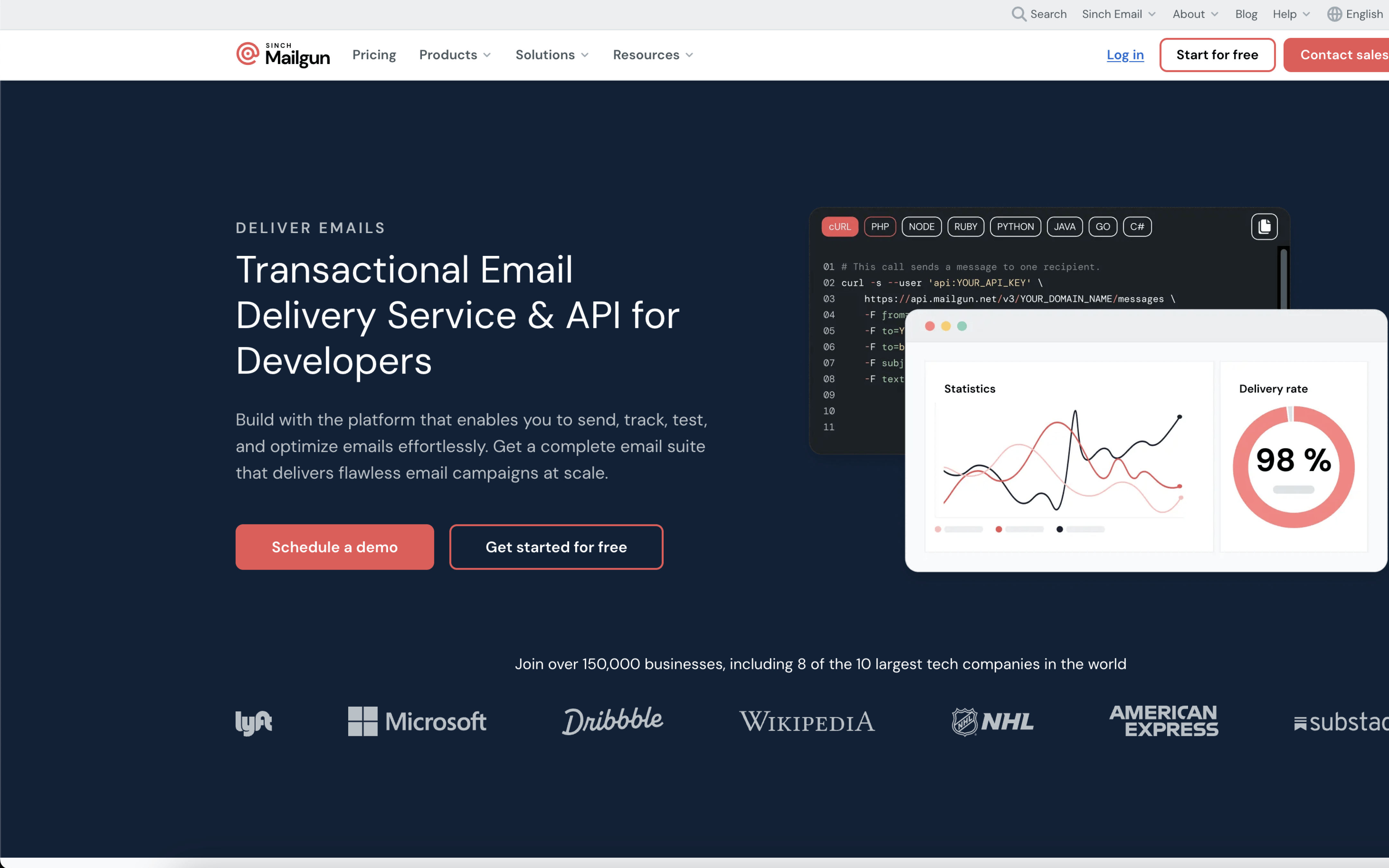
#4 Mailgun

Mailgun screenshot

Mailgun is typically used by product and engineering teams that need to send application email reliably from their own systems. It is most often owned by developers and shared with support or ops for visibility into delivery issues.

Teams integrate Mailgun into an app via API or SMTP, then trigger emails from product events like signups, password resets, receipts, and alerts. Day to day, engineers review event activity, bounces, and complaints, tune sending domains, and use webhooks to feed email status back into internal tools.

Good Fit For

  • SaaS products that send high-frequency transactional notifications and need delivery status to flow back into the application
  • Engineering teams that want email sending to be driven by application events, with templates and routing managed alongside code and deployments
  • Support or ops teams that regularly troubleshoot missing emails by searching message events and correlating them to user reports

Considerations

  • The workflow assumes developer involvement for setup, instrumentation, and ongoing deliverability monitoring
  • Teams running calendar-based marketing campaigns may find day-to-day work happens more in code and logs than in a campaign planning interface

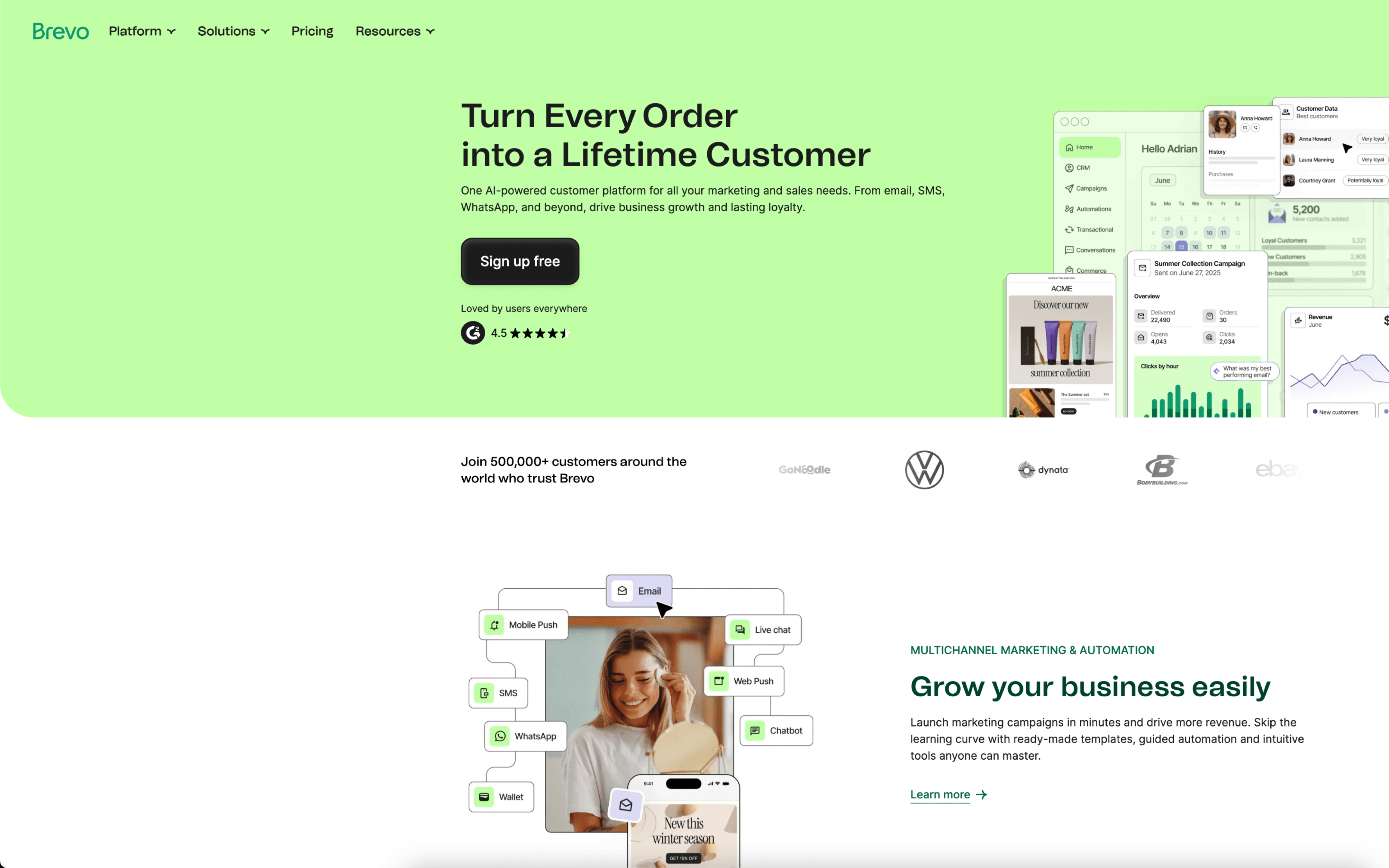
#5 Brevo

Brevo screenshot

Brevo is typically used by teams that run customer communication across email and other channels while keeping basic customer and sales context in the same workspace. It often shows up in marketing-led organizations that also need light CRM-style coordination.

Teams import and maintain contacts, then organize audiences into lists or segments used for one-off campaigns and automated flows. Day to day, marketers draft templates, schedule sends, monitor engagement metrics, and iterate, while operational messages are triggered from site or product events via integrations or API.

Good Fit For

  • Teams running weekly or monthly email campaigns that rely on list hygiene, segmentation, and a repeatable build-send-measure cadence
  • Businesses combining promotional outreach with lifecycle automations such as welcome sequences, post-purchase follow-ups, or abandoned cart reminders
  • Organizations that want marketing outreach and lightweight sales/contact tracking coordinated from one place for handoffs and follow-ups

Considerations

  • Contact organization and segmentation workflows can feel harder to manage as lists grow, especially when teams rely on many attributes and frequent updates
  • Interface changes and workflow limits in more complex automations can disrupt established processes, requiring periodic rework and internal documentation

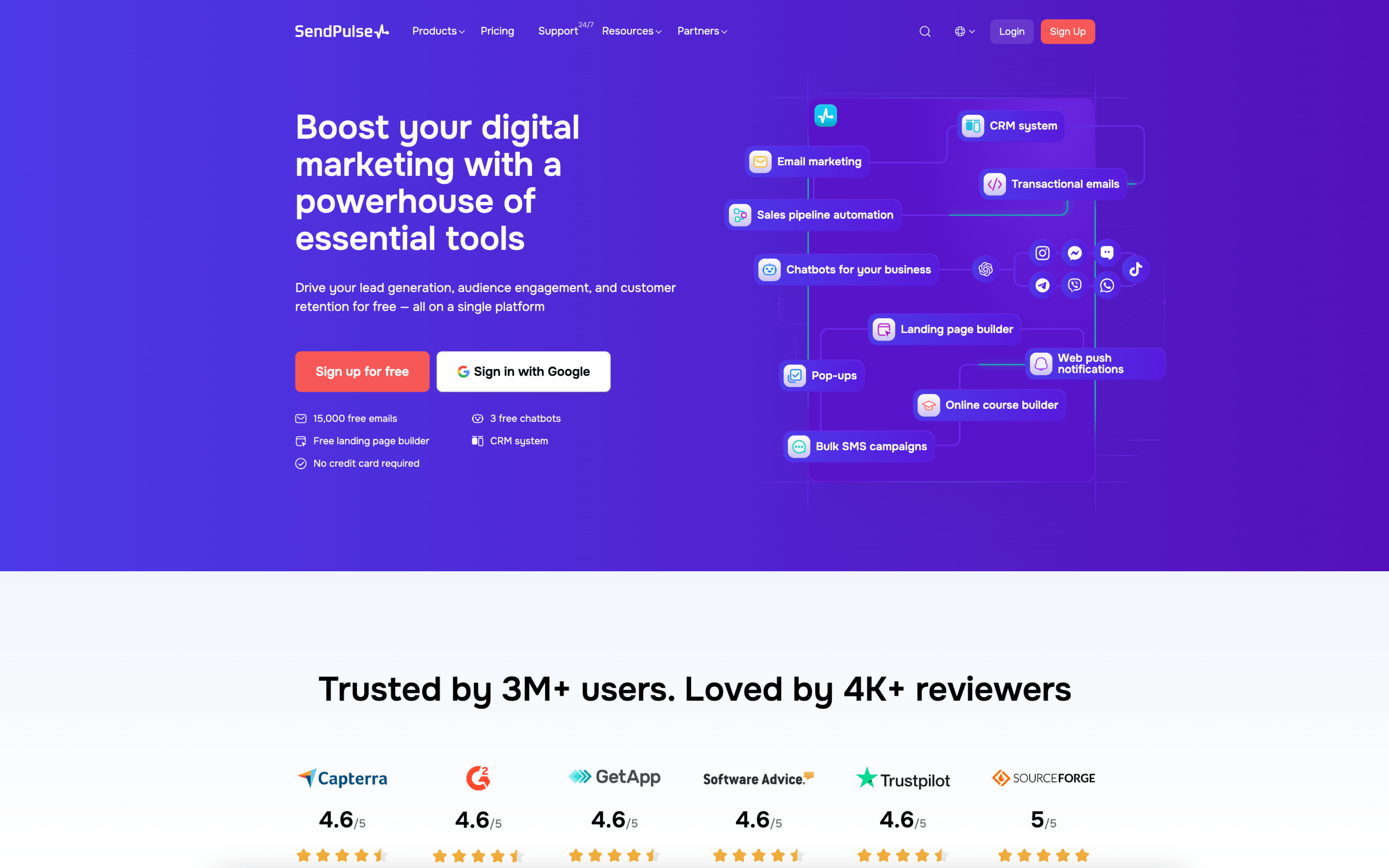
#6 SendPulse

SendPulse screenshot

SendPulse is typically used by marketing and customer-communications teams that run recurring outbound messages and automated follow-ups across email and messaging channels. It often sits with small-to-midsize teams that want one workspace for campaign execution and audience management.

Teams usually organize contacts into lists or segments, then alternate between scheduled broadcasts (newsletters, promotions, announcements) and always-on automation flows triggered by signups or behavior. Day to day, marketers build messages, set rules and timing, monitor deliverability and engagement, and iterate on content based on results.

Good Fit For

  • Teams running weekly or monthly email campaigns and also maintaining a few core drip sequences like welcome and re-engagement
  • Organizations that need to coordinate communications across email plus channels like SMS, web push, or chatbots from a single campaign calendar
  • Product or ecommerce teams that rely on triggered messages tied to user actions (signup, purchase, abandonment) and want marketers to manage the cadence without constant developer involvement

Considerations

  • Using multiple channels in one workspace can increase operational complexity around consent, segmentation logic, and message frequency control
  • As automations grow, teams may need stronger internal process for QA, ownership, and change management to avoid conflicting journeys and duplicated sends

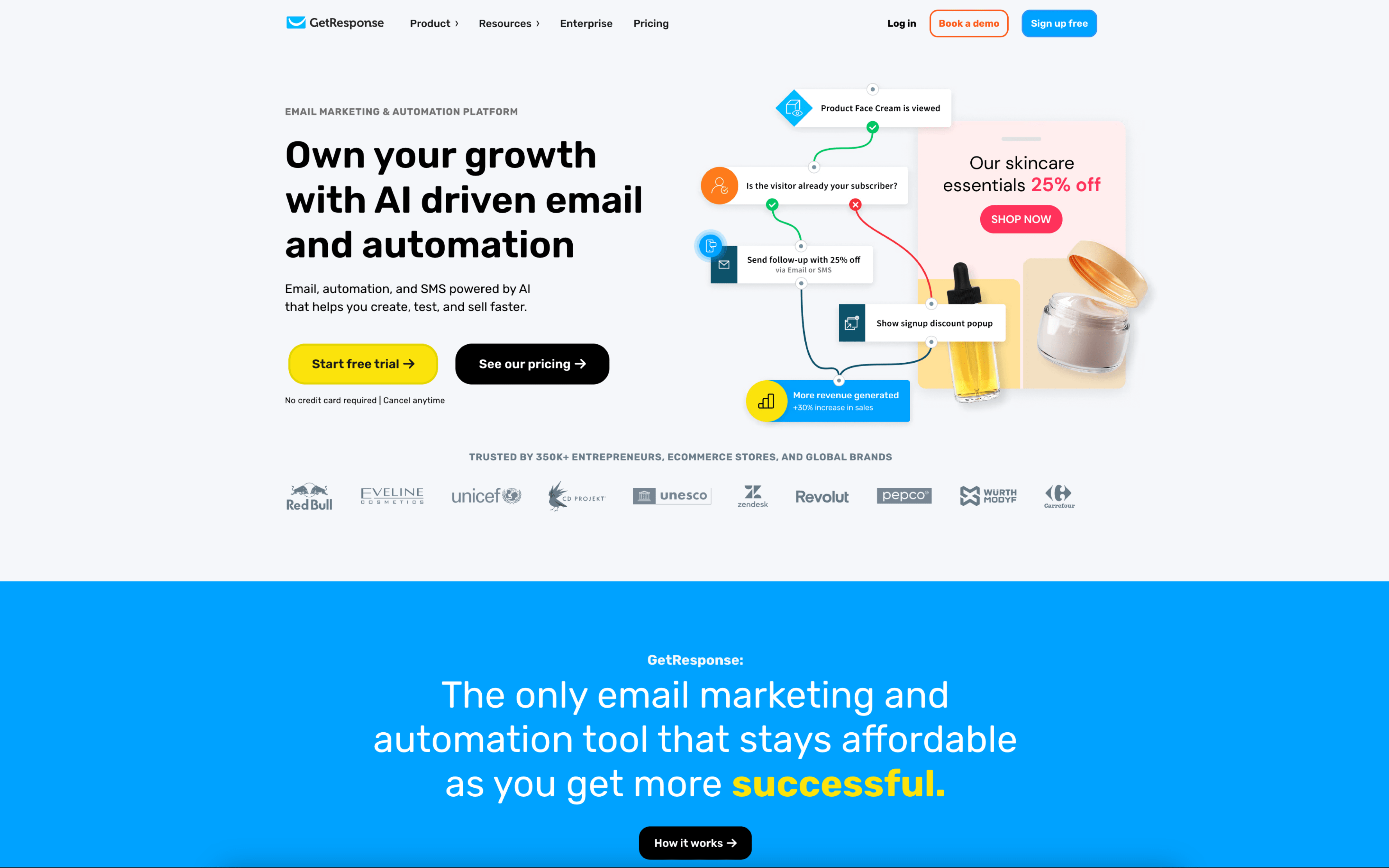
#7 GetResponse

GetResponse screenshot

GetResponse is used by marketing teams that run recurring email campaigns and automated nurture journeys, often tied to lead capture and basic funnel management. It commonly shows up where one group needs to plan, build, approve, and measure outbound communications from a shared workspace.

Teams typically import or sync contacts, organize them with tags and custom fields, and segment based on behavior or profile data. They build newsletters, schedule sends, and use an approval flow before distribution. Alongside one-off campaigns, they set up automation rules triggered by signups, clicks, purchases, or website events, then review analytics to refine targeting and timing.

Good Fit For

  • Teams running weekly or monthly newsletters that require segmentation and an internal review step before sends
  • Demand-gen workflows where landing pages, forms, and webinars feed leads into ongoing email nurture sequences
  • Ecommerce programs using automated journeys like abandoned cart follow-ups and re-engagement based on customer behavior

Considerations

  • Keeping segments, tags, and automation logic consistent can require ongoing operational discipline as campaigns and audiences expand
  • Teams may need to align on roles and permissions to avoid bottlenecks when drafts, approvals, and scheduling all happen in the same workspace