All Features on Every Plan. No Lock-In.

Drip Alternatives

Explore alternatives to Drip based on how teams actually work.

Last updated: December 28, 2025

How to Read This List

Teams exploring options beyond Drip typically face decisions around pricing structure, automation depth, or how the tool fits their specific workflow (creator-focused vs ecommerce vs general email).

The platforms below are ordered by use case similarity. Each section describes how teams actually work with the tool day to day — not just feature lists.

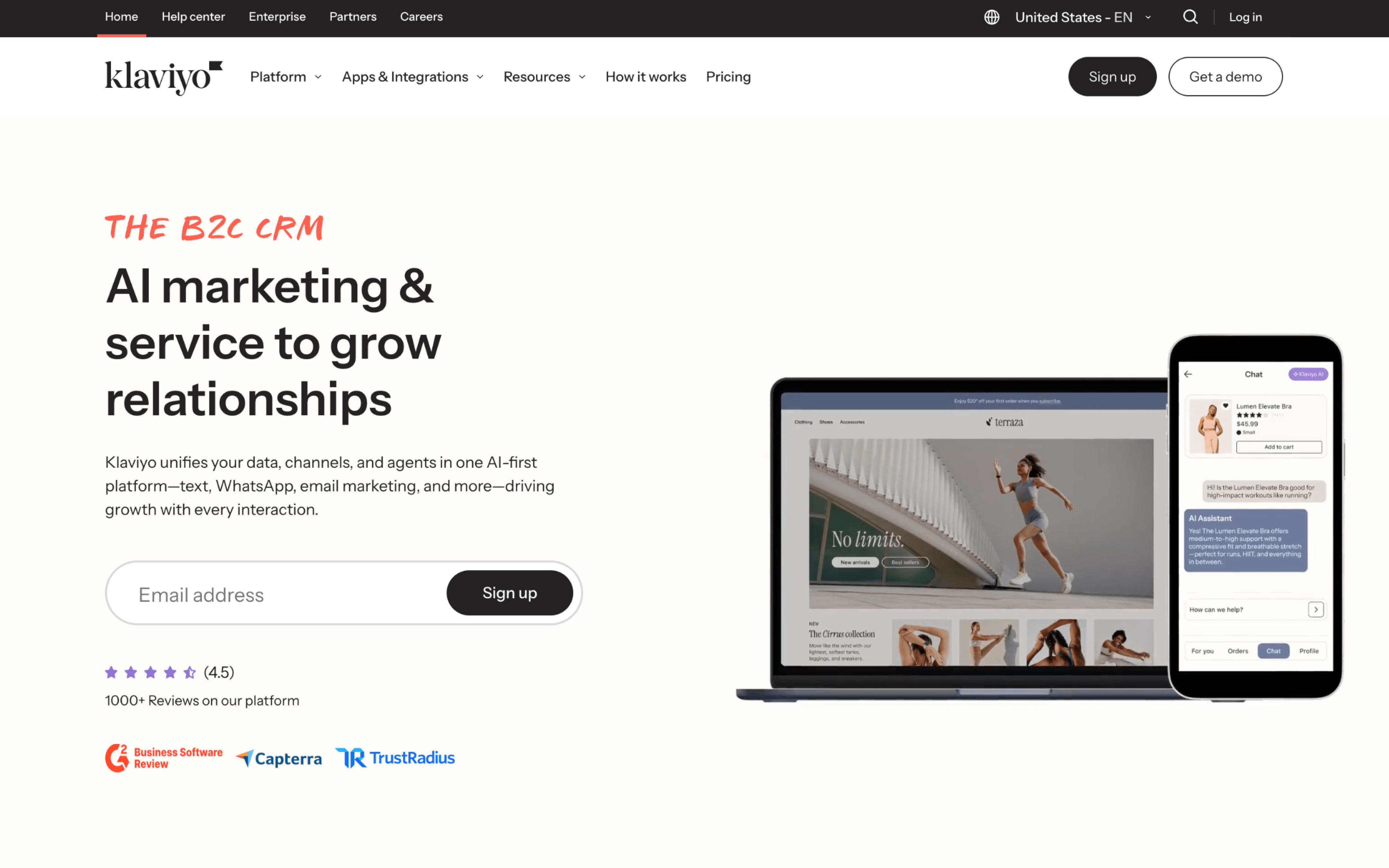
#1 Klaviyo

Klaviyo screenshot

Klaviyo is typically used by B2C and ecommerce marketing teams that run customer lifecycle messaging based on shopping and engagement behavior. It is often operated by marketers who want to build targeted outreach without relying on a large technical team.

Teams connect their store and data sources, then organize audiences around events like browsing, cart activity, purchases, and predicted value. Work often splits between recurring broadcasts and always-on lifecycle flows, with regular review of segment logic, timing, and performance reporting.

Good Fit For

  • Ecommerce teams running weekly promotional sends alongside automated welcome, cart abandonment, and post-purchase sequences
  • Marketing teams that segment audiences using combined purchase history and onsite behavior, then tailor messaging by intent or value
  • Teams coordinating cross-channel outreach where the same campaign is planned as a timed sequence across multiple message types

Considerations

  • Maintaining clean event tracking and consistent naming becomes ongoing operational work as segments and flows grow
  • Cross-channel cadence can be harder to govern as more triggers are added, increasing the risk of message overlap without careful coordination
#2 Omnisend

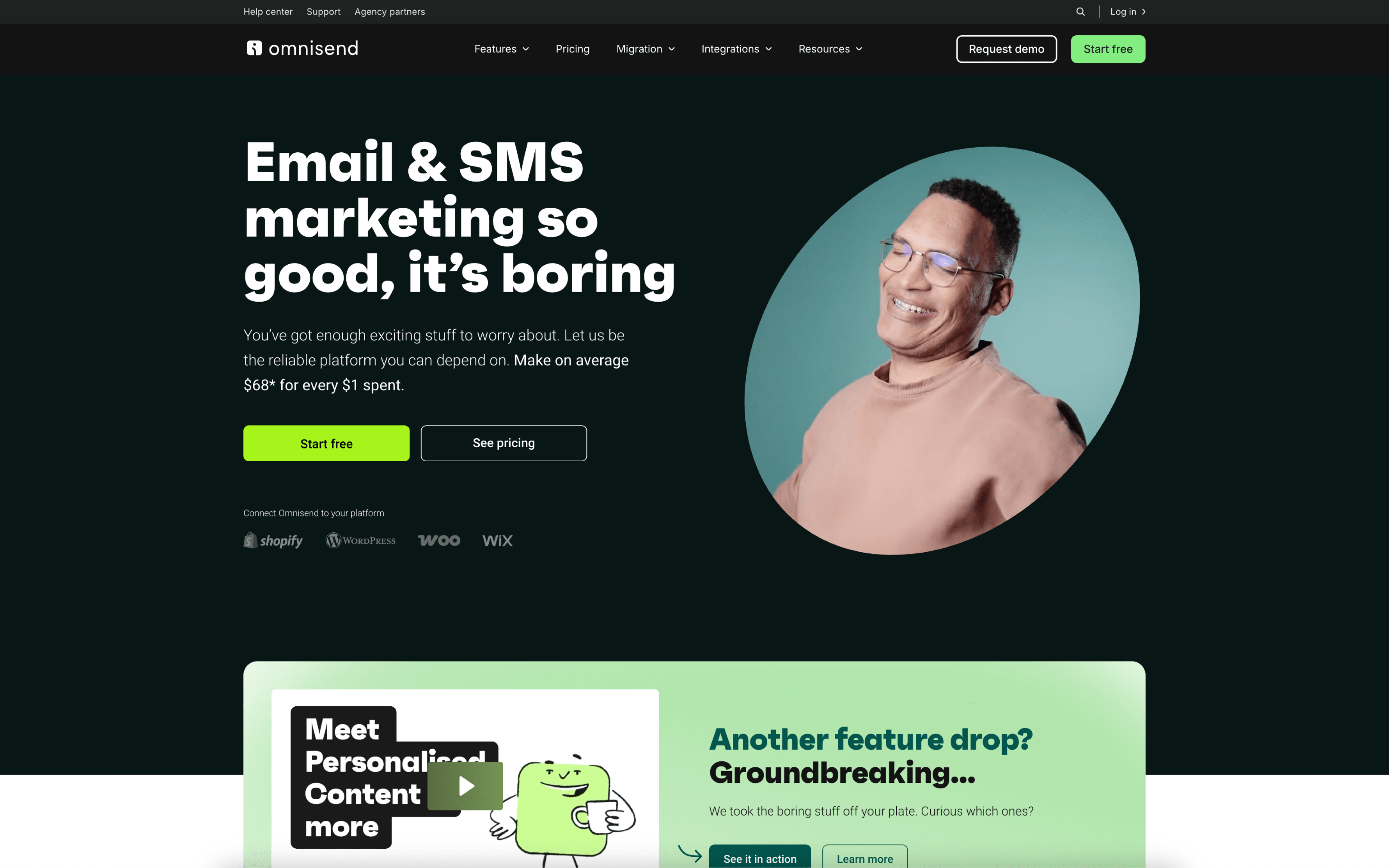
Omnisend screenshot

Omnisend is typically used by ecommerce teams that run customer messaging tied to store behavior, such as signups, browsing, carts, purchases, and replenishment cycles. It commonly sits with a lifecycle marketer or retention owner coordinating email and mobile messaging around revenue events.

Teams connect Omnisend to their ecommerce platform so customer and order activity stays in sync, then set up recurring automations like welcome, cart recovery, post-purchase, and win-back. Day to day, they build promotional campaigns around product drops or sales, segment audiences by engagement and purchase history, and review performance to adjust timing, content, and channel mix.

Good Fit For

  • Ecommerce brands running weekly promotions alongside always-on flows like welcome, abandon cart, browse abandon, and post-purchase follow-ups
  • Teams coordinating time-sensitive messages across email and SMS for launches, flash sales, back-in-stock, and shipping updates
  • Marketers who want segments to update automatically from purchase and onsite behavior, then reuse those audiences across recurring campaigns

Considerations

  • Because workflows are anchored to ecommerce events, organizations with broader B2B journeys or non-store product data may need additional tooling or custom integration work
  • Managing multiple channels in one place can increase coordination overhead, including consent handling, message frequency decisions, and QA across email and mobile formats

#3 ActiveCampaign

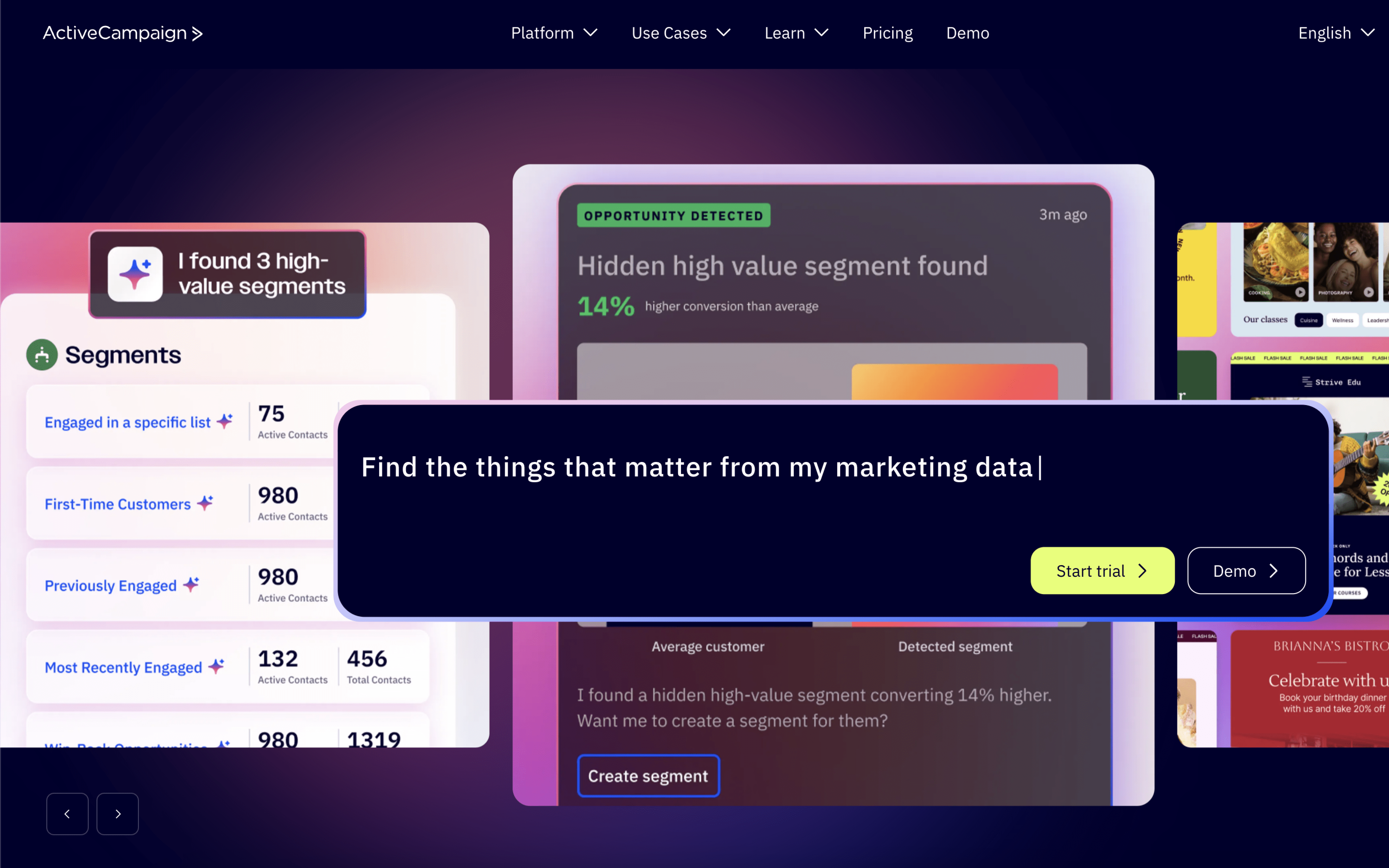
ActiveCampaign screenshot

ActiveCampaign is typically used by marketing and revenue teams that run ongoing lifecycle messaging and want a single place to coordinate audience segmentation, automated follow-ups, and sales handoffs tied to contact activity.

Teams centralize contacts, tag and segment them based on attributes and behavior, then build automations that trigger messages and internal actions as people engage. Day to day, marketers adjust journeys and review results while sales teams work deals from shared contact timelines.

Good Fit For

  • Teams running always-on nurture and onboarding sequences that need branching logic based on clicks, site behavior, or stage changes
  • Organizations coordinating marketing email with a lightweight sales process, where leads are routed into pipelines and assigned follow-up tasks
  • Ecommerce or subscription teams maintaining recurring campaigns alongside triggered flows like abandoned carts, winbacks, and post-purchase education

Considerations

  • Ongoing segmentation rules, automations, and pipeline conventions require process ownership to stay consistent as the database grows
  • With many parallel journeys running, troubleshooting why a contact received (or missed) a step can take time and careful audit of triggers and conditions

#4 Customer.io

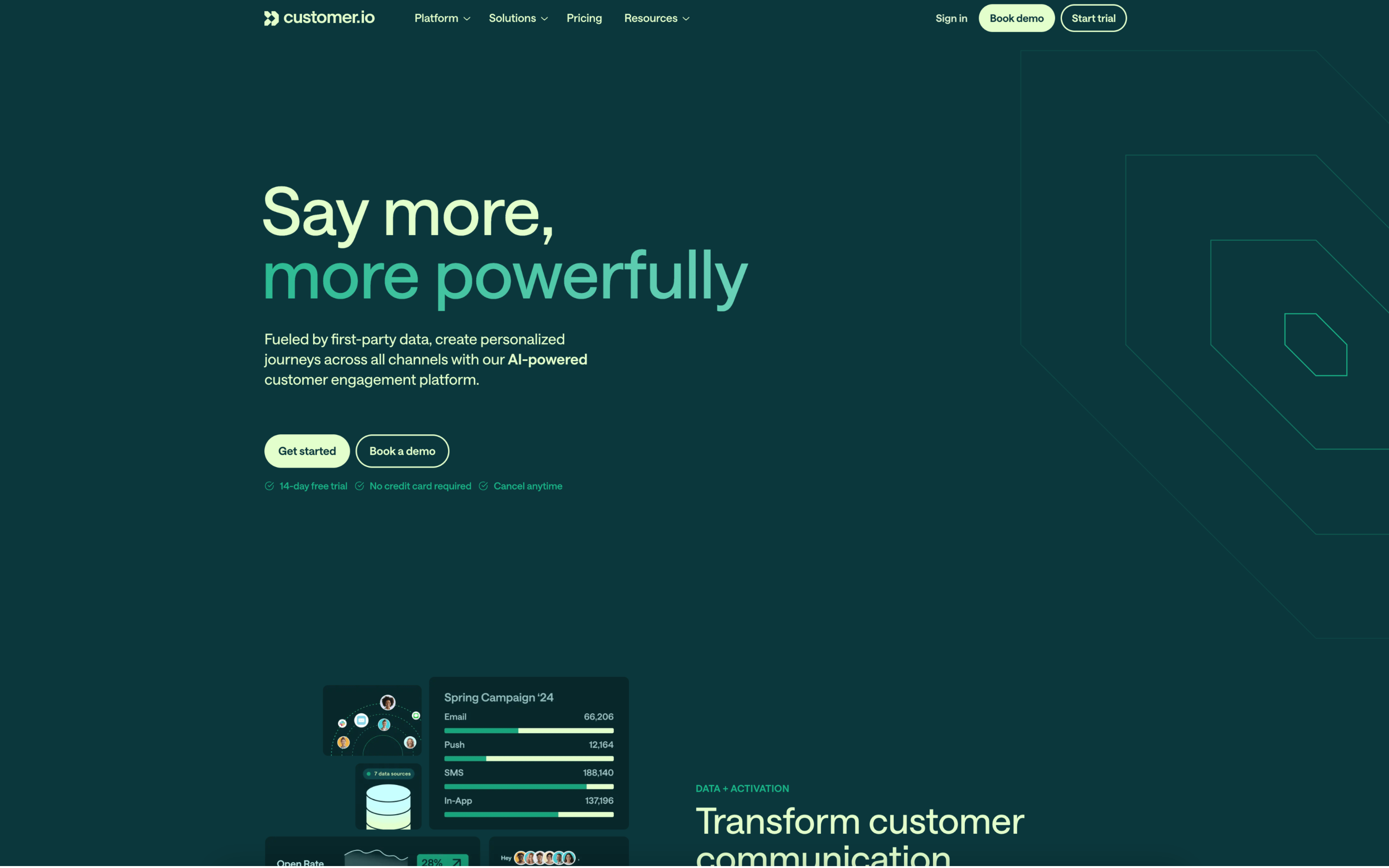
Customer.io screenshot

Customer.io is typically used by product, growth, and lifecycle teams that want to coordinate customer messaging based on real-time behavioral and profile data. It often sits close to the product analytics and data stack and supports multi-channel engagement programs.

Teams connect event and profile data, then build journeys that trigger when users take actions, enter segments, or hit dates. Day to day, marketers adjust messaging logic, timing windows, and experiments, while reviewing workflow-level performance to iterate on onboarding, retention, and revenue motions.

Good Fit For

  • Teams running always-on onboarding and activation journeys triggered by in-app behavior and milestone completion
  • Organizations coordinating email, in-app, push, and SMS as one lifecycle program with shared audience definitions
  • Growth teams that need a test-and-iterate cadence for message timing, branching paths, and conversion goals within a single workflow

Considerations

  • Effective use depends on clean event tracking and audience data, which can require ongoing coordination with engineering or data teams
  • As journeys accumulate branches and conditions, governance and QA become important to avoid overlapping messages and unintended user experiences

#5 HubSpot Email Marketing

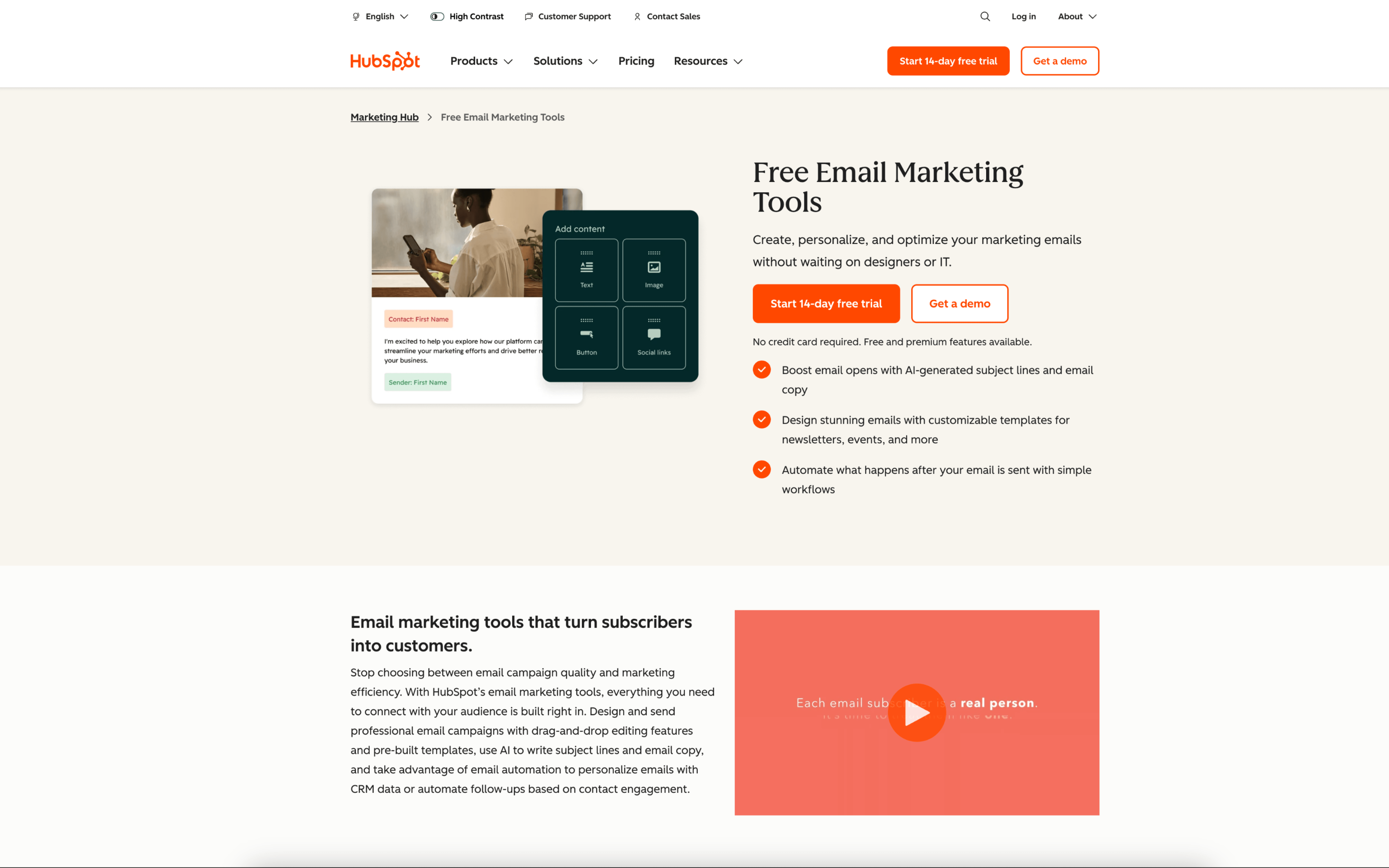
HubSpot Email Marketing screenshot

HubSpot Email Marketing is typically used by marketing and revenue teams that run email as part of a broader lead and customer lifecycle process. It is often adopted in organizations that want email activity tied to shared contact records and pipeline follow-up.

Teams build lists from contact and engagement data, draft emails in a shared workspace, and schedule or trigger sends tied to website forms and CRM updates. Work tends to follow a weekly campaign rhythm with ongoing nurture sequences, with performance reviewed in reporting and fed back into segmentation.

Good Fit For

  • Teams sending recurring newsletters and product updates where list membership is driven by CRM properties and form submissions
  • Demand gen teams running webinar or content download programs that require follow-up sequences and handoff to sales
  • Marketing ops workflows that need a consistent process for building audiences, approving sends, and tracking results against lifecycle stages

Considerations

  • Using email effectively depends on keeping contact data and lifecycle definitions clean, which can require ongoing operational ownership
  • Teams with highly bespoke triggering logic or event-driven messaging may need additional setup and governance to keep automations understandable over time

#6 GetResponse

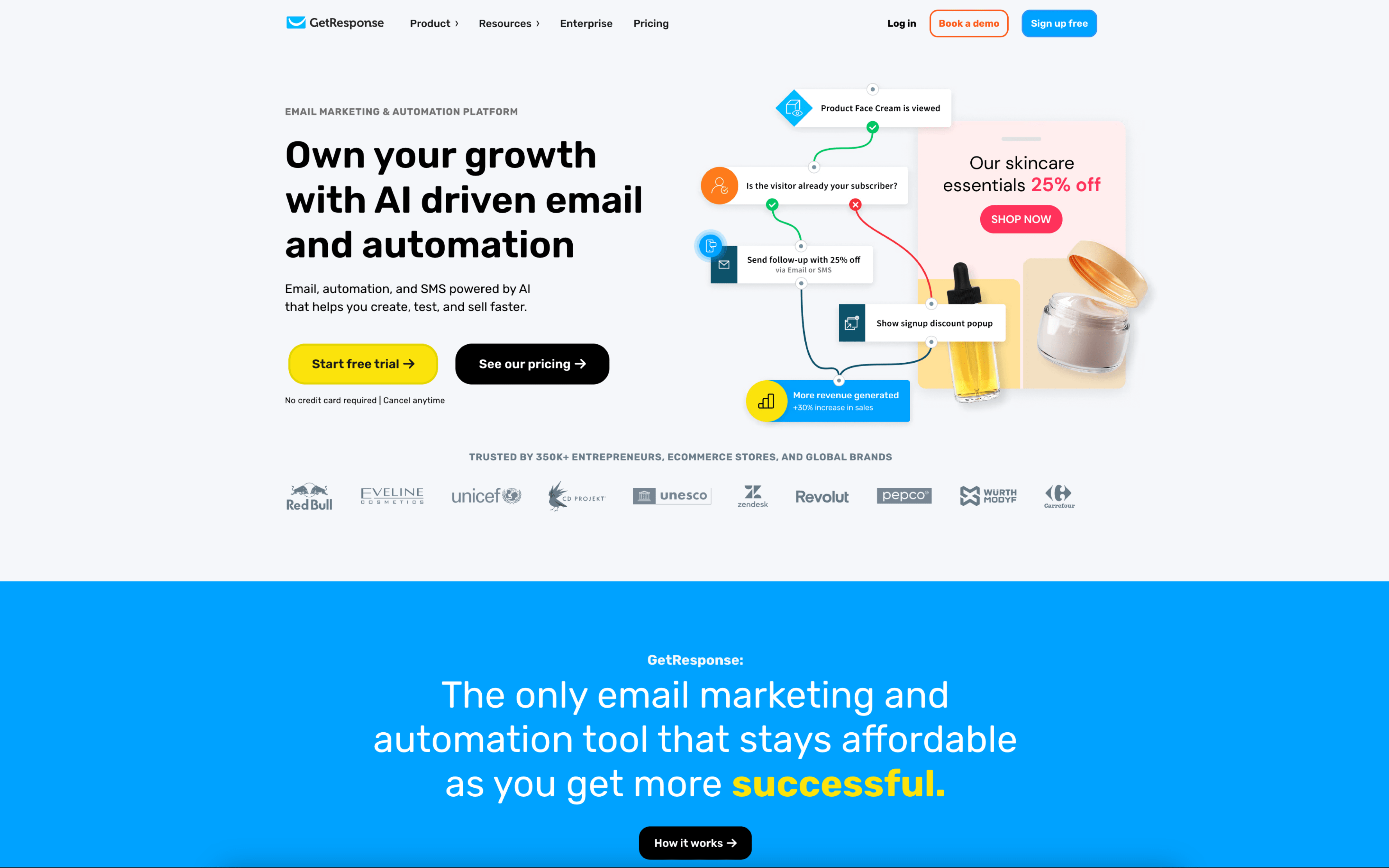
GetResponse screenshot

GetResponse is typically used by marketing teams that run email-led acquisition and nurture programs tied to landing pages, sign-up forms, and scheduled campaigns. It often shows up in workflows where lead capture and follow-up need to be managed in one place.

Teams collect contacts through forms and landing pages, segment them using behavior and profile data, then run a mix of one-off newsletters and triggered journeys. Work often follows a campaign cadence: build assets, set approvals, launch, then review reports and adjust targeting.

Good Fit For

  • Teams running recurring newsletters plus automated follow-up sequences for lead nurturing
  • Marketers coordinating landing pages, registrations, and email reminders around webinars or time-bound promotions
  • Organizations that need multiple contributors with role-based access and an approval step before sends go out

Considerations

  • Operating both campaigns and automation in one workspace can require consistent naming, tagging, and list hygiene to avoid fragmentation
  • Teams with complex internal review processes may need to adapt their workflow to the platform’s built-in moderation and permission model

#7 Mailchimp

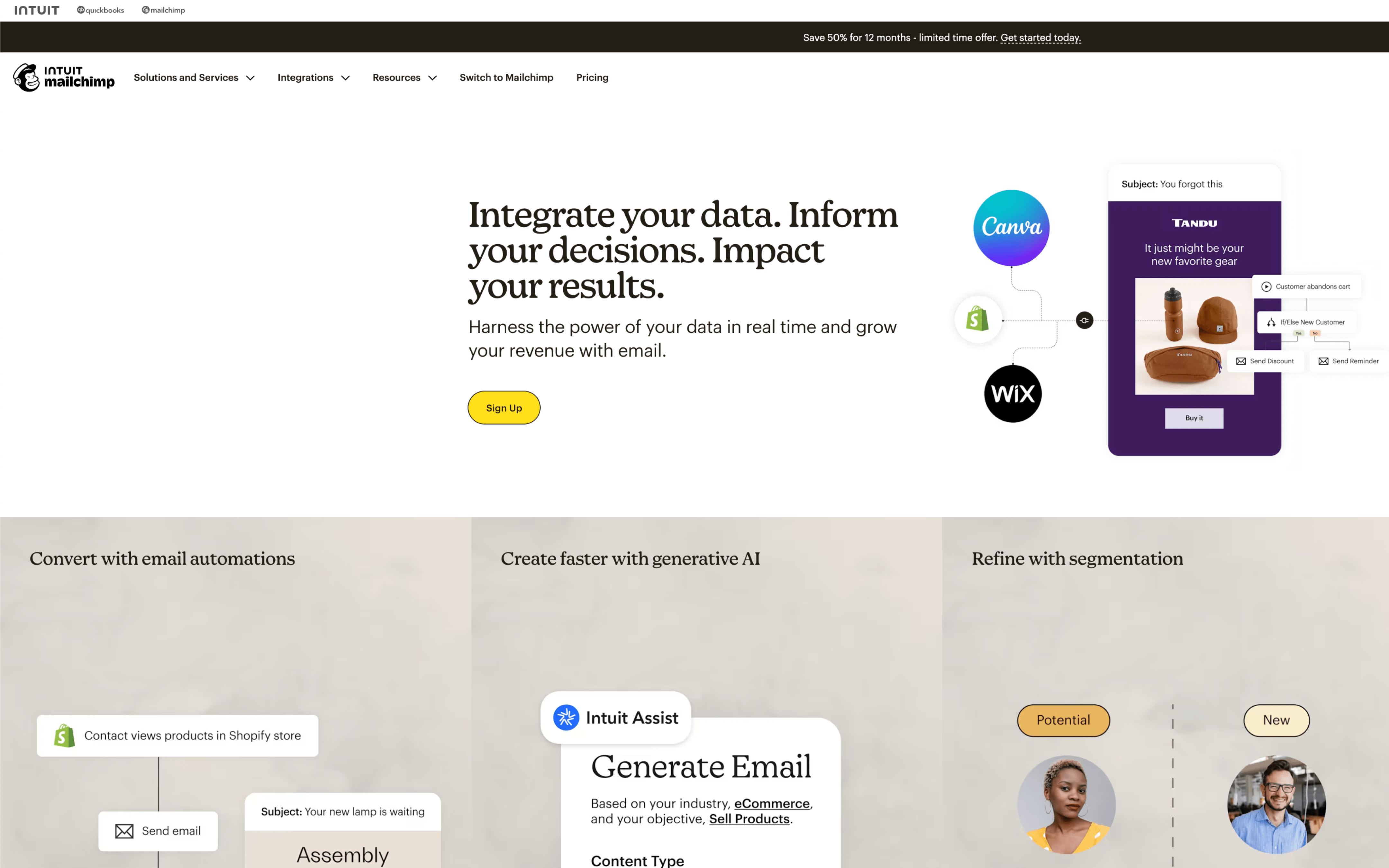
Mailchimp screenshot

Mailchimp is typically used by marketing teams and operators who run recurring email campaigns and lifecycle messages from a single workspace tied to an audience database. It often serves as the system where contact organization and campaign execution meet.

Teams import or sync contacts, organize them with tags and segments, then build and schedule emails around a weekly or monthly cadence. Day to day, work centers on drafting campaigns, coordinating send dates on a calendar, triggering automated journeys, and reviewing reports to adjust targeting and follow-up.

Good Fit For

  • Teams sending regular newsletters and promotional emails on a set calendar, with light-to-moderate segmentation
  • Ecommerce or subscription businesses running welcome series and abandoned cart follow-ups based on site or store activity
  • Marketing teams that need a shared place to plan touchpoints, schedule sends, and track engagement across campaigns

Considerations

  • As audience structure grows, maintaining clean tagging and segmentation can become an ongoing operational task
  • Teams with complex approval processes or highly customized workflows may need additional coordination outside the platform to manage review and change control