All Features on Every Plan. No Lock-In.

Customer.io Alternatives

Explore alternatives to Customer.io based on how teams actually work.

Last updated: December 28, 2025

How to Read This List

Teams exploring options beyond Customer.io typically face decisions around pricing structure, automation depth, or how the tool fits their specific workflow (creator-focused vs ecommerce vs general email).

The platforms below are ordered by use case similarity. Each section describes how teams actually work with the tool day to day — not just feature lists.

#1 ActiveCampaign

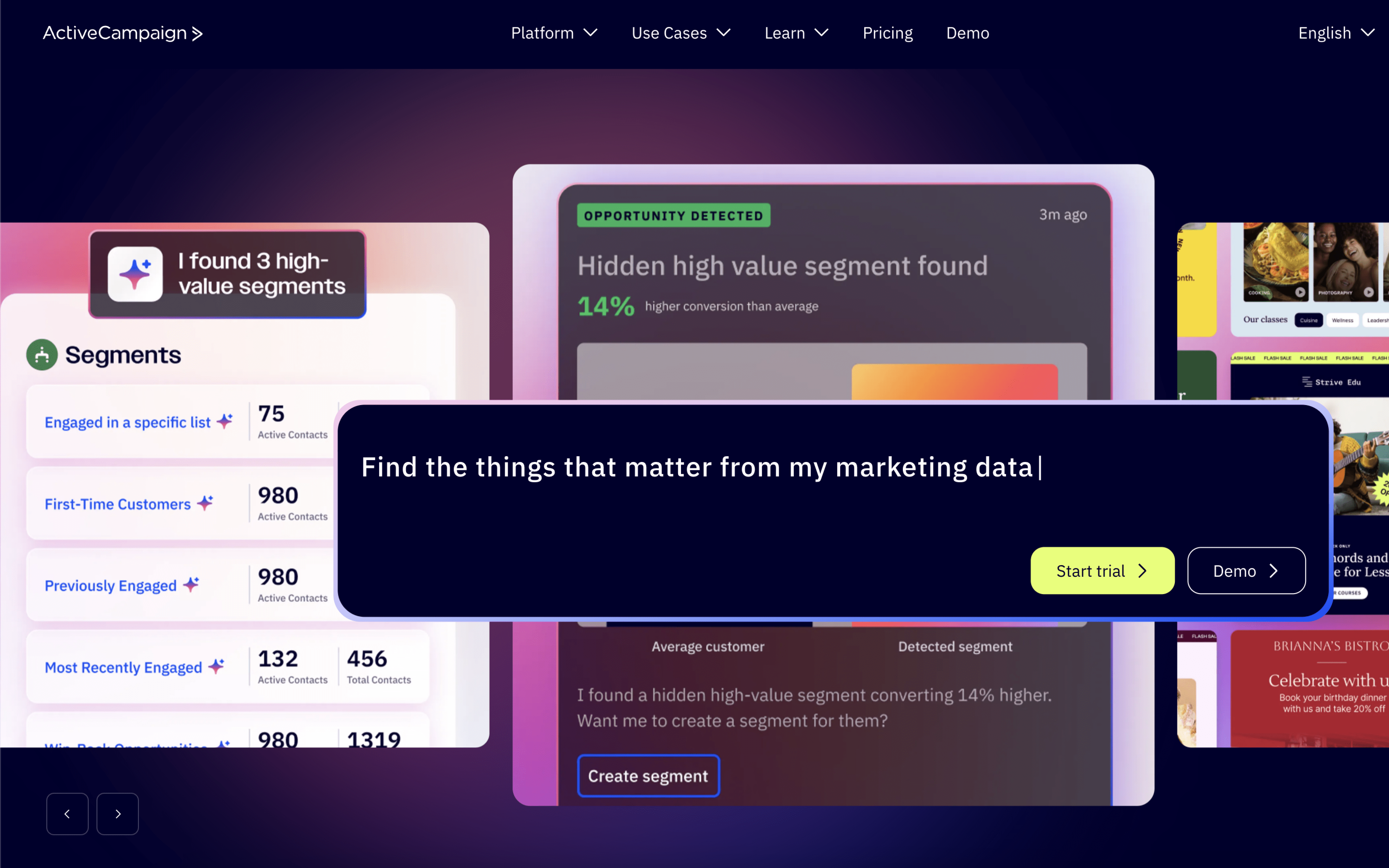
ActiveCampaign screenshot

ActiveCampaign is typically used by small to mid-sized marketing and sales teams that want one place to run lifecycle messaging while tracking leads and deal progress. It often sits with a growth marketer, sales lead, or operations generalist who maintains automations and data hygiene.

Teams usually import contacts, connect website and app integrations, then build segments that update as people take actions. Day to day, they monitor automations that trigger emails and follow-ups, route leads into a pipeline, assign tasks, and review engagement to adjust campaign timing and handoffs.

Good Fit For

  • Teams running recurring newsletters and promotional sends alongside always-on onboarding or nurture sequences
  • Organizations that need marketing-triggered deal creation, pipeline stage updates, and rep task assignment tied to contact behavior
  • Workflows where a small team coordinates campaign launches weekly while maintaining automated follow-ups continuously

Considerations

  • Combining campaign work, automations, and CRM-style pipelines in one workspace can require ongoing governance to keep naming, segmentation, and routing rules consistent
  • Behavior-based journeys depend on accurate tracking and integrations, so setup and troubleshooting can become a regular operational task
#2 Drip

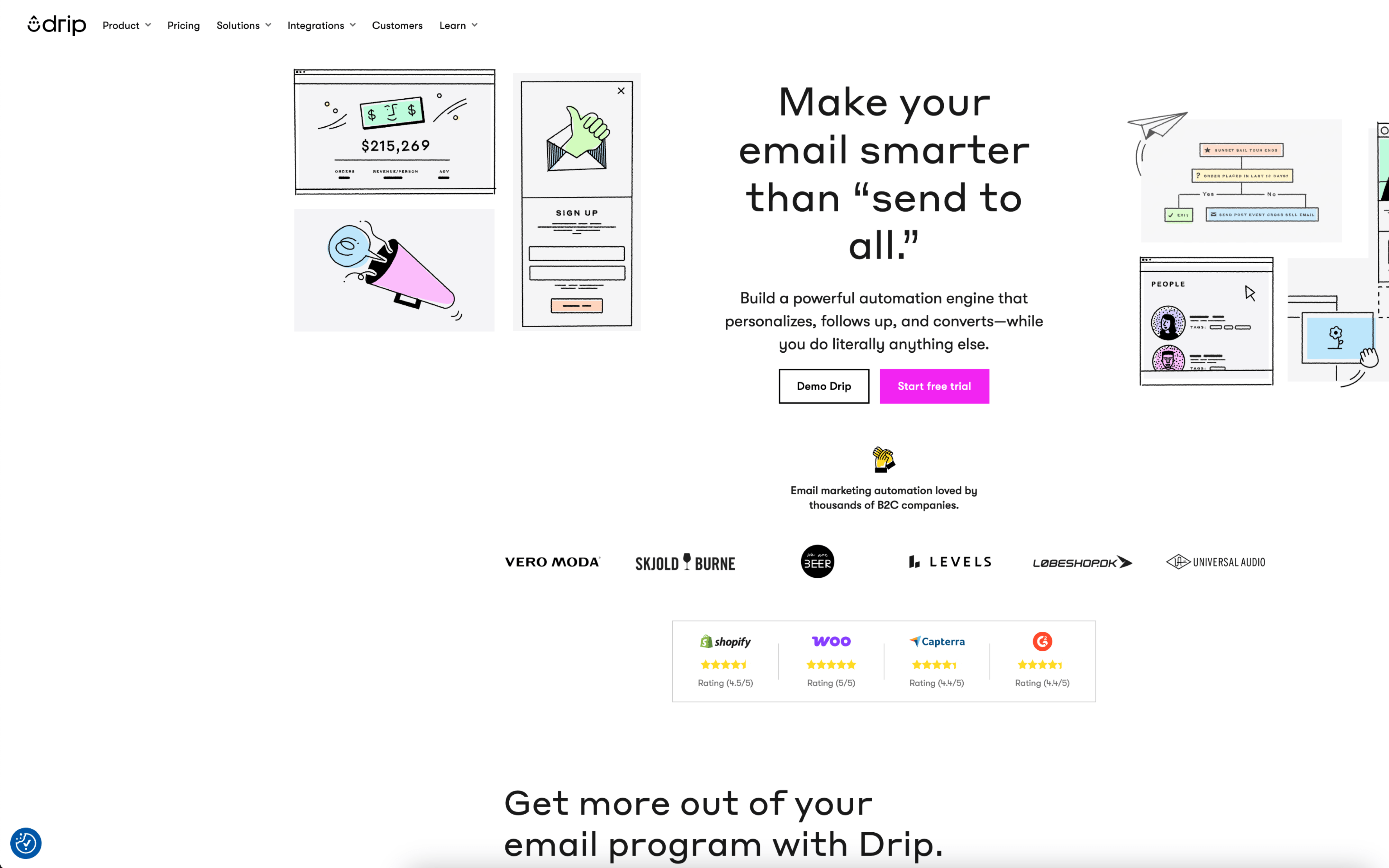
Drip screenshot

Drip is typically used by B2C teams, especially ecommerce marketers, who run email programs tied to customer and store activity. It tends to sit with lifecycle or retention owners coordinating ongoing automated messaging alongside scheduled sends.

Teams connect Drip to their storefront and other tools, then organize audiences around customer behavior and attributes. Day to day, they maintain automated workflows for events like signup, onboarding, and abandonment, and layer in calendar-based campaigns for launches and promotions.

Good Fit For

  • Ecommerce teams running weekly promotional sends alongside always-on lifecycle flows like welcome, browse, and cart abandonment
  • Marketing teams that want store and customer data available for segmentation and message personalization without relying on engineering for each change
  • Teams coordinating repeatable campaign playbooks where the same workflow is reused and adjusted per season, collection, or offer

Considerations

  • Workflow-driven operations can require ongoing monitoring to prevent overlapping messages, audience fatigue, or conflicting campaign schedules
  • Teams with complex cross-channel orchestration needs may need additional systems to coordinate work beyond email-centric programs

#3 HubSpot Email Marketing

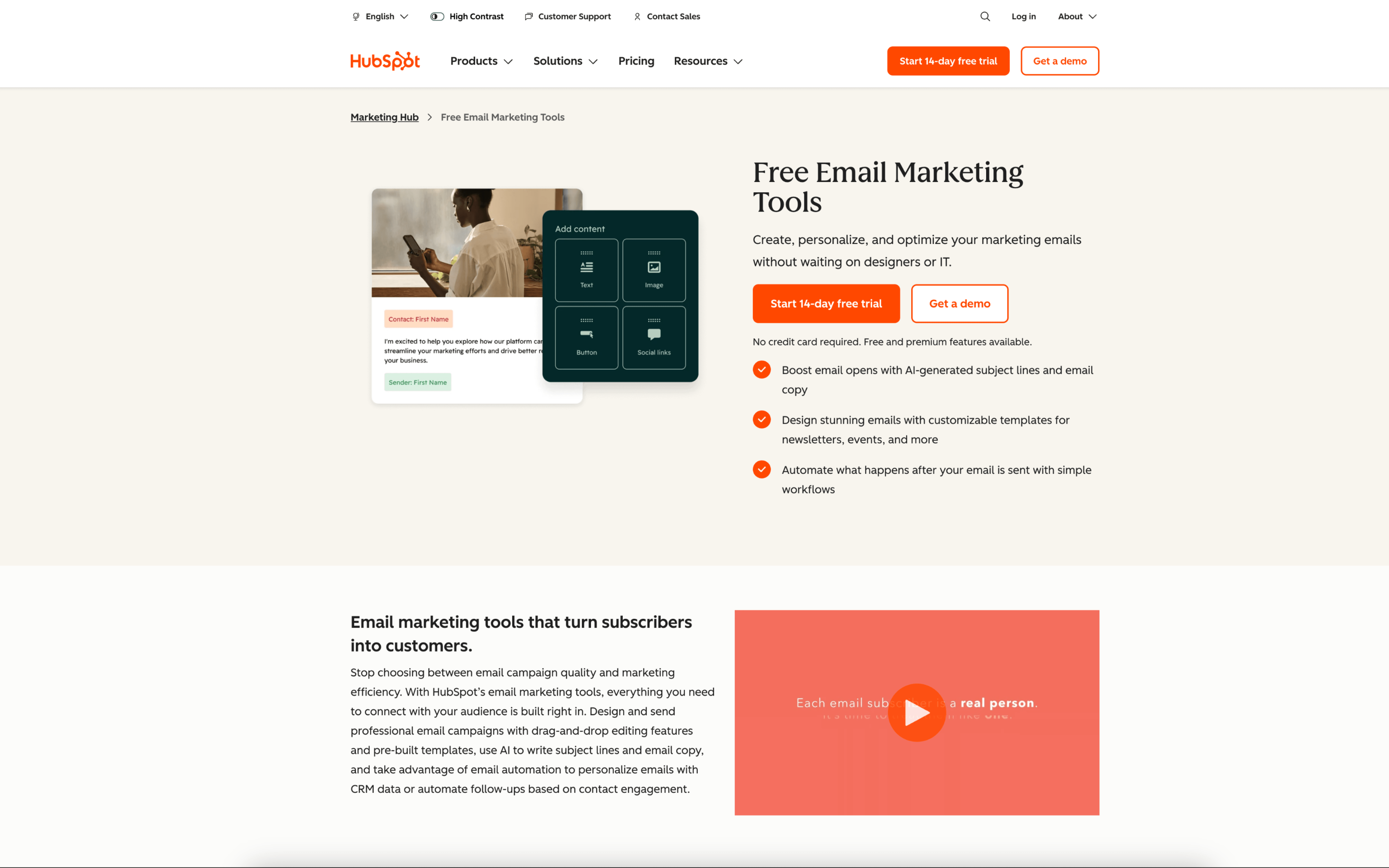
HubSpot Email Marketing screenshot

HubSpot Email Marketing is typically used by marketing teams that want to run email communication tied to a shared contact database and broader CRM activity. It often sits inside a lead generation and nurturing workflow rather than operating as a standalone newsletter tool.

Teams build emails for specific audiences, using contact properties and list membership to target sends. Day to day, marketers draft, review, schedule, and monitor campaigns, then use performance results to refine segments, follow-ups, and ongoing nurture sequences.

Good Fit For

  • Teams running weekly or monthly marketing campaigns where email targeting depends on CRM fields, lifecycle stage, or recent form submissions
  • Organizations coordinating lead nurture across marketing and sales, where email engagement needs to be visible alongside contact history
  • Teams managing ongoing onboarding or re-engagement emails that need to trigger from contact updates and list changes

Considerations

  • Email execution tends to assume disciplined contact data and list governance, which can add operational overhead for imports, properties, and segmentation rules
  • Teams with highly custom messaging logic may need to align work to HubSpot’s workflow model and integration patterns rather than fully bespoke event-driven behavior

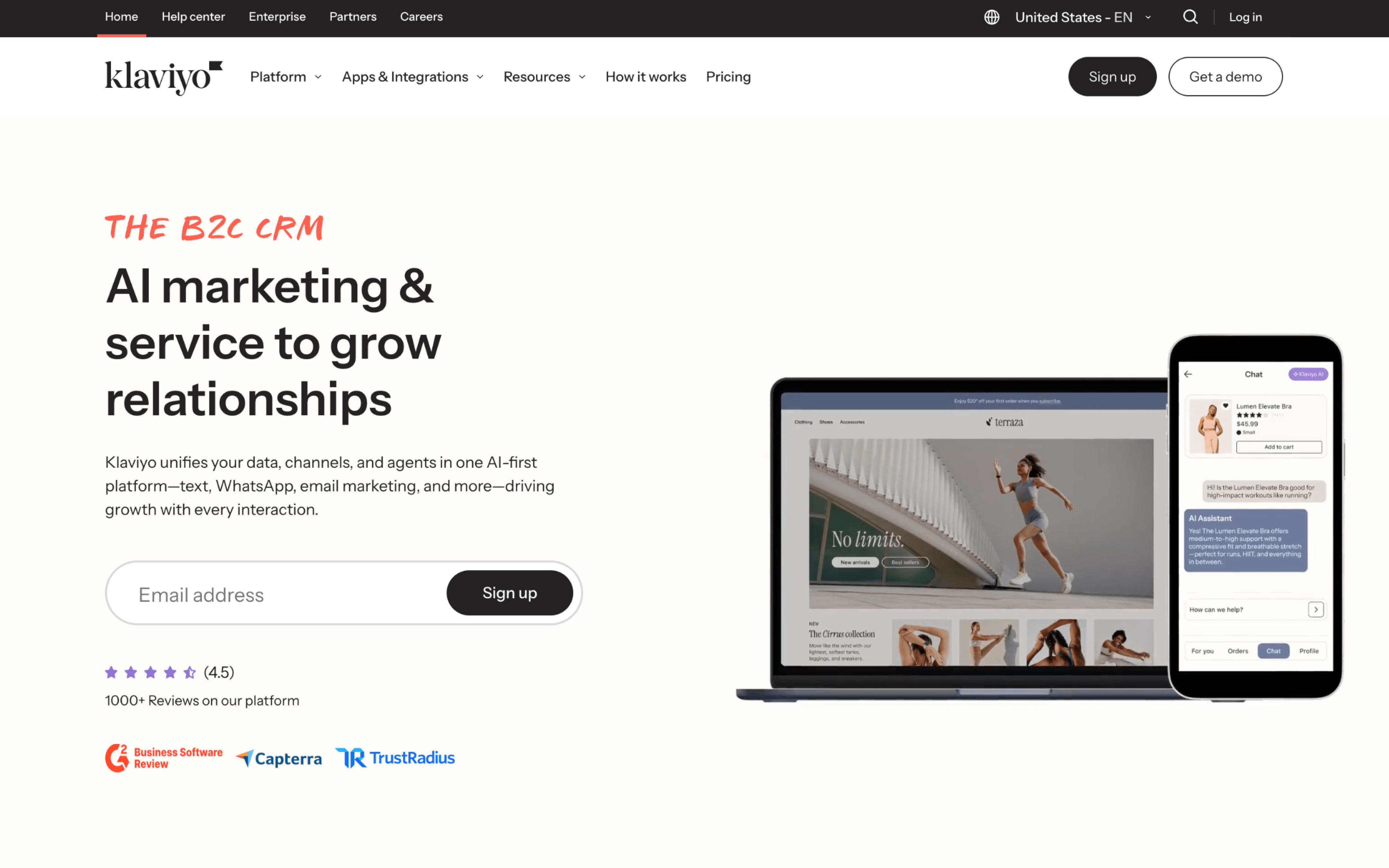
#4 Klaviyo

Klaviyo screenshot

Klaviyo is typically used by B2C marketing teams, especially ecommerce operators, who run customer lifecycle messaging tied to shopping behavior. It is commonly owned day to day by retention or CRM marketers coordinating email and SMS from a shared customer dataset.

Teams connect their store and key data sources, then organize audiences into segments based on events and profile attributes like purchases, browsing, and engagement. Work happens in recurring campaign cycles (promotions, newsletters) alongside always-on automated “flows” such as welcome, cart abandonment, and post-purchase follow-ups, with ongoing testing and reporting to adjust timing, logic, and content.

Good Fit For

  • Ecommerce teams running weekly promotions while maintaining always-on lifecycle sequences like welcome, browse, cart, and post-purchase
  • Retention marketers who rely on behavior-triggered messaging and need segments built from real-time store and website activity
  • Teams coordinating email and SMS touchpoints in a single workflow to manage timing and reduce message overlap across channels

Considerations

  • Workflow quality depends on clean event tracking and consistent data syncing; integration gaps can lead to mistargeted or mistimed messages
  • As segmentation and flow logic becomes more granular, ongoing maintenance and QA can become a recurring operational workload

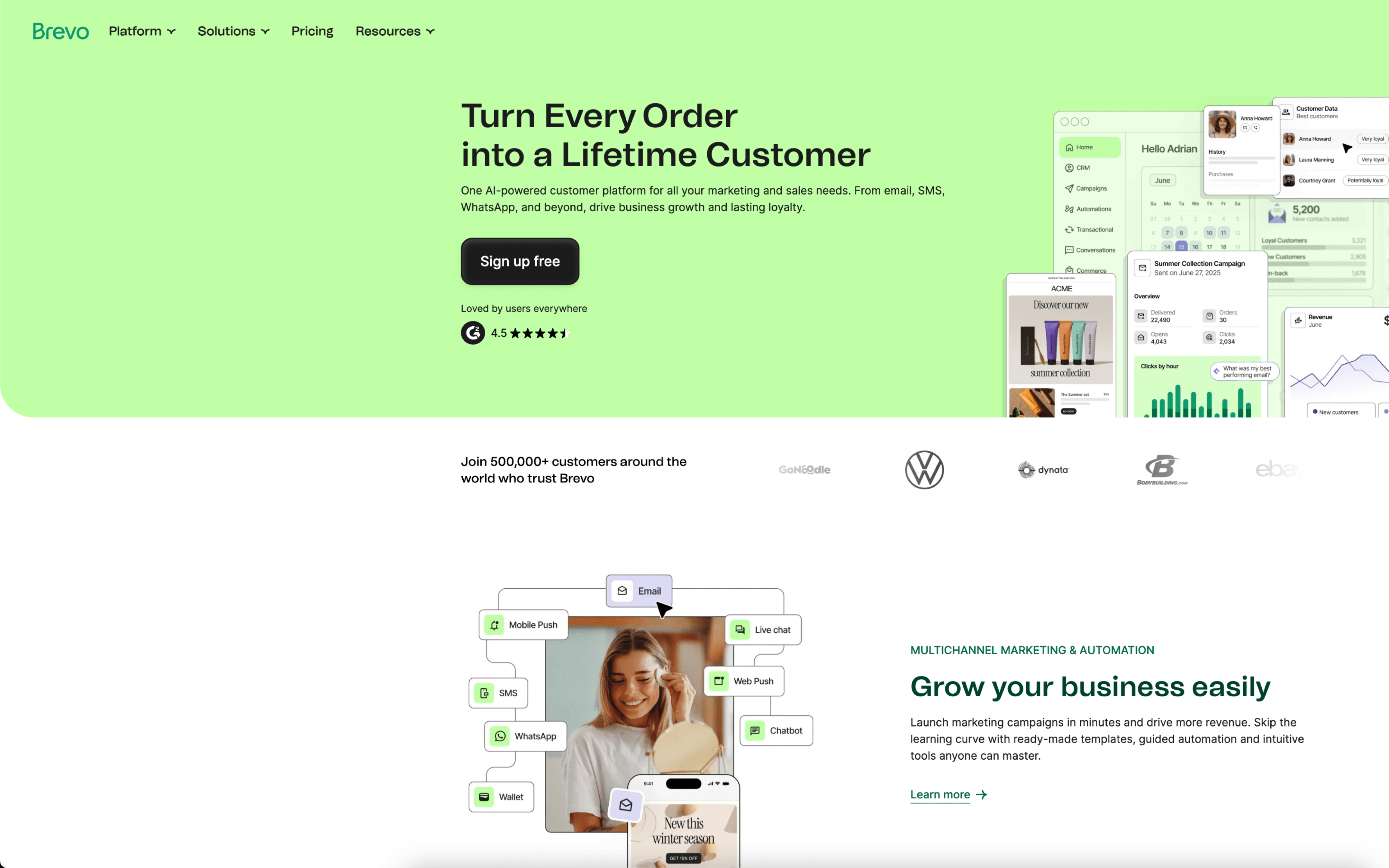
#5 Brevo

Brevo screenshot

Brevo is typically used by marketing and ops teams that run email-led lifecycle messaging and need one place to manage contacts, segmentation, and outbound communication. It is often adopted when teams want campaign execution and basic customer management to sit in the same workflow.

Teams import or sync contacts, organize them into lists or segments, and run a cadence of scheduled newsletters alongside automated messages tied to customer actions. Day to day work focuses on building campaigns, setting triggers, monitoring deliverability and engagement, and iterating based on reporting.

Good Fit For

  • Teams sending weekly or monthly newsletters and using segmentation to tailor content by audience attributes
  • Businesses running lifecycle automations like welcome, cart abandonment, post-purchase follow-ups, and win-back sequences
  • Teams that coordinate messaging across email and SMS from a shared contact database and campaign calendar

Considerations

  • Teams with complex data models may need additional setup work to keep contact attributes, segments, and automations aligned over time
  • As messaging volume and journey complexity grow, maintaining consistent governance across campaigns, lists, and automations can become an ongoing operational task

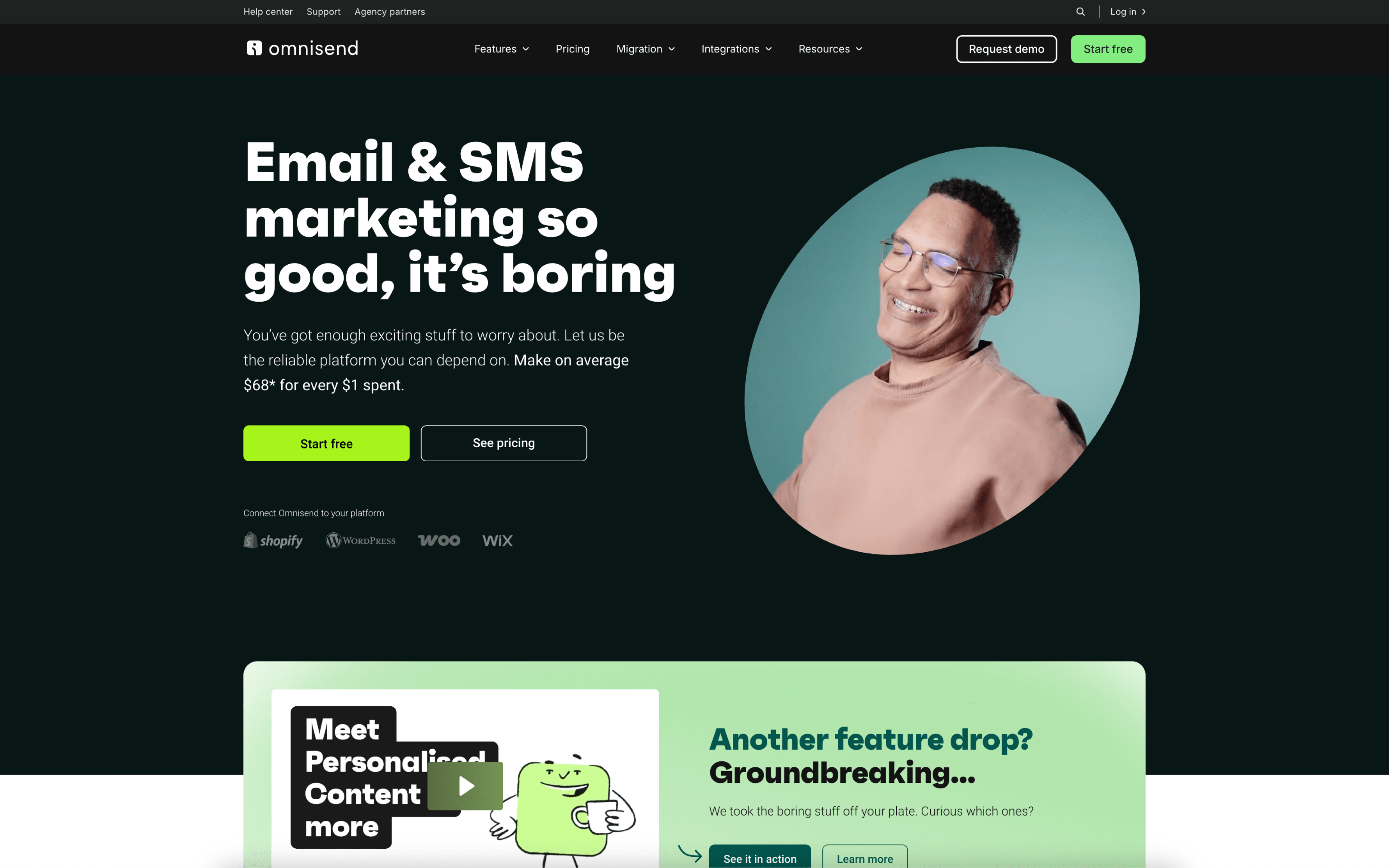
#6 Omnisend

Omnisend screenshot

Omnisend is typically used by ecommerce marketing teams that run recurring promotional sends alongside lifecycle messaging tied to shopping behavior. It tends to sit with the team responsible for email, SMS, and onsite list growth for a storefront.

Teams connect their store so customer, product, and order activity updates automatically, then split work between scheduled campaigns and always-on automations. Day to day, marketers build segments from purchase and engagement signals, refresh creative, and review performance by campaign and workflow.

Good Fit For

  • Brands running weekly or seasonal promotional calendars and needing a repeatable process to build, schedule, and report on sends
  • Ecommerce teams setting up always-on sequences like welcome, cart or browse abandonment, post-purchase follow-ups, and win-back
  • Teams coordinating cross-channel messages where timing and audience rules need to stay aligned across email and mobile messaging

Considerations

  • Workflows are optimized for ecommerce events, so non-commerce use cases may require workarounds in data modeling and triggering
  • Cross-channel coordination adds operational overhead, including managing contact preferences, compliance expectations, and message frequency across channels

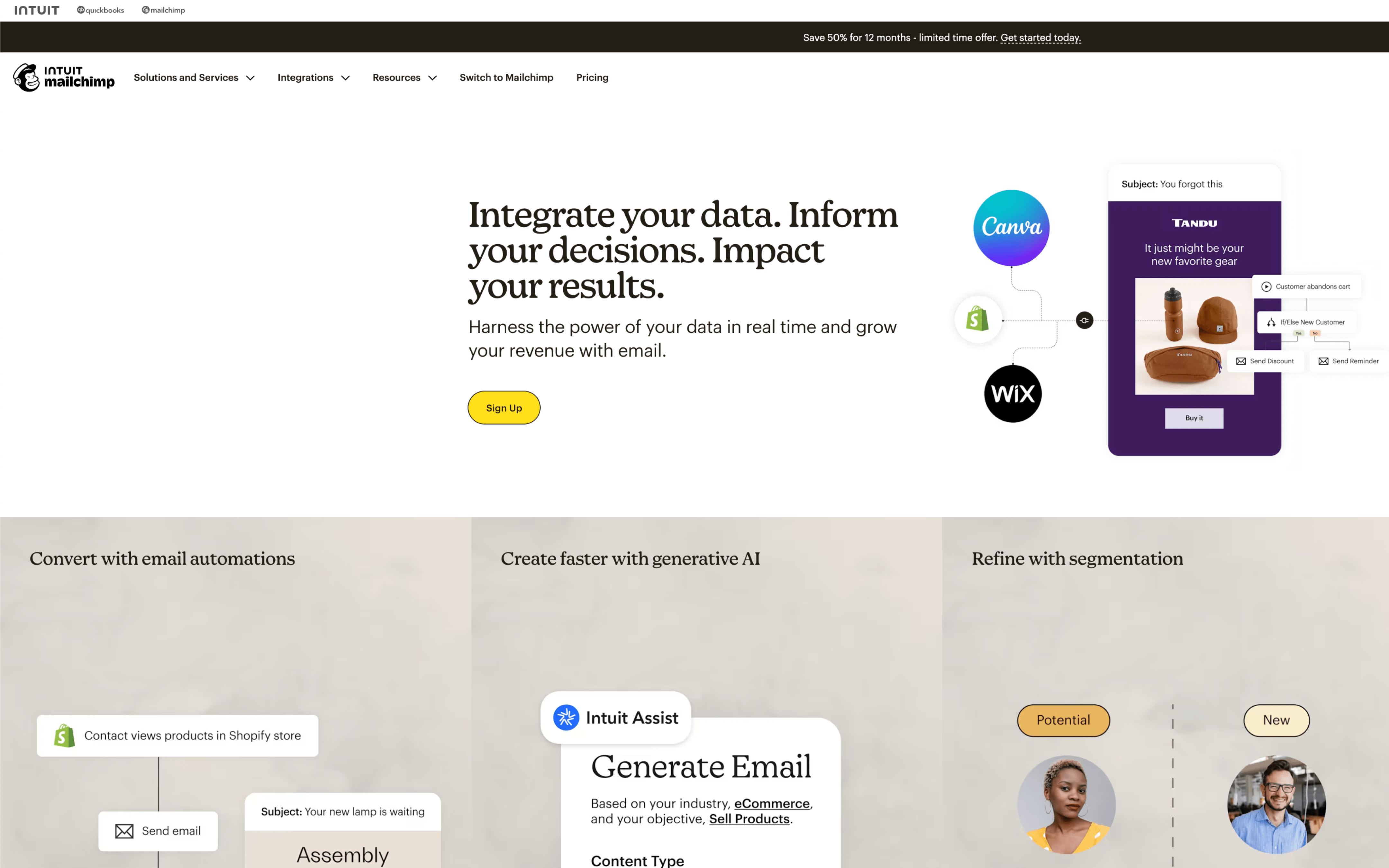
#7 Mailchimp

Mailchimp screenshot

Mailchimp is typically used by marketing and operations teams that run recurring email communications and promotional campaigns to an owned audience. It often sits with teams that want one place to manage contacts, messaging schedules, and basic lifecycle automations.

Teams organize contacts into audiences, then build segments to target newsletters, announcements, and promotions on a weekly or monthly cadence. Day to day, they draft content, schedule sends, monitor engagement reports, and maintain always-on automations like welcome or cart follow-ups based on subscriber actions.

Good Fit For

  • Teams publishing a regular newsletter and scheduling promotional sends around a marketing calendar
  • Ecommerce teams running welcome and abandoned-cart follow-ups using purchase and site activity from connected stores
  • Small marketing teams that need a shared workspace to manage lists, build campaigns, and review results between sends

Considerations

  • Keeping contact data clean can require ongoing work, especially when the same person appears across multiple audiences or sources
  • Once a campaign is sent, changes require creating a new send or adjusting future schedules, which can limit last-minute corrections