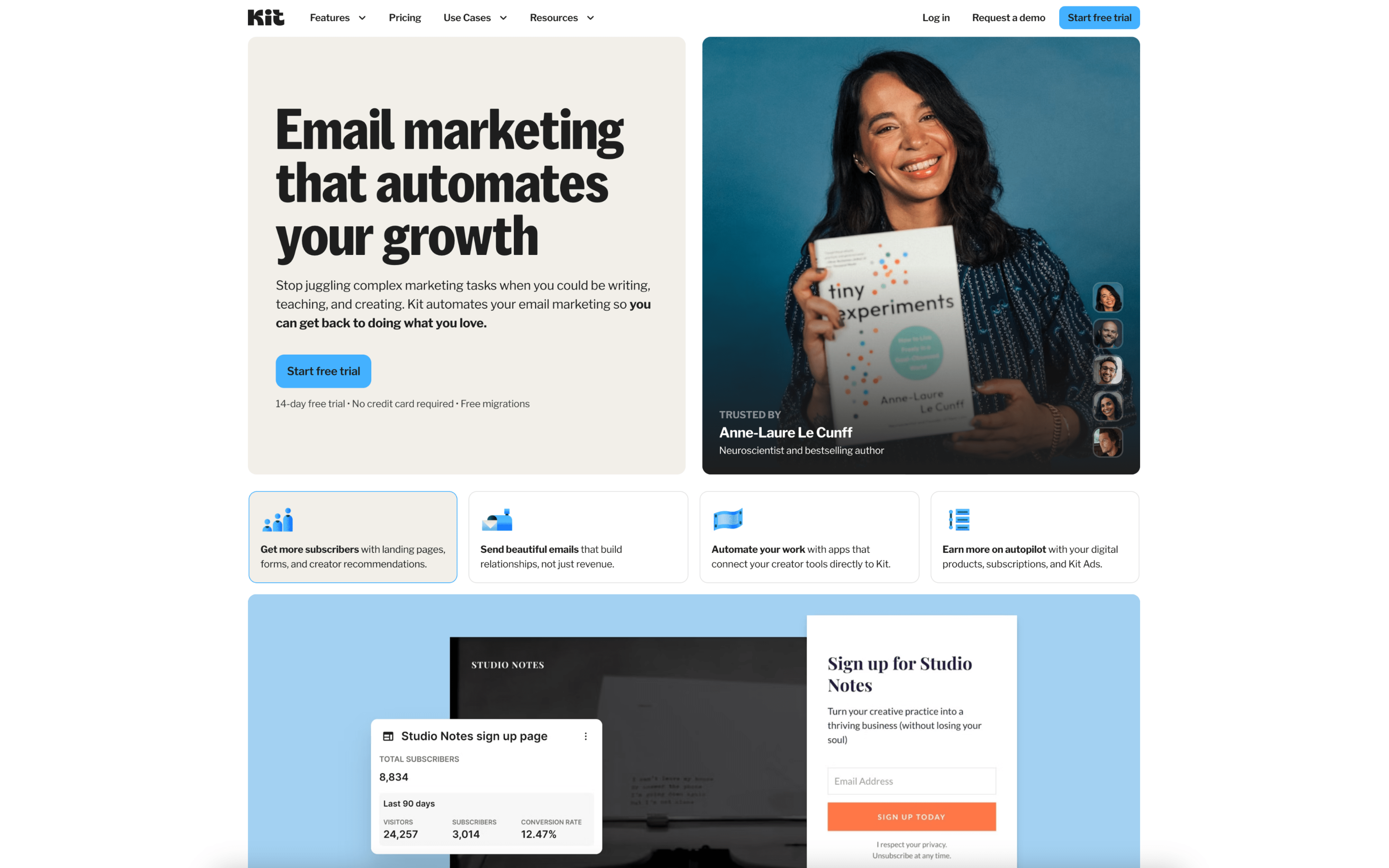
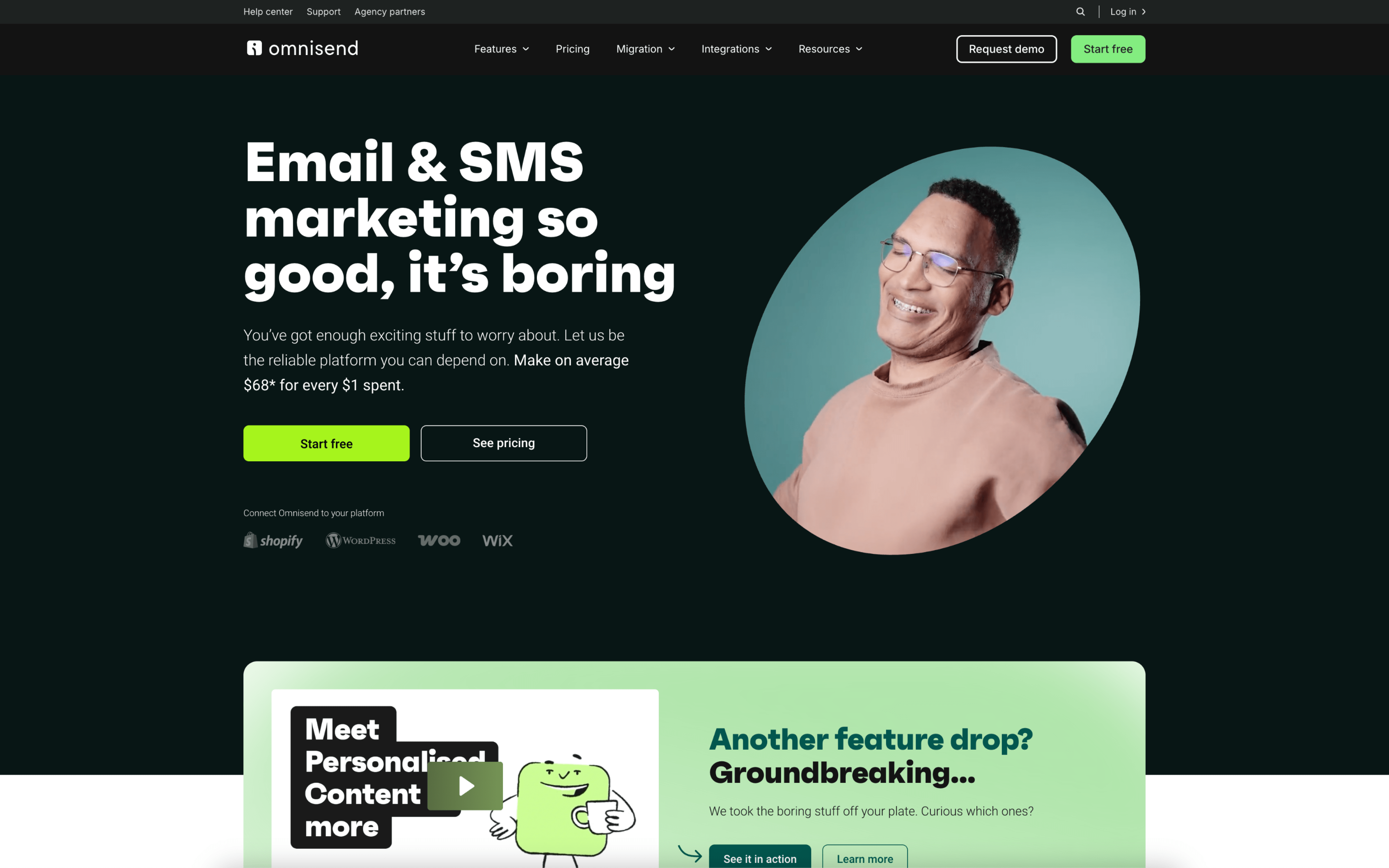
The biggest difference between ConvertKit and Omnisend is what they’re optimized to make “automatic.” ConvertKit is built around creator-style email publishing and relationship-building, where tagging, segmentation, and visual automations support consistent audience nurturing without heavy operational complexity. Omnisend prioritizes ecommerce lifecycle marketing, where customer actions and purchase signals drive coordinated messaging across channels like email, SMS, and web push.
That tradeoff traces back to each platform’s core product bets: ConvertKit emphasizes a creator-aligned workflow (including tag-based subscriber management and straightforward sequences), which keeps setup focused on content-led funnels and monetization pathways. Omnisend started as an ecommerce-focused email tool (founded in 2014 as Soundest and rebranded in 2017) and evolved into omnichannel automation with deep integrations into ecommerce platforms, shaping a data model that leans on real-time store behavior and purchase history to orchestrate campaigns.
For buyers, this difference changes what “good” looks like in daily operations: whether your marketing engine is primarily a publishing cadence with segmentation and automations, or a lifecycle system that reacts to browsing, carts, and orders across multiple channels. The rest of this comparison will unpack how that affects automation depth, cross-channel reach, data dependencies, reporting expectations, and the operating overhead required to keep everything accurate and effective.