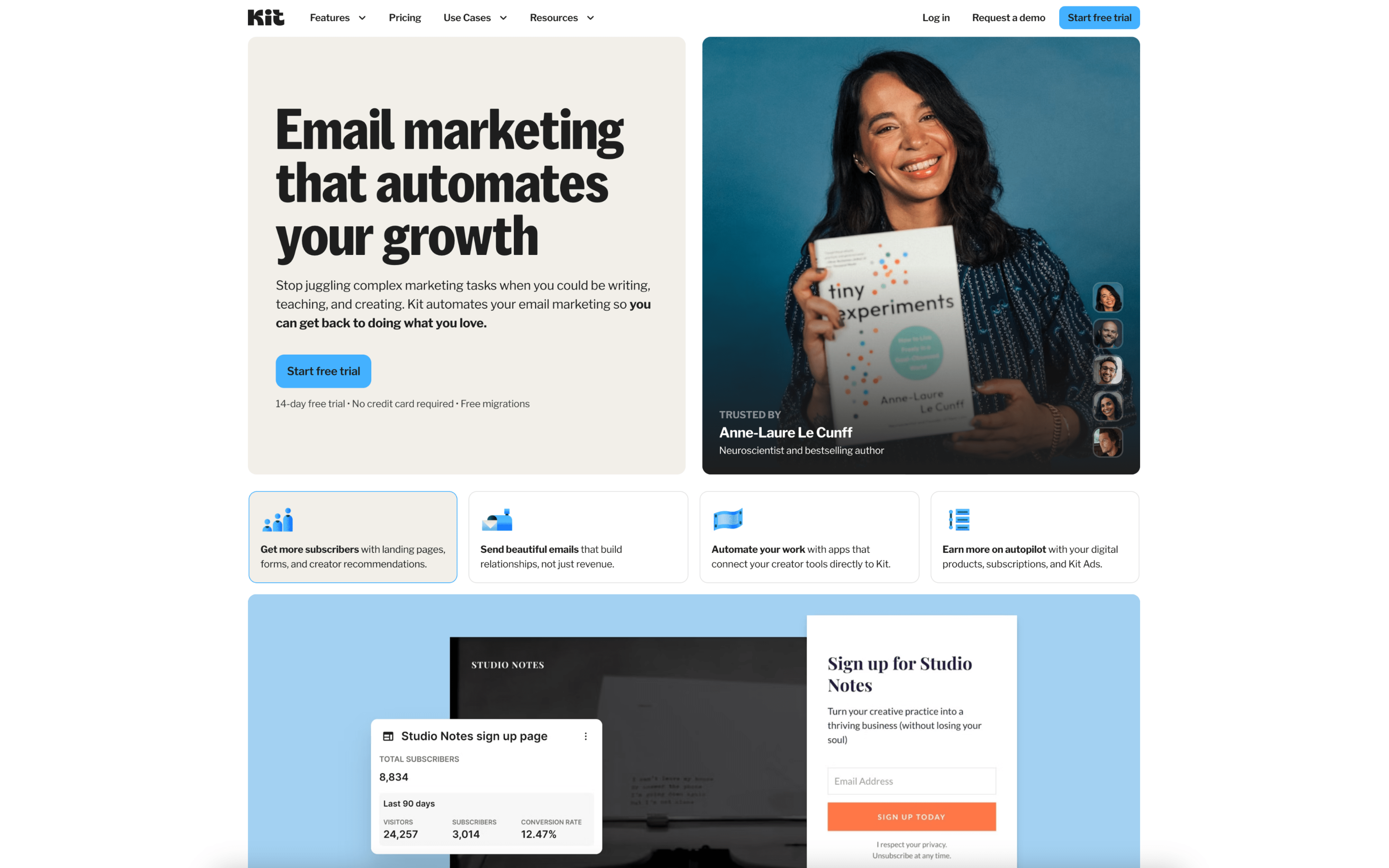
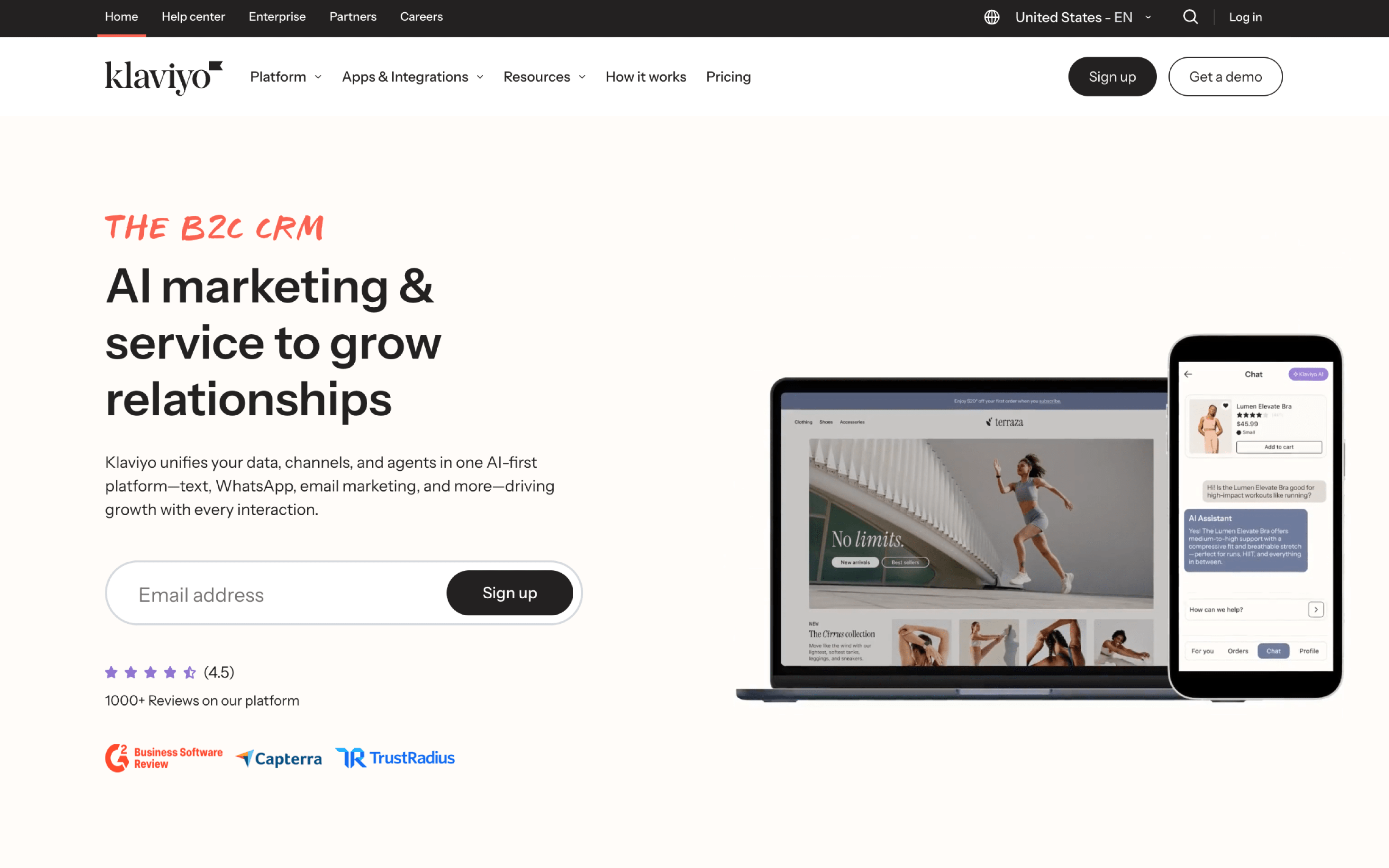
ConvertKit grew out of the creator economy, where publishing and audience-building were the core jobs to support. Klaviyo started in commerce, where brands already had piles of customer events but lacked a way to use them. That split shaped the systems each product built first: messaging workflows versus customer data infrastructure.
Because ConvertKit was built to help creators run email-first publishing, it prioritizes a single contact record with flexible tags over heavy data modeling. This leads to faster setup for common newsletter and sequence patterns, but less depth when you need many behavioral signals. One clear example is its tag-based subscriber management, which avoids duplicate contacts across separate lists.
Because Klaviyo was built to solve a “customer data problem,” it prioritizes collecting, storing, and acting on high-volume events from commerce systems. This leads to richer context for decisions, but it also creates more structure to manage and more moving parts to configure. One concrete example is that Klaviyo began as a customer database and only later added email marketing, reflecting the platform’s data foundation.
Those starting assumptions explain why the two products feel different once you move beyond surface-level capabilities. The next sections unpack how these early priorities show up as practical tradeoffs during day-to-day use.