All Features on Every Plan. No Lock-In.

ConvertKit Alternatives

Explore alternatives to ConvertKit based on how teams actually work.

Last updated: December 28, 2025

How to Read This List

Teams exploring options beyond ConvertKit typically face decisions around pricing structure, automation depth, or how the tool fits their specific workflow (creator-focused vs ecommerce vs general email).

The platforms below are ordered by use case similarity. Each section describes how teams actually work with the tool day to day — not just feature lists.

#1 MailerLite

MailerLite screenshot

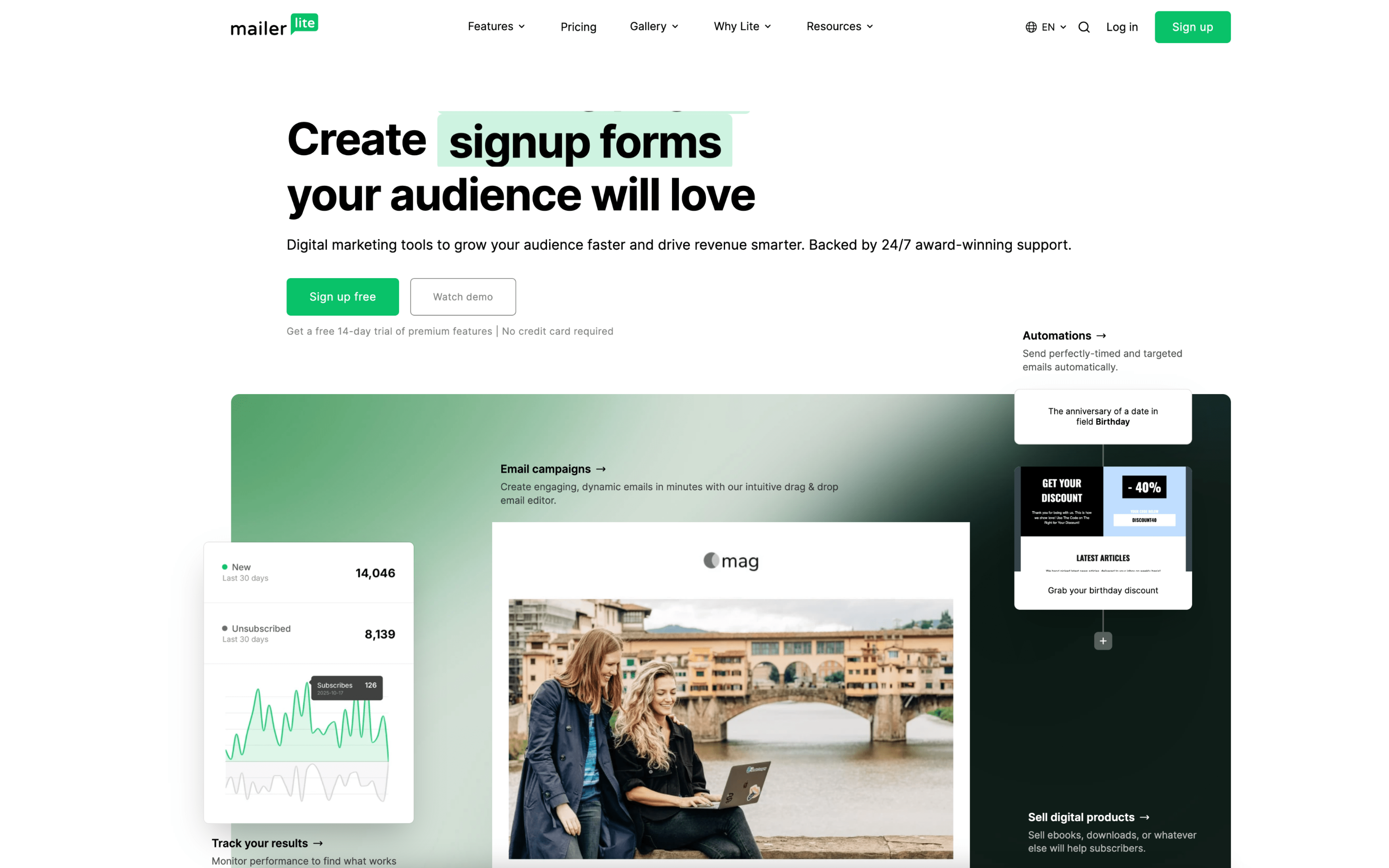
MailerLite is used by teams that run regular email newsletters and promotional campaigns while also collecting leads through forms and landing pages. It often supports creators, small marketing teams, and agencies managing multiple client senders.

Teams organize subscribers into groups and fields, build signup forms or landing pages to capture leads, then send one-off campaigns on a weekly or monthly cadence. They also set up automations triggered by actions like form submissions, group joins, link clicks, or purchases, and review results to adjust future sends.

Good Fit For

  • Teams publishing a recurring newsletter and occasional announcements, with simple segmentation based on signup source or interests
  • Marketing teams running lead magnet funnels where form submissions trigger welcome and nurture sequences
  • Ecommerce operators sending product drops and post-purchase follow-ups, with automations tied to cart or purchase events

Considerations

  • Keeping subscriber data consistent across groups, custom fields, and multiple acquisition sources can require ongoing list hygiene
  • Automation logic depends on well-defined triggers and events; ambiguous tagging or tracking setups can lead to misrouted messages
#2 ActiveCampaign

ActiveCampaign screenshot

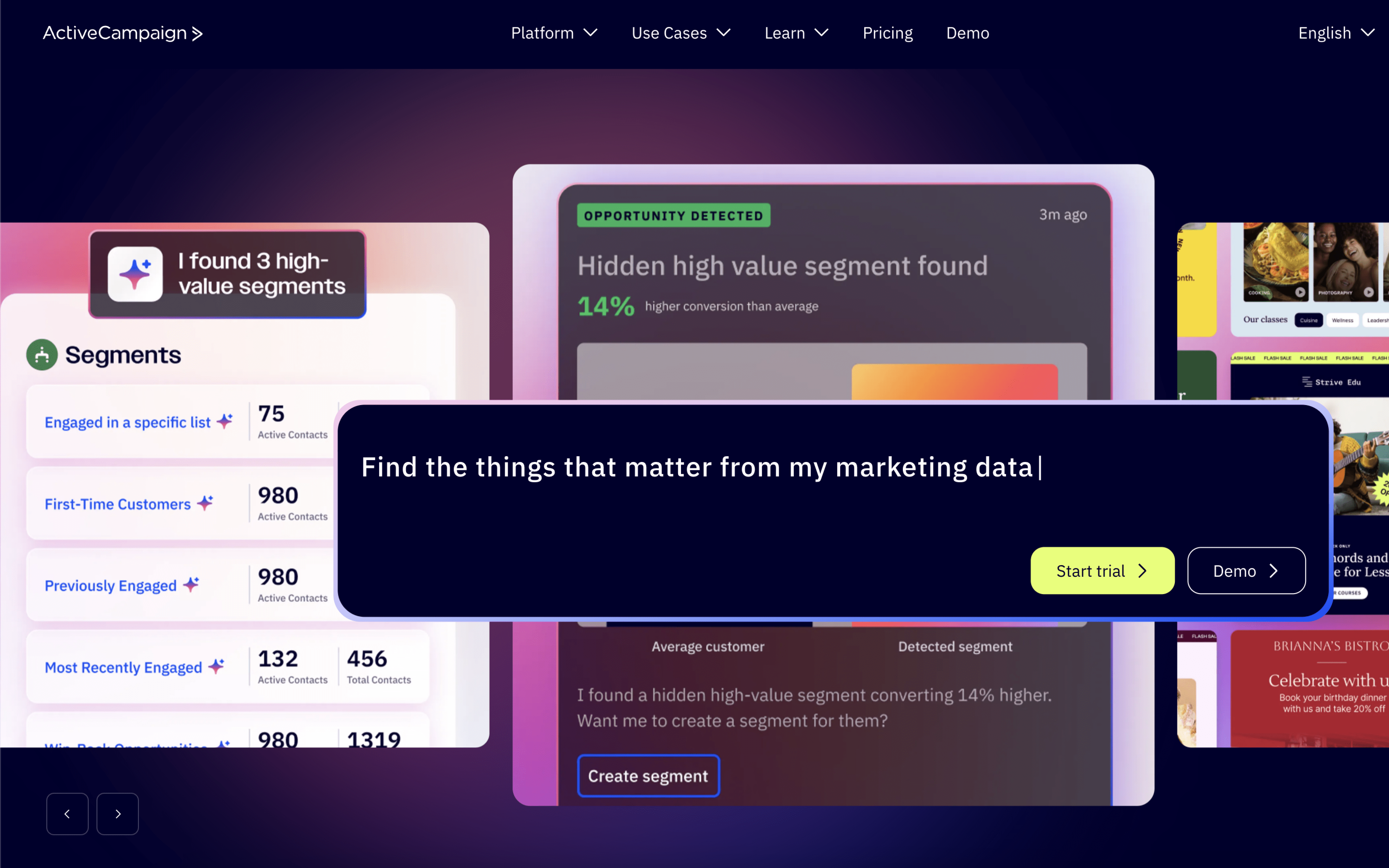
ActiveCampaign is typically used by marketing and revenue teams that want one place to run lifecycle messaging while tracking contacts and sales work. It often shows up where email nurturing, behavioral targeting, and pipeline follow-up need to stay connected.

Teams centralize contacts, apply tags or fields from forms, site activity, and integrations, then run automations that react to behavior (opens, clicks, purchases, page visits). Marketing and sales coordinate through shared contact records, deal stages, tasks, and internal notes.

Good Fit For

  • Teams running ongoing nurture sequences that branch based on engagement or onsite behavior
  • Organizations that need marketing automations to also create, move, or assign deals for consistent follow-up
  • Campaign calendars where weekly sends, list hygiene, and segmentation updates are routine operational work

Considerations

  • Automation-heavy setups can become harder to maintain over time without clear naming, ownership, and documentation
  • Shared marketing and CRM workflows may require agreed rules for fields, tags, and pipeline stages to avoid messy data

#3 Drip

Drip screenshot

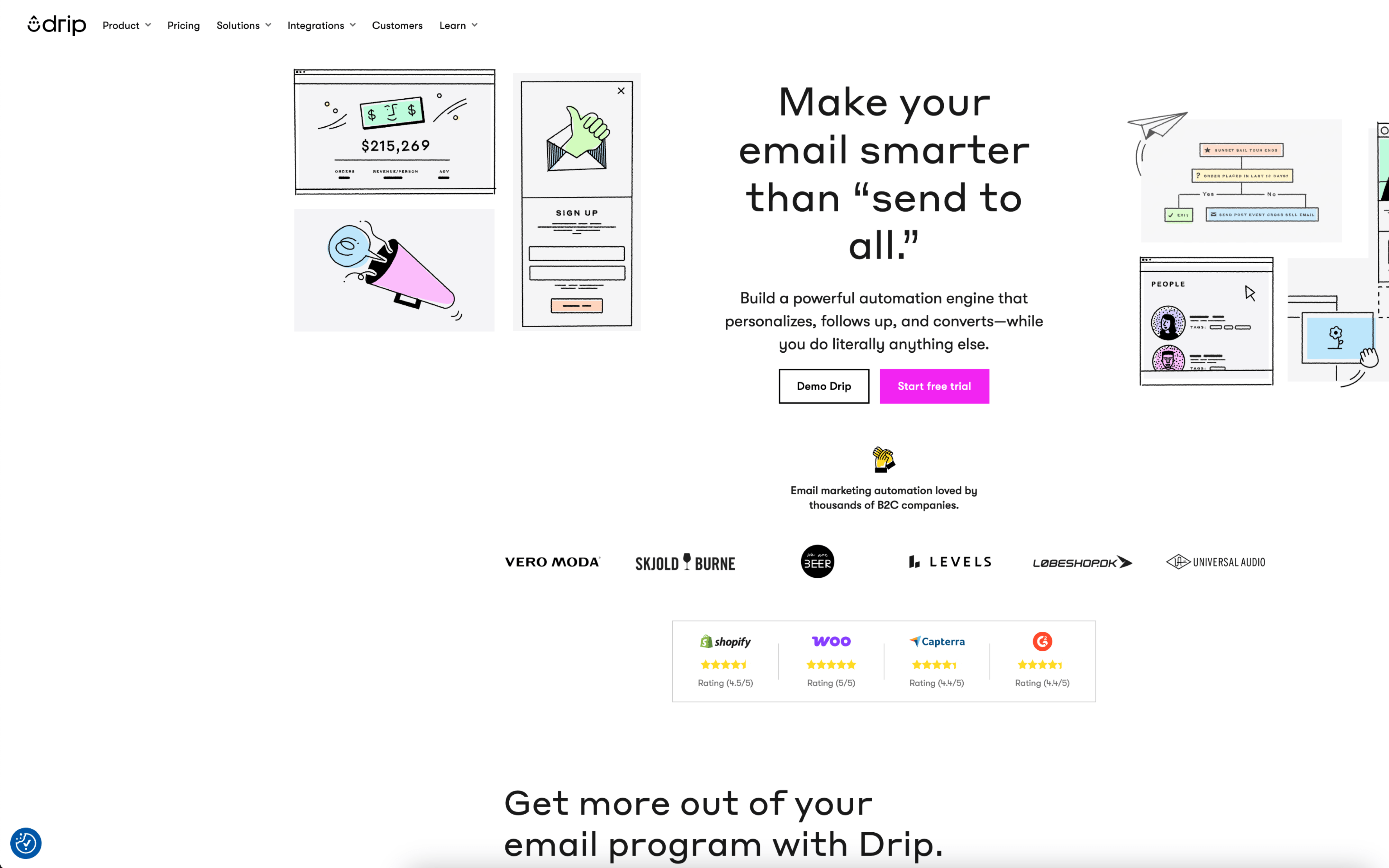
Drip is typically used by B2C marketing teams, especially ecommerce operators, who want customer messaging to reflect shopping behavior and lifecycle stage. It tends to sit with growth or retention teams that run both scheduled campaigns and always-on automation.

Teams connect Drip to their storefront and other data sources, then build segments based on behavior like browsing, purchasing, and engagement. Day to day, they monitor automation workflows, adjust triggers and audiences, launch one-off sends for promotions, and review dashboards to iterate.

Good Fit For

  • Ecommerce teams running weekly promotions alongside evergreen flows like welcome, post-purchase, and browse or cart abandonment
  • Marketing teams that need audience targeting driven by real-time customer behavior and purchase history, not just static lists
  • Teams coordinating onsite signup capture and email follow-ups as one continuous lifecycle process

Considerations

  • Getting consistent results depends on having clean event and customer data from integrations, which can take setup and ongoing maintenance
  • Workflow-heavy operations can increase operational overhead as segments, triggers, and message variants multiply over time

#4 GetResponse

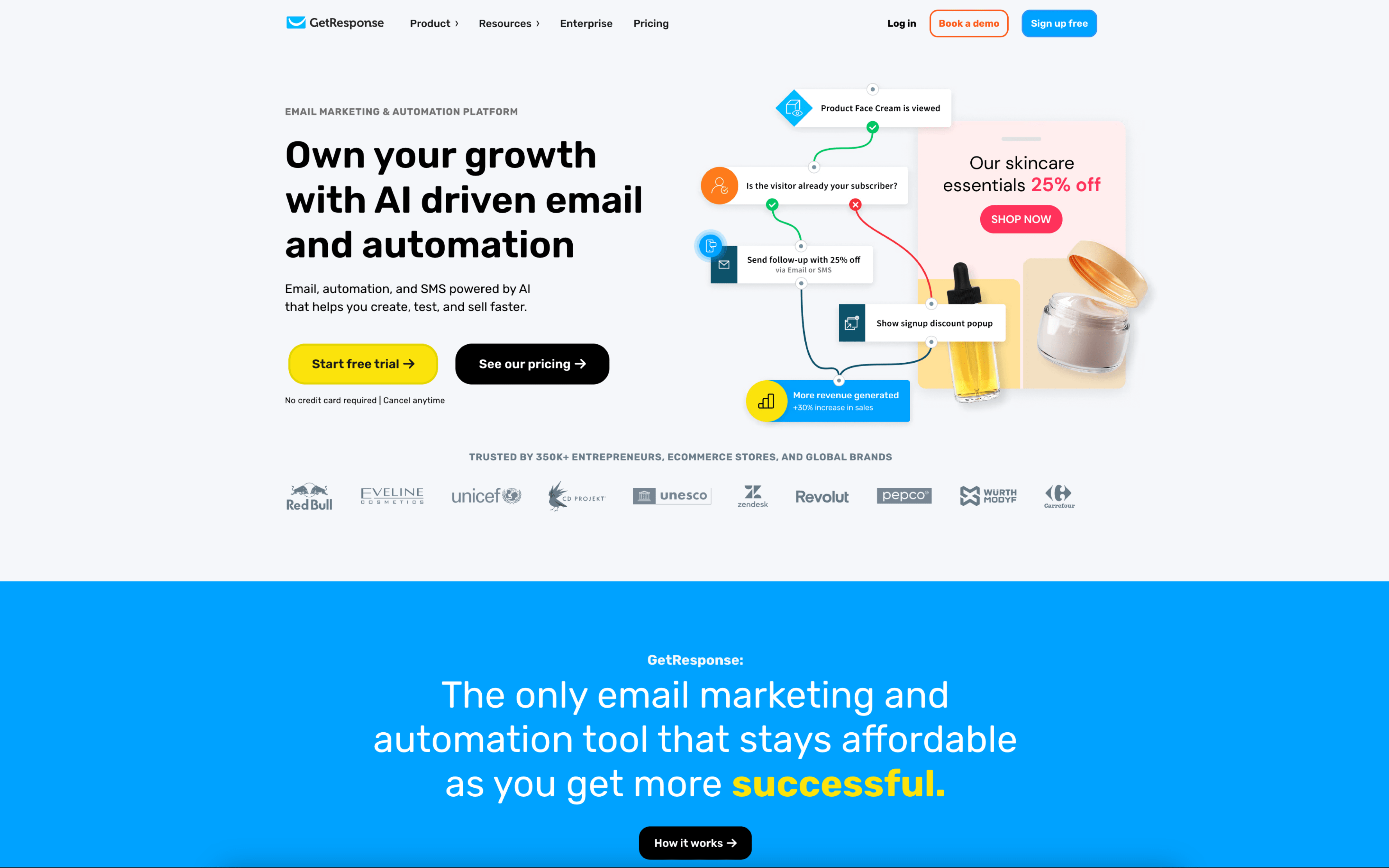
GetResponse screenshot

GetResponse is used by marketing teams and operators who run recurring email campaigns and automated nurture programs, often alongside landing pages and webinar-based lead capture. It commonly supports teams coordinating assets, approvals, and audience segmentation in one workspace.

Teams typically build lists from forms and landing pages, then run a cadence of newsletters and timed campaigns while maintaining always-on automations that tag and segment contacts based on behavior. Work is coordinated through role-based access and approval steps before broadcasts go out, with performance reviewed to adjust targeting and re-engagement flows.

Good Fit For

  • Teams running weekly newsletters plus event-driven automations that adapt based on opens, clicks, and website actions
  • B2B marketers capturing leads via landing pages and webinars, then moving contacts through multi-step nurture sequences
  • Organizations that need multi-user workflows where draft creation, design, and final send approval are handled by different roles

Considerations

  • Coordinating email, landing pages, and automations in one place can add setup overhead for teams that only need simple one-off newsletters
  • Role permissions and send-approval processes can slow down last-minute campaign changes when fast turnarounds are the norm

#5 Mailchimp

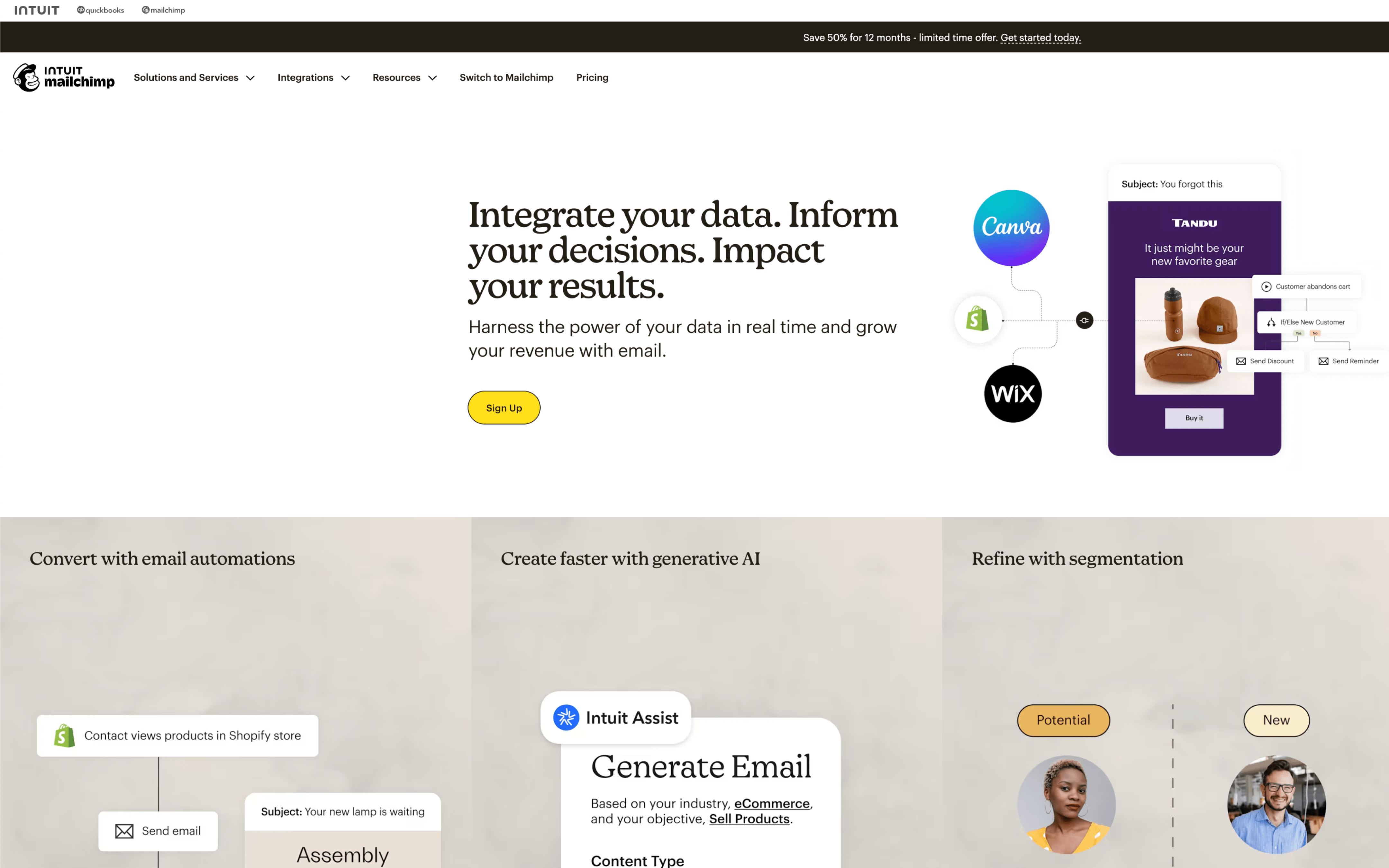
Mailchimp screenshot

Mailchimp is typically used by marketing teams that run recurring email campaigns and lifecycle messaging tied to an audience list, often alongside basic CRM-style contact management. It tends to sit with the team responsible for planning, sending, and reporting on outbound marketing.

Teams organize contacts into an audience, apply tags or segments, then build and schedule campaigns around a calendar of launches and promotions. Day to day, work rotates between drafting content, selecting segments, triggering automated journeys from signups or purchases, and reviewing reports to adjust future sends.

Good Fit For

  • Teams sending weekly or monthly newsletters and announcements and needing a consistent create-review-schedule-report cadence
  • Organizations running welcome series, abandoned cart reminders, or timed follow-ups based on signup and purchase behavior
  • Marketing teams coordinating multi-touch campaigns where audience segmentation and post-send reporting drive the next iteration

Considerations

  • Keeping audience data clean can require ongoing operational work (tags, segments, and sync rules) to avoid inconsistent targeting
  • Once a campaign is sent, changes shift to the next send or to paused/scheduled work, which can constrain late-stage edits

#6 Brevo

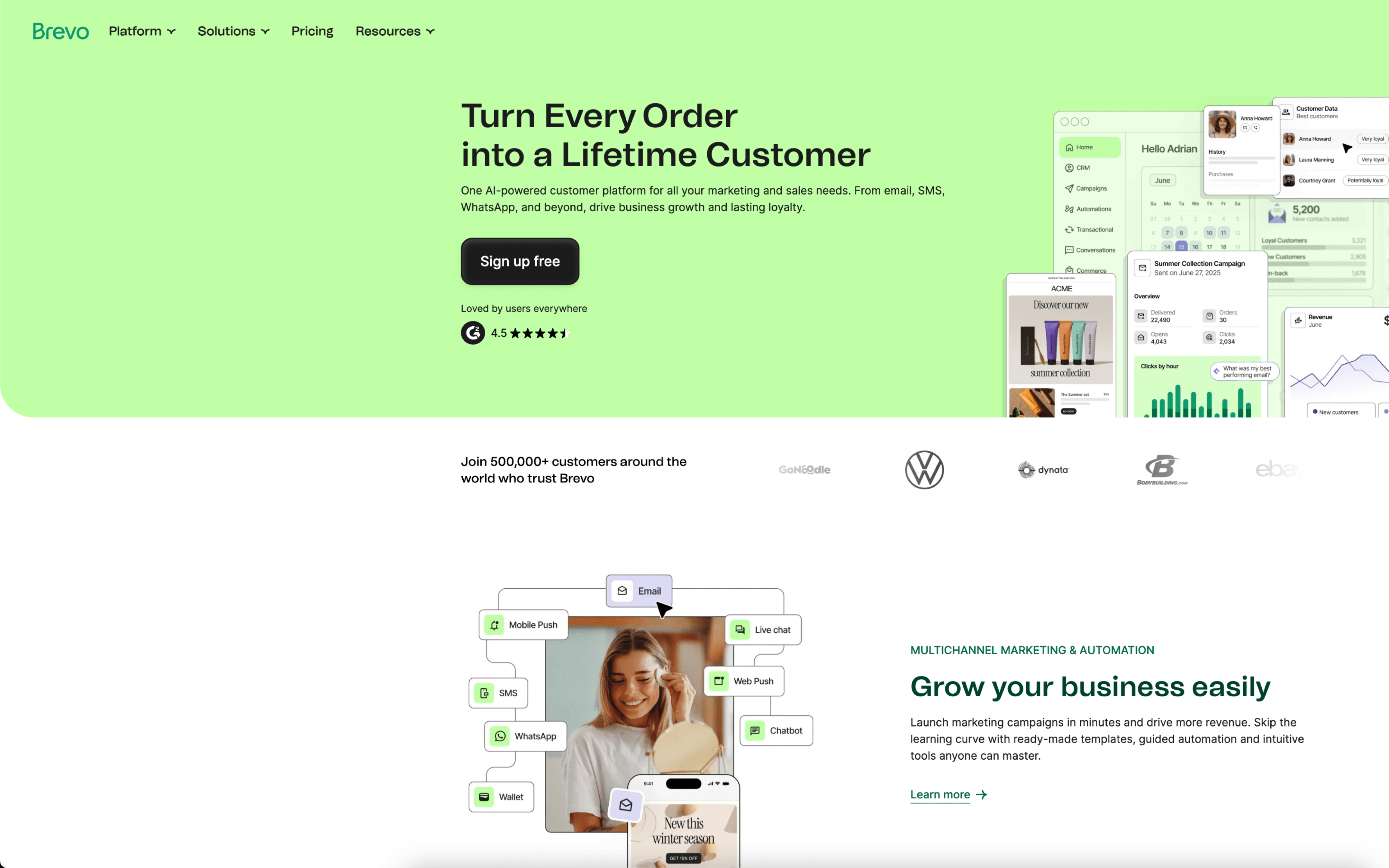
Brevo screenshot

Brevo is typically used by small to mid-sized teams that need to run ongoing customer communications across email and SMS, often alongside basic CRM-style contact tracking. It shows up in marketing, operations, and owner-led teams managing both campaigns and lifecycle messages.

Teams centralize contacts, segment audiences, and run a mix of scheduled broadcasts and always-on automations tied to signups and customer behavior. Day to day, work cycles between building messages, updating lists, monitoring deliverability, and reviewing performance to adjust timing and targeting.

Good Fit For

  • Teams sending weekly or monthly campaigns while maintaining a small set of recurring lifecycle flows like welcome, win-back, or post-purchase follow-ups
  • Organizations coordinating both marketing messages and transactional notifications, with a need to keep contact data and engagement history in one place
  • Operators who rely on ongoing list imports, attribute-based segmentation, and basic reporting to iterate on messaging over repeated campaign cycles

Considerations

  • Some teams report workflow friction as lists and segmentation grow, including occasional slowness when editing campaigns or navigating contact management
  • Operational risk can increase when sending limits, deliverability issues, or account reviews interrupt time-sensitive campaigns, requiring contingency planning and support coordination

#7 Aweber

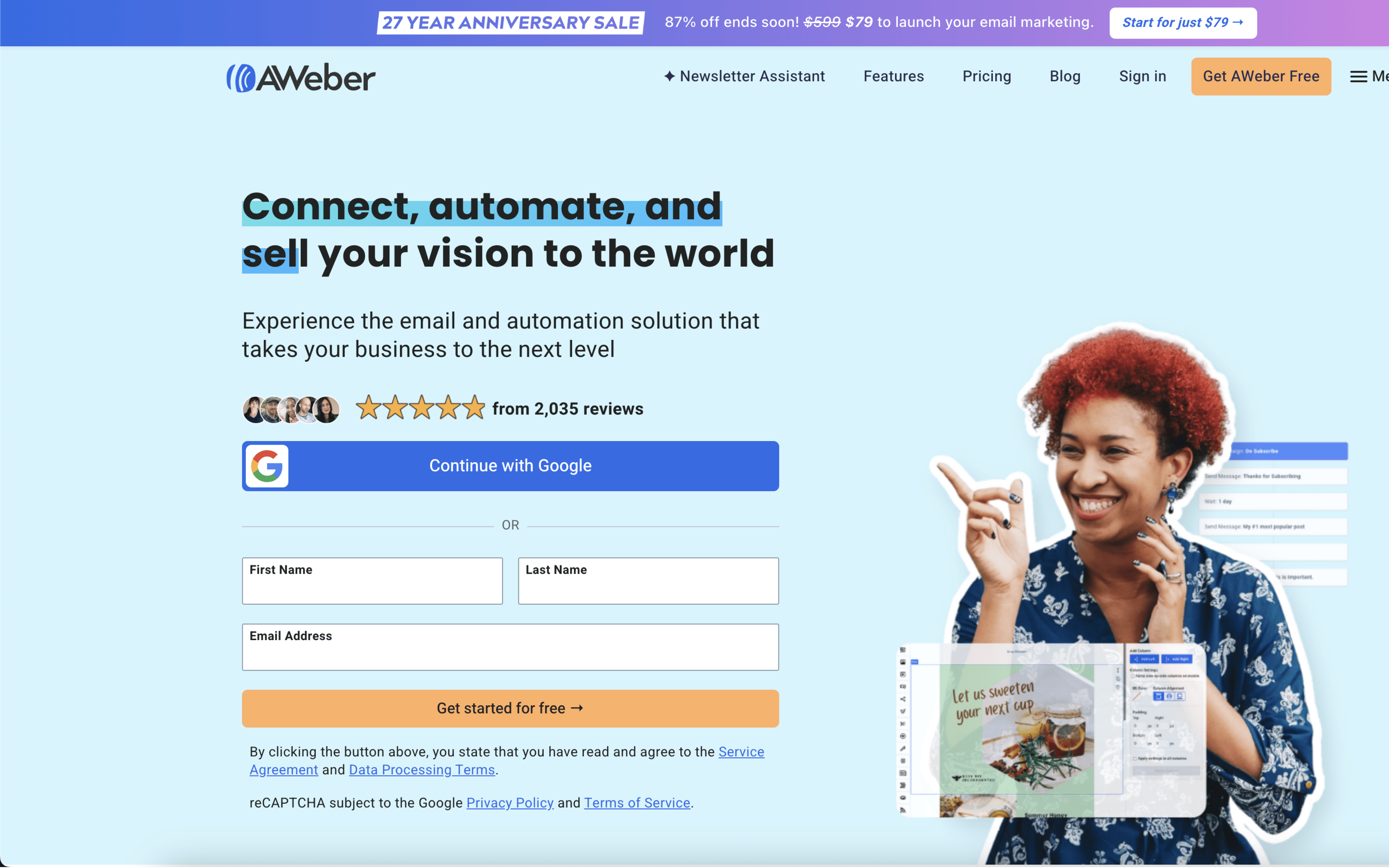
Aweber screenshot

AWeber is typically used by small teams and solo operators who run email newsletters, promotions, and simple follow-up sequences. It is often adopted when email is a primary channel for keeping an audience engaged and converting signups into repeat readers or buyers.

Teams import or sync contacts from forms, landing pages, and connected apps, then organize subscribers with lists, tags, and behavior-based segments. Day to day, work centers on drafting broadcasts, scheduling sends, monitoring opens and clicks, and adjusting targeting for the next send.

Good Fit For

  • Teams sending weekly or monthly newsletters and occasional promotional blasts to segmented audiences
  • Businesses capturing leads from web forms or landing pages and routing them into a welcome series and follow-up messages
  • Operators coordinating subscriber growth through integrations that keep contact data in sync with a website, ecommerce, or scheduling tool

Considerations

  • Automation logic tends to be straightforward, which can limit highly branched or deeply conditional lifecycle programs
  • Some teams may need extra time to get the exact layout and template behavior they want when refining email designs