All Features on Every Plan. No Lock-In.

Constant Contact vs Omnisend

A side-by-side comparison for teams choosing between Constant Contact and Omnisend.

Last updated: December 17, 2025

Screenshot
vs
Screenshot

Quick Overview

General marketing hub vs ecommerce automation engine

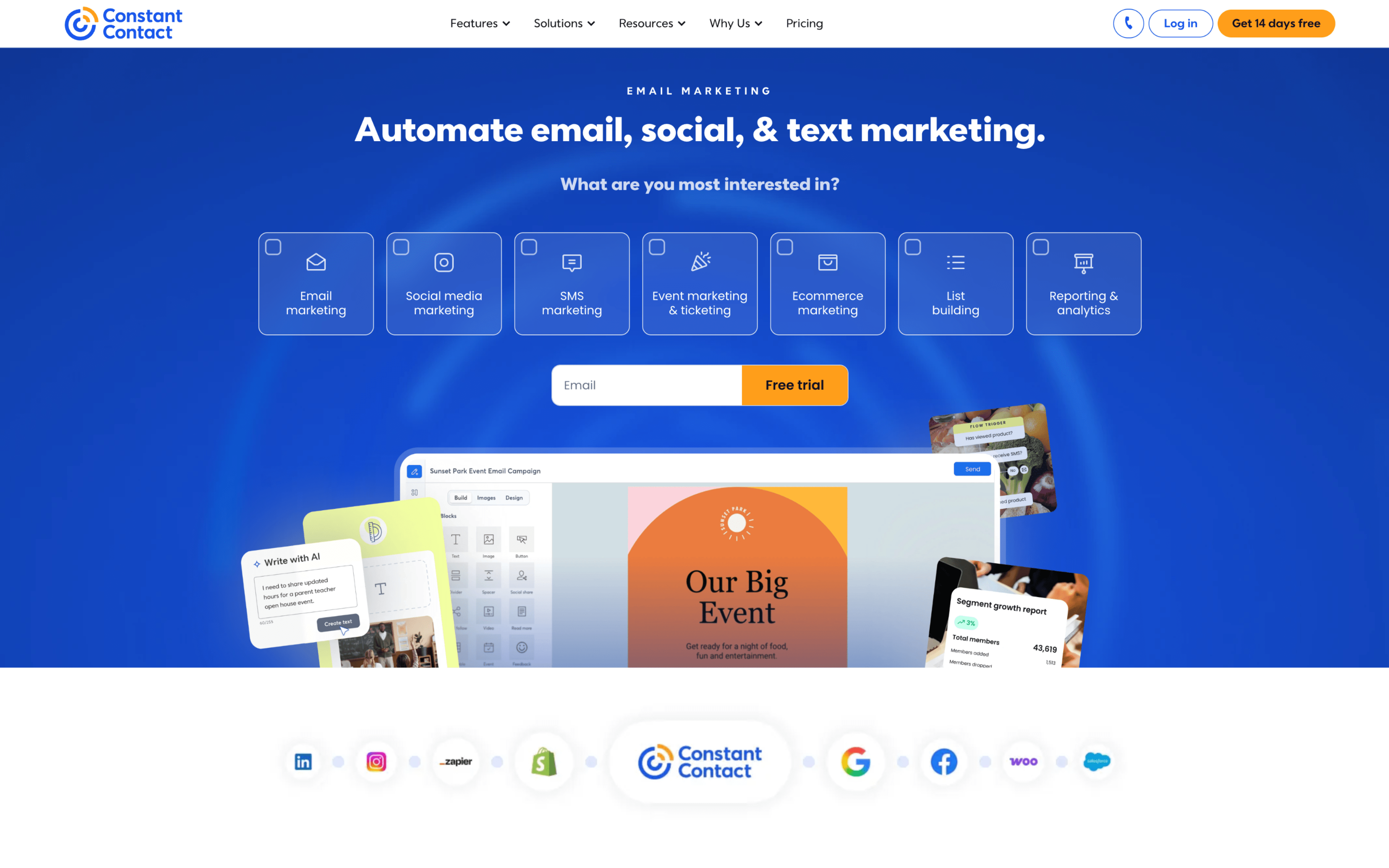
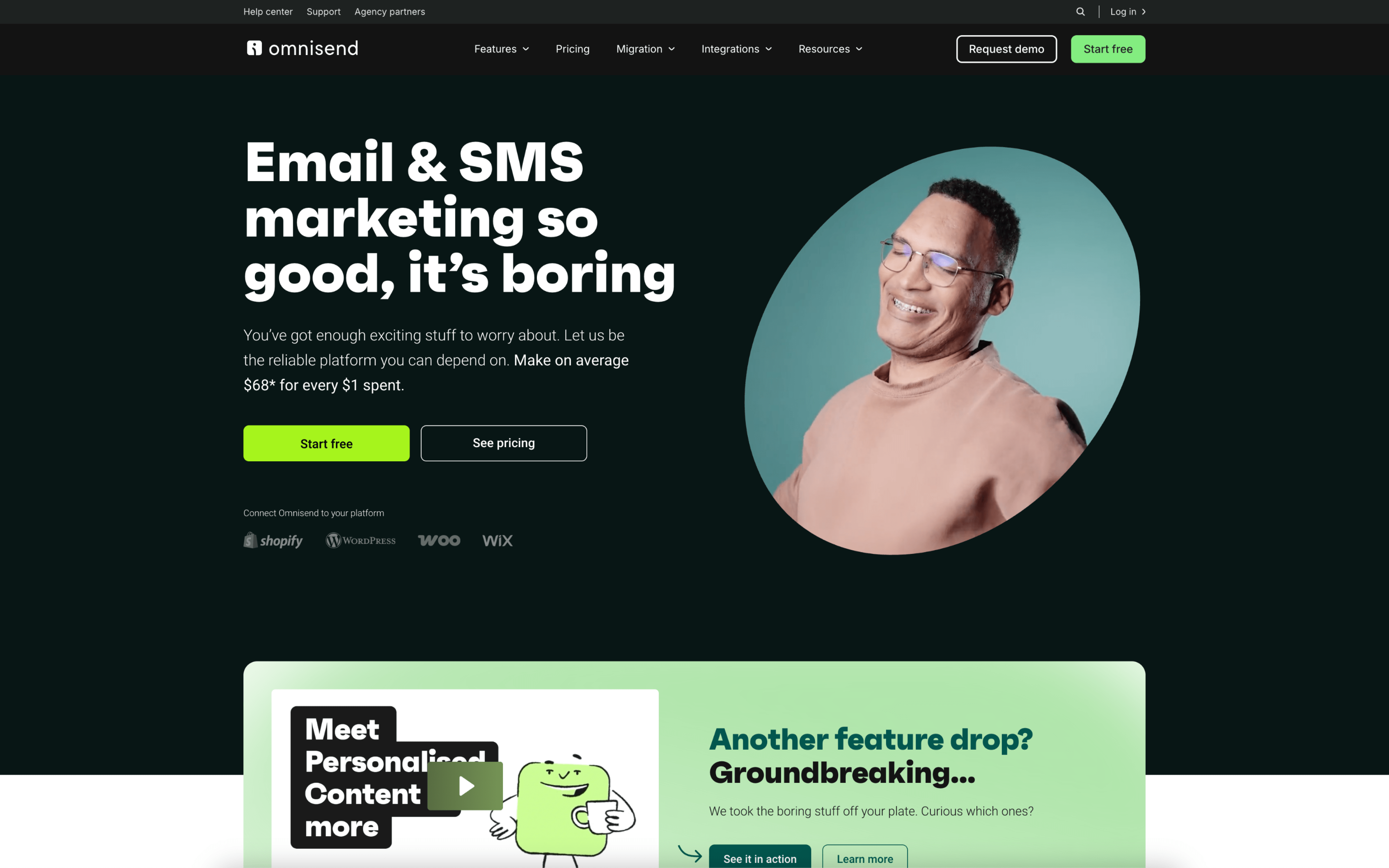
The biggest difference between Constant Contact and Omnisend is the product bet: Constant Contact is built as a broad digital marketing platform that keeps core outreach (especially email) simple and accessible, while Omnisend prioritizes ecommerce-first, behavior-driven automation that ties messaging to shopping activity across channels. If your marketing motion is mostly about creating campaigns quickly and staying organized in one place, Constant Contact leans that way; if your growth depends on triggered lifecycle messaging, Omnisend leans there.

That tradeoff exists because the two tools grew up solving different problems: Constant Contact traces its positioning back to supporting small businesses and has expanded from “email marketing” into a wider set of digital marketing tools, which pushes the product toward an all-in-one, do-the-basics-well experience. Omnisend began as an ecommerce-focused email platform (founded in 2014 as Soundest, rebranded in 2017) and evolved into an omnichannel automation suite, reinforcing a data-and-commerce-centric model where workflows are anchored to store events and customer behavior.

In practice, this difference affects how you structure your messaging system: whether you run mostly scheduled campaigns and lightweight automations, or whether your lifecycle engine is expected to react to browse, cart, and purchase signals across email, SMS, and push. It also influences integration expectations with your ecommerce platform, the complexity of your segmentation and orchestration, and the operating overhead needed to keep automation logic clean as your marketing grows.

Quick Comparison

At a Glance

Category Constant Contact Omnisend
Best for Small businesses, solopreneurs Ecommerce merchants needing omnichannel
Core strength Email templates, contact management Ecommerce automations, channels suite
Automation depth Welcome, birthday, drip campaigns Conditional splits, multichannel workflows
Pricing model Contact-based tiers, custom enterprise Contact-based tiers, add-on SMS
Learning curve Simple getting started setup Single-click Shopify installation

Vendor Snapshot

Company Snapshot

Background data gathered from our market research (founding year, HQ, team size, specialties, etc.).

Constant Contact

Visit website
C
30+ years operating Team 1001-5000
Founded
1995
HQ
Waltham, MA, United States
Team
1001-5000
Industry
Digital Marketing Platform (Small Business)

Constant Contact delivers digital marketing tools for small businesses to simplify and amplify marketing. It began as an email marketing product and has grown into a broader solution including list growth, social media, ecommerce, automation, events, surveys, and SMS.

Specialties

Analytics Contact Management Coupons CRM Customer Engagement E-Commerce Marketing Email Automation Email Design
O
11+ years operating Team 201-500
Founded
2014
HQ
Vilnius, Lithuania
Team
201-500
Industry
Ecommerce Marketing Automation

Omnisend is a SaaS marketing automation platform for ecommerce that helps businesses send personalized messages at the right time across channels. It started in 2014 (originally as Soundest) and evolved into an omnichannel marketing automation platform.

Why These Platforms Feel So Different

Constant Contact emerged in the mid-1990s to give smaller organizations a practical way to run email marketing. Omnisend began in 2014 as Soundest, built around ecommerce marketing needs from day one. Those starting contexts pushed Constant Contact toward broad outbound communication, while Omnisend centered on store-linked messaging.

Because Constant Contact started as email marketing, it prioritizes campaign creation and contact management as the core workflow. This leads to a tradeoff where expansion into newer channels and commerce signals can feel like add-ons. You see this in how the platform’s storyline grows from “what started simply as email marketing” into a wider bundle of tools.

Because Omnisend was built for ecommerce marketers, it prioritizes tight connections to ecommerce platforms and event-triggered messaging. This creates a tradeoff where the product is shaped around store data models and commerce use cases. You see that origin in its timeline from Soundest to Omnisend, then adding SMS and emphasizing omnichannel automation as the platform’s direction.

Those origin choices still shape what each platform values, and what it de-emphasizes, when solving the same marketing problems. The next sections unpack how these early priorities surface in day-to-day capabilities and constraints.

Key Takeaways

Key Differences

Constant Contact and Omnisend differ most in audience fit, channel mix, automation depth, ecommerce data usage, integration approach, and reporting orientation.

Market focus

General SMB vs ecommerce-first

Constant Contact targets broad small-business marketing needs, while Omnisend is built primarily for ecommerce merchants and online stores.

Channel strategy

Email-centric vs omnichannel

Constant Contact emphasizes email marketing, while Omnisend combines email with SMS and web push in a single messaging strategy.

Automation model

Basic sequences vs workflow automation

Constant Contact centers on simpler autoresponders, while Omnisend supports richer, multi-step workflows spanning multiple channels.

Data & personalization

Contact data vs purchase behavior

Constant Contact personalization leans on list and contact attributes, while Omnisend uses shopping and lifecycle behavior for targeting.

Integrations

Broad apps vs store-native sync

Constant Contact integrates across many SMB tools, while Omnisend prioritizes deep, native connections with ecommerce platforms and store data.

Analytics & reporting

Engagement metrics vs revenue attribution

Constant Contact reporting focuses on email engagement performance, while Omnisend reporting connects campaigns and automations to ecommerce revenue outcomes.

Feature Comparison

Feature-by-feature comparison

Email, automation, list growth, omnichannel messaging, integrations, and analytics capabilities are compared.

Email campaign builder

Email creation, templates, and sending workflows.

Constant Contact

Drag-and-drop email editing with AI writing assistance.

Omnisend

Drag-and-drop builder with ecommerce blocks and templates.

Marketing automation

Automated workflows triggered by events or behavior.

Constant Contact

Automation for welcome, birthday, and drip campaigns.

Omnisend

Prebuilt workflows with conditional splits across email, SMS, and push.

A/B testing

Testing variants to improve campaign performance.

Constant Contact

Subject line A/B testing.

Omnisend

A/B testing for subject lines, content, and timing.

Segmentation

Audience targeting based on data and engagement.

Constant Contact

Segmentation based on behavior, engagement, and custom fields.

Omnisend

Behavior and purchase-history segmentation with real-time store sync.

Personalization

Dynamic content and tailored messaging per recipient.

Constant Contact

Dynamic content blocks based on contact details and segments.

Omnisend

Dynamic fields and personalization, including product recommendations.

SMS marketing

Text messaging campaigns and automation support.

Constant Contact

SMS marketing included on higher-tier plans.

Omnisend

Global SMS delivery integrated with workflows and campaigns.

Web push notifications

Browser-based push messaging and automation.

Constant Contact

Omnisend

Automated web push for carts, restocks, and new arrivals.

Forms and landing pages

Lead capture assets for list growth.

Constant Contact

Sign-up forms and landing pages for contact collection.

Omnisend

Popups, forms, and landing pages built into the platform.

Social media marketing

Social posting and social campaign alignment tools.

Constant Contact

Post and schedule to Facebook, Instagram, and LinkedIn.

Omnisend

Reporting and analytics

Performance dashboards for campaigns and automations.

Constant Contact

Campaign analytics with open, click, and engagement trends.

Omnisend

Campaign, automation, and revenue dashboards with cross-channel reports.

Feature Analysis

Feature Explanation: How These Capabilities Differ in Practice

You’ve already seen what each platform claims to include. This section clarifies how key capabilities behave day-to-day, based on how they’re implemented.

#1 Automation & Flows

Constant Contact offers automation, but the available sources here don’t describe how its workflows are structured or triggered in practice.

Omnisend uses a visual automation editor with pre-built ecommerce workflows and supports custom events, splits, and A/B split testing inside workflows.

#2 Customer Segmentation

Constant Contact’s segmentation approach isn’t described in the available sources here beyond general product and pricing references.

Omnisend builds dynamic segments from ecommerce behavior, purchase history, engagement, tags, and custom properties, updating in real time.

#3 Multichannel Messaging

Constant Contact supports email and offers SMS, but the sources here don’t describe cross-channel orchestration inside automations.

Omnisend runs email, SMS, and web push in the same workflow, with channel branching and cross-channel reporting in one place.

#4 Analytics & Attribution

Constant Contact reporting and attribution details aren’t described in the available sources here.

Omnisend includes sales reports with revenue attribution and allows configurable attribution windows and touchpoints that recalculate metrics automatically.

#5 Ecommerce Data & Integrations

Constant Contact ecommerce integration depth and data syncing behavior aren’t detailed in the available sources here.

Omnisend is built around native ecommerce integrations and emphasizes real-time sync of customer, order, and product data for targeting and triggers.

#6 Experimentation / Testing

Constant Contact A/B testing behavior isn’t described in the available sources here.

Omnisend supports email A/B testing for campaigns and also supports A/B split testing inside automations, including testing different channels and messages.

Pricing

Pricing & Plans

Compare tiers, caps, and upgrade paths at a glance.

Constant Contact

Tiered Volume pricing

Public, contact-based tiers are listed up to 50,000 contacts, with larger lists requiring a custom quote.

Omnisend

Tiered Free tier Volume pricing

Public, contact-based tiers are listed through 100,000 contacts, with higher tiers moving to custom quotes; Omnisend also advertises a free plan for small lists.

Free contacts
250
Free monthly emails
500
1,000 contacts

PLAN

$30

per month

What's included

  • Includes 10,000 emails
  • Email marketing pricing tier published publicly
  • Monthly email sends included (as listed per tier)
  • SMS indicated as available

Limitations

  • Capped at 10,000 emails/month at this tier; higher send volume requires upgrading.

PLAN

$20

per month

What's included

  • Includes 12,000 emails
  • Public pricing for 1,000 contacts
  • Monthly email sends included (as listed per tier)
  • SMS indicated as available

Limitations

  • Capped at 12,000 emails/month at this tier; higher send volume requires upgrading.
10,000 contacts

PLAN

$120

per month

What's included

  • Includes 100,000 emails
  • Public pricing for 10,000 contacts
  • Monthly email sends included (as listed per tier)
  • SMS indicated as available

Limitations

  • Capped at 100,000 emails/month at this tier; higher send volume requires upgrading.

PLAN

$132

per month

What's included

  • Includes 120,000 emails
  • Public pricing for 10,000 contacts
  • Monthly email sends included (as listed per tier)
  • SMS indicated as available

Limitations

  • Capped at 120,000 emails/month at this tier; higher send volume requires upgrading.
50,000 contacts

PLAN

$430

per month

What's included

  • Includes 500,000 emails
  • Public pricing for 50,000 contacts
  • Monthly email sends included (as listed per tier)
  • SMS indicated as available

Limitations

  • Capped at 500,000 emails/month at this tier; higher send volume requires upgrading or moving to custom pricing.

PLAN

$413

per month

What's included

  • Includes 600,000 emails
  • Public pricing for 50,000 contacts
  • Monthly email sends included (as listed per tier)
  • SMS indicated as available

Limitations

  • Capped at 600,000 emails/month at this tier; higher send volume requires upgrading.
100,000 contacts

PLAN

Contact sales

What's included

  • Includes custom emails
  • Custom pricing required at this contact volume
  • Email allowance listed as custom
  • SMS indicated as available

Limitations

  • Requires contacting sales for pricing (not publicly listed).

PLAN

$900

per month

What's included

  • Includes 1,200,000 emails
  • Public pricing for 100,000 contacts
  • Monthly email sends included (as listed per tier)
  • SMS indicated as available

Limitations

  • Capped at 1,200,000 emails/month at this tier; higher send volume requires moving to a custom tier.
500,000 contacts

PLAN

Contact sales

What's included

  • Includes custom emails
  • Custom pricing required at this contact volume
  • Email allowance listed as custom
  • SMS indicated as available

Limitations

  • Requires contacting sales for a custom quote and plan terms at this scale.

PLAN

Contact sales

What's included

  • Includes custom emails
  • Custom pricing required at this contact volume
  • Email allowance listed as custom
  • SMS indicated as available

Limitations

  • Requires contacting sales for pricing (not publicly listed).
1,000,000 contacts

PLAN

Contact sales

What's included

  • Includes custom emails
  • Custom pricing required at this contact volume
  • Email allowance listed as custom
  • SMS indicated as available

Limitations

  • Custom contract required (pricing not publicly listed) at this volume.

PLAN

Contact sales

What's included

  • Includes custom emails
  • Custom pricing required at this contact volume
  • Email allowance listed as custom
  • SMS indicated as available

Limitations

  • Custom contract required (pricing not publicly listed) at this volume.

Customer Voices

Reviews & Ratings

See how Constant Contact vs Omnisend compare based on verified customer reviews (pros, cons, sentiment).

Constant Contact

4.3 / 5.0

Based on 2,889 reviews

Positive sentiment
Top Pros
  • Easy drag-and-drop campaign creation
  • Scheduling emails saves time
  • Analytics are clear and detailed
  • Support is helpful when needed
Top Cons
  • Editor formatting can be glitchy
  • Emails sometimes land in spam
  • Contact list editing feels clunky
  • Canceling and account changes are frustrating

Omnisend

4.7 / 5.0

Based on 834 reviews

Positive sentiment
Top Pros
  • Easy-to-use email builder
  • Automations are simple to set up
  • Strong Shopify integration
  • Support responds quickly and helps
Top Cons
  • Editor feels limited for advanced designs
  • Interface can feel cluttered
  • Templates and blank-start options feel restrictive
  • Pricing rises as lists grow

Real-World Scenarios

How Constant Contact and Omnisend behave in common marketing workflows

A comparison table shows what each platform includes, but daily work depends on how those capabilities behave under real deadlines and handoffs. These scenarios translate differences into operational impact.

#1 Campaign cadence and execution rhythm

Constant Contact: Teams plan weekly newsletters and announcements, reusing layouts and lists. Execution feels steady, with fewer moving parts and predictable handoffs.

Omnisend: Teams run ongoing promotional bursts around store events, scheduling coordinated sends quickly. Cadence is faster, with frequent adjustments tied to shopping activity.

#2 Lead capture to first follow-up

Constant Contact: New signups enter simple follow-ups that teams review weekly. Workflows rely on list hygiene and manual check-ins to keep outreach consistent.

Omnisend: New signups trigger immediate outreach aligned to browsing and purchase context. Teams monitor daily performance and refine timing to keep engagement recurring.

#3 Cross-channel coordination in busy weeks

Constant Contact: Teams center execution on email and schedule around key dates. Coordination is straightforward, but channel handoffs can become manual during busy weeks.

Omnisend: Teams coordinate messages across channels in tight windows, keeping sequencing consistent. Operations run as an ongoing cycle with fewer gaps between touches.

#4 Segmentation and targeting adjustments

Constant Contact: Teams segment in batches, revisiting audiences weekly as lists change. Targeting updates often require manual regrouping before each send.

Omnisend: Teams adjust targeting continuously based on recent customer activity. Segments update in the flow, enabling recurring tweaks without pausing campaign cadence.

#5 Ecommerce lifecycle moments and retention

Constant Contact: Teams support retention with recurring reminders and periodic win-back pushes. Timing is often calendar-driven, with manual refreshes of who receives what.

Omnisend: Teams operate around shopping moments, responding quickly to changes in buying behavior. Retention runs continuously, with ongoing optimization during each sales cycle.

#6 Reporting, visibility, and team handoffs

Constant Contact: Teams review results after sends, using weekly check-ins to decide next steps. Reporting supports recurring planning but can slow same-week adjustments.

Omnisend: Teams watch performance daily and make quick changes mid-week. Visibility supports faster handoffs between marketing and ecommerce operations during active campaigns.

Decision Guide

Which Platform Should You Choose?

Use these cues to quickly see which platform fits how you work.

Constant Contact

Best for

Small teams that run steady, calendar-driven outreach with simple handoffs and minimal day-to-day rebuilding.

This platform is a good fit if:

  • You send a regular newsletter or announcement on a set schedule (weekly, monthly, or around key dates).
  • One person (or a small admin/marketing team) owns outreach end-to-end and needs it to stay consistent even during busy seasons or time off.
  • Your contact list changes through sign-ups, event attendees, members, or donors, and you spend time keeping it tidy between sends.
  • Your team checks results after each send and makes small adjustments next time rather than running constant experiments.

Omnisend

Best for

Commerce-focused teams that operate in a continuous optimization loop where messages change based on shopper behavior and sales cycles.

This platform is a good fit if:

  • Your week is organized around promotions, product launches, and inventory moments, and outreach shifts quickly as those change.
  • You review performance in terms of orders and revenue impact, and you track how different customer segments behave over time.
  • Workflows depend on what people do (browse, add to cart, purchase, repeat purchase), not just what date it is.
  • Your team runs frequent tests and iterative updates, with multiple changes going live between major campaigns.

Need-to-know

Frequently Asked Questions

Everything you need to know about comparing these platforms.

How hard is it to migrate lists, tags, and automations from Constant Contact to Omnisend (or the other way around)?

Both Constant Contact and Omnisend support importing contacts via CSV, and you can typically carry over standard fields (email, phone, name) plus custom properties if you map them during import.

Automation flows and templates usually don’t transfer 1:1, so expect to rebuild sequences and re-create signup forms/popups in the destination platform. If you need historical engagement data (opens/clicks), plan on keeping the old account for reference because that history often doesn’t import cleanly as native analytics.

What happens if we switch and then want to reverse the decision—can we move back without losing everything?

You can move back from Omnisend to Constant Contact (or vice versa) by exporting contacts and re-importing them, but it’s not a true “rollback” of the entire account state.

Items like automation logic, segmentation rules, and send history won’t automatically reconstruct in the previous platform, so you’ll need to reconfigure workflows and re-validate forms and integrations after the reversal.

Do we actually own our data, and can we export it whenever we want?

In both Constant Contact and Omnisend, you can export core subscriber data (lists/segments and contact fields) to files like CSV for use elsewhere.

What’s often more limited is exporting “platform-native” artifacts such as automation configuration, detailed event timelines, or aggregated reporting in a way that imports into another system, so plan exports around raw contact data and key reports you may need to archive.

How do GDPR and consent requirements work—especially if we collect subscribers in multiple regions?

Both Constant Contact and Omnisend support storing subscriber information and managing unsubscribe requests, but you’re still responsible for capturing lawful consent and maintaining records that match your data collection method.

If you market across regions, ensure your signup forms and preference management reflect local rules (for example, opt-in standards and required disclosures), and verify how each platform stores consent fields and timestamps so you can demonstrate compliance if requested.

Can we run multiple stores or brands in one account without mixing audiences and reporting?

Omnisend is commonly used for ecommerce setups that may connect multiple store sources, but you’ll want to confirm how it separates audiences, sender identities, and reporting per brand to avoid cross-pollination of segments.

Constant Contact can support multiple lists and segments, but strict separation between brands may require separate accounts or disciplined list management, especially if each brand needs distinct permissions, templates, or compliance settings.

Are there API limits or integration constraints that could break our workflows?

Both Constant Contact and Omnisend offer integrations and APIs, but limits can show up as rate caps, restricted endpoints, or constraints on which events can be written/read.

If you rely on custom syncs (orders, product data, loyalty events), validate the exact endpoints you need and test throughput under peak load, because an integration that works at low volume can lag or throttle when traffic spikes.

If we use SMS, what regional restrictions or carrier rules could prevent messages from sending?

SMS availability and requirements vary by country and carrier, and both Omnisend and Constant Contact users may encounter restrictions like unsupported regions, required opt-in language, or sender identity rules (e.g., short code/long code/alphanumeric sender constraints).

Before committing, confirm which countries you can message, how each platform handles opt-in/opt-out keywords and quiet hours, and what documentation you need for registration where applicable.

How do we protect deliverability if our list quality isn’t perfect or we’re ramping up volume quickly?

Deliverability protection typically depends on list hygiene, authentication (like SPF/DKIM), and controlled sending patterns, and both Constant Contact and Omnisend may enforce compliance actions if bounce or complaint rates are high.

Plan for a warm-up approach when moving to a new sending domain or increasing frequency, and keep suppression/unsubscribe handling consistent so you don’t re-mail people who opted out on Constant Contact or Omnisend previously.

What should we expect from support—especially when something breaks during a campaign or integration change?

Support access and response times can vary by plan and channel, and both Constant Contact and Omnisend typically route technical issues through ticketing with escalation for account or deliverability concerns.

For time-sensitive sends, document your critical paths (sending domains, integration points, list sources) and keep internal runbooks, because even with vendor support, diagnosing data sync or template rendering issues may require information only your team can provide.

What are the scaling limits—at what point do operations get constrained by the platform?

Scaling constraints often appear as segment complexity, automation volume, integration throughput, and governance needs (roles/approvals), not just subscriber count, and both Omnisend and Constant Contact can require more structured processes as volume grows.

If you anticipate rapid list growth or heavy behavioral automation, validate how each platform handles large segment queries, high-frequency event ingestion, and account organization so sends and reporting don’t slow down or become difficult to manage.

Final Thoughts

Our Recommendation

This choice comes down to how your team wants to run marketing day to day: a coordination-heavy operating rhythm across stakeholders, or a tighter workflow optimized for repeatable execution.

Choose Constant Contact when your program spans multiple audiences and internal inputs, and you need a steady cadence that can absorb change without stalling. It fits teams that accept more coordination overhead to keep initiatives moving across a broader plan.

Choose Omnisend when you want a simpler operating loop with predictable handoffs and minimal upkeep between sends. It works best for lean teams that prioritize consistent output, clear routines, and fast adjustments without pulling in extra collaborators.

Map the decision to your workflow: if your work demands ongoing coordination, pick Constant Contact; if you need streamlined execution, pick Omnisend. Once you align the platform to how your team operates, the right path is clear.