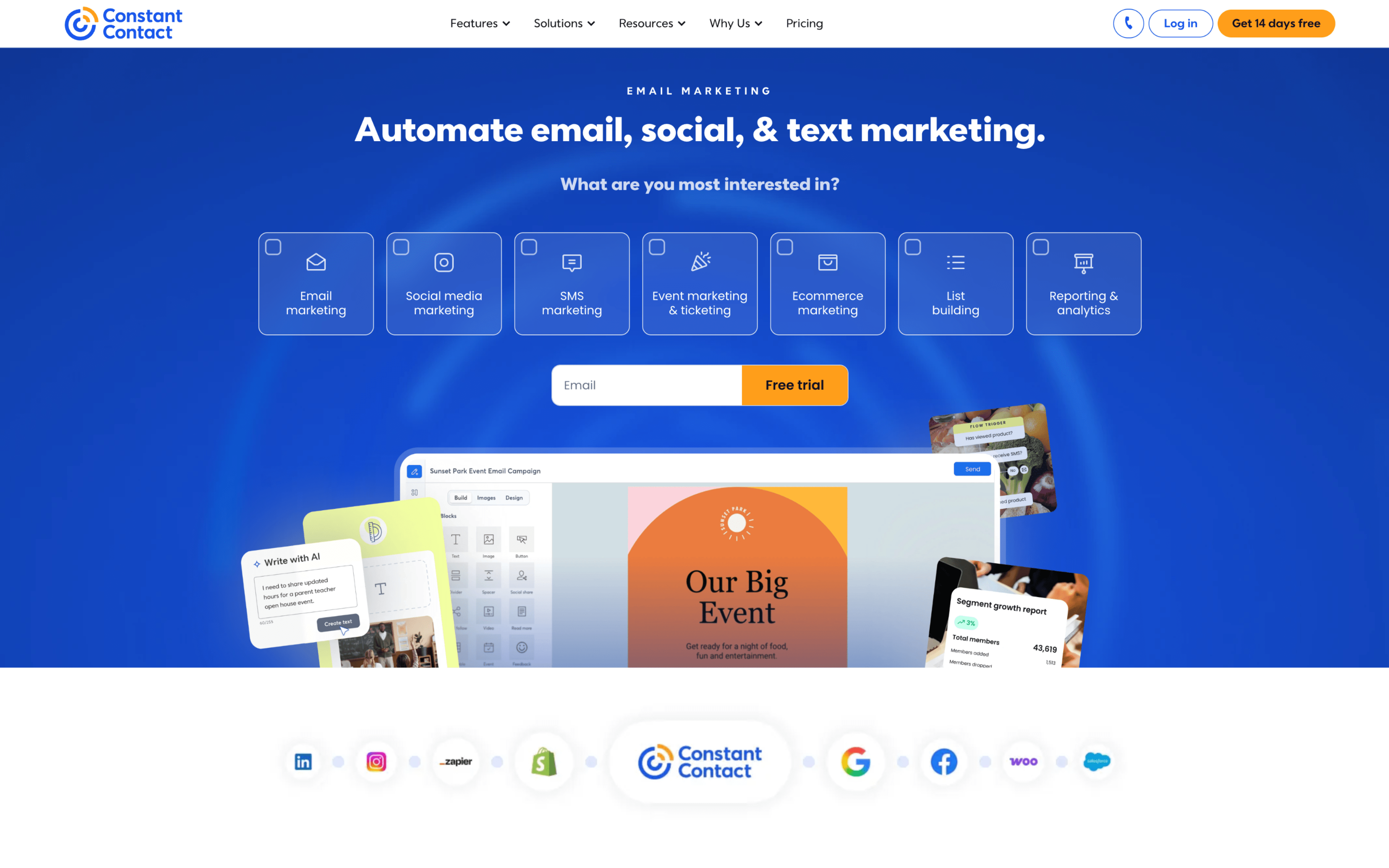
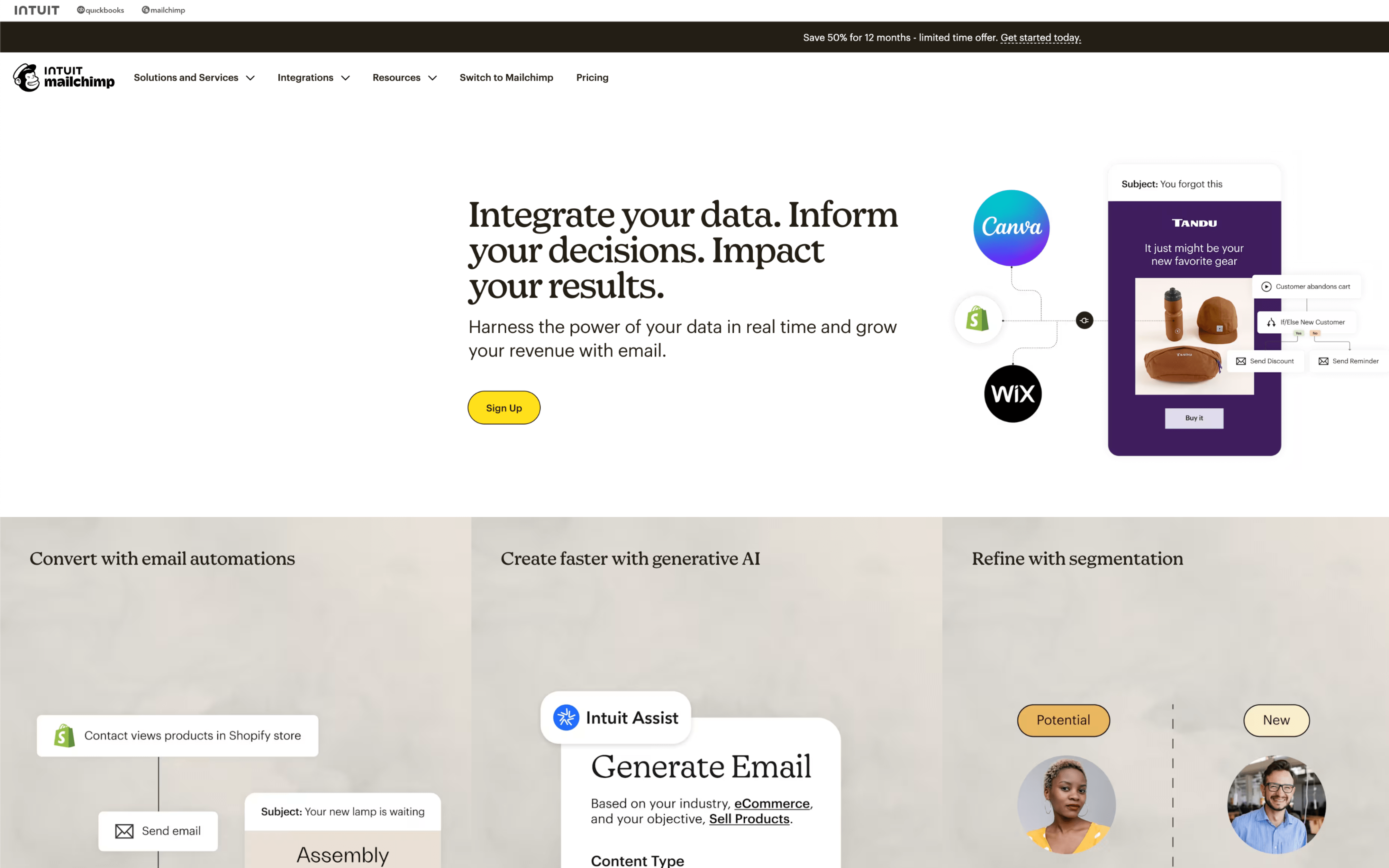
The biggest difference between Constant Contact and Mailchimp is what they optimize for day-to-day: Constant Contact is built to keep digital marketing straightforward and dependable, while Mailchimp prioritizes turning audience data into more targeted, automated marketing. If you mainly want a clear workflow for creating and sending campaigns across core channels, Constant Contact leans into simplicity; if you want your contact data to actively shape segments, insights, and next-best actions, Mailchimp leans into intelligence.
That tradeoff exists because the two products made different long-term bets as they evolved. Constant Contact started as email marketing and grew into a broader digital marketing solution designed to help small businesses “level the playing field,” which encourages an all-in-one, guided experience. Mailchimp began as an email tool built as an alternative to “oversized” software, then expanded into a marketing automations platform that emphasizes data-backed recommendations, audience dashboards, and segmentation—so the product naturally centers on data flowing in and being acted on.
For buyers, this difference determines what your marketing engine depends on: a simpler campaign-first workflow versus an audience-first system where segmentation and insights drive execution. It also affects how much structure you’ll build around contact organization, how far you can push automation beyond basics, and how your channels and reporting tie back to a single view of your audience. The rest of the comparison unpacks those implications across automation depth, data organization, cross-channel reach, and ongoing operating overhead.