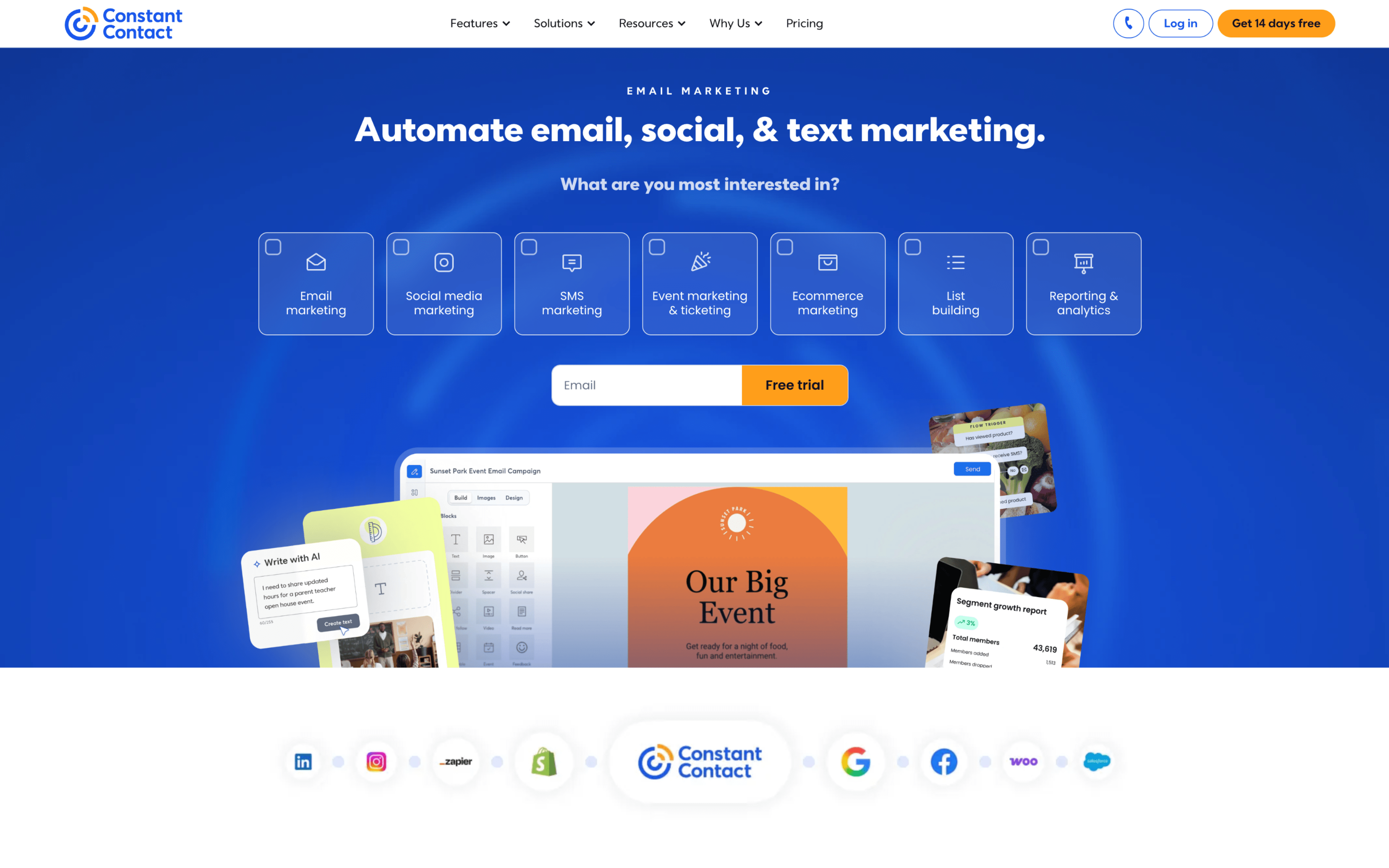
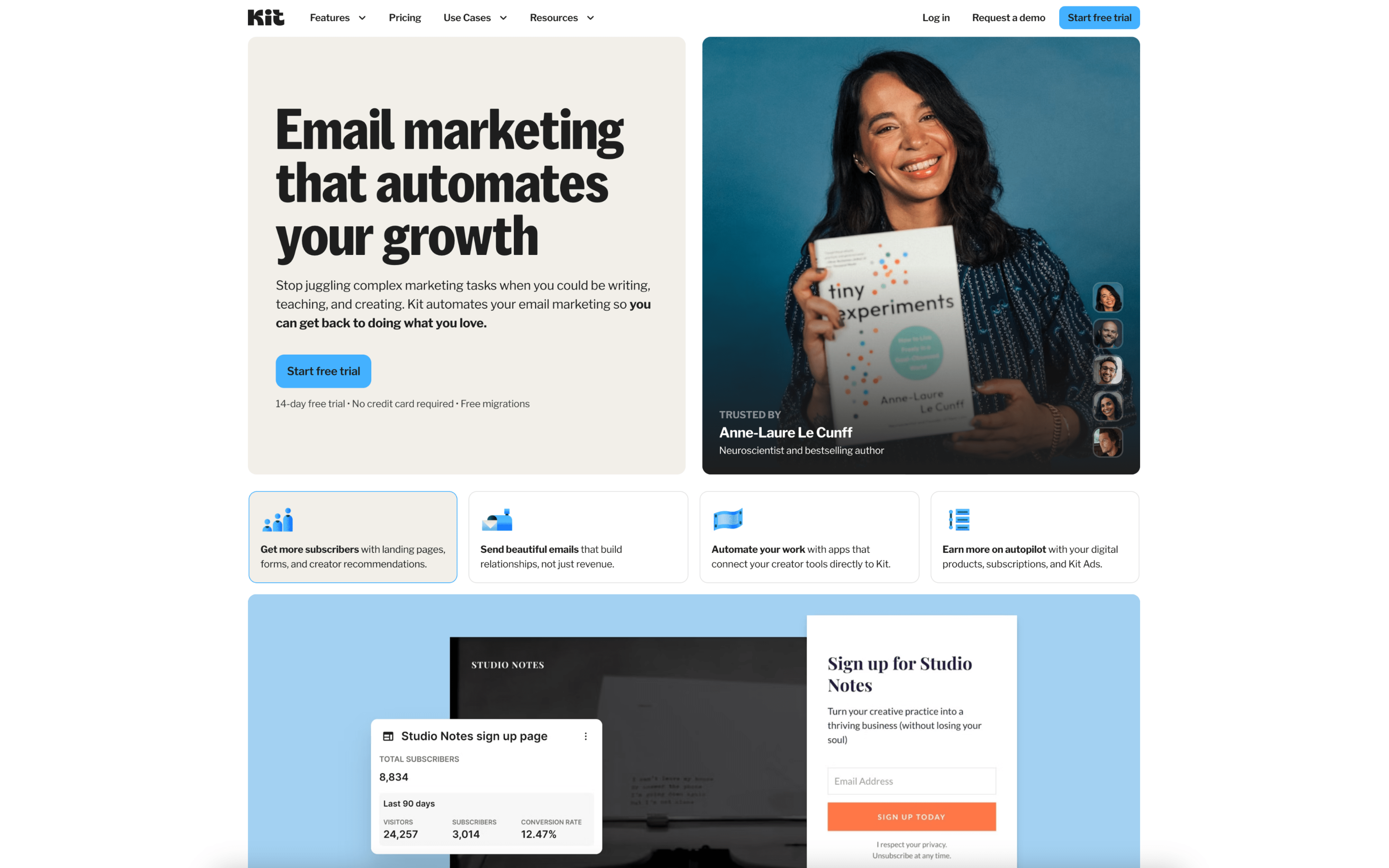
The biggest difference between Constant Contact and ConvertKit is the product bet: Constant Contact is built as a broader digital marketing platform that bundles email with adjacent channels and “one place” execution, while ConvertKit prioritizes a streamlined email-first system centered on tagging, segmentation, and automated sequences. If your marketing motion spans multiple touchpoints beyond email, Constant Contact aligns to that breadth; if your success hinges on behavior-based nurturing and clean list organization, ConvertKit leans into that depth.
That tradeoff exists because Constant Contact positions itself around simplifying and amplifying digital marketing from a single platform, expanding its scope across email plus other marketing surfaces, while ConvertKit’s positioning (and reputation in third-party descriptions) stays tightly focused on helping you manage subscribers through tags and automation workflows. In practice, Constant Contact’s cross-channel posture tends to favor centralized execution and consistency, while ConvertKit’s tag-driven approach tends to favor precise audience logic and automated journeys built around subscriber actions.
What’s at stake is how you structure campaigns and data over time. With Constant Contact, the workflow often hinges on running coordinated outreach across channels from one hub; with ConvertKit, the workflow hinges on keeping subscriber state accurate so automation can do more of the ongoing work. The rest of the comparison will unpack how this difference affects automation depth, segmentation strategy, reporting expectations, and the operating overhead required to keep campaigns moving.