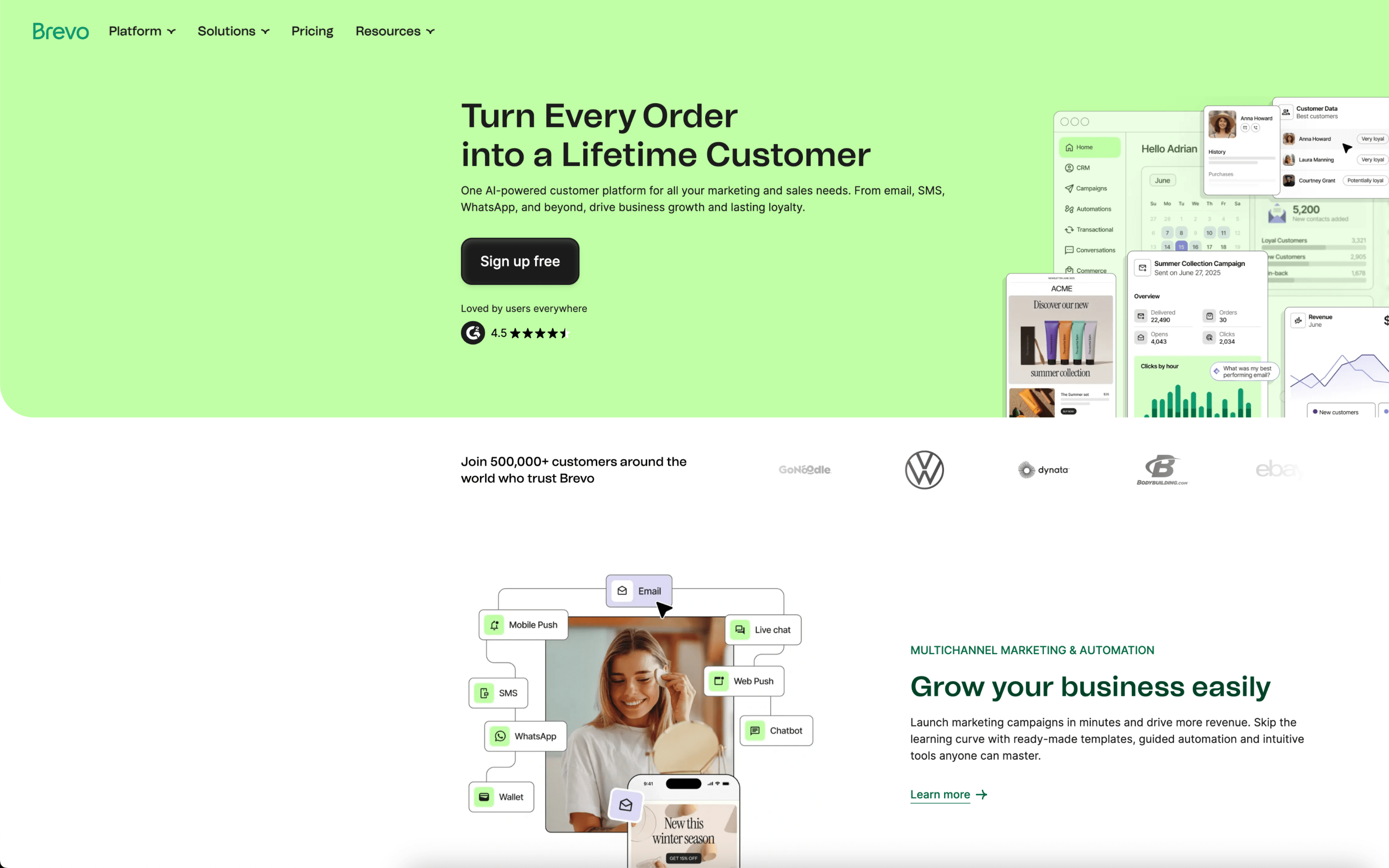
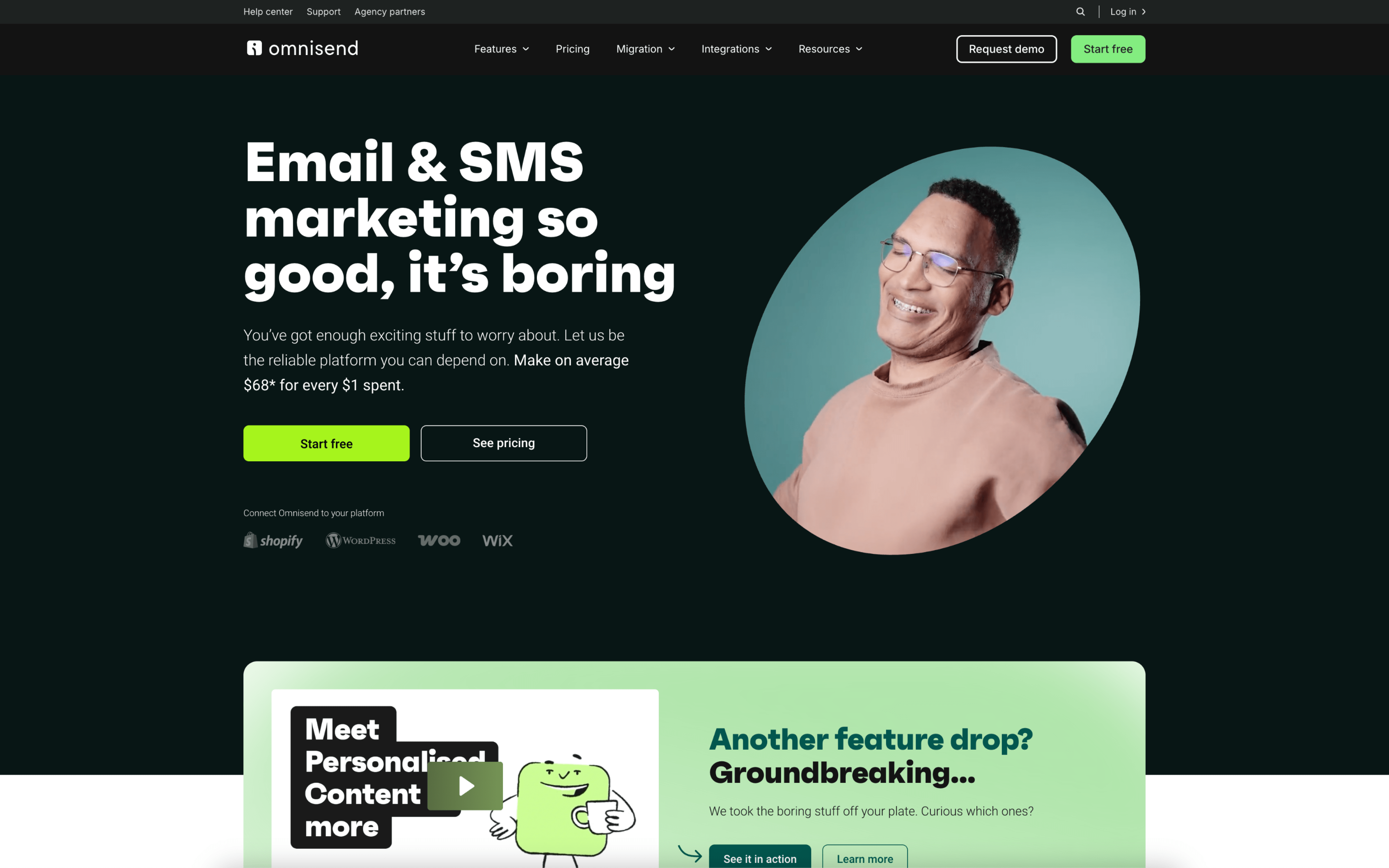
Brevo started in 2012 as Sendinblue, built around sending email at scale from a provider side. Omnisend began in 2014 as Soundest, built for ecommerce marketers running store-linked email from day one. Those starting points pushed Brevo toward communications infrastructure, while Omnisend anchored itself in commerce workflows.
Because Brevo grew from high-volume email delivery, it prioritizes throughput controls and multi-use messaging primitives. This leads to a broader surface area, but less opinionated defaults for any single commercial scenario. A concrete example is its long-standing emphasis on transactional email sending alongside marketing sends.
Because Omnisend was designed around ecommerce marketing, it prioritizes tight coupling to store events and catalog-aware messaging building blocks. This leads to stronger alignment with typical store lifecycle moments, but it narrows how the product thinks about non-commerce data. One concrete example is its early evolution from email-only to an omnichannel automation platform, with SMS added in 2018.
These origin choices explain why the two products feel different when you stress them with real operational requirements. The next sections show how those early priorities translate into day-to-day capabilities and constraints.