All Features on Every Plan. No Lock-In.

Brevo vs Mailchimp

A side-by-side comparison for teams choosing between Brevo and Mailchimp.

Last updated: December 16, 2025

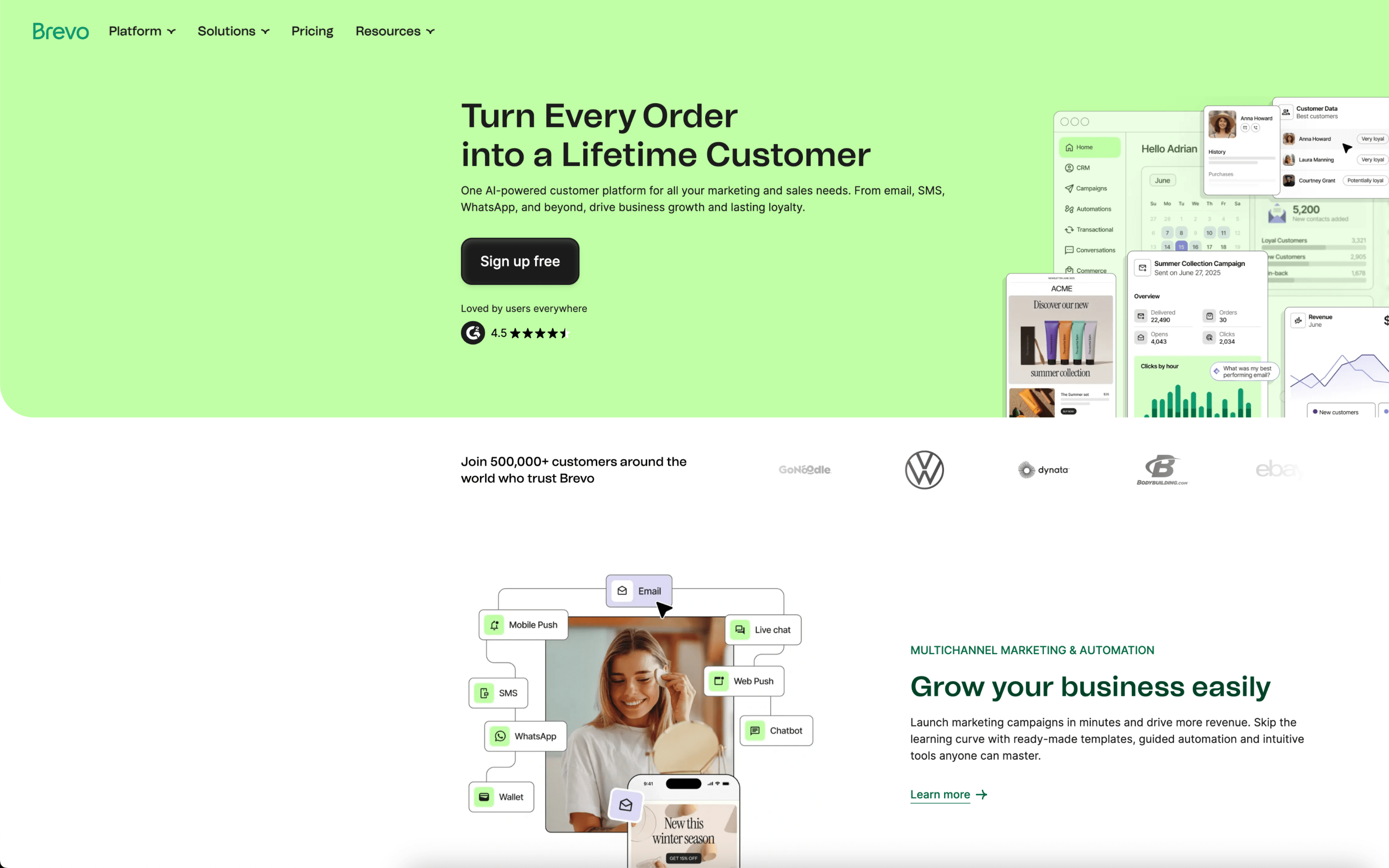
Screenshot
vs
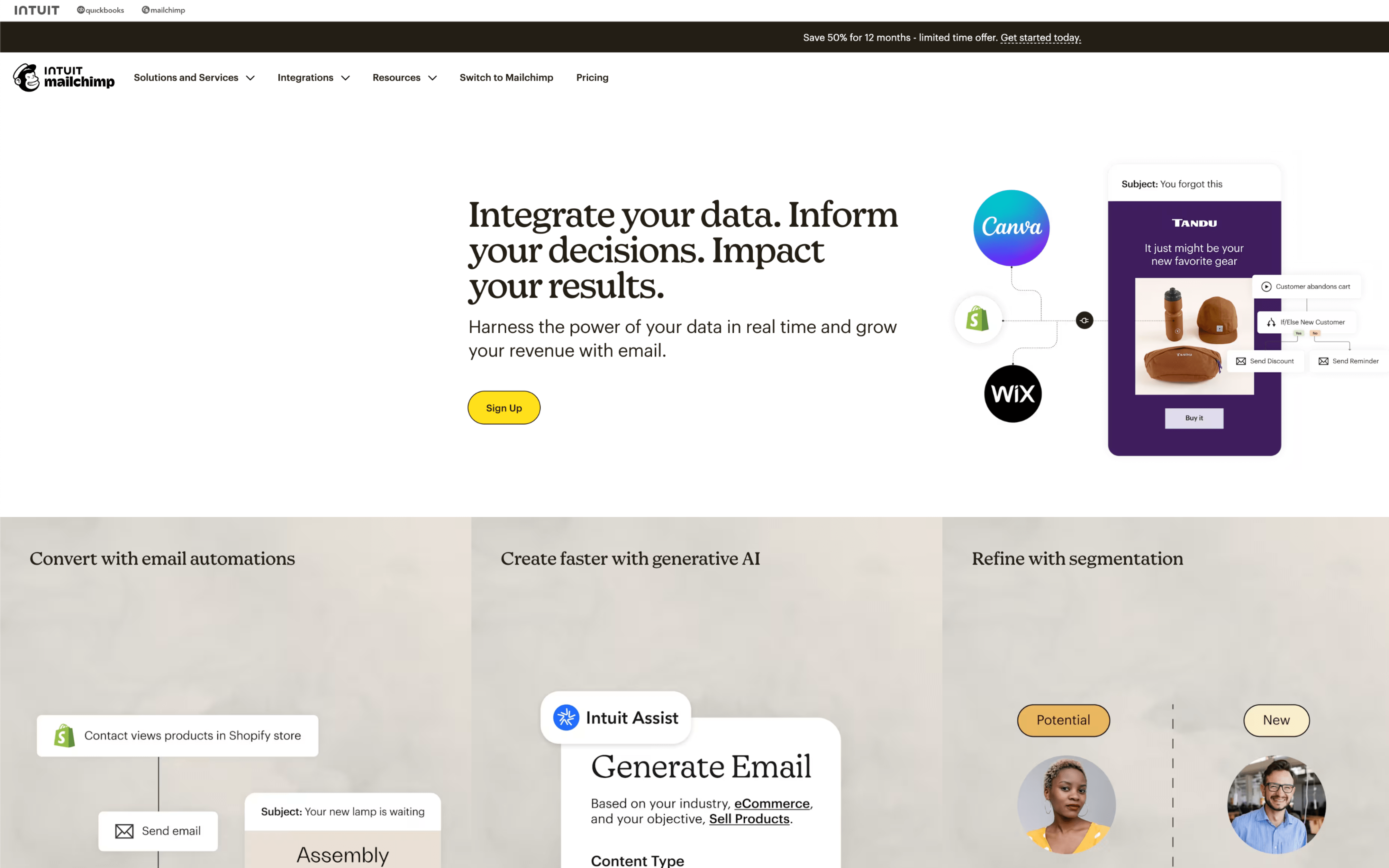
Screenshot

Quick Overview

Unified CRM suite vs audience-first marketing platform

The biggest difference between Brevo and Mailchimp is where each product puts the “center of gravity” in your marketing stack: Brevo is built as a broader customer relationship management (CRM) suite that aims to unify the customer journey in one platform, while Mailchimp prioritizes audience-centered marketing with Marketing CRM tools that turn contact and behavior data into campaign guidance. If you need one place to run relationship workflows across channels, the two platforms can feel meaningfully different.

That tradeoff exists because Brevo has evolved from Sendinblue into a CRM suite (founded in 2012) positioned around a unified customer view, while Mailchimp (founded in 2001) grew out of email marketing into an email and marketing automations platform that puts data-backed recommendations at the core of planning and optimization. In practice, Brevo’s bet is “one customer view across touchpoints,” whereas Mailchimp’s bet is “use audience insights to steer what you send and when.”

What hinges on this difference is how you’ll operate day to day: whether messaging is driven primarily by a unified customer record and lifecycle touchpoints, or by audience management, segmentation, and insight-led campaign iteration. The rest of this page unpacks the implications across automation depth, cross-channel coordination, data centralization, and the ongoing overhead of keeping customer context accurate as your programs expand.

Quick Comparison

At a Glance

Category Brevo Mailchimp
Best for Small business marketing teams Small business marketers
Core strength Email, SMS, CRM suite Marketing CRM, segmentation tools
Automation depth Visual builder, event triggers Customer Journey Builder workflows
Pricing model Usage-based email sending plans Contact-based plans, send limits
Learning curve Drag-and-drop, user-friendly interface Guided steps, drag-and-drop editor

Vendor Snapshot

Company Snapshot

Background data gathered from our market research (founding year, HQ, team size, specialties, etc.).

14+ years operating Team 501-1000
Founded
2012
HQ
Paris, Île-de-France, France
Team
501-1000
Industry
CRM And Marketing Automation

Brevo (formerly Sendinblue) is a customer relationship management (CRM) suite that helps businesses unify the customer journey in one platform to build and cultivate long-term customer relationships.

Specialties

Email Marketing Marketing Automation Sms Marketing Deliverability Chat Landing Pages Digital Marketing Sales Crm

Mailchimp

Visit website
M
25+ years operating Team 1001-5000
Founded
2001
HQ
Atlanta, GA, USA
Team
1001-5000
Industry
Email Marketing And Marketing Automation

Mailchimp is an email and marketing automations platform for growing businesses, helping customers create, automate, and optimize marketing across channels like email, social media, landing pages, and advertising. In 2021, Mailchimp was acquired by Intuit.

Specialties

Marketing Automation E-commerce Email Marketing Crm Analytics Marketing Platform Small Business Marketing E-commerce

Why These Platforms Feel So Different

Brevo grew out of Sendinblue (founded in Paris in 2012) with roots in message delivery and reliability constraints. Mailchimp started in Atlanta in 2001 as a side project inside a web design agency, built to replace bulky email software.

Because Brevo formed around sending infrastructure, it prioritizes throughput, channel coverage, and system controls around delivery. This leads to more attention on limits, throttling, and account-level safeguards, with less emphasis on a single polished creation flow. One concrete sign is its long-standing positioning around transactional email and deliverability alongside campaigns.

Because Mailchimp began as an agency-built product meant to be an approachable alternative to enterprise email tools, it prioritizes a guided workflow and consistent defaults. This leads to stronger guardrails and opinionated setup choices, which can reduce flexibility in edge cases. One visible outcome is the sustained investment in template-driven content building and tightly integrated campaign surfaces.

Those origin choices still shape how each platform feels when requirements get complex or scale quickly. The next sections surface how these early priorities translate into practical differences across the product.

Key Takeaways

Key Differences

Brevo and Mailchimp differ across pricing, data approach, messaging channels, automation depth, reporting style, and transactional delivery setup.

Pricing structure

Email volume vs contact-based billing

Brevo typically charges by email send volume, while Mailchimp pricing scales mainly with contact count and plan tier.

Core focus

CRM suite vs marketing-first platform

Brevo emphasizes an all-in-one CRM suite, while Mailchimp is primarily an email marketing platform with added CRM features.

Channels

Messaging mix differs

Brevo centers on email plus SMS and chat-style channels, while Mailchimp focuses on email and broader marketing campaign tools.

Transactional messaging

Built-in sends vs separate add-on

Brevo includes transactional emails within its sending limits, while Mailchimp uses a separate transactional add-on infrastructure.

Automation model

Builder complexity and scaling

Brevo offers visual automations geared to straightforward workflows, while Mailchimp supports more granular, multi-step journey building.

Reporting & insights

Dashboards vs predictive insights

Brevo provides campaign analytics dashboards, while Mailchimp leans into audience insights and predictive segmentation for optimization.

Feature Comparison

Feature-by-feature comparison

Comparison of core marketing, automation, messaging, and audience capabilities.

Email builder

Email campaign creation and design tools.

Brevo

Drag-and-drop email editor with templates and AI content generator.

Mailchimp

Drag-and-drop builder with dynamic content and A/B testing.

Marketing automation

Visual workflow automation for customer journeys.

Brevo

Marketing automation with proven workflows like abandoned cart and win-back.

Mailchimp

Customer Journey Builder with visual flows, branching, and templates.

SMS marketing

Text messaging campaigns and automations.

Brevo

SMS campaigns supported.

Mailchimp

SMS and MMS marketing available as an add-on to paid plans.

WhatsApp campaigns

WhatsApp outreach as a marketing channel.

Brevo

WhatsApp campaigns supported.

Mailchimp

Web and mobile push

Push notifications for web and mobile audiences.

Brevo

Mobile and web push supported.

Mailchimp

Landing pages

Dedicated pages for signups and conversions.

Brevo

Landing pages included.

Mailchimp

Landing pages supported.

Signup forms and popups

Lead capture forms embedded or on-site.

Brevo

GDPR-friendly signup forms supported.

Mailchimp

Pop-up forms supported.

Segmentation

Audience targeting by rules and attributes.

Brevo

Advanced segmentation included.

Mailchimp

Basic to advanced segmentation by plan.

A/B testing

Experimentation tools to compare campaign variants.

Brevo

A/B testing available.

Mailchimp

A/B and multivariate testing supported.

CRM capabilities

Contact profiles and relationship management tools.

Brevo

Sales CRM with contact data and task management.

Mailchimp

Marketing CRM with contact profiles and audience dashboard.

Transactional email

Programmatic messages like confirmations and notifications.

Brevo

Transactional email supported.

Mailchimp

Transactional email available via Mailchimp Transactional add-on.

Feature Analysis

Feature Explanation: How These Capabilities Differ in Practice

You’ve already seen what’s included. This section explains how key capabilities behave day to day in each platform.

#1 Automation & Flows

Brevo supports event- and segment-based automation, including premade workflows and workflow tracking.

Mailchimp uses Customer Journey Builder with drag-and-drop starting points, branching, delays, and pre-built journeys.

#2 Customer Segmentation

Brevo segments contacts and uses those segments to trigger automated messages.

Mailchimp segments using tags and behavioral data, and also offers predicted segments like customer lifetime value and purchase likelihood.

#3 Multichannel Messaging

Brevo includes email plus channels like SMS, WhatsApp, and chat within the platform.

Mailchimp centers on email, with SMS available as an add-on and usable inside automation flows after approval.

#4 Ecommerce & Purchase Data Activation

Brevo’s automations commonly focus on commerce triggers like abandoned carts, price drops, and back-in-stock messaging.

Mailchimp unlocks purchase-behavior targeting by connecting a supported ecommerce store or using its API.

#5 Reporting & Optimization Loops

Brevo provides campaign reporting plus A/B test reporting, send-time optimization, and real-time statistics like heatmaps.

Mailchimp offers comparative reporting, revenue/ROI reporting for connected stores, and send-time optimization based on engagement data.

#6 Experimentation / Testing

Brevo supports A/B testing for subject lines.

Mailchimp supports A/B testing and multivariate testing with up to eight campaign variations.

Pricing

Pricing & Plans

Compare tiers, caps, and upgrade paths at a glance.

Brevo

Per contact Free tier Volume pricing

Public pricing is shown by contact tier with a defined monthly email allowance per tier, and SMS is available.

Mailchimp

Per contact Free tier Volume pricing

Pricing scales with contact count and plans include monthly email send limits tied to audience size; SMS is an add-on on paid plans and requires approval.

Free contacts
250
1,000 contacts

PLAN

$17

per month

What's included

  • Includes 10,000 emails
  • Email marketing with a monthly send allowance
  • Contact management and segmentation
  • API-based contact import and list/segment management

Limitations

  • Monthly email sending is capped at 10,000 emails for this tier; higher sending requires upgrading.

PLAN

$26.50

per month

What's included

  • Includes 15,000 emails
  • Email marketing with a monthly send limit
  • Contact profiles and audience organization (tags, segments, groups)
  • Automation and reporting capabilities vary by plan

Limitations

  • SMS is an add-on (not included by default) and requires application approval; overages can apply if contact or email send limits are exceeded.
10,000 contacts

PLAN

$69

per month

What's included

  • Includes 100,000 emails
  • Email marketing with a monthly send allowance
  • Contact management and segmentation
  • Campaign analytics and reporting

Limitations

  • Monthly email sending is capped at 100,000 emails for this tier; higher sending requires upgrading.

PLAN

$110

per month

What's included

  • Includes 100,000 emails
  • Email marketing with a monthly send limit
  • Audience segmentation and contact management
  • Automation features vary by plan tier

Limitations

  • SMS is an add-on and requires application approval; overages can apply if contact or email send limits are exceeded.
50,000 contacts

PLAN

$399

per month

What's included

  • Includes 500,000 emails
  • Email marketing with a monthly send allowance
  • Audience segmentation for larger lists
  • Campaign analytics and reporting

Limitations

  • Monthly email sending is capped at 500,000 emails for this tier; higher sending requires upgrading.

PLAN

$385

per month

What's included

  • Includes 500,000 emails
  • Email marketing with a monthly send limit
  • Advanced audience management and segmentation
  • Reporting and optimization tools vary by plan

Limitations

  • Overages can apply if contact or email send limits are exceeded; SMS is an add-on and requires application approval.
100,000 contacts

PLAN

$669

per month

What's included

  • Includes 1,000,000 emails
  • Email marketing with a monthly send allowance
  • Contact management for large audiences
  • Campaign performance analytics

Limitations

  • Monthly email sending is capped at 1,000,000 emails for this tier; higher sending requires upgrading.

PLAN

$800

per month

What's included

  • Includes 1,200,000 emails
  • Email marketing with a monthly send limit
  • CRM-style contact profiles and insights
  • Automation and segmentation features vary by plan

Limitations

  • Overages can apply if contact or email send limits are exceeded; SMS is an add-on and requires application approval.
500,000 contacts

PLAN

$2,447

per month

What's included

  • Includes 5,000,000 emails
  • Email marketing with a monthly send allowance
  • Large-scale contact segmentation
  • Reporting for campaign optimization

Limitations

  • Monthly email sending is capped at 5,000,000 emails for this tier; higher sending requires upgrading.

PLAN

Contact sales

What's included

  • Custom pricing for very large lists
  • Email and SMS can be combined (SMS requires approval)
  • Higher-scale support and onboarding may be available depending on agreement

Limitations

  • Pricing is not publicly listed at this tier and typically requires sales engagement and a custom agreement; SMS requires application approval.
1,000,000 contacts

PLAN

$45,473

per month

What's included

  • Includes 10,000,000 emails
  • Email marketing with a monthly send allowance
  • Large-scale contact management
  • Campaign analytics

Limitations

  • Monthly email sending is capped at 10,000,000 emails for this tier; higher sending requires upgrading.

PLAN

Contact sales

What's included

  • Custom pricing for very large lists
  • Email and SMS can be combined (SMS requires approval)
  • Enterprise-scale account management may require additional review

Limitations

  • Pricing is not publicly listed at this tier and typically requires sales engagement and a custom agreement; SMS requires application approval.

Customer Voices

Reviews & Ratings

See how Brevo vs Mailchimp compare based on verified customer reviews (pros, cons, sentiment).

Brevo

4.6 / 5.0

Based on 3,339 reviews

Positive sentiment
Top Pros
  • Easy setup and quick first campaign launch
  • Great value, generous free tier
  • Automation and segmentation feel straightforward
  • Helpful, responsive customer support
Top Cons
  • Platform can feel slow and laggy
  • Email limits can be confusing
  • Account blocks feel unclear and stressful
  • Forms and integrations feel limited

Mailchimp

4.5 / 5.0

Based on 17,490 reviews

Positive sentiment
Top Pros
  • Easy drag-and-drop editor for beginners
  • Plenty of templates for quick newsletters
  • Strong analytics for opens and clicks
  • Scheduling emails is simple
Top Cons
  • Pricing jumps fast as contacts grow
  • Advanced features require higher plans
  • Editing and formatting feel restrictive
  • Spam placement and deliverability complaints

Real-World Scenarios

How Brevo and Mailchimp differ in real marketing workflows

Feature checklists don’t show how work actually moves day to day. These scenarios highlight where workflows feel faster, slower, or more coordinated in practice.

#1 Campaign planning and send cadence

Brevo: Teams run recurring sends with simple scheduling, making weekly newsletters and promos easy to queue and adjust with minimal handoffs.

Mailchimp: Teams often build campaigns in batches, reviewing creative and settings together, which supports structured weekly cadence but adds coordination steps.

#2 Contact growth and list hygiene workflow

Brevo: Contact updates feel ongoing, with quick edits and routine cleanup that fits daily operations when lists change frequently across channels.

Mailchimp: Teams manage list hygiene in recurring review cycles, often doing periodic cleanups and re-segmentation before major sends or monthly reporting.

#3 Cross-channel coordination in a single week

Brevo: Teams coordinate messages across email and other touchpoints in the same workflow, keeping weekly campaigns aligned without switching contexts often.

Mailchimp: Teams typically center the week around email planning, then align other outreach as follow-ups, which can introduce extra handoffs between tasks.

#4 Triggered follow-ups and lifecycle timing

Brevo: Teams set recurring triggered follow-ups that run steadily in the background, then make quick timing tweaks as behaviors shift week to week.

Mailchimp: Teams manage triggered follow-ups with periodic check-ins, adjusting timing during monthly optimization sprints rather than constant day-to-day tuning.

#5 Collaboration and approvals for content changes

Brevo: Smaller teams move quickly, updating content and sending with fewer approval loops, which supports fast turnaround during promo bursts.

Mailchimp: Teams often rely on more structured reviews, making changes in scheduled windows and reducing last-minute edits during busy weekly calendars.

#6 Performance visibility and optimization rhythm

Brevo: Teams monitor results in an ongoing rhythm, making small adjustments after each send to keep weekly performance trending in the right direction.

Mailchimp: Teams commonly review performance in recurring reporting sessions, then apply broader changes to upcoming campaigns in the next weekly cycle.

Decision Guide

Which Platform Should You Choose?

Use these cues to quickly see which platform fits how you work.

Brevo

Best for

Teams that run frequent, hands-on lifecycle iterations and want their communication work to stay close to day-to-day operations.

This platform is a good fit if:

  • You change messaging based on what happened this week (new sign-ups, renewals, churn risk) rather than sticking to a fixed calendar.
  • Your team splits time between outreach work and operational follow-through, so ownership shifts quickly from one person to another.
  • Campaigns get edited right up to launch because timing and context change fast.
  • Workflows depend on keeping one working list of people up to date as situations change (new leads, existing customers, past customers).

Mailchimp

Best for

Teams that run a steady publishing cadence with repeatable approvals and prefer planning campaigns in batches.

This platform is a good fit if:

  • You plan communications in advance and reuse a consistent structure from send to send.
  • Your team reviews content in a predictable loop (draft, tweak, approve) before anything goes out.
  • Campaigns are grouped into scheduled drops (weekly updates, monthly announcements, seasonal pushes) with minimal mid-cycle changes.
  • Workflows depend on keeping the audience organized for regular broadcasts rather than constantly reshuffling segments day to day.

Need-to-know

Frequently Asked Questions

Everything you need to know about comparing these platforms.

If we migrate mid-campaign, how much work is it to move contacts, lists, and automations without breaking things?

Expect to move contacts (and their fields/tags), suppression/unsubscribe lists, templates, and any historical engagement data you rely on for segmentation. Brevo and Mailchimp both support CSV imports for contacts, but automations/journeys typically need to be rebuilt manually because workflow logic, triggers, and template variables don’t map 1:1.

If you’re moving between Brevo and Mailchimp, plan time for field mapping (e.g., merge fields vs attributes), re-verifying sending domains, and re-creating signup forms and integrations so new subscribers keep flowing into the right audience/list.

What happens if we pick one and then need to switch away later—can we reverse the decision without losing our setup?

Switching away from Mailchimp or Brevo usually means you can export core data (contacts and list-related info) but you should assume you’ll rebuild platform-specific assets like automations, reporting views, and some templates. If you reverse the decision, you may also need to re-do DNS authentication (SPF/DKIM) and re-connect integrations, since those settings are tied to the sending platform.

To keep the reversal less disruptive, maintain a clean source-of-truth for customer data in your CRM/ecommerce platform and treat automations as platform configurations you can reimplement rather than “portable” artifacts.

Do we fully own our data, and can we export everything we’ll need (including unsubscribes and activity history)?

Both Brevo and Mailchimp allow exporting contact lists, including standard fields and many custom fields, and you can also export unsubscribe/bounced contacts so you can preserve suppression when moving providers. What’s often less portable is detailed engagement history and attribution-style reporting, which may export only in aggregate or require reports rather than a complete per-event dataset.

If you need audit-ready records (e.g., when/where someone subscribed), confirm whether that specific consent metadata is exportable in your account setup before committing to either Brevo or Mailchimp.

How do GDPR and consent rules work in practice—especially if we collect leads in multiple countries?

Brevo and Mailchimp provide tools to store contact fields and manage unsubscribes, but GDPR compliance still depends on how you collect consent (forms, checkboxes, and proof of opt-in) and how you process deletion/access requests. For EU/UK audiences, you’ll want to ensure your signup forms capture the right consent language and that you can retrieve consent records when asked.

If you operate across regions, you may need separate consent flows (e.g., for marketing vs transactional messaging) and internal procedures for data subject requests; the platform helps execute those actions but doesn’t replace your compliance obligations.

We run multiple stores/brands—can we keep data separated without creating a mess?

Multi-brand setups typically require careful account architecture: separate audiences/lists, tagging conventions, and distinct sender identities/domains. In Mailchimp, teams often separate by Audience and use segments/tags to isolate brand marketing, while in Brevo separation may rely on lists, attributes, and campaign organization depending on how you structure contacts.

Edge cases include subscribers who belong to multiple brands and suppression management—make sure your approach prevents cross-brand emailing and preserves unsubscribes across all relevant lists.

Will our integrations hit API limits or break when we sync a lot of data from our store/CRM?

High-volume syncing can run into API throttling, payload limits, or batch constraints, especially when you push frequent updates (events, orders, custom properties) into Mailchimp or Brevo. If an integration depends on real-time calls, throttling can cause delays that affect segmentation and trigger timing.

To reduce risk, use batching where possible, sync only necessary fields/events, and confirm how your connector handles retries and rate limits for the specific endpoints used with Brevo or Mailchimp.

Are there SMS restrictions that could block campaigns in certain countries or industries?

SMS is governed by regional rules (opt-in requirements, sender ID constraints, quiet hours, and prohibited content), and both Brevo and Mailchimp users must comply with carrier and country regulations. Some routes require specific sender registration or pre-approved templates, and certain countries restrict alphanumeric sender IDs or marketing content categories.

If SMS is critical, verify in advance which destinations are supported, what sender ID options exist, and how opt-out keywords and consent logging are handled in Brevo or Mailchimp for your target regions.

What safeguards exist if deliverability drops—can we control sending behavior to protect our domain?

Deliverability depends heavily on your list quality and authentication setup, so you should plan to configure SPF/DKIM and follow suppression and engagement-based targeting in either Brevo or Mailchimp. Both platforms support unsubscribes and bounces handling, but you still need to actively manage cold segments and avoid sudden volume spikes.

If you see deliverability issues, the practical controls are reducing send frequency, tightening segmentation, warming up sending domains, and reviewing content and complaint rates; those levers exist regardless of whether you send through Brevo or Mailchimp.

What should we expect from support when something breaks—do we get fast help during a live campaign?

Support access and response times can vary by plan and channel (email/chat), and urgent issues often move faster when you can provide account details, error messages, and examples of the affected campaign or API call. With either Brevo or Mailchimp, time-sensitive problems like sending errors, list imports, and authentication issues typically require verification steps that can’t be resolved instantly.

To avoid delays during launches, set up authentication and key integrations ahead of time, and document your account settings so you can share precise troubleshooting information with Mailchimp or Brevo support.

If our list and send volume grow quickly, are there operational ceilings that could force changes later?

Scaling pressure usually shows up as longer sync times, more complex segmentation, larger automation workloads, and higher expectations for reporting and governance. In both Brevo and Mailchimp, complexity can increase operational overhead: more audiences/lists to manage, more suppression edge cases, and more integration jobs to monitor.

If you anticipate rapid growth, plan for standardized data fields, consistent naming conventions, and periodic cleanup so your Brevo or Mailchimp account stays manageable as contact counts and event data expand.

Final Thoughts

Our Recommendation

This decision is about how your team wants to run marketing: coordinated multi-step operations versus a lighter, more standardized workflow.

Choose Brevo when your cadence is fast and cross-functional, with frequent handoffs and changing priorities. It fits teams that can tolerate more coordination overhead to keep execution aligned across moving parts.

Choose Mailchimp when you need a steady rhythm with clear routines and minimal process design. It works best for lean teams that value predictable workflows, straightforward ownership, and low day-to-day operational load.

Map the choice to how work actually moves through your team, and the answer becomes concrete. If you operate through coordinated cycles, pick Brevo; if you operate through simple repeatable runs, pick Mailchimp.