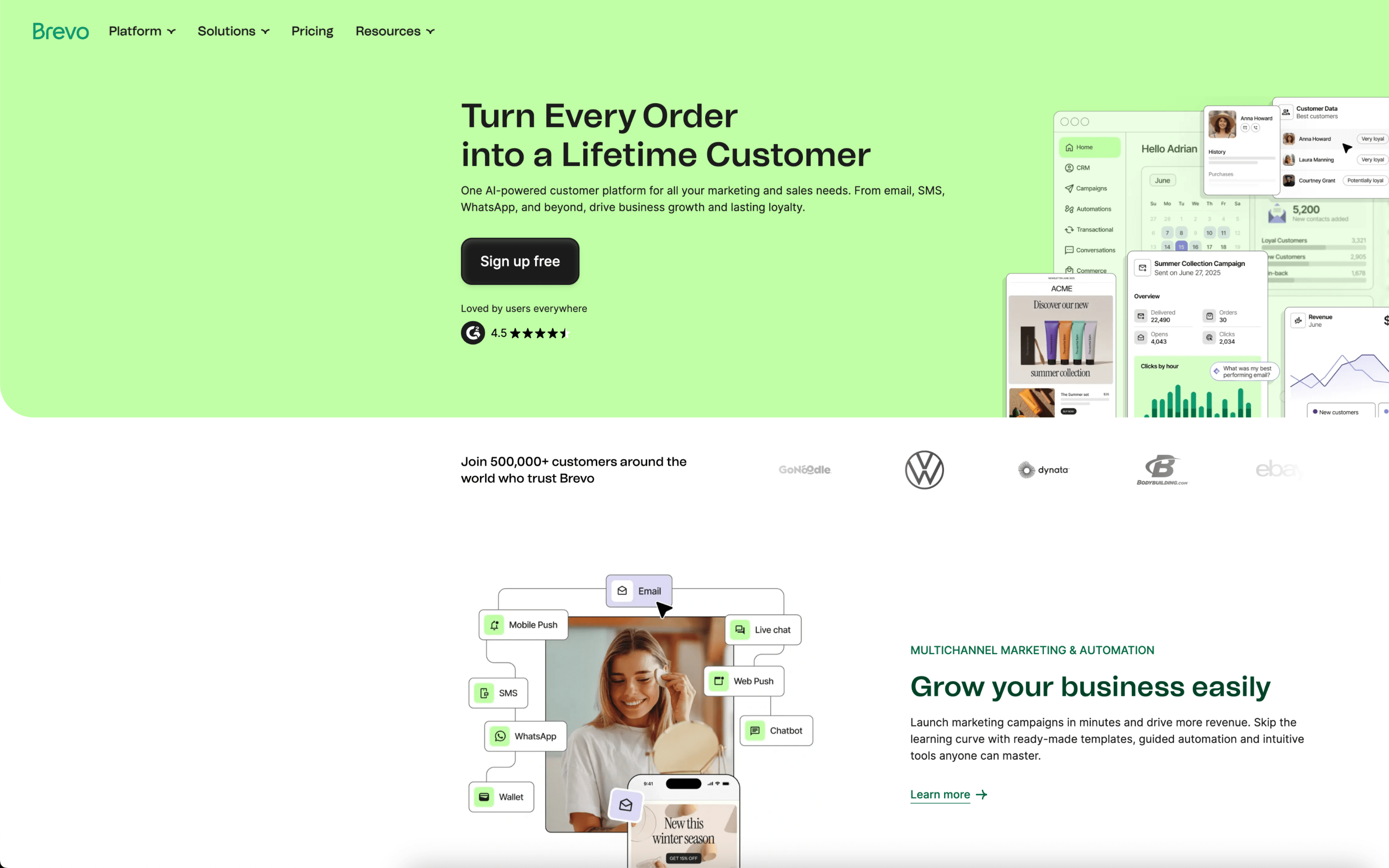
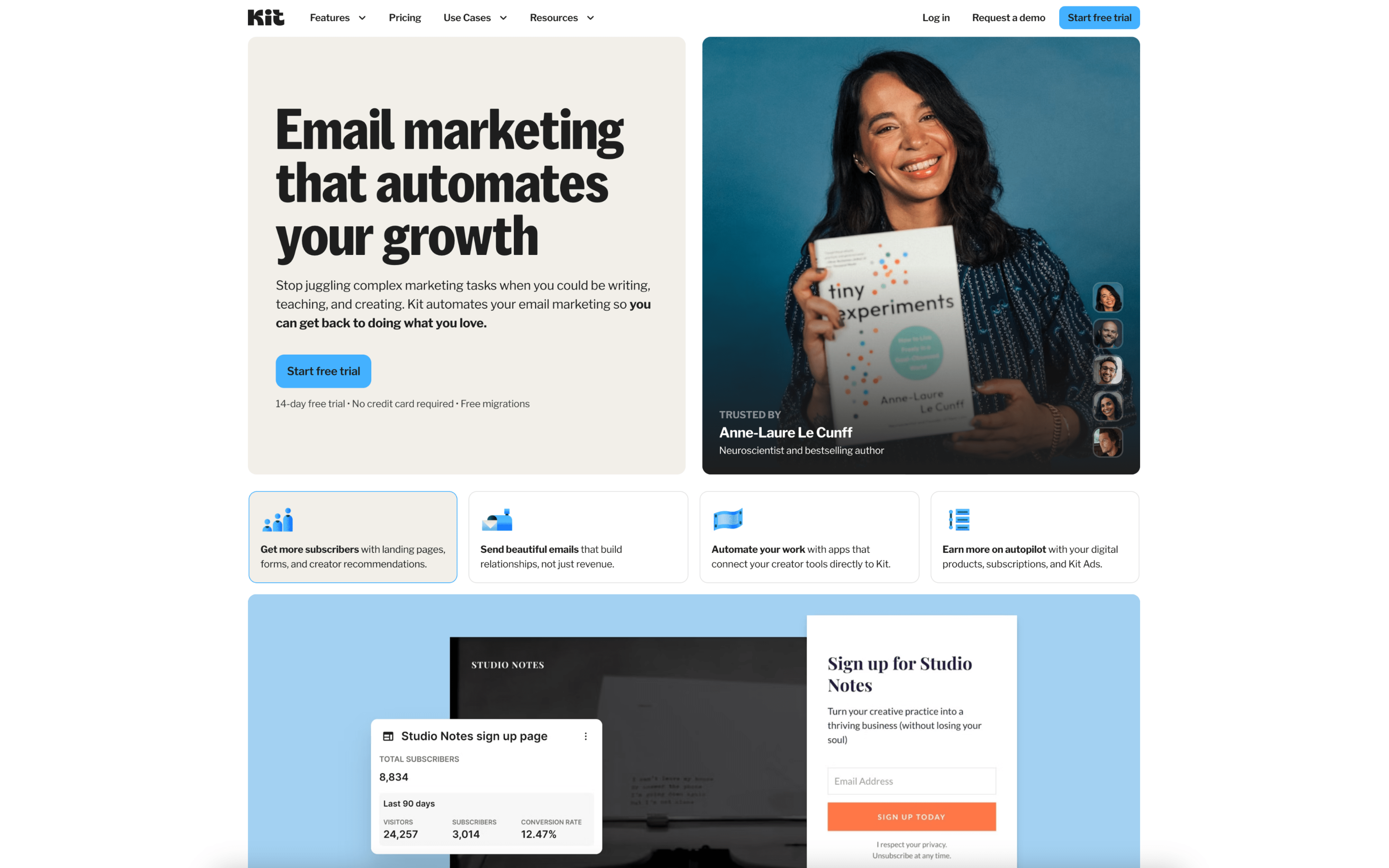
The biggest difference between Brevo and ConvertKit is scope: Brevo positions itself as a broader customer relationship management (CRM) suite that unifies customer data and engagement across multiple messaging channels, while ConvertKit (Kit) centers on streamlined email marketing with tagging, segmentation, and visual automations. If your priority is coordinating more touchpoints from a single customer view, Brevo leans that way; if your priority is keeping email workflows focused and lightweight, ConvertKit leans that way.
That tradeoff exists because Brevo evolved from Sendinblue (founded in 2012) into a CRM suite that emphasizes a unified view of the customer journey alongside multi-channel messaging, so its product bets naturally pull toward breadth and cross-channel coordination; in contrast, ConvertKit’s positioning and review summaries repeatedly emphasize clarity, ease of setup, and a structure built around subscriber tagging and automations, which reinforces depth in email-centric workflows rather than an all-in-one CRM footprint.
In practice, this difference affects how you design your lifecycle motion and how much of your customer engagement stack you expect one platform to own. Brevo’s broader posture can reduce tool-sprawl if you want campaigns and customer context connected, while ConvertKit’s tighter focus can reduce operational complexity when the job is primarily nurturing and segmenting subscribers via email. The rest of this page unpacks what that means for automation depth, data organization, channel reach, and ongoing overhead.