All Features on Every Plan. No Lock-In.

Benchmark Email Alternatives

Explore alternatives to Benchmark Email based on how teams actually work.

Last updated: December 31, 2025

How to Read This List

Teams exploring options beyond Benchmark Email typically face decisions around pricing structure, automation depth, or how the tool fits their specific workflow (creator-focused vs ecommerce vs general email).

The platforms below are ordered by use case similarity. Each section describes how teams actually work with the tool day to day — not just feature lists.

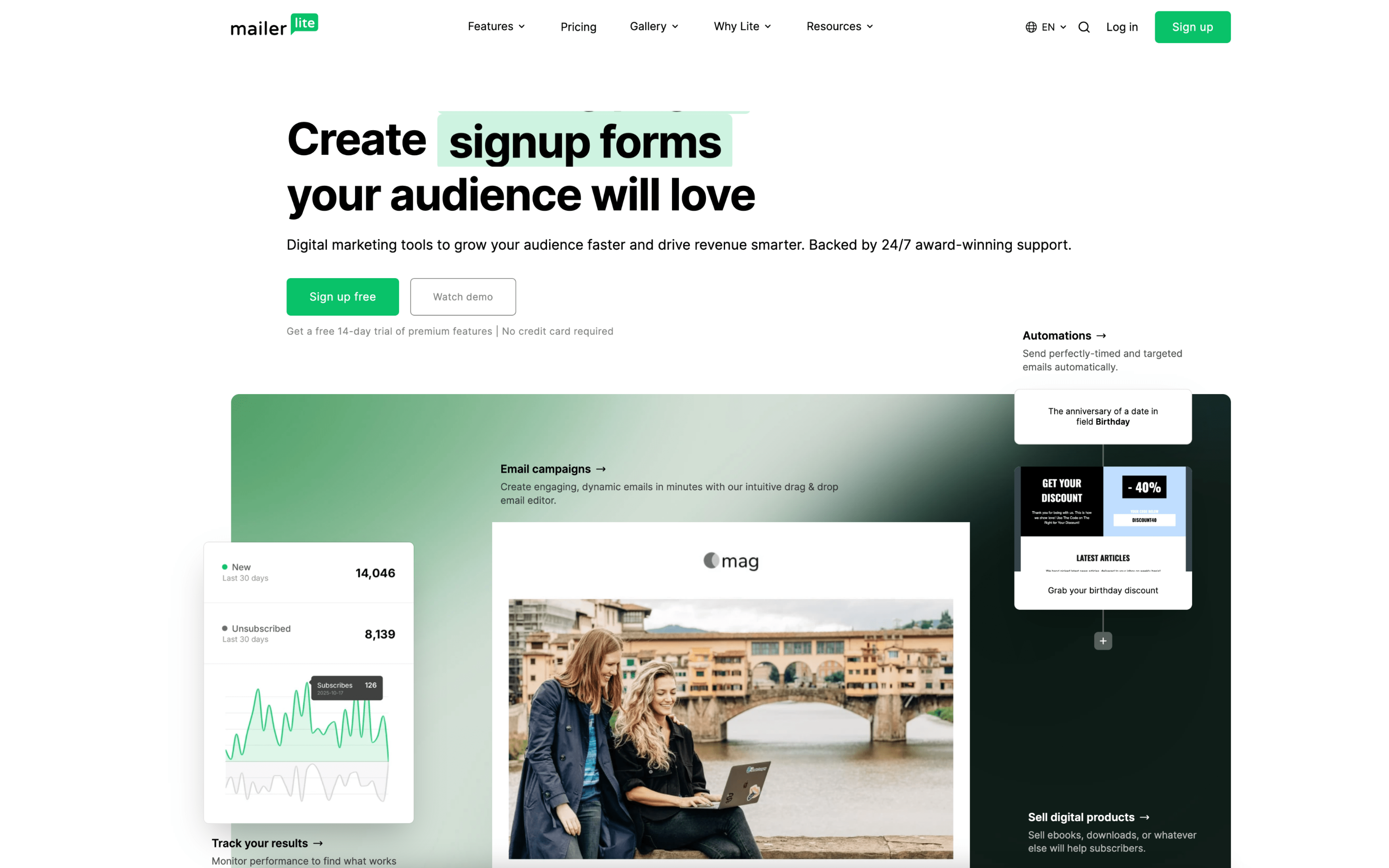
#1 MailerLite

MailerLite screenshot

MailerLite is used by teams that run email-first audience and lead programs, often alongside simple landing pages and signup forms. It tends to fit organizations where one or a few people own campaign production end to end.

Teams import or collect subscribers via forms and landing pages, then organize contacts into groups and fields for targeting. Day to day, they draft newsletters, schedule sends, and review reporting, while maintaining automations triggered by actions like form submissions, link clicks, or group joins.

Good Fit For

  • Teams sending weekly or monthly newsletters and occasionally segmenting by signup source, interests, or engagement
  • Programs that rely on lead magnets, webinars, or content downloads where a form submission should trigger an onboarding or nurture sequence
  • Ecommerce or creator workflows where purchase or browsing actions feed into post-purchase follow-ups and re-engagement automations

Considerations

  • As automations and audience structure grow, ongoing hygiene work (groups, fields, triggers, and naming conventions) becomes important to avoid confusion
  • Work can concentrate in one workspace, so teams may need external processes for approvals, asset review, and cross-functional coordination
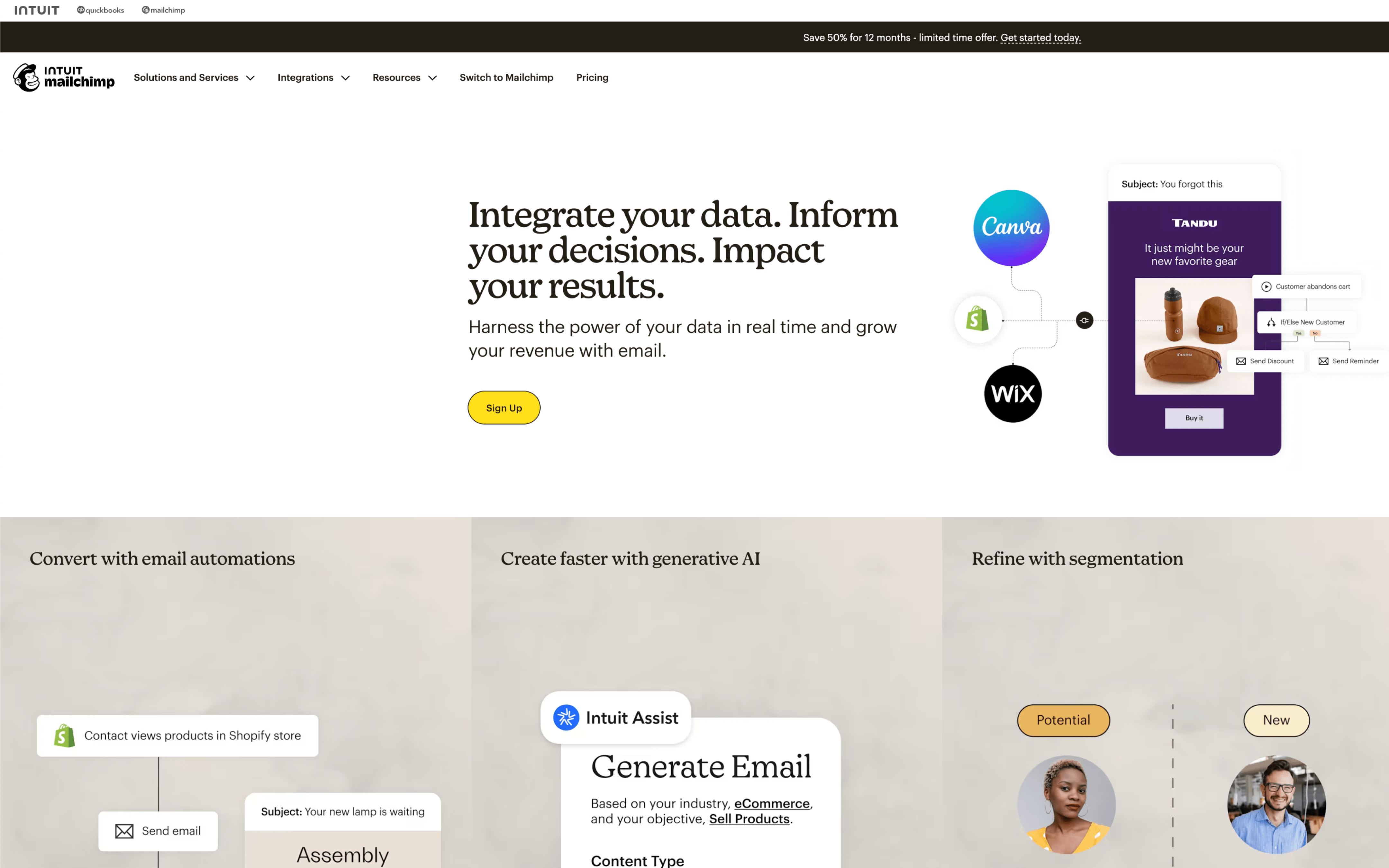
#2 Mailchimp

Mailchimp screenshot

Mailchimp is commonly used by marketing and growth teams that run recurring email programs and automated customer messaging tied to a contact database. It often sits alongside ecommerce, website, and CRM systems to keep outreach aligned with customer activity.

Teams typically sync contacts from forms, ecommerce platforms, or imports, then organize audiences with tags and segments. Day to day, they draft emails in a shared builder, schedule sends on a calendar, run automated journeys for key triggers, and review engagement and revenue reporting to adjust targeting and content.

Good Fit For

  • Teams sending weekly or monthly newsletters that need repeatable templates, scheduling, and basic feedback loops from reports
  • Ecommerce marketers running lifecycle messaging like welcome, abandoned cart, and post-purchase follow-ups based on store events
  • Marketing teams coordinating multiple touchpoints on a campaign timeline and relying on integrated data to segment audiences and personalize sends

Considerations

  • Data organization depends on ongoing list hygiene and consistent tagging, which can become a recurring operational task as the audience grows
  • Once campaigns or automations are live, changes may require pausing, duplicating, or rebuilding steps, which can slow iteration during active promotions

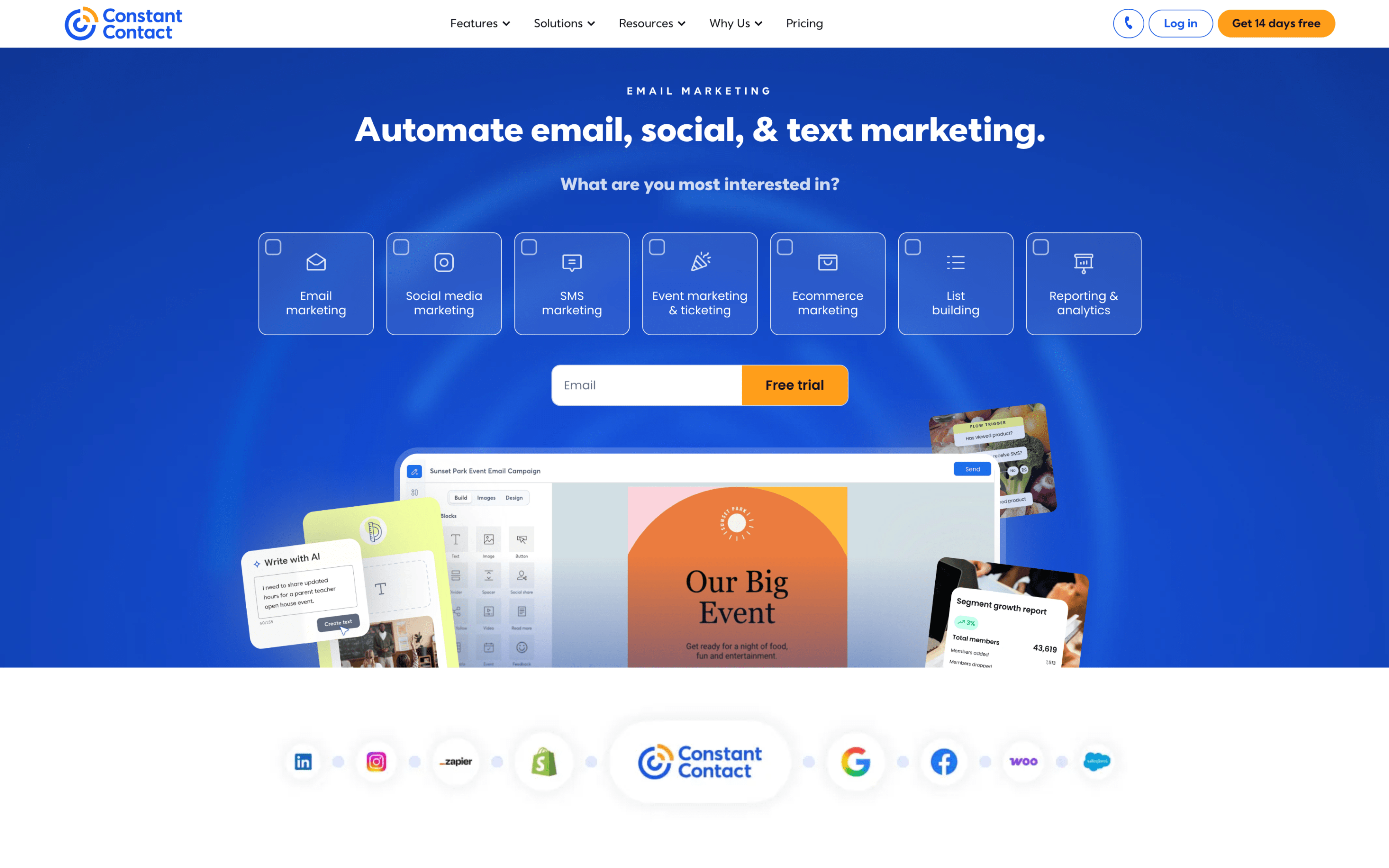
#3 Constant Contact

Constant Contact screenshot

Constant Contact is commonly used by small organizations that run recurring outreach such as newsletters, promotions, and event announcements. It tends to fit teams that want one place to manage contacts, build messages, and track engagement without a separate marketing ops layer.

Teams typically import or collect contacts through sign-up forms and landing pages, then organize audiences for targeted sends. Work often follows a weekly or monthly rhythm: draft an email, preview it, schedule or send, then review opens and clicks to plan the next message or resend to non-openers.

Good Fit For

  • Teams sending a regular newsletter and occasional announcements, with light segmentation based on engagement or basic contact details
  • Organizations running time-based campaigns such as seasonal promotions, fundraising pushes, or event invitations with follow-up reminders
  • Teams that collect leads from web forms and then use a repeatable welcome or onboarding sequence to introduce new subscribers

Considerations

  • Work tends to center on campaign execution and standard automations, so teams with highly customized lifecycle logic may need additional processes outside the tool
  • As contact data sources grow, keeping lists, tags, and segments consistent can require ongoing hygiene and shared internal conventions

#4 Campaign Monitor

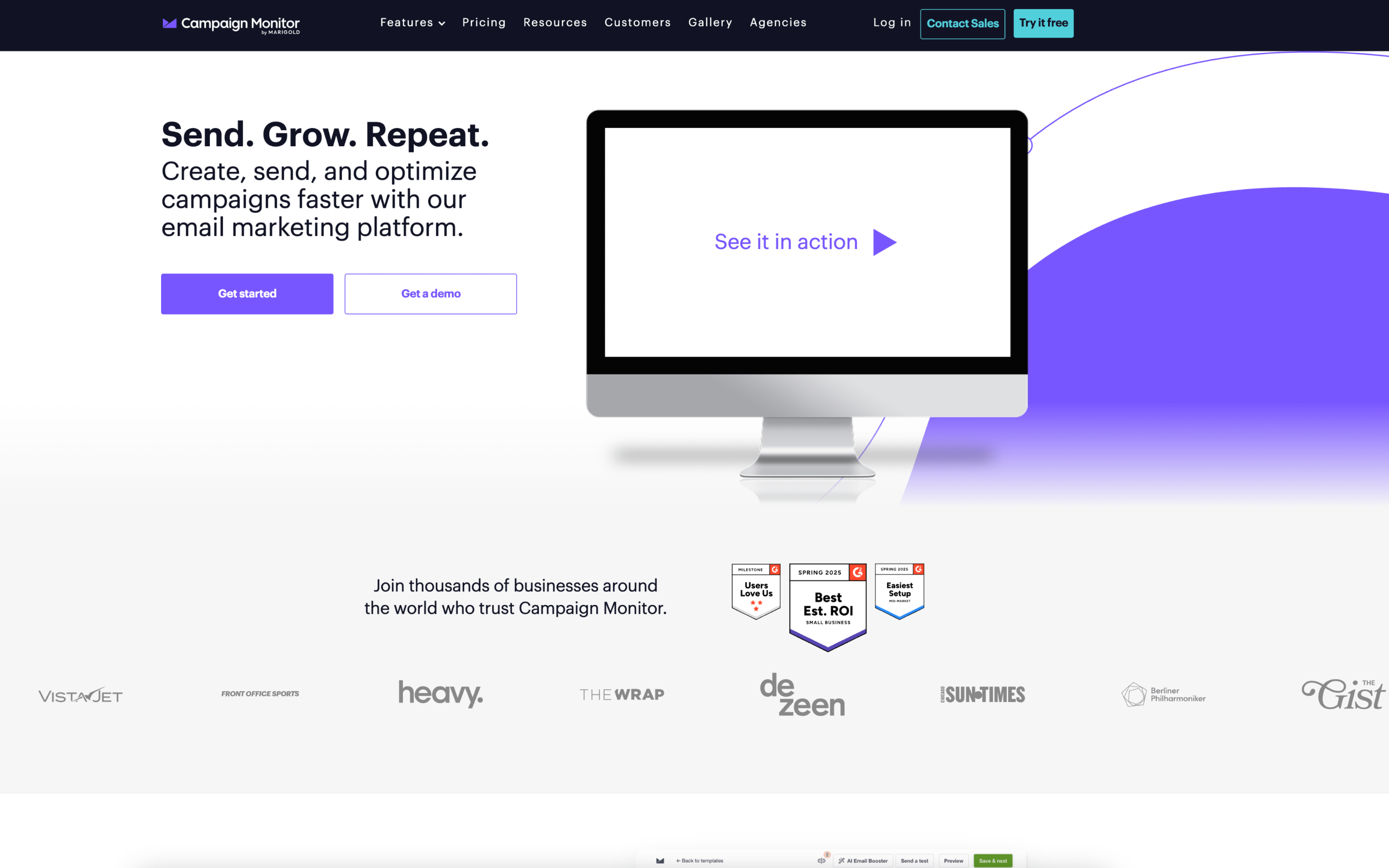
Campaign Monitor screenshot

Campaign Monitor is typically used by marketing and communications teams that run recurring email campaigns and want a structured way to manage audiences, templates, and performance reporting. It also fits agencies managing multiple client accounts with separate access and approval needs.

Teams import or sync contacts, organize them into lists and segments, then build newsletters or announcements from shared templates and drafts. Work often follows a weekly or monthly cadence: prepare content, test and review links and rendering, schedule sends (including time-zone delivery), then monitor opens and clicks to adjust future sends and automations.

Good Fit For

  • Teams producing weekly or monthly newsletters that rely on repeatable templates, campaign scheduling, and post-send reporting
  • Organizations running triggered lifecycle emails (welcome, re-engagement, RSS-based updates, event follow-ups) that need set-and-monitor journeys
  • Agencies or distributed teams that need separate client workspaces, role-based access, and controlled editing of shared templates

Considerations

  • Collaborative workflows depend on how templates and permissions are configured, which can add setup overhead before day-to-day sending is smooth
  • As segmentation, dynamic content, and automated journeys expand, maintaining consistent data fields and list hygiene becomes an ongoing operational task

#5 GetResponse

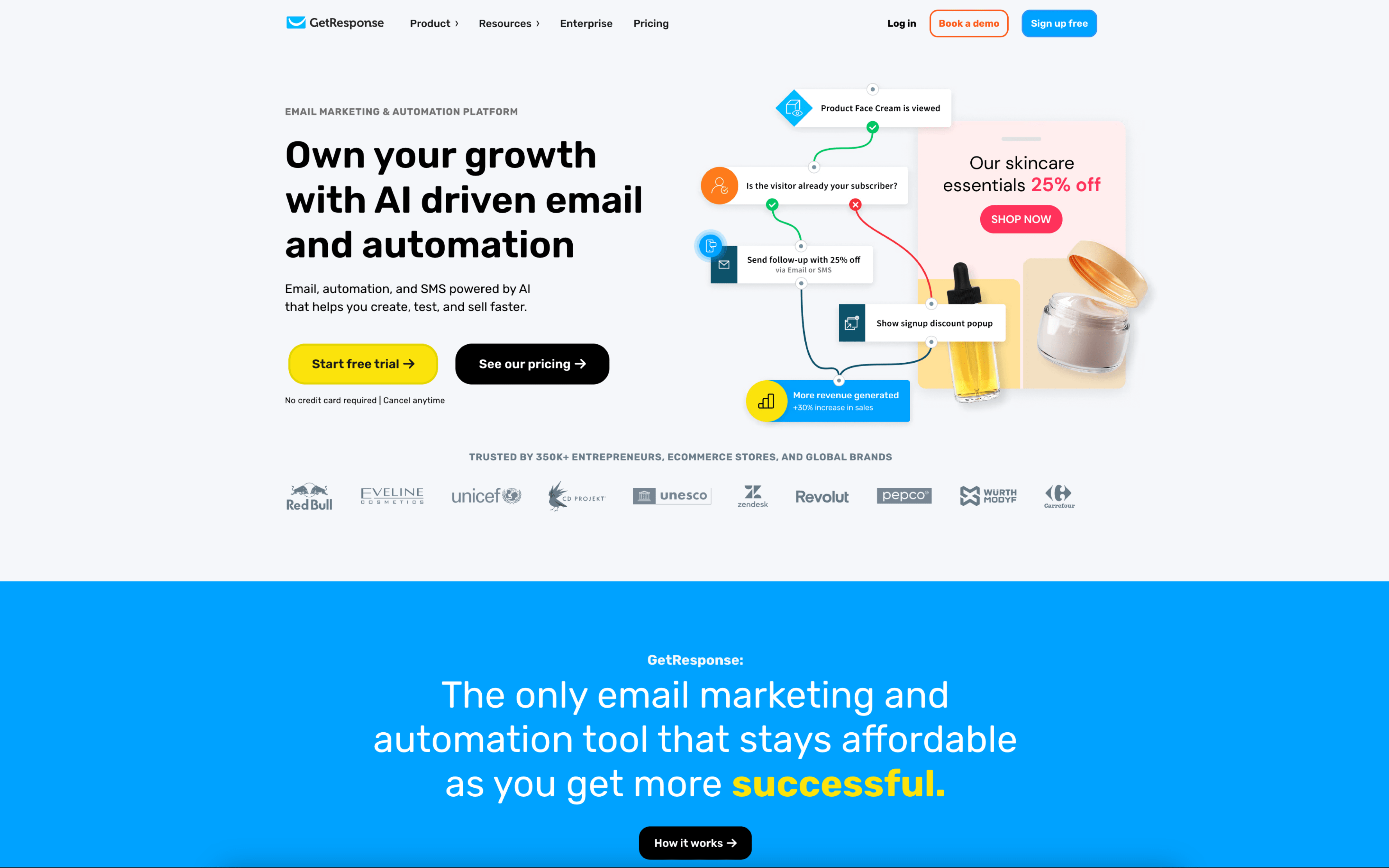
GetResponse screenshot

GetResponse is used by marketing teams that run email-led customer communication and lead generation, often combining newsletters, automated nurturing, and landing pages in one operational workflow. It also shows up in agencies managing campaigns and approvals across multiple collaborators.

Teams typically build contact lists, tag and segment subscribers based on behavior, then run a mix of scheduled broadcasts and always-on automation flows. Day to day, work centers on drafting emails and pages, setting triggers and filters for journeys, coordinating approvals with user roles, and reviewing engagement reports to adjust targeting.

Good Fit For

  • Teams running weekly newsletters alongside triggered sequences such as onboarding, re-engagement, or abandoned-cart follow-ups
  • Campaigns that pair email sends with dedicated landing pages, forms, and tracked website actions to capture and nurture leads
  • Organizations that need multiple contributors (copy, design, marketing owners) with permissioned access and an approval step before sending

Considerations

  • Coordinating tagging, scoring, and automation logic requires ongoing ownership to keep segments and journeys accurate as campaigns change
  • Using the platform as a central hub for emails, pages, and webinars can increase dependence on its internal workflow and data model for reporting and handoffs

#6 Aweber

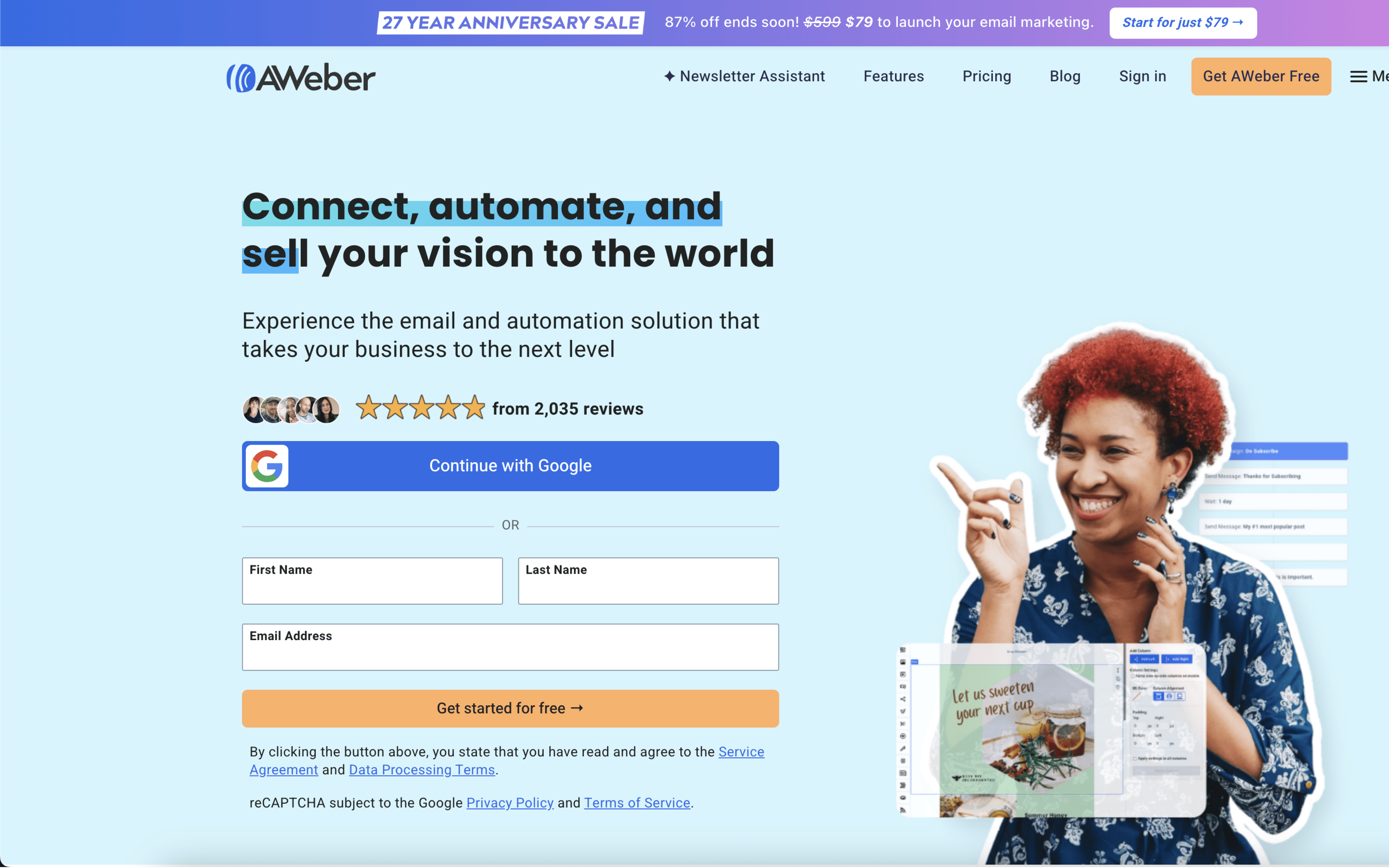
Aweber screenshot

Aweber is typically used by entrepreneurs and small teams that run email marketing as an ongoing operational channel. It tends to fit teams that rely on newsletters, list building, and straightforward follow-up sequences.

Teams usually start by syncing or importing subscribers into lists, then collecting new sign-ups through forms, landing pages, or connected apps. Day to day, they draft and send broadcasts on a set cadence, segment audiences for targeted sends, and maintain automated follow-ups triggered by sign-ups or engagement.

Good Fit For

  • Teams sending weekly or monthly newsletters and occasional promotions to segmented subscriber groups
  • Creators and course businesses capturing leads from landing pages or partner tools and running welcome and nurture sequences
  • Small ecommerce or service teams that need consistent list hygiene, basic tagging, and follow-ups after sign-ups or key actions

Considerations

  • Some teams report friction when customizing templates or completing sender and email verification steps, which can slow initial setup
  • Automation and reporting depth may feel limiting for teams that need highly complex branching logic or detailed analytics workflows

#7 Brevo

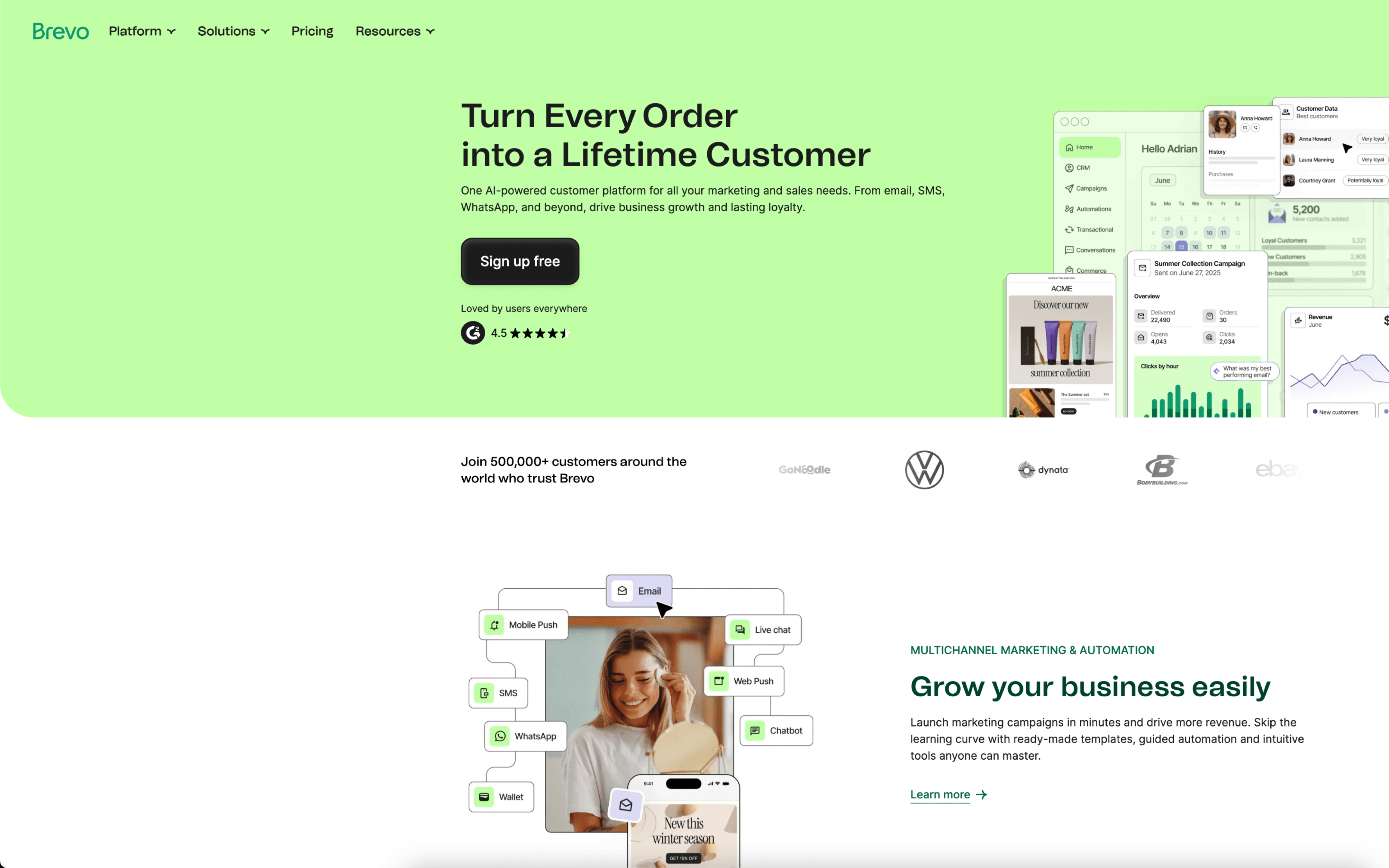
Brevo screenshot

Brevo is used by teams that manage customer communications across email and other messaging channels while keeping basic customer data and engagement history in one place. It often shows up in small to mid-sized marketing operations that also need transactional and lifecycle messaging.

Teams typically import and maintain contacts, segment audiences, and run a mix of scheduled campaigns and ongoing automations tied to customer behavior. Day to day work revolves around building messages, setting triggers, reviewing deliverability and engagement metrics, and iterating on flows.

Good Fit For

  • Teams running weekly or monthly newsletters while also maintaining always-on lifecycle sequences like welcome, post-purchase, and win-back
  • Organizations that need marketing and transactional messages coordinated from the same contact record and reporting view
  • Operators who rely on segmentation and list hygiene as an ongoing routine, with frequent imports, attribute updates, and audience refreshes

Considerations

  • Some teams report occasional friction in contact management and segmentation when lists grow or structures get more complex
  • Deliverability or compliance-related enforcement can interrupt workflows if sending patterns or list quality trigger automated reviews