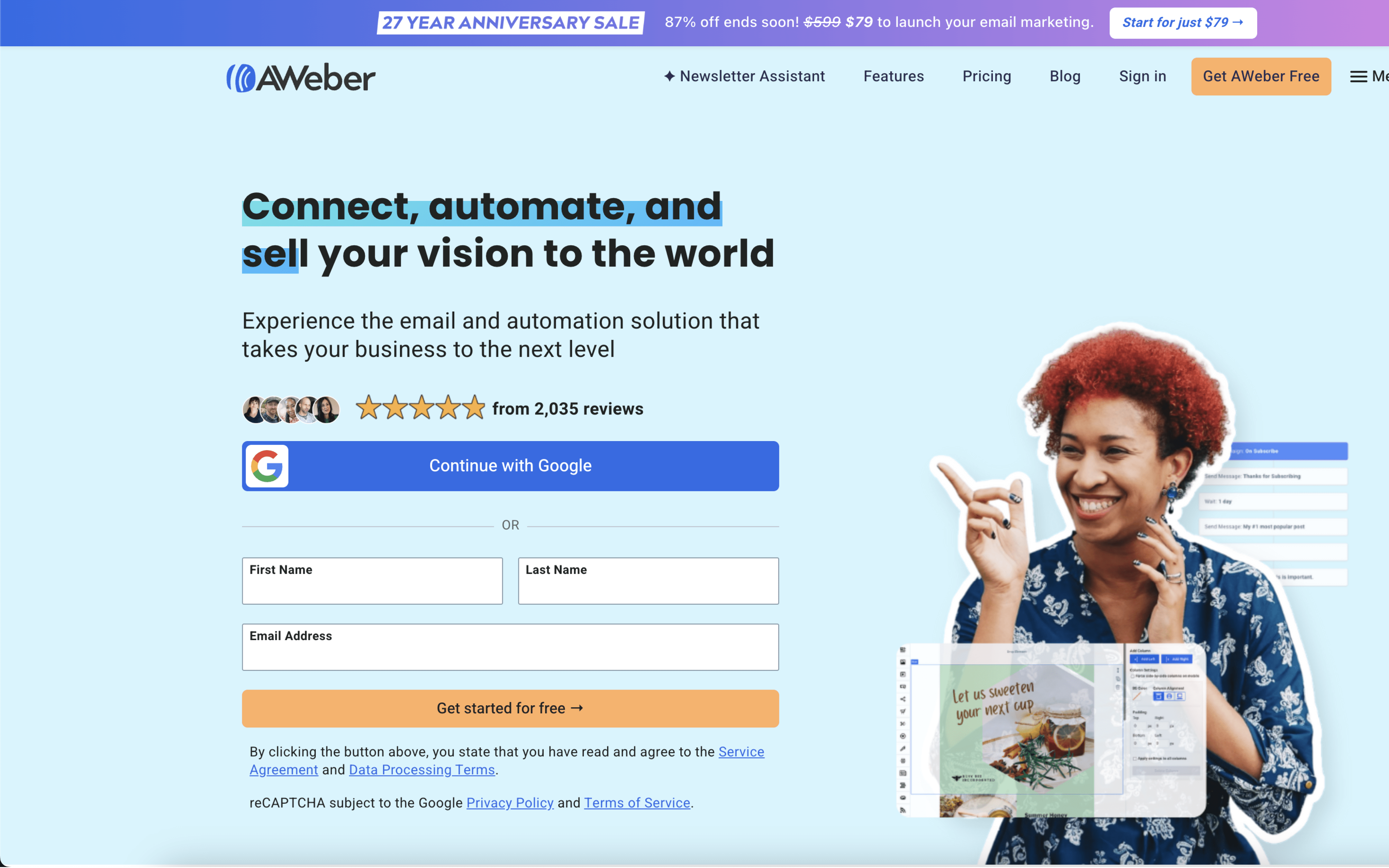

The biggest difference between AWeber and Omnisend is what they’re optimizing for day to day: AWeber is built to keep email marketing straightforward—campaigns, segmentation, and automated follow-ups without complex setup—while Omnisend prioritizes ecommerce-oriented automation that can span multiple channels (like email, SMS, and web push) and sync closely with store behavior. If you want a cleaner, email-first operating model, AWeber leans that way; if you need lifecycle automation tied to shopping activity, Omnisend leans there.
That split largely comes from their product bets over time: AWeber, founded in 1998, positions itself around removing complexity from email marketing, which shows up in an emphasis on core email execution and approachable automation. Omnisend, founded in 2014 (originally Soundest), was built with ecommerce marketers at the center and evolved from email-only into an omnichannel marketing automation platform—so its data and workflows are designed to react to purchase and browsing behavior across channels, not just newsletter-style sends.
For buyers, this difference changes what your marketing stack revolves around: an email-centric system that’s easier to run versus a commerce-linked engine that’s better at coordinating lifecycle touchpoints. The rest of this comparison unpacks how that plays out in automation depth, cross-channel reach, reporting expectations, and the operational overhead required to keep each approach clean as your programs mature.