All Features on Every Plan. No Lock-In.

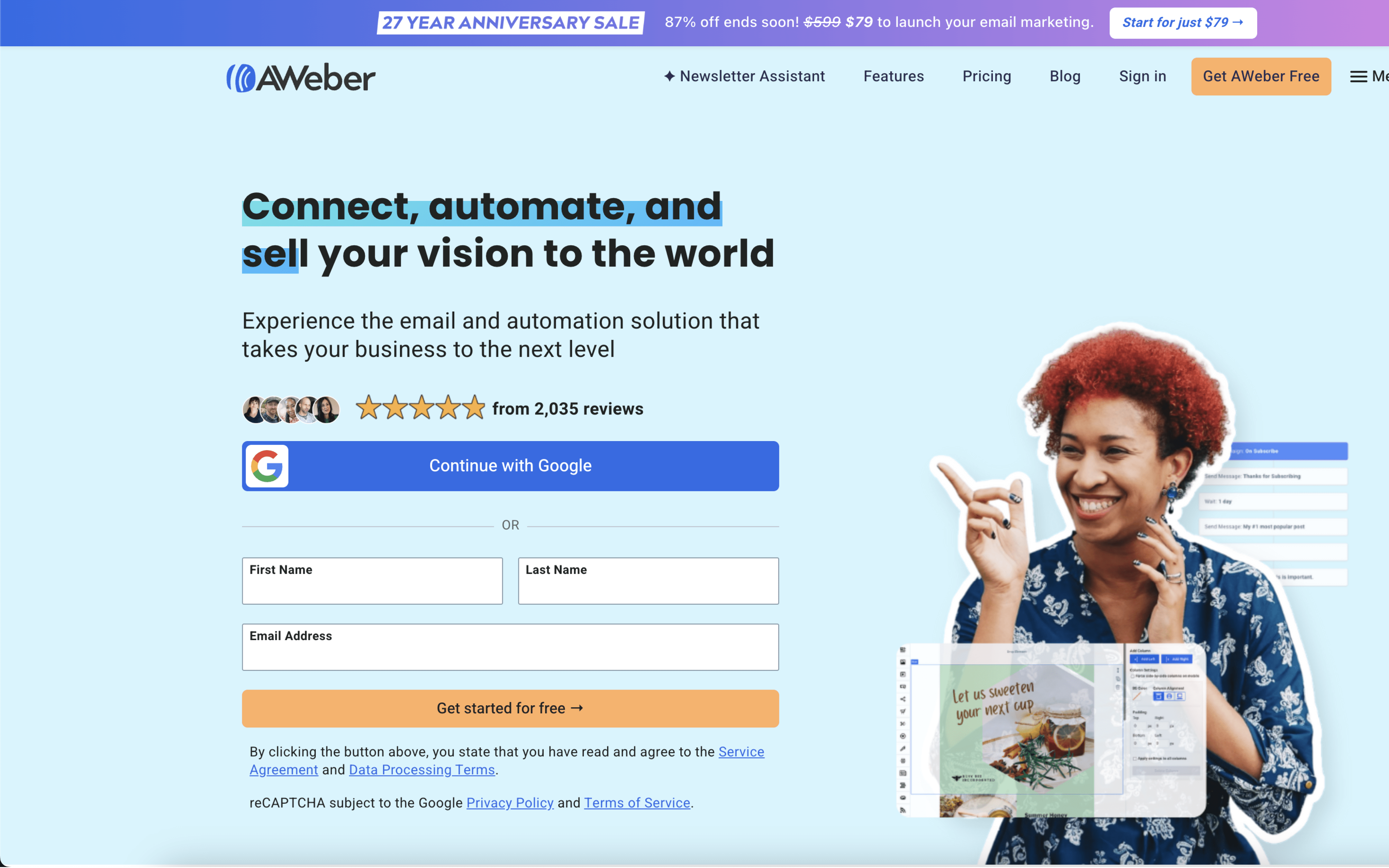
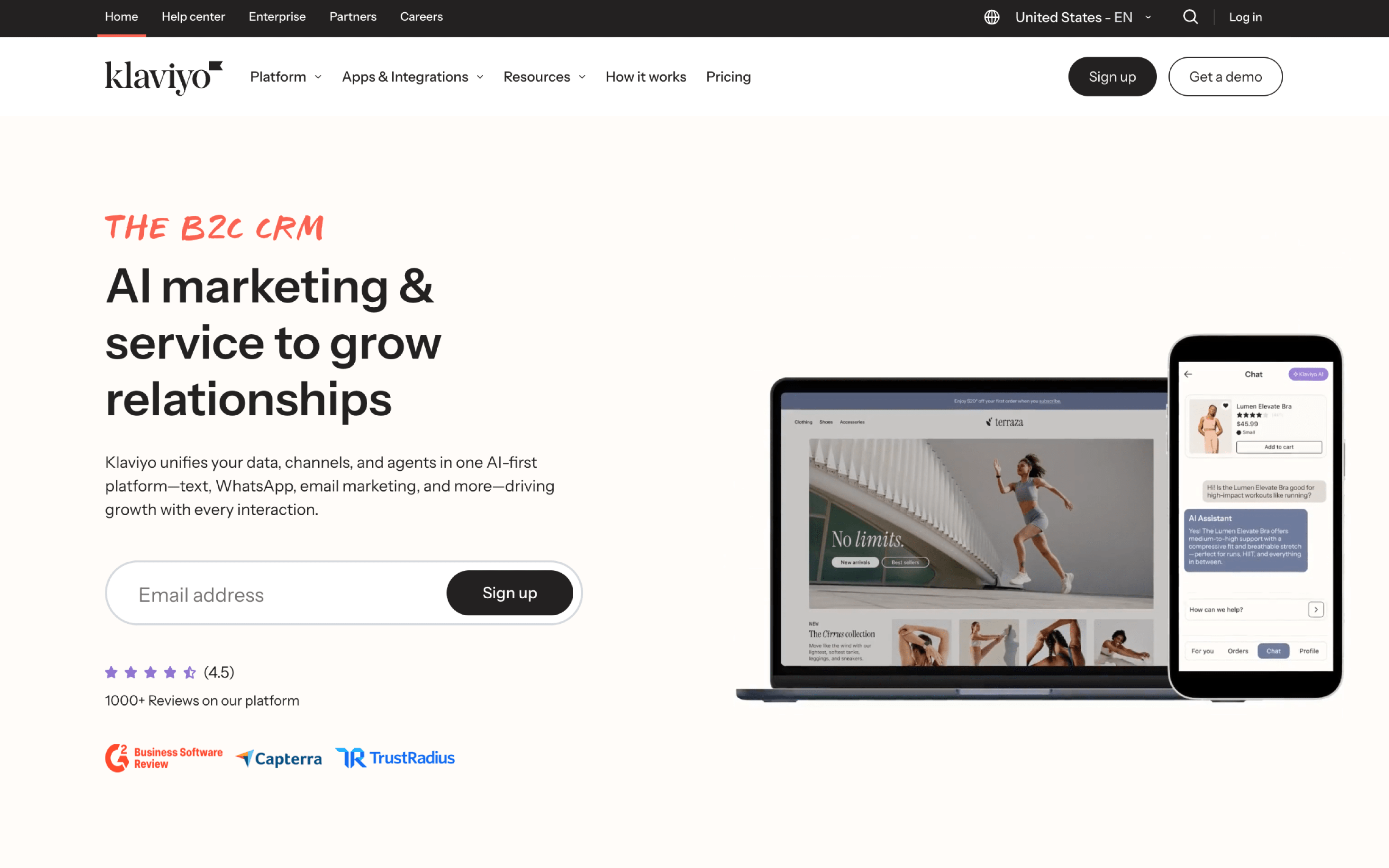
Aweber vs Klaviyo

A side-by-side comparison for teams choosing between Aweber and Klaviyo.

Last updated: December 16, 2025

Screenshot
vs
Screenshot

Quick Overview

Simple email execution vs data-driven automation

The biggest difference between AWeber and Klaviyo is what each tool treats as the “center” of your marketing system. AWeber is built to keep email marketing straightforward—campaigns, list management, and practical automations without a complex setup—while Klaviyo prioritizes using richer customer data to power more adaptive targeting and lifecycle automation. If your program needs depth in segmentation logic and real-time responsiveness, the platforms will feel fundamentally different.

That tradeoff exists because the products made different core bets. AWeber has positioned itself for powerfully simple email marketing for entrepreneurs and small businesses (founded in 1998), so its design emphasizes getting campaigns and follow-ups running with less operational complexity, even if customization and automation depth can feel more limited. Klaviyo, by contrast, frames email as an activation layer on top of a built-in customer data platform—centralizing behavioral and purchase signals into unified profiles—so segmentation and automation can react to what customers do in the moment.

Practically, this difference determines how your messaging program scales: whether your workflows stay mostly campaign-led with lightweight automations, or become data-orchestrated across journeys that depend on continuously updated profiles. It also affects how much you’ll rely on segmentation sophistication, how tightly marketing ties into the rest of your stack, and the level of ongoing tuning required to keep personalization and automation effective as your program grows.

Quick Comparison

At a Glance

Category Aweber Klaviyo
Best for Small businesses and entrepreneurs Retail and ecommerce brands
Core strength Email newsletters and follow-ups Customer data platform profiles
Automation depth Behavioral triggers and split paths Cross-channel flows with splits
Pricing model Subscriber-based pricing, unlimited sends Active profile-based usage pricing
Learning curve Beginner-friendly interface and navigation Connect store tools, sync data

Vendor Snapshot

Company Snapshot

Background data gathered from our market research (founding year, HQ, team size, specialties, etc.).

27+ years operating Team 51-200
Founded
1998
HQ
Doylestown, Pennsylvania, USA
Team
51-200
Industry
Email Marketing Software

AWeber provides powerfully-simple email marketing solutions for entrepreneurs and small business owners, with features designed to remove complexity from email marketing. The company is remote-first (since 5/2020) and highlights Pennsylvania-based 24/7 customer support.

Specialties

Automated Email Follow-Up Email Marketing Email Marketing Software Email Newsletters Marketing Automation
K
13+ years operating Team 1001-5000
Founded
2012
HQ
Boston, Massachusetts, USA
Team
1001-5000
Industry
B2C CRM

Klaviyo is a B2C CRM powered by a built-in data platform and AI, combining marketing automation, analytics, and customer service into one unified solution. It helps brands deliver 1:1 experiences at scale to improve efficiency and drive revenue.

Why These Platforms Feel So Different

AWeber came out of the early email newsletter era, when the core problem was reliably sending bulk messages and follow-ups at scale. Klaviyo started later in ecommerce, where the hard problem was turning store and on-site activity into messages without stitching many systems together.

Because AWeber was built to make broadcast email and autoresponders dependable, it prioritizes stable sending workflows and list-centric organization. This leads to a product that often adds capabilities by layering them onto established concepts. A concrete example is its long-running emphasis on automated email follow-up and broad integrations with common web tools.

Because Klaviyo was built around commerce events, it prioritizes capturing and using behavioral and purchase signals inside the messaging system. This leads to a product that assumes a continuous stream of events and keeps customer records tightly connected to those events. A concrete example is its approach of centralizing ecommerce, behavioral, and engagement data into one place to reduce reliance on separate data tools.

Those origin choices explain why the platforms feel different when you push beyond basic sending. The next sections translate these early priorities into practical differences you will notice during setup and ongoing iteration.

Key Takeaways

Key Differences

AWeber and Klaviyo differ across core dimensions like target customers, data model, automation depth, integrations, reporting, and scaling.

Market focus

Small business vs ecommerce-first

AWeber targets general small-business email marketing, while Klaviyo is built primarily for B2C ecommerce and retention marketing.

Data model

Email lists vs customer profiles

AWeber centers on lists and subscribers, while Klaviyo unifies behavioral and purchase data into real-time customer profiles.

Automation model

Basic sequences vs event-driven flows

AWeber emphasizes straightforward autoresponders and campaign automations, while Klaviyo prioritizes event-based, multi-step flows driven by customer actions.

Integrations

Broad connectors vs commerce ecosystem

AWeber supports many general-purpose integrations, while Klaviyo focuses on deep ecommerce platform and marketing stack integrations.

Reporting & analytics

Campaign metrics vs revenue attribution

AWeber focuses on standard email performance reporting, while Klaviyo emphasizes customer analytics, attribution, and revenue outcomes across campaigns and flows.

Workflow complexity

Quick setup vs advanced targeting

AWeber is optimized for fast setup and simpler workflows, while Klaviyo supports more complex segmentation and personalization at scale.

Feature Comparison

Feature-by-feature comparison

Compares core messaging, automation, data, and growth capabilities for email marketing platforms.

Email campaigns

Email creation, templating, and send management.

AWeber

Email marketing with templates and list management.

Klaviyo

Drag-and-drop email editor with templates and personalization.

Automation workflows

Automated customer journeys using triggers and logic.

AWeber

Automation with behavioral triggers, split paths, and workflow versioning.

Klaviyo

Flows with triggers and conditional logic for lifecycle automations.

Segmentation

Audience targeting using attributes and behaviors.

AWeber

Contact segmentation and list organization.

Klaviyo

Build segments using any data, including behavior and purchase history.

SMS marketing

Text message campaigns and automation capabilities.

AWeber

Klaviyo

SMS and MMS with automation flows and segmentation.

Landing pages

Built-in landing page creation for conversion.

AWeber

Drag-and-drop landing page builder with customizable templates.

Klaviyo

Sign-up forms

Lead capture forms to grow lists.

AWeber

Sign up form builder.

Klaviyo

Sign-up forms with AI list growth optimization.

Integrations ecosystem

Prebuilt connections to third-party apps and platforms.

AWeber

Native and third-party integrations; Capterra lists 96 integrations.

Klaviyo

350+ integrations and APIs for centralized data activation.

Ecommerce integrations

Connections to ecommerce platforms for customer and order data.

AWeber

Integrations with ecommerce platforms like Shopify.

Klaviyo

Native integrations with Shopify, WooCommerce, BigCommerce, and Magento.

Reporting and analytics

Performance tracking for campaigns and messaging.

AWeber

Advanced reporting and analytics.

Klaviyo

Reporting with deliverability monitoring and multi-channel attribution.

AI capabilities

AI-assisted creation, targeting, or optimization features.

AWeber

AI Writing Assistant for email content.

Klaviyo

Klaviyo AI for testing optimization and channel affinity.

Mobile push notifications

App-based push messaging and automation support.

AWeber

Web push notifications.

Klaviyo

Mobile push and mobile app marketing automation.

Feature Analysis

Feature Explanation: How These Capabilities Differ in Practice

You’ve already seen which boxes each platform checks. This section clarifies how the key capabilities behave day-to-day when you build and run campaigns.

#1 Automation & Flows

AWeber supports workflow automation with branching paths based on subscriber actions and includes workflow versioning for draft changes.

Klaviyo builds automations as event-triggered flows with conditional and trigger splits, including options like predictive analytics and random samples for tests.

#2 Customer Segmentation

AWeber segmentation is centered on lists and subscriber organization, with targeting supported through behavior-based automation triggers.

Klaviyo segments update in real time and can use broad data sources, including browsing, purchases, and predictive fields like CLV and churn risk.

#3 Multichannel Messaging

AWeber focuses primarily on email, and adds web push notifications as an additional channel.

Klaviyo supports coordinated messaging across email, SMS, mobile push, and WhatsApp within the same platform and flows.

#4 Analytics & Attribution

AWeber provides message analytics and includes features like Facebook pixel tracking for measuring conversions tied to campaigns.

Klaviyo offers dashboards plus attribution controls like custom attribution windows and the ability to exclude transactional messages from reports.

#5 Ecommerce Integrations

AWeber connects to ecommerce tools through its integrations directory, including Shopify and WooCommerce, often to sync buyers into lists.

Klaviyo is designed around ecommerce event data so flows can trigger off behaviors like browsing and cart activity after store connections.

#6 Testing & Optimization

AWeber supports A/B testing, but most optimization work happens at the email and workflow level.

Klaviyo supports A/B testing in both campaigns and flows, including automated winner selection and statistical significance reporting.

#7 Data Model & Customer Profiles

AWeber is oriented around lists and subscriber records used for sending and automation targeting.

Klaviyo uses unified customer profiles with real-time activity feeds, profile merging, and backfilled anonymous activity once someone identifies.

Pricing

Pricing & Plans

Compare tiers, caps, and upgrade paths at a glance.

Aweber

Tiered Volume pricing

Public monthly pricing is listed for defined contact tiers, with higher volumes moving to sales-quoted custom pricing.

Klaviyo

Tiered Free tier Volume pricing

Pricing scales primarily by active profile (contact) count, with public pricing for common tiers and custom quotes at higher volumes.

Free contacts
250
Free monthly emails
500
1,000 contacts

PLAN

$25

per month

What's included

  • Includes 10,000 emails
  • Email marketing campaigns
  • Subscriber management
  • Landing pages and signup forms

Limitations

  • SMS is not available on this platform’s plans.

PLAN

$30

per month

What's included

  • Includes 10,000 emails
  • Email automation (flows)
  • Segmentation using behavioral data
  • Integrations with ecommerce platforms

Limitations

  • SMS is available but typically requires SMS setup and credits/billing separate from email-volume limits.
10,000 contacts

PLAN

$100

per month

What's included

  • Includes 100,000 emails
  • Email sends scale with subscriber tier
  • Automation capabilities
  • Reporting and analytics

Limitations

  • SMS is not available on this platform’s plans.

PLAN

$150

per month

What's included

  • Includes 100,000 emails
  • Higher email volume aligned to tier
  • Advanced segmentation and targeting
  • Email + SMS capability (where enabled)

Limitations

  • SMS is available but SMS usage is credit-based and may require additional configuration/approval depending on region.
50,000 contacts

PLAN

$375

per month

What's included

  • Includes 500,000 emails
  • Higher-volume sending tier
  • List and audience management
  • Campaign performance reporting

Limitations

  • SMS is not available on this platform’s plans.

PLAN

$720

per month

What's included

  • Includes 500,000 emails
  • High-scale automation programs
  • Deliverability and performance monitoring
  • Data-driven personalization

Limitations

  • High-volume sending may require deliverability and compliance review as throughput scales.
100,000 contacts

PLAN

$600

per month

What's included

  • Includes 1,000,000 emails
  • High-volume email tier
  • Segmentation and targeting
  • Automation workflows

Limitations

  • SMS is not available on this platform’s plans.

PLAN

$1,380

per month

What's included

  • Includes 1,000,000 emails
  • Very high monthly email volume
  • Lifecycle automation at scale
  • Reporting for large datasets

Limitations

  • Operational complexity increases at this volume (e.g., deliverability management and list hygiene become critical to maintain performance).
500,000 contacts

PLAN

Contact sales

What's included

  • Includes custom emails
  • Custom-priced plan via sales
  • Custom email volume
  • Scale-oriented account setup

Limitations

  • Pricing requires contacting sales (custom quote).

PLAN

Contact sales

What's included

  • Includes custom emails
  • Custom contract via sales
  • Custom email volume
  • Enterprise-scale data and messaging support

Limitations

  • Pricing requires contacting sales (custom quote) and may involve contract terms.
1,000,000 contacts

PLAN

Contact sales

What's included

  • Includes custom emails
  • Custom-priced plan via sales
  • Custom email volume
  • Enterprise-scale list size support

Limitations

  • Pricing requires contacting sales (custom quote).

PLAN

Contact sales

What's included

  • Includes custom emails
  • Custom contract via sales
  • Custom email volume
  • Enterprise-scale program governance

Limitations

  • Pricing requires contacting sales (custom quote) and may involve onboarding and compliance review at enterprise scale.

Customer Voices

Reviews & Ratings

See how Aweber vs Klaviyo compare based on verified customer reviews (pros, cons, sentiment).

Aweber

4.4 / 5.0

Based on 320 reviews

Positive sentiment
Top Pros
  • Customer support is quick and knowledgeable
  • Easy setup for basic email campaigns
  • List and subscriber management is straightforward
  • Reliable for simple email marketing needs
Top Cons
  • Interface feels outdated and clunky
  • Automation lacks branching and advanced logic
  • Ecommerce integration feels basic or limited
  • Prices increased noticeably for some users

Klaviyo

4.6 / 5.0

Based on 512 reviews

Positive sentiment
Top Pros
  • Powerful segmentation for targeted campaigns
  • Flows make automations easy to build
  • Works great with Shopify and ecommerce data
  • Strong analytics and real-time performance tracking
Top Cons
  • Pricing is high and confusing
  • Costs rise quickly as lists grow
  • Editor can glitch or slow down
  • Advanced analytics costs extra

Real-World Scenarios

How day-to-day workflows differ in real scenarios

Feature checklists don’t show how work actually flows week to week. These scenarios highlight where workflows, handoffs, and ongoing adjustments feel different in practice.

#1 Subscriber capture and list upkeep

Aweber: Teams capture subscribers, then do recurring list cleanup and tagging to keep sends organized; upkeep tends to happen weekly around campaigns.

Klaviyo: Teams capture subscribers and keep segments updating ongoing; targeting stays current daily with fewer manual refresh cycles between launches.

#2 Campaign planning and send cadence

Aweber: Marketers plan newsletters in bursts, scheduling sends and reviewing results afterward; cadence often becomes weekly with manual tweaks between sends.

Klaviyo: Marketers coordinate campaigns alongside ongoing messaging; cadence can be daily, with faster adjustments as performance signals shift throughout the week.

#3 Ongoing customer lifecycle messaging

Aweber: Lifecycle messaging runs on a set rhythm, with periodic check-ins to update content and timing; handoffs are simpler but require recurring manual reviews.

Klaviyo: Lifecycle messaging adapts continuously as customer behavior changes; teams monitor and tune weekly, keeping coordination tighter with less stop-start rebuilding.

#4 Segmentation and targeting handoffs

Aweber: Targeting often relies on straightforward groups, so marketers coordinate changes during campaign prep; updates happen in batches to avoid confusion.

Klaviyo: Targeting operates with frequently refreshed audiences; teams can adjust segments mid-campaign, reducing handoffs and enabling ongoing refinement without pausing sends.

#5 Ecommerce-triggered outreach cadence

Aweber: Ecommerce outreach is managed with scheduled touchpoints and occasional triggered bursts; teams review outcomes after launches and adjust timing in weekly cycles.

Klaviyo: Ecommerce outreach updates with shopper activity, keeping messaging timely day to day; teams monitor recurring performance and make small adjustments continuously.

#6 Performance visibility and iteration loop

Aweber: Reporting supports end-of-campaign review, so iteration often happens after results settle; teams make weekly adjustments and reuse proven patterns.

Klaviyo: Visibility supports ongoing optimization, so teams iterate faster; adjustments can happen midweek as trends emerge, tightening the feedback loop.

Decision Guide

Which Platform Should You Choose?

Use these cues to quickly see which platform fits how you work.

Aweber

Best for

Teams that run a steady publishing rhythm and want marketing work to stay straightforward and repeatable.

This platform is a good fit if:

  • You mainly send scheduled updates or promotions on a consistent cadence (weekly, biweekly, or monthly).
  • Your list is managed as a few clear groups, and your team tends to keep segments stable over time.
  • You prefer to publish, review basic results, and move on rather than run continuous experimentation.
  • When setup gets confusing, someone on the team wants the option to ask for help and keep things moving.

Klaviyo

Best for

Teams that operate in a fast iteration loop where messaging changes based on customer behavior and performance trends.

This platform is a good fit if:

  • Your team reviews performance frequently and adjusts messaging in response to what customers did recently.
  • Workflows depend on event-driven moments, and exceptions (edge cases) are a normal part of your planning.
  • You maintain many audience definitions that change as customer actions accumulate over time.
  • You run ongoing tests and keep multiple variations in motion at the same time, with regular rounds of updates.

Need-to-know

Frequently Asked Questions

Everything you need to know about comparing these platforms.

How much work is it to migrate my list, tags, and automations if I move from Aweber to Klaviyo (or the other way around)?

Moving subscribers is typically a CSV export/import, but the “lift” is mapping fields, tags/segments, consent status, and custom properties so targeting behaves the same in Aweber and Klaviyo.

Automations usually need to be rebuilt because each platform’s flow logic, triggers, and templates are stored differently; plan time to recreate sequences and retest timing, personalization tokens, and unsubscribe behavior after the move.

What happens if I switch and then regret it—can I reverse the decision without losing history?

You can switch away from Aweber or Klaviyo by exporting contacts and key profile fields, but platform-specific items like campaign performance dashboards, attribution views, and automation run history don’t transfer cleanly.

If you think you may revert, keep parallel exports (contacts, suppression lists, consent records) and document automation logic so you can rebuild it on return to Aweber or Klaviyo.

Do I actually own my subscriber data, and can I export everything (including unsubscribes and bounces) whenever I want?

Both Aweber and Klaviyo are designed so you can export your audience data (contacts and many fields) through exports, but exports are typically structured datasets rather than a full copy of the entire account state.

For compliance and deliverability, make sure you also export suppression-related data (unsubscribes/complaints/bounces) where available so you don’t accidentally re-mail suppressed addresses if you move between Aweber and Klaviyo.

How do Aweber and Klaviyo handle GDPR, consent, and regional privacy rules if I collect signups from the EU/UK?

In practice, GDPR compliance is a workflow: you need documented consent capture, clear subscription language, and the ability to honor access/deletion requests; both Aweber and Klaviyo support storing subscriber attributes that can be used to track consent status.

You should confirm your signup forms and integrations pass consent details into Aweber or Klaviyo and that your team has a repeatable process for deletion/export requests, because the platforms won’t “auto-fix” consent gaps from upstream sources.

I run multiple stores/brands—can I keep them separated without mixing audiences or reporting?

Multi-brand setups typically require separate lists/accounts or carefully controlled segmentation so audiences, suppression, and sending domains don’t get mixed; how you structure this in Aweber versus Klaviyo affects day-to-day operations.

If you need strict separation (different teams, compliance boundaries, or different sender identities), plan for distinct workspaces or clearly defined data boundaries so contacts from one brand aren’t accidentally emailed by another in Aweber or Klaviyo.

Are there API limits or integration constraints that can break my workflows as we add more tools?

Both Aweber and Klaviyo rely on APIs and integrations for syncing contacts, events, and purchase data, and those connections can be subject to rate limits, payload constraints, or vendor-side throttling.

If you push high-frequency events (e.g., browsing or cart activity), validate how your integration batches and retries updates to Klaviyo or Aweber so you don’t end up with delayed segments, missed triggers, or duplicate records during traffic spikes.

If I use SMS, what happens with country-specific rules, quiet hours, and carrier restrictions?

SMS is heavily regulated and varies by country (opt-in language, sender requirements, and restricted content), so your SMS program must be configured to respect regional rules regardless of whether you use Aweber or Klaviyo.

Expect that some destinations may be blocked or require additional setup (like local sender IDs or specific consent proof), and build flows to handle opt-out keywords and region-based sending windows within your Aweber/Klaviyo messaging setup.

How do I protect deliverability if a bad import or sudden volume spike tanks my sender reputation?

Deliverability is mainly driven by list quality and sending behavior, so after importing into Aweber or Klaviyo you should avoid blasting the entire file and instead ramp volume while monitoring bounces, complaints, and engagement.

Use suppression lists, confirmed opt-in where appropriate, and segmentation to keep risky addresses from being mailed; if you change domains or sending identities, plan a warm-up so mailbox providers don’t flag the new pattern from Klaviyo or Aweber.

What should I expect from support when something breaks—do I get live help or only tickets?

Support experience depends on the plan and issue type, but the practical expectation is that account access, billing, and deliverability questions may follow a different path than “how-to” questions in both Aweber and Klaviyo.

Before a migration or major integration change, confirm what support channels you’ll rely on (chat/email/phone), what verification is needed for account changes, and how quickly critical sending issues are typically triaged by Aweber or Klaviyo.

What are the real scaling limits—what breaks first when my list and send volume grow fast?

At scale, the common ceilings are not just subscriber count but operational limits: segmentation complexity, event volume from integrations, and the time it takes to keep data clean and compliant in Aweber or Klaviyo.

To avoid hitting workflow bottlenecks, define data retention rules, standardize naming/taxonomy for fields and segments, and audit integrations regularly so Klaviyo or Aweber isn’t processing noisy or duplicate events that slow down targeting and reporting.

Final Thoughts

Our Recommendation

This choice is about how your team runs communication: steady, repeatable execution versus tightly coordinated, fast-moving lifecycle operations.

Choose Aweber when your cadence is consistent and your programs stay relatively stable week to week. It fits teams that want low coordination overhead, clear ownership, and a straightforward operating rhythm.

Choose Klaviyo when your workflow is more interconnected and changes frequently across campaigns, segments, and channels. It suits orgs that can support ongoing coordination, rapid iteration, and higher operational complexity without losing control.

Map the decision to your team’s real working style—handoffs, review cycles, and appetite for process—and the answer becomes clear. Choose Aweber for steady execution with minimal operational load, or choose Klaviyo for orchestrated programs that evolve continuously.