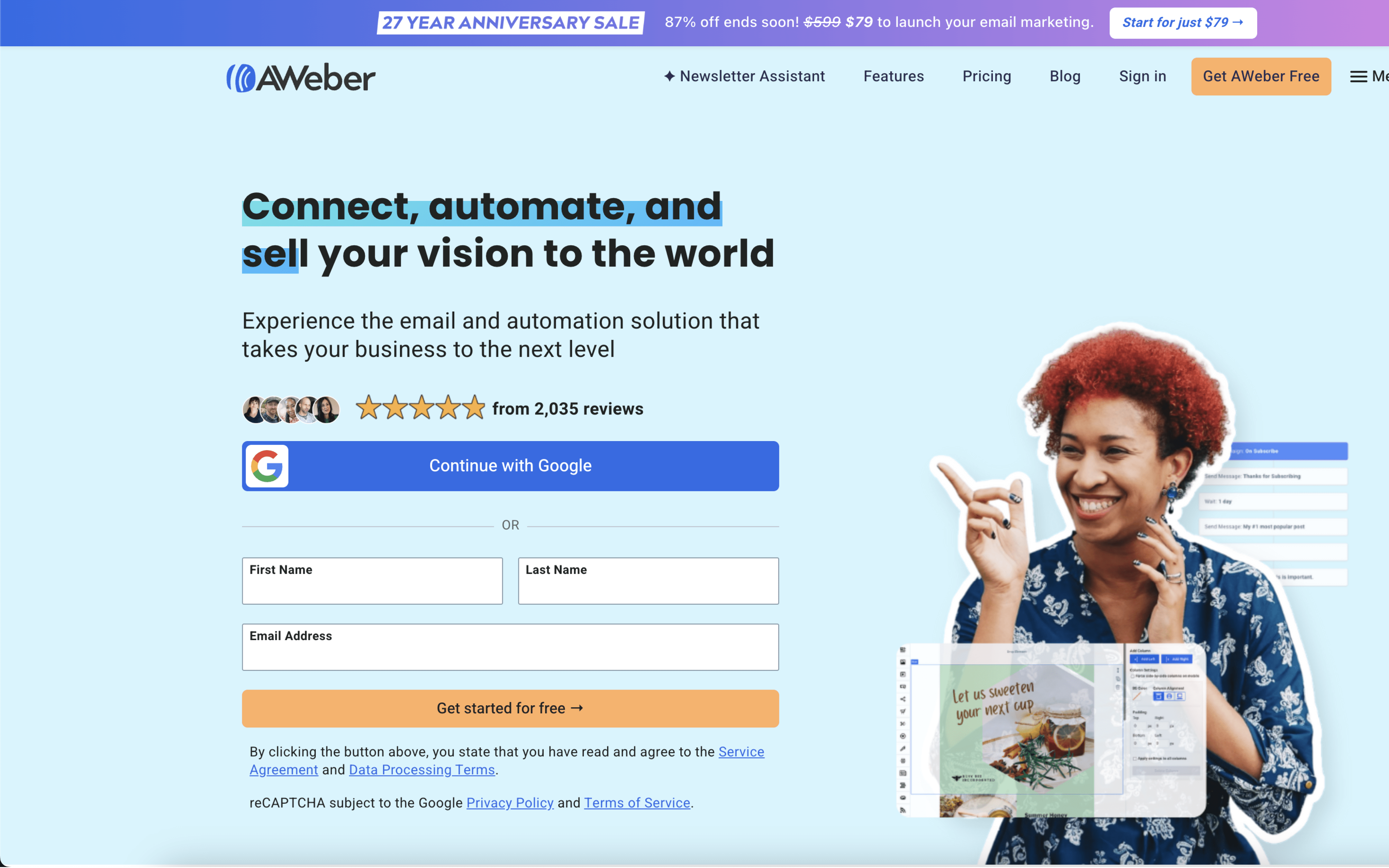

The biggest difference between AWeber and ConvertKit is the product bet: AWeber is built around powerfully-simple email marketing execution (campaigns, list management, basic follow-ups) with an emphasis on reducing complexity, while ConvertKit (now branded as Kit in some contexts) prioritizes a clean workflow for automation, tagging/segmentation, and nurturing sequences. If your priority is straightforward newsletters and dependable day-to-day sending, AWeber leans that way; if your priority is building logic-driven subscriber journeys, ConvertKit leans that way.
That tradeoff exists because AWeber’s positioning comes from a long history in email marketing (founded 1998) and a stated goal to “remove the complexity” so teams can execute quickly, while ConvertKit’s modern positioning centers on subscriber organization via tagging and visual automations as the core organizing principle. In practice, AWeber tends to frame success around simpler setup and list organization, while ConvertKit frames success around structuring audiences and automating the right message based on subscriber context.
For buyers, this difference determines where you’ll spend effort: AWeber concentrates your workflow on producing and sending campaigns with manageable automation, while ConvertKit pushes you toward designing a tagging/segmentation strategy that makes automation and personalization easier over time. The rest of the comparison unpacks what that means for automation depth, ongoing operating overhead, how you model subscribers (lists vs tags), and how comfortably the tool supports your evolving messaging complexity.