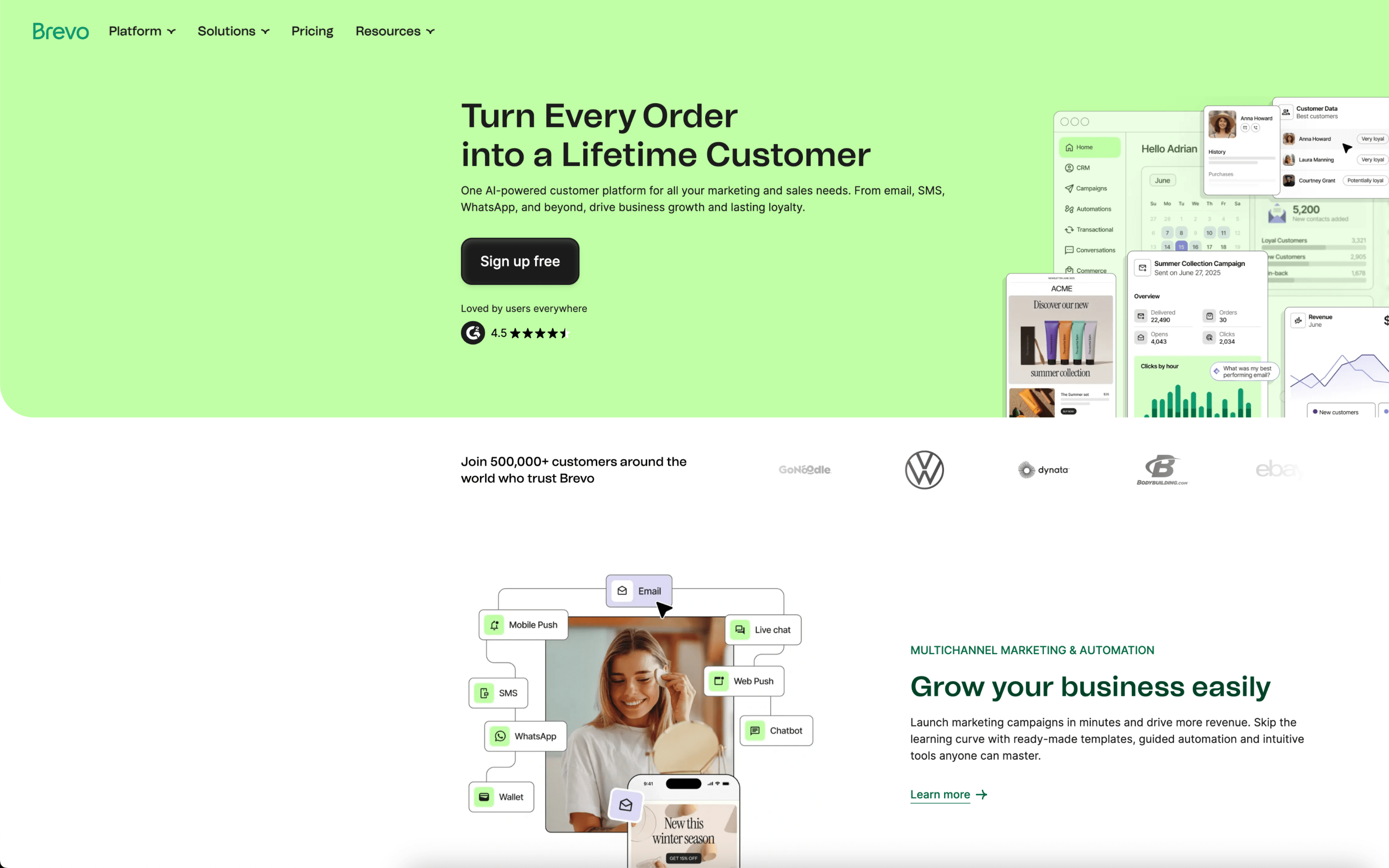
The biggest difference between AWeber and Brevo is scope: AWeber is built around powerfully simple email marketing and follow-up automation, while Brevo positions itself as a broader customer relationship suite that brings multiple engagement channels and a unified customer view into one platform. If your priority is straightforward newsletter-and-sequence execution, AWeber leans into that focus; if your priority is coordinating messaging across touchpoints, Brevo is designed to behave more like a hub.
That tradeoff reflects their product bets and evolution: AWeber, founded in 1998, has long emphasized removing complexity from email marketing so teams can move quickly without heavy setup, which naturally pushes the experience toward streamlined list management and core campaign workflows. Brevo, founded in 2012 and formerly Sendinblue, has expanded its identity into a CRM-oriented suite, so its model centers on consolidating store, web, and campaign data into a single customer view that can power automation across channels as well as email.
In practice, this difference affects how you design lifecycle messaging, how much of your customer data you expect to live inside the platform, and how tightly marketing ties into sales-style contact management. It also shapes the rest of the evaluation: automation depth versus operational simplicity, omnichannel reach versus email-first workflows, and how much ongoing structure you’re willing to maintain to keep segments, journeys, and reporting aligned.