All Features on Every Plan. No Lock-In.

ActiveCampaign vs Omnisend

A side-by-side comparison for teams choosing between ActiveCampaign and Omnisend.

Last updated: December 17, 2025

Screenshot
vs
Screenshot

Quick Overview

Autonomous cross-channel engine vs ecommerce-first omnichannel

The biggest difference between ActiveCampaign and Omnisend is the “center of gravity” of the platform: ActiveCampaign is built as an autonomous marketing engine designed to orchestrate sophisticated, goal-aware journeys across channels, while Omnisend prioritizes an ecommerce-first omnichannel suite built around store data and ready-to-run lifecycle messaging. If you need maximum control and strategic automation depth, ActiveCampaign leans that way; if you want ecommerce-native execution across key channels, Omnisend leans that way.

That split exists because ActiveCampaign’s product bets emphasize an AI-first, autonomous approach—guiding strategy and optimizing cross-channel journeys using aggregated performance intelligence—whereas Omnisend evolved from an ecommerce-focused email tool (founded in 2014 as Soundest, rebranded in 2017) into an omnichannel platform by going deeper on tight ecommerce integrations and unified customer data from store platforms. In practice, ActiveCampaign’s model tends to push toward adaptable, branching automation logic, while Omnisend’s model tends to push toward ecommerce-native workflows and channel coordination.

For buyers, this difference changes what “good” looks like day to day: how much of your growth motion depends on complex branching, orchestration, and optimization versus fast deployment of proven ecommerce lifecycle programs across email, SMS, and push. It also affects how much your system is anchored in broader customer-journey logic versus store-centric behavior data, and where you’ll feel operating overhead versus speed as you expand channels and automation depth.

Quick Comparison

At a Glance

Category ActiveCampaign Omnisend
Best for Marketers, agencies, entrepreneurs Ecommerce merchants
Core strength Marketing automation with CRM Ecommerce email, SMS, push
Automation depth Complex workflows with CRM Prebuilt ecommerce workflows
Pricing model Contact-based tiered plans Contact-based tiered plans
Learning curve Setup includes site tracking No-code automation editor

Vendor Snapshot

Company Snapshot

Background data gathered from our market research (founding year, HQ, team size, specialties, etc.).

ActiveCampaign

Visit website
A
Team 1001-5000
HQ
Chicago, IL, USA
Team
1001-5000
Industry
Marketing Automation

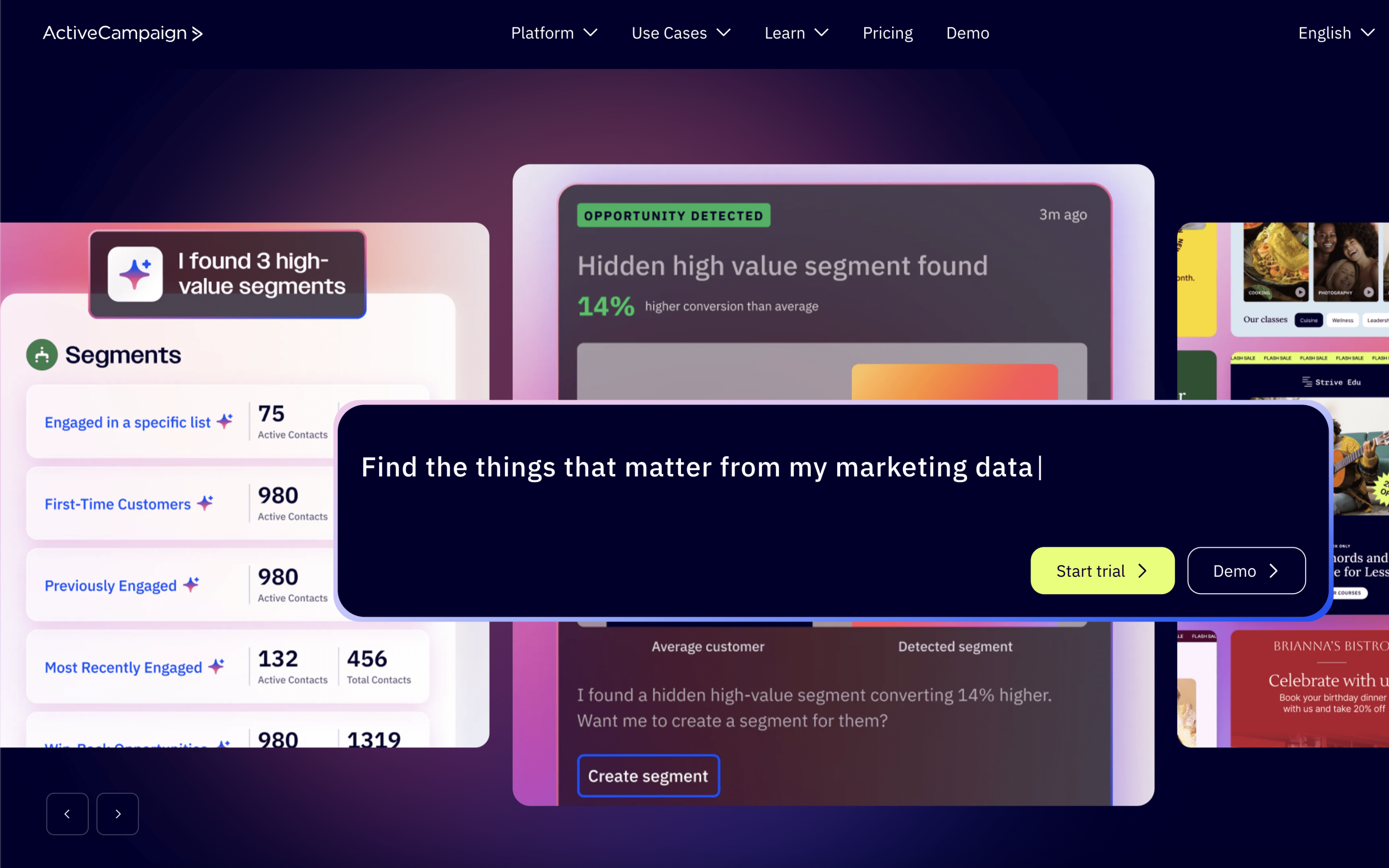
ActiveCampaign is an AI-first autonomous marketing platform that helps marketers, agencies, and business owners run cross-channel campaigns and automations. It supports personalized experiences across channels like email, SMS, and WhatsApp and integrates with 1,000+ apps.

Specialties

Marketing Automation Autonomous Marketing
O
11+ years operating Team 201-500
Founded
2014
Team
201-500
Industry
Email Marketing

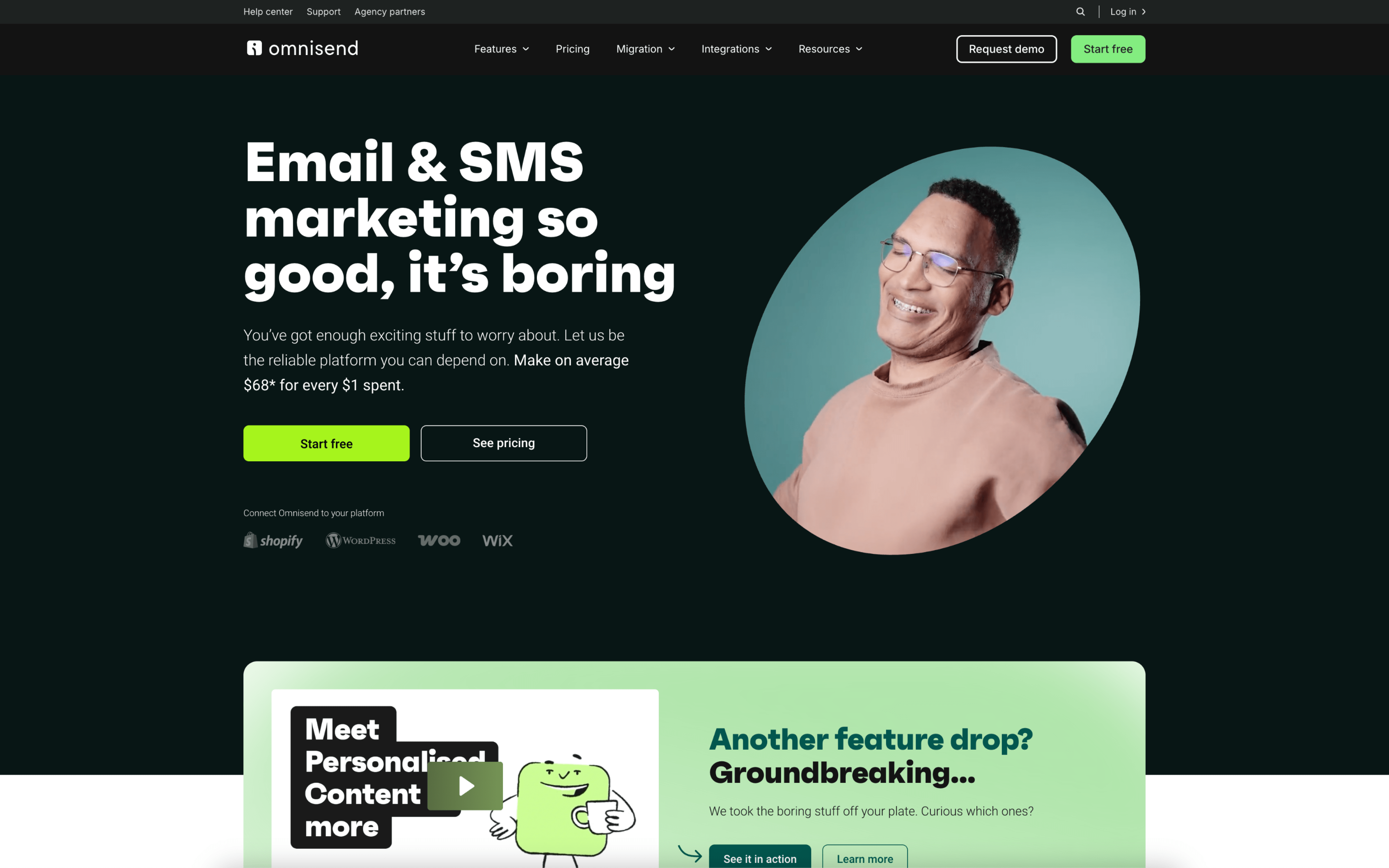
Omnisend is an email and omnichannel marketing automation platform focused on helping ecommerce businesses send personalized messages to the right people at the right time using the right channel. It started in 2014 as an email marketing platform called Soundest and later expanded into omnichannel automation.

Why These Platforms Feel So Different

ActiveCampaign grew out of a push to give smaller teams access to sophisticated marketing tools that were typically reserved for bigger organizations. Omnisend began in 2014 as Soundest, an email product built specifically for ecommerce marketers from day one. Those starting constraints steered ActiveCampaign toward a broad automation core, while Omnisend anchored itself to commerce events and store platforms.

Because ActiveCampaign was built to close the capability gap, it prioritizes a configurable automation engine and connected sales workflows. This leads to more system-wide setup work, since value depends on how well you model your processes. One clear example is its built-in CRM and pipeline concepts that sit alongside messaging, not outside it.

Because Omnisend started as ecommerce-first email, it prioritizes tight alignment with store data and common retail lifecycle moments. This leads to a narrower center of gravity, since product decisions assume catalog, order, and shopper behavior inputs. One concrete sign is its emphasis on native ecommerce integrations and prebuilt lifecycle workflows that map to events like cart and post-purchase actions.

These origins explain why similar-looking capabilities can feel fundamentally different in day-to-day use. The next sections examine how those early priorities surface as practical tradeoffs across the rest of the product.

Key Takeaways

Key Differences

ActiveCampaign and Omnisend differ most in audience, core product shape, and how they handle automation, data, and integrations.

Market focus

SMB CRM vs ecommerce marketing

ActiveCampaign centers on customer journeys tied to sales and CRM, while Omnisend is built primarily for ecommerce merchants.

Core product model

CRM-first vs store-first

ActiveCampaign combines marketing automation with a native CRM, while Omnisend centers on store synced customer and purchase data.

Automation model

Custom flows vs ecommerce presets

ActiveCampaign emphasizes highly customizable automations, while Omnisend leans on prebuilt ecommerce workflows like cart and post-purchase sequences.

Channels

Broader suite vs omnichannel retail

ActiveCampaign focuses on email automation and sales follow-up, while Omnisend tightly combines email, SMS, and web push in one workflow.

Integrations

General apps vs ecommerce natives

ActiveCampaign integrates broadly across business tools, while Omnisend prioritizes deep native integrations with ecommerce platforms and retail apps.

Reporting

Lifecycle metrics vs revenue attribution

ActiveCampaign reporting emphasizes engagement and pipeline outcomes, while Omnisend highlights campaign and automation revenue attribution by channel.

Feature Comparison

Feature-by-feature comparison

Compares core omnichannel marketing, automation, data, and commerce capabilities.

Email campaigns

Email creation, personalization, and sending for campaigns.

ActiveCampaign

Personalized email campaigns with powerful editor and AI optimization.

Omnisend

Drag-and-drop builder with ecommerce blocks, templates, and A/B testing.

Marketing automation

Workflow automation using triggers, conditions, and journeys.

ActiveCampaign

Advanced automations with branching, behavioral triggers, and cross-channel orchestration.

Omnisend

Prebuilt ecommerce workflows with conditional splits and multi-channel sequences.

SMS marketing

SMS sending for campaigns and automated workflows.

ActiveCampaign

SMS automation supported, including AI SMS Builder.

Omnisend

Global SMS delivery, integrated in workflows, with compliance tools.

Web push notifications

Browser push messages for automated or campaign sends.

ActiveCampaign

Omnisend

Automated web push for cart recovery and retargeting with engagement tracking.

Audience segmentation

Segment building using attributes, behavior, and engagement.

ActiveCampaign

Advanced segmentation with AI-suggested segments.

Omnisend

Behavior-based segmentation with AI-powered segment creation.

Forms and landing pages

On-site capture forms and landing page creation tools.

ActiveCampaign

Forms and landing pages supported for list growth and migration.

Omnisend

Built-in forms, popups, and landing pages with templates and customization.

CRM and deal pipeline

Sales pipeline management and deal tracking capabilities.

ActiveCampaign

Integrated CRM with pipeline management, deal tracking, and task management.

Omnisend

Site and event tracking

Tracking onsite actions and events for targeting.

ActiveCampaign

Site and event tracking available for behavior-based automation.

Omnisend

Reporting and analytics

Performance dashboards for campaigns, automations, and outcomes.

ActiveCampaign

Real-time analytics and reporting with actionable next steps.

Omnisend

Campaign, automation, and revenue dashboards with cross-channel reporting.

Integrations ecosystem

Native integrations and extensibility via apps or APIs.

ActiveCampaign

950+ app integrations through an app marketplace.

Omnisend

160+ integrations plus open API and app marketplace.

AI assistance

Built-in AI features for creation, targeting, or optimization.

ActiveCampaign

Active Intelligence with AI agents for campaigns, segments, and reporting.

Omnisend

AI for subject lines, product recommendations, and copy suggestions.

Feature Analysis

Feature Explanation: How These Capabilities Differ in Practice

You’ve already seen what each tool includes. This section clarifies how the key capabilities behave day-to-day when you’re building and running campaigns.

#1 Automation & Flows

ActiveCampaign uses a visual automation builder with split and conditional actions to branch journeys based on contact behavior. It also supports testing different automation routes, including timing and channel paths.

Omnisend uses a no-code automation editor with pre-built ecommerce workflows like cart recovery and post-purchase. You can add channel steps, use conditional splits, and trigger flows from customer behavior or custom events.

#2 Customer Segmentation

ActiveCampaign supports dynamic segments that auto-update as contacts meet criteria. It also supports behavioral segmentation based on actions like opens, clicks, and page visits.

Omnisend builds dynamic segments that update automatically as store and engagement data changes. Segments can use orders, email/SMS activity, tags, and custom properties synced from your ecommerce platform.

#3 Multichannel Messaging

ActiveCampaign supports email, SMS, and WhatsApp messaging as channels you can include in marketing journeys. This enables cross-channel automations from one platform.

Omnisend focuses on email, SMS, and web push notifications inside the same workflow. It also supports syncing segments to Facebook Custom Audiences and Google Customer Match for retargeting.

#4 Analytics & Revenue Attribution

ActiveCampaign includes revenue and conversion attribution to connect campaigns and automations to outcomes. It also supports capturing UTM parameters via integrations to tie leads back to sources.

Omnisend reporting includes sales reports that show revenue from email, SMS, and push without manual calculations. It also supports configurable attribution windows that automatically recalculate when settings change.

#5 Ecommerce Integrations & Data Sync

ActiveCampaign integrates with Shopify to drive ecommerce automations like abandoned cart and post-purchase follow-ups. It also provides ecommerce actions like adding a Shopify Buy Now button to ActiveCampaign landing pages.

Omnisend is built around native ecommerce integrations like Shopify, WooCommerce, BigCommerce, and Wix. For Shopify Plus, it syncs contacts and orders on install and can integrate with Shopify Flow.

#6 Experimentation / Testing

ActiveCampaign supports split testing inside automations, including comparing different routes and waiting times. It also supports testing multiple variants beyond two in its split testing tools.

Omnisend supports A/B testing for campaigns and includes A/B testing data in automation reporting. It also supports testing push notification timing and copy.

Pricing

Pricing & Plans

Compare tiers, caps, and upgrade paths at a glance.

ActiveCampaign

Tiered Volume pricing

Public tiered pricing at lower volumes, with higher-volume tiers requiring contact with sales for custom pricing.

Omnisend

Tiered Free tier Volume pricing

Tiered pricing by contact volume with publicly listed prices through 100,000 contacts, and custom pricing beyond that.

Free contacts
250
Free monthly emails
500
1,000 contacts

PLAN

$19

per month

What's included

  • Includes 10,000 emails
  • Email campaigns and newsletters
  • Multi-step marketing automations
  • Web forms and landing pages (plan-dependent)

Limitations

  • Monthly email sends limited to 10,000 at this tier
  • SMS is available but not included as a credit amount (billed/packaged separately depending on setup)

PLAN

$20

per month

What's included

  • Includes 12,000 emails
  • Email marketing for e-commerce audiences
  • Automations for lifecycle messaging
  • Web push notifications (availability varies by plan)

Limitations

  • Monthly email sends limited to 12,000 at this tier
  • SMS is available but not included as a credit amount (credits/plans handled separately)
10,000 contacts

PLAN

$189

per month

What's included

  • Includes 100,000 emails
  • Automation workflows (triggers/actions)
  • Reporting and analytics (depth varies by plan)
  • Integrations with common marketing and e-commerce tools

Limitations

  • Monthly email sends limited to 100,000 at this tier
  • SMS is available but not included as a credit amount (billed/packaged separately depending on setup)

PLAN

$132

per month

What's included

  • Includes 120,000 emails
  • Email campaigns and automation
  • Segmentation for targeted messaging
  • Reporting for campaign performance

Limitations

  • Monthly email sends limited to 120,000 at this tier
  • SMS is available but not included as a credit amount (credits/plans handled separately)
50,000 contacts

PLAN

$759

per month

What's included

  • Includes 500,000 emails
  • Marketing automation at higher list sizes
  • Segmentation for targeted campaigns
  • Cross-channel options where enabled (e.g., SMS availability)

Limitations

  • Monthly email sends limited to 500,000 at this tier
  • SMS is available but not included as a credit amount (billed/packaged separately depending on setup)

PLAN

$413

per month

What's included

  • Includes 600,000 emails
  • High-volume email sending within included cap
  • Automation workflows for larger lists
  • Advanced reporting (where enabled)

Limitations

  • Monthly email sends limited to 600,000 at this tier
  • SMS is available but not included as a credit amount (credits/plans handled separately)
100,000 contacts

PLAN

Contact sales

What's included

  • Includes custom emails
  • Custom email sending allowances
  • Higher-volume account configuration
  • Support for larger-scale automation programs

Limitations

  • Pricing is not publicly listed and requires contacting sales
  • Terms may involve custom contract and operational review at higher volumes

PLAN

$900

per month

What's included

  • Includes 1,200,000 emails
  • Higher-volume sending within included cap
  • Automation at larger audience size
  • Support for multi-channel programs where enabled

Limitations

  • Monthly email sends limited to 1,200,000 at this tier
  • SMS is available but not included as a credit amount (credits/plans handled separately)
500,000 contacts

PLAN

Contact sales

What's included

  • Includes custom emails
  • Custom email sending allowances
  • High-scale account configuration
  • Enterprise-grade rollout planning (as required)

Limitations

  • Pricing is not publicly listed and requires contacting sales
  • Custom contracts and potential onboarding/compliance reviews are typical at this scale

PLAN

Contact sales

What's included

  • Includes custom emails
  • Custom email sending allowances
  • Enterprise-scale configuration
  • Dedicated planning for large list management

Limitations

  • Pricing is not publicly listed and requires contacting sales
  • Custom contracts and potential onboarding/compliance reviews are typical at this scale
1,000,000 contacts

PLAN

Contact sales

What's included

  • Includes custom emails
  • Custom email sending allowances
  • Largest-volume account configuration
  • Dedicated planning for deliverability/throughput (as required)

Limitations

  • Pricing is not publicly listed and requires contacting sales
  • Likely requires contractual commitments and delivery/throughput review at very high volumes

PLAN

Contact sales

What's included

  • Includes custom emails
  • Custom email sending allowances
  • Largest-volume account configuration
  • Deliverability/throughput planning (as required)

Limitations

  • Pricing is not publicly listed and requires contacting sales
  • Likely requires contractual commitments and delivery/throughput review at very high volumes

Customer Voices

Reviews & Ratings

See how ActiveCampaign vs Omnisend compare based on verified customer reviews (pros, cons, sentiment).

ActiveCampaign

4.6 / 5.0

Based on 2,545 reviews

Positive sentiment
Top Pros
  • Powerful automations save time on follow-ups
  • Segmentation with tags helps keep contacts organized
  • Many integrations work well with existing tools
  • Reports are clear for tracking email performance
Top Cons
  • Steep learning curve for advanced setup
  • Feels buggy at times; glitches disrupt work
  • Landing pages and forms feel limited to customize
  • Can be slow when saving or loading pages

Omnisend

4.7 / 5.0

Based on 834 reviews

Positive sentiment
Top Pros
  • Easy-to-use email builder and templates
  • Automations are simple to set up
  • Shopify integration feels tight and reliable
  • Support is responsive and helpful
Top Cons
  • Email editor feels restrictive for design tweaks
  • UI can feel cluttered or hard to navigate
  • Some campaigns force template choice over blank start
  • Pricing can rise as lists grow

Real-World Scenarios

How ActiveCampaign and Omnisend differ in day-to-day marketing workflows

Feature checklists don’t show how work actually moves day to day. These scenarios highlight how each platform behaves when teams run recurring campaigns and ongoing lifecycle workflows.

#1 Lead follow-up cadence

ActiveCampaign: Teams run ongoing follow-ups that adapt as contacts respond, with daily adjustments and clear handoffs between marketing and sales workflows.

Omnisend: Teams manage recurring follow-ups around campaign calendars, making weekly updates as promotions change and keeping messaging consistent across customer touchpoints.

#2 Campaign production and approvals

ActiveCampaign: Teams build campaigns through structured workflows, with recurring review cycles and incremental tweaks as performance signals come in over time.

Omnisend: Teams produce campaigns in bursts around launches, moving quickly from draft to send with lightweight approvals and fast adjustments during promo windows.

#3 Cross-channel coordination

ActiveCampaign: Teams coordinate outreach through sequenced workflows, spacing touches over days and refining cadence when engagement rises or drops.

Omnisend: Teams coordinate messages around key moments, syncing sends across channels during busy weeks and keeping timing aligned during recurring promotions.

#4 Segmentation and audience updates

ActiveCampaign: Teams manage audiences as living groups, with ongoing updates that trigger workflow changes and reduce manual list refreshes week to week.

Omnisend: Teams update audiences around campaign cycles, revising segments weekly to match current offers and ensuring sends stay aligned with customer intent.

#5 Ecommerce lifecycle moments

ActiveCampaign: Teams manage lifecycle moments with longer-running workflows, monitoring daily engagement and making recurring refinements to keep follow-ups relevant.

Omnisend: Teams operate lifecycle messaging close to shopping behavior, adjusting cadence during sales periods and keeping recurring reminders aligned with store activity.

#6 Reporting and operational visibility

ActiveCampaign: Teams review performance as part of ongoing workflow maintenance, checking visibility daily and making small adjustments rather than major resets.

Omnisend: Teams review results around campaign bursts, doing weekly retrospectives after sends and updating upcoming schedules based on what converted recently.

Decision Guide

Which Platform Should You Choose?

Use these cues to quickly see which platform fits how you work.

ActiveCampaign

Best for

Teams running relationship-driven lifecycle programs where marketing and follow-up processes are constantly refined as behaviors change.

This platform is a good fit if:

  • You maintain a detailed contact database and regularly clean up tags, fields, and segments to keep targeting consistent.
  • Your team reviews engagement patterns weekly and tweaks rules, timing, and branching logic based on what you’re seeing.
  • Work is shared across roles (marketing, sales, ops), and handoffs depend on agreed definitions like “qualified,” “ready,” or “inactive.”
  • You run multiple concurrent journeys for different audiences, and updates happen incrementally rather than only during big launches.

Omnisend

Best for

Teams operating on a retail-style promotional calendar where messaging is built around product moments and revenue events.

This platform is a good fit if:

  • You plan campaigns around launches, seasonal promos, and weekly offers, with deadlines tied to product and merchandising schedules.
  • Your team spends most of its time building and refreshing campaign content rather than redesigning underlying lifecycle logic.
  • Segments are frequently defined by shopping behavior (what people viewed, bought, or ignored) and are revisited before each send.
  • Post-campaign routines include checking revenue impact quickly, then adjusting the next scheduled send in the calendar.

Need-to-know

Frequently Asked Questions

Everything you need to know about comparing these platforms.

How much work is it to migrate my lists, tags, automations, and templates without breaking anything?

Expect contacts and basic fields to transfer via CSV exports/imports, but automations, forms, and templates typically need to be rebuilt when moving into ActiveCampaign or Omnisend because each platform’s workflow logic and blocks differ.

Plan time to map custom fields, tags, and consent status, then run a small pilot import and send tests before switching all traffic and sign-up forms to the new platform.

What happens if I switch to ActiveCampaign or Omnisend and then decide to switch back—can I reverse it cleanly?

You can export your contact data and many engagement reports, but you generally can’t “undo” configuration changes like new forms, automations, and tracking scripts once they’re deployed on your site.

If you might revert, keep the previous platform’s tracking/forms live in parallel during a transition window and document event names, field mappings, and suppression logic used in ActiveCampaign or Omnisend.

Do I actually own my data, and will I be able to export everything I need later?

With both ActiveCampaign and Omnisend, you can export contact records (including many custom fields/tags) and unsubscribe/suppression data, typically through CSV exports or API access depending on your setup.

Items like campaign HTML, automation structure, and some aggregate analytics may not export in a one-click, portable format, so keep local copies of critical templates and documentation of key segments.

If I have GDPR requirements (or other regional consent rules), how do these platforms handle consent and deletion requests?

ActiveCampaign and Omnisend support storing consent-related fields and managing unsubscribe status, but you’re still responsible for configuring how consent is collected (forms/checkout) and ensuring messaging only goes to consented audiences.

For deletion/access requests, expect to use platform tools to remove or anonymize contact records and to verify downstream systems (ecommerce platform, CRM, data warehouse) are updated as well.

Can I run multiple stores or brands without mixing data, and what happens if contacts overlap?

Both ActiveCampaign and Omnisend can support multi-brand operations, but separation depends on how you structure accounts, audiences, and integrations; true isolation may require separate accounts/workspaces.

If the same email or phone appears across brands, define rules for deduping, suppression, and consent so one brand’s opt-out doesn’t accidentally get ignored in another brand’s sends.

Are there API limits or integration constraints I should worry about for custom apps and data sync?

ActiveCampaign and Omnisend provide APIs for contacts, events, and campaign-related objects, but rate limits and object coverage can constrain high-volume syncing or near-real-time personalization.

Before building, confirm the specific endpoints you need (events, custom fields, unsubscribes) and design for retries/backoff so a spike in requests doesn’t cause dropped updates.

If I use SMS, what about country restrictions, carrier rules, and consent—can messages be blocked?

SMS availability and requirements vary by country and carrier, and both ActiveCampaign and Omnisend depend on compliant list collection (explicit consent, required disclosures) and appropriate sender setup for each region.

Even with correct setup, carriers can filter messages based on content, link patterns, and complaint rates, so you should validate supported countries, required registrations, and opt-out handling before scaling SMS.

What safeguards exist to prevent deliverability problems (spam complaints, high bounce rates, sudden volume changes)?

ActiveCampaign and Omnisend typically enforce list hygiene expectations (valid consent, bounce handling, and suppression of unsubscribes) and may restrict sending behavior if complaint/bounce signals exceed acceptable thresholds.

To reduce risk, warm up new sending domains, use dedicated sending practices where applicable, and segment by engagement so you’re not blasting unengaged contacts from day one.

What should I expect from support when something breaks—do I get fast answers, and how do I contact them?

Support access and response speed depend on the plan and channel (ticket/chat), and both ActiveCampaign and Omnisend may prioritize account-verified requests and troubleshooting steps (logs, screenshots, example contact IDs).

For urgent issues, have a runbook ready: recent changes, integration credentials (redacted), sending error messages, and a minimal reproduction case to speed up escalation.

Are there scaling ceilings where performance or operations become a problem (very large lists, heavy automation, high send volume)?

At larger scale, the constraints tend to be operational: API throughput, sync latency from your ecommerce/CRM, and the complexity of managing many automations and segments inside ActiveCampaign or Omnisend.

To avoid bottlenecks, standardize naming conventions, limit redundant automations, monitor integration queues, and schedule large sends so spikes don’t collide with bulk imports or major sync jobs.

Final Thoughts

Our Recommendation

This decision is an operating-model choice: do you run customer messaging as a coordinated, evolving system or as a streamlined, repeatable production line?

Choose ActiveCampaign when your team runs multiple concurrent motions, reviews performance frequently, and can support ongoing coordination across roles and timelines. It fits organizations comfortable with higher operational overhead to keep complex workflows aligned.

Choose Omnisend when you want a simpler cadence, clear handoffs, and predictable execution with limited specialist time. It works best for teams optimizing a tight set of recurring plays and avoiding process sprawl.

Map each option to how your team actually plans, builds, and maintains campaigns week to week, and the right path becomes obvious. Pick ActiveCampaign for sustained orchestration, or Omnisend for disciplined simplicity.