All Features on Every Plan. No Lock-In.

ActiveCampaign vs Mailchimp

A side-by-side comparison for teams choosing between ActiveCampaign and Mailchimp.

Last updated: December 16, 2025

Screenshot
vs
Screenshot

Quick Overview

Automation depth vs campaign simplicity

The biggest difference between ActiveCampaign and Mailchimp is where they put complexity: ActiveCampaign is built around deeper, goal-driven marketing automation and a more unified marketing-and-sales workflow, while Mailchimp prioritizes a streamlined, campaign-first experience for building and running multichannel marketing quickly. If your success depends on orchestrating nuanced journeys from behavioral signals, ActiveCampaign leans into that; if your priority is fast execution and clean campaign management, Mailchimp leans the other way.

That tradeoff exists because ActiveCampaign has positioned itself as an autonomous marketing platform that uses built-in intelligence and cross-channel orchestration to move beyond “send emails” into “run systems,” while Mailchimp has evolved its core around audience-centered marketing CRM and guided workflows that keep common marketing motions approachable. In practice, ActiveCampaign’s bet on strategy-aware automation pushes toward more logic and orchestration, while Mailchimp’s bet on an intuitive, broadly usable marketing platform pushes toward clarity and speed.

The stakes for buyers show up in how your team operates day to day: how much of your customer lifecycle you want automated end-to-end, how tightly marketing ties into downstream follow-up, and how much operational overhead you’re willing to accept to get more sophisticated journey control. The rest of this comparison unpacks where that difference matters most—automation depth, audience data organization, cross-channel coordination, reporting confidence, and the ongoing effort required to keep everything aligned as your programs evolve.

Quick Comparison

At a Glance

Category ActiveCampaign Mailchimp
Best for SMBs, agencies, marketers Beginners, startups, small businesses
Core strength Built-in CRM automations Email campaigns and templates
Automation depth Complex multi-step workflows Customer Journey Builder branching
Pricing model Tiered plans by contacts Tiered plans by contacts
Learning curve Drag-and-drop automation builder Guided steps drag-and-drop

Vendor Snapshot

Company Snapshot

Background data gathered from our market research (founding year, HQ, team size, specialties, etc.).

ActiveCampaign

Visit website
A
Team 1001-5000
HQ
Chicago, IL, USA
Team
1001-5000
Industry
Marketing Automation

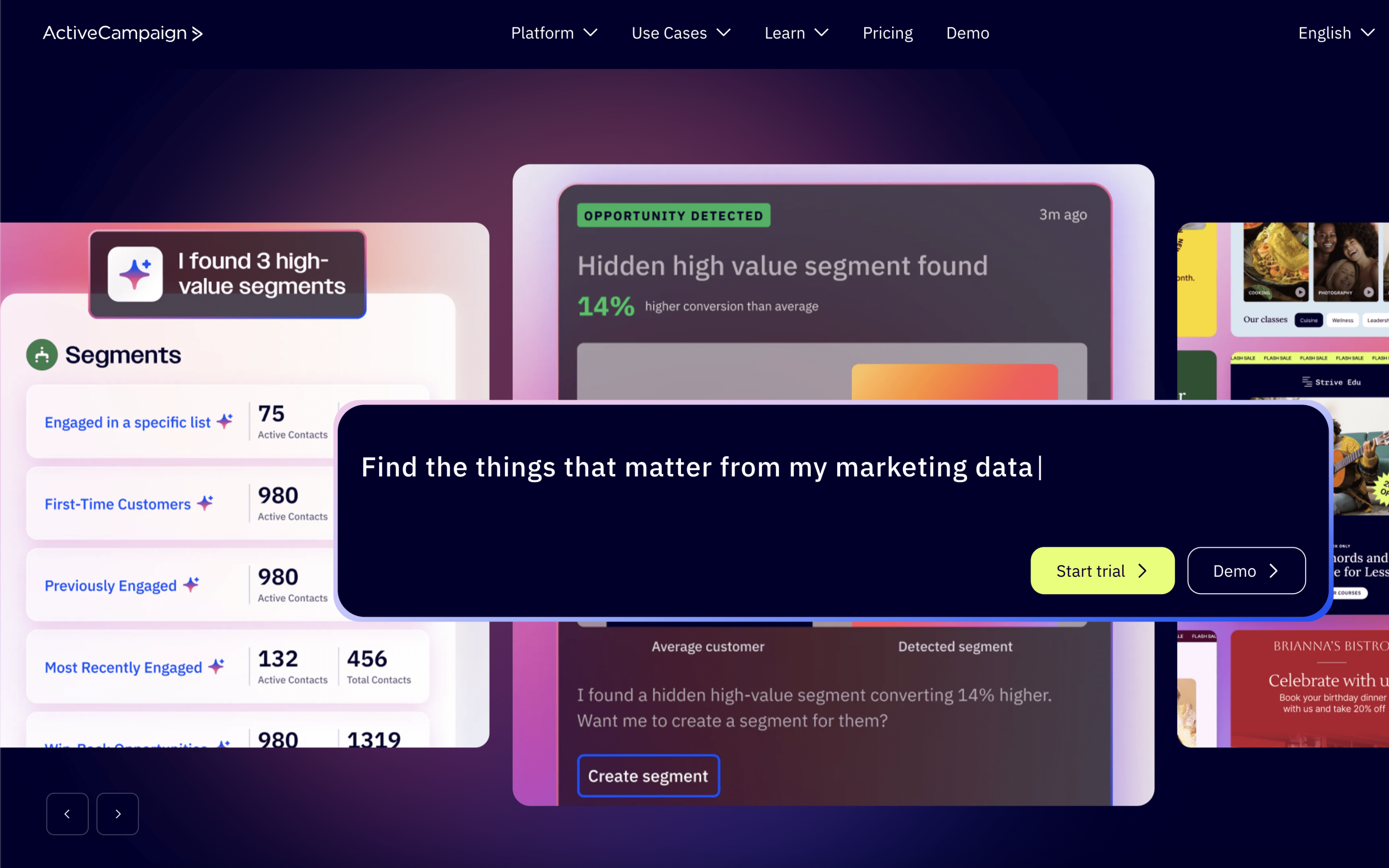
ActiveCampaign is an AI-first autonomous marketing platform that helps marketers, agencies, and entrepreneurs run goal-aware automations and cross-channel campaigns. It supports personalized experiences across channels like email, SMS, and WhatsApp and integrates with 1,000+ apps.

Specialties

Marketing Automation Autonomous Marketing

Mailchimp

Visit website
M
24+ years operating Team 1001-5000
Founded
2001
HQ
Atlanta, GA, USA
Team
1001-5000
Industry
Email Marketing

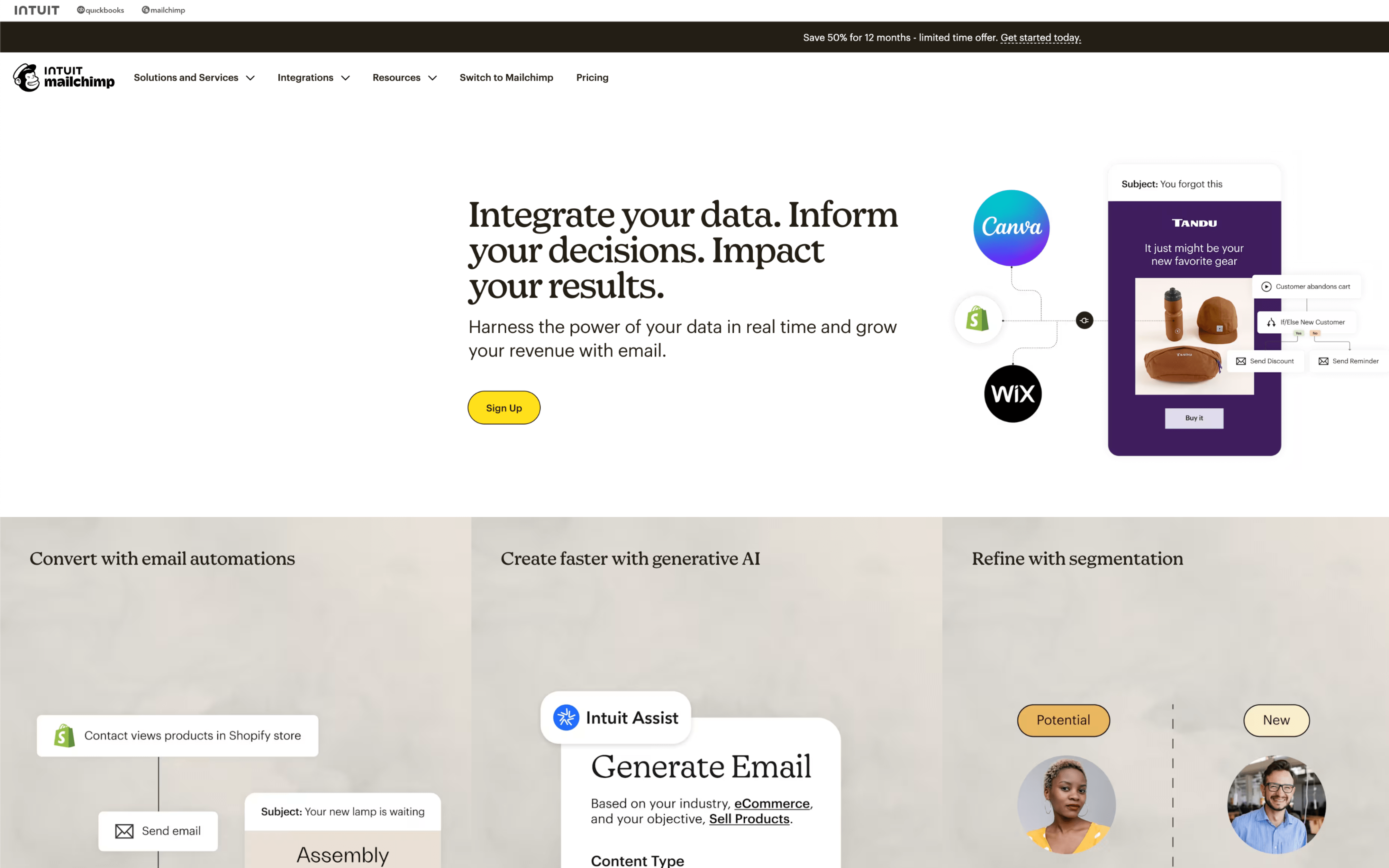
Mailchimp is an email and marketing automations platform for growing businesses, helping customers create, automate, and optimize marketing. It offers data-backed recommendations to find and engage customers across email, social media, landing pages, and advertising.

Specialties

Marketing Automation E-commerce Email Marketing CRM Analytics Marketing Platform Small Business Marketing E-commerce

Why These Platforms Feel So Different

ActiveCampaign began as a tool to give smaller teams access to enterprise-style marketing automation and sales follow-up. Mailchimp started inside the Rocket Science Group as a side email service from a web design agency. One grew around workflow control, while the other grew around sending campaigns at scale.

Because ActiveCampaign was built to remove manual work across marketing and sales, it prioritizes an automation engine and connected customer records. This leads to more moving parts, which can make account structure and setup decisions carry longer-term consequences. You see this in its emphasis on building multi-step workflows that coordinate actions beyond a single email send.

Because Mailchimp was designed as an alternative to oversized and expensive email software in the early 2000s, it prioritizes packaging and deliverability around straightforward campaign publishing. This leads to clearer boundaries between sending, list management, and add-on capabilities as the product expands. You see this in how the platform keeps email creation and audience handling as the central spine, with other tools attached around it.

Those starting assumptions shaped what each company considers “core” versus “secondary” inside the product. The next sections make more sense when you read each difference as a downstream effect of those early choices.

Key Takeaways

Key Differences

ActiveCampaign and Mailchimp differ across several core dimensions that affect how teams build, automate, and measure lifecycle marketing.

Market focus

Sales + marketing vs marketing-first

ActiveCampaign blends email marketing with CRM-style sales workflows, while Mailchimp centers on broad marketing campaigns and newsletters.

Automation model

Complex automations vs simpler journeys

ActiveCampaign emphasizes deeply branched, behavior-driven automations, while Mailchimp focuses on more guided, template-based customer journeys.

CRM & pipeline

Built-in pipeline vs add-on CRM

ActiveCampaign includes native deals and pipeline management, while Mailchimp relies more on audience tools and external CRM connections.

Segmentation approach

Granular segmentation vs audience-centric

ActiveCampaign segments through tags, events, and automation logic, while Mailchimp organizes contacts primarily around audiences and groups.

Reporting depth

Lifecycle insights vs campaign reporting

ActiveCampaign reporting aligns to funnels and automation performance, while Mailchimp reporting emphasizes campaign results and audience engagement.

Workflow complexity

Power-user setup vs quick starts

ActiveCampaign typically requires more initial configuration to match processes, while Mailchimp is designed for faster setup and straightforward execution.

Feature Comparison

Feature-by-feature comparison

Compares core campaign, automation, data, and channel capabilities across both platforms.

Email marketing

Email creation, personalization, and campaign sending tools.

ActiveCampaign

Personalized email campaigns with AI support and advanced editor.

Mailchimp

Drag-and-drop email builder with templates and dynamic content.

Marketing automation

Workflow automation for behavior-based customer journeys.

ActiveCampaign

Advanced multi-step automations with branching and cross-channel actions.

Mailchimp

Customer Journey Builder for automated flows triggered by customer behavior.

SMS marketing

Marketing text messages and SMS automation support.

ActiveCampaign

SMS automation available, plus AI SMS Builder support.

Mailchimp

SMS and MMS marketing available as an add-on.

WhatsApp messaging

WhatsApp channel messaging for campaigns and automation.

ActiveCampaign

WhatsApp messaging supported for automated, personalized campaigns.

Mailchimp

CRM

Built-in CRM for contact and relationship management.

ActiveCampaign

Built-in CRM with pipeline management, lead scoring, and sales automation.

Mailchimp

Marketing CRM with contact profiles, tags, and audience insights.

Lead scoring

Scoring leads to prioritize sales and marketing actions.

ActiveCampaign

Lead scoring supported, including predictive scoring options.

Mailchimp

Segmentation

Audience segmentation using profile and behavioral data.

ActiveCampaign

Granular segmentation using behavior, engagement, and custom fields.

Mailchimp

Advanced segmentation with predictive segments like purchase likelihood.

Landing pages

Landing page builder for lead capture and conversions.

ActiveCampaign

Landing pages supported and included in migration services.

Mailchimp

Landing pages supported across marketing plans.

Reporting and analytics

Campaign performance reporting and analytics dashboards.

ActiveCampaign

Performance insights with AI-driven recommendations and reporting.

Mailchimp

Real-time analytics with enhanced reporting on higher-tier plans.

Integrations ecosystem

Native integrations marketplace and connectivity breadth.

ActiveCampaign

950+ integrations available via app marketplace.

Mailchimp

300+ integrations available across marketing plans.

Feature Analysis

Feature Explanation: How These Capabilities Differ in Practice

You’ve already seen what each platform includes. This section clarifies how the key features behave day-to-day once you’re building and running campaigns.

#1 Automation & Flows

ActiveCampaign automations use split and conditional actions to route contacts down different paths based on behavior and rules. It also supports split testing inside automations, including testing different routes.

Mailchimp uses Customer Journey Builder with starting points plus rules like branching points and delays. You can measure engagement as contacts move through the journey.

#2 Customer Segmentation

ActiveCampaign can personalize using contact fields and tags, including conditional content blocks that show or hide sections by segment rules. It also supports predictive sending to time delivery per contact.

Mailchimp segmentation centers on Audiences, with tags and custom fields used as filters for segments. It also offers predictive segments like customer lifetime value and likelihood to purchase.

#3 Multichannel Messaging

ActiveCampaign supports email plus SMS automation and WhatsApp messaging from the same platform. Automations can coordinate across these channels.

Mailchimp combines email and SMS, with SMS available as an add-on and approval required. It does not offer WhatsApp messaging as a native channel.

#4 Ecommerce Data & Automations

ActiveCampaign connects to Shopify and positions the integration around purchase-driven automations like upsell, cross-sell, reviews, and abandoned-cart alerts. You can trigger follow-ups off store activity.

Mailchimp’s Shopify integration syncs customers, products, and purchase data into contact profiles. That data feeds automations like abandoned cart and product recommendations.

#5 Analytics & Reporting

ActiveCampaign promotes marketing attribution plus site and event tracking inside the automation stack. It also supports attribution via partner integrations that capture UTMs into contact records.

Mailchimp reporting includes email and SMS performance plus automation reporting, with campaign, automation, landing page, and ad reports. It also supports customized reports to compare metrics over time.

#6 Experimentation / Testing

ActiveCampaign supports split testing that can branch an automation into multiple paths, including testing different messages and timing. It also supports A/B testing with up to five variants.

Mailchimp supports A/B testing across subject lines, design, content, and send time. It also supports multivariate testing with up to eight campaign variations.

Pricing

Pricing & Plans

Compare tiers, caps, and upgrade paths at a glance.

ActiveCampaign

Tiered Volume pricing

Public pricing is shown for lower contact tiers, while higher-volume tiers are sales-led with custom pricing.

MailChimp

Tiered Free tier Volume pricing

Pricing is tiered by contact count with published prices at many tiers, and custom pricing for very large lists; overages can apply if limits are exceeded.

Free contacts
250
Free monthly emails
500
1,000 contacts

PLAN

$19

per month

What's included

  • Includes 10,000 emails
  • Email campaigns and newsletters
  • Multi-step marketing automation
  • Forms for list growth

Limitations

  • Monthly email sends are capped at 10,000 for this tier.
  • SMS is available but typically requires an add-on/activation rather than being included as bundled credits.

PLAN

$26.50

per month

What's included

  • Includes 15,000 emails
  • Email marketing campaigns
  • Audience segmentation tools
  • Basic automation flows

Limitations

  • Overages can apply if contact or email send limits are exceeded.
  • SMS is available as an add-on and may require application/approval before use.
10,000 contacts

PLAN

$189

per month

What's included

  • Includes 100,000 emails
  • Automation workflows
  • Landing pages (plan-dependent availability)
  • Reporting and analytics

Limitations

  • Monthly email sends are capped at 100,000 for this tier.
  • SMS is available but typically requires an add-on/activation rather than being included as bundled credits.

PLAN

$110

per month

What's included

  • Includes 100,000 emails
  • Larger-audience campaign management
  • Segmentation and targeting
  • Automation flows

Limitations

  • Overages can apply if contact or email send limits are exceeded.
  • SMS is available as an add-on and may require application/approval before use.
50,000 contacts

PLAN

$759

per month

What's included

  • Includes 500,000 emails
  • Advanced automations at higher volumes
  • Segmentation for larger audiences
  • Campaign performance reporting

Limitations

  • Monthly email sends are capped at 500,000 for this tier.
  • At higher volumes, operational requirements (e.g., deliverability or sending practices review) may be needed depending on use case.

PLAN

$385

per month

What's included

  • Includes 500,000 emails
  • High-volume email sends (within plan limits)
  • Audience management at scale
  • Reporting on engagement

Limitations

  • Overages can apply if contact or email send limits are exceeded.
  • SMS credits (if purchased) are issued monthly and unused credits may expire (non-rollover).
100,000 contacts

PLAN

Contact sales

What's included

  • Includes custom emails
  • Custom plan configuration
  • Higher-volume sending setup
  • Account-managed procurement process

Limitations

  • Requires contacting sales (custom pricing).
  • Email sending limits are not publicly listed at this tier (custom).

PLAN

$800

per month

What's included

  • Includes 1,200,000 emails
  • Very high email send allowance (within plan limits)
  • Advanced segmentation use cases
  • Team workflows (plan-dependent)

Limitations

  • Overages can apply if contact or email send limits are exceeded.
  • SMS requires add-on purchase and application/approval; not bundled as included credits in the base email plan.
500,000 contacts

PLAN

Contact sales

What's included

  • Includes custom emails
  • Custom contract for large databases
  • High-scale program management support (plan-dependent)
  • Custom sending and compliance configuration

Limitations

  • Requires contacting sales (custom pricing).
  • May require contractual/operational approvals for large-scale sending (custom terms).

PLAN

Contact sales

What's included

  • Includes custom emails
  • Sales-assisted procurement for large lists
  • Custom plan configuration
  • Enterprise onboarding (as contracted)

Limitations

  • Requires contacting sales (custom pricing).
  • Email sending limits are not publicly listed at this tier (custom).
1,000,000 contacts

PLAN

Contact sales

What's included

  • Includes custom emails
  • Enterprise-scale contract
  • Custom sending limits and infrastructure alignment
  • Dedicated onboarding/process requirements (as negotiated)

Limitations

  • Requires contacting sales (custom pricing).
  • May involve custom contracts and throughput/deliverability reviews due to scale.

PLAN

Contact sales

What's included

  • Includes custom emails
  • Enterprise-scale contract
  • Custom sending limits and compliance alignment
  • Account-managed rollout (as contracted)

Limitations

  • Requires contacting sales (custom pricing).
  • May involve contractual commitments and operational reviews for very large-scale sending.

Customer Voices

Reviews & Ratings

See how ActiveCampaign vs Mailchimp compare based on verified customer reviews (pros, cons, sentiment).

ActiveCampaign

4.6 / 5.0

Based on 2,545 reviews

Positive sentiment
Top Pros
  • Powerful automations that save a lot of time
  • Strong tagging and segmentation for targeted emails
  • Lots of integrations with other tools
  • Solid reporting for tracking campaign performance
Top Cons
  • Steep learning curve for advanced workflows
  • Gets expensive as contacts grow
  • Landing pages and forms feel limited
  • Buggy at times, with slow loading

Mailchimp

4.5 / 5.0

Based on 17,490 reviews

Positive sentiment
Top Pros
  • Easy drag-and-drop email builder for beginners
  • Good templates for quick newsletter creation
  • Helpful analytics for opens and clicks
  • Simple list uploads and audience management
Top Cons
  • Pricing jumps fast as your list grows
  • Editing and formatting can feel restrictive
  • Emails sometimes land in spam or promotions
  • Some advanced features require higher tiers

Real-World Scenarios

How key workflows feel in real use

Feature checklists don’t show how work actually flows day to day. These scenarios translate capabilities into what teams experience in recurring workflows and handoffs.

#1 Lifecycle messaging cadence

ActiveCampaign: Teams run ongoing lifecycle tracks with fewer manual touchpoints, adjusting timing as behaviors change and keeping weekly updates within one workflow.

Mailchimp: Teams often manage lifecycle in recurring bursts, revisiting schedules during campaigns and doing weekly tune-ups across separate sends and audience routines.

#2 Sales and marketing handoffs

ActiveCampaign: Marketing and sales coordinate daily around the same contact history, reducing back-and-forth and keeping follow-ups moving without constant status meetings.

Mailchimp: Marketing typically owns outreach, then hands leads over in weekly batches, requiring extra check-ins to align timing and avoid missed follow-ups.

#3 Audience updates and segmentation rhythm

ActiveCampaign: Audiences update continuously as people act, so teams make ongoing adjustments and rely less on weekly list cleanup or one-off re-exports.

Mailchimp: Teams often refresh audiences on a schedule, doing periodic reviews to keep groups accurate and coordinating manual updates during campaign planning.

#4 Multi-step campaign coordination

ActiveCampaign: Teams coordinate multi-step outreach as an ongoing process, with fewer handoffs between messages and faster midweek changes when results shift.

Mailchimp: Teams coordinate campaigns as separate activities, aligning emails and follow-ups during planning cycles and making adjustments between sends rather than continuously.

#5 Performance visibility and iteration loop

ActiveCampaign: Teams review performance as part of recurring workflow checks, iterating weekly within the same programs and keeping improvements rolling without restarting.

Mailchimp: Teams often analyze after each send, then iterate in the next campaign cycle, creating a rhythm of recap, decisions, and new build work.

#6 Contact record and history continuity

ActiveCampaign: Teams operate from a unified contact view during daily work, reducing context switching and keeping ongoing conversations consistent across touchpoints.

Mailchimp: Teams often work from campaign and audience views, referencing contact details as needed and doing periodic checks to keep history aligned.

Decision Guide

Which Platform Should You Choose?

Use these cues to quickly see which platform fits how you work.

ActiveCampaign

Best for

Teams that run structured, always-on programs where day-to-day work revolves around maintaining logic, rules, and handoffs across multiple stages of a customer lifecycle.

This platform is a good fit if:

  • You maintain a living map of lifecycle steps, and someone owns keeping the rules current as the business changes.
  • Your team schedules regular check-ins to audit what people did next and adjust the flow accordingly.
  • Campaigns are treated as systems that stay running, with changes made in small iterations rather than one-off launches.
  • Workflows depend on clearly defined internal handoffs (for example, when someone qualifies, changes status, or needs follow-up) and you track those transitions closely.

Mailchimp

Best for

Teams that operate on a recurring publishing cadence, where work centers on planning, producing, and sending campaigns with lightweight segmentation and simple processes.

This platform is a good fit if:

  • You work from a calendar of sends (weekly, biweekly, or monthly) and judge success primarily campaign by campaign.
  • Your team’s workflow is mostly “draft → review → schedule → send,” with only occasional adjustments between sends.
  • Content production is the main constraint, so you batch work and reuse formats to keep a steady rhythm.
  • Audience organization stays relatively stable, and you only refine targeting when a specific campaign needs it.

Need-to-know

Frequently Asked Questions

Everything you need to know about comparing these platforms.

How much work is it to migrate lists, tags, and automations without breaking anything?

Plan for separate migration steps for (1) contacts and list fields, (2) tags/segments, and (3) automation logic, because the way ActiveCampaign and Mailchimp model audiences, tags, and journeys isn’t identical. You can typically import contacts via CSV and connect your store integration, but automations usually need to be rebuilt and tested rather than “ported” directly.

Before you switch live sending, run parallel tests (forms, welcome series, abandoned cart, and key segments) to catch mismatched fields, duplicated contacts, or missing suppression lists in either ActiveCampaign or Mailchimp.

What if we switch and then need to switch back—can we reverse the decision cleanly?

You can reverse the move, but the “hard part” is re-creating the same segmentation and automation behavior because each platform stores campaign history and automation state differently. Keep a dated export of contacts, unsubscribes, bounce/suppression lists, templates, and automation maps from ActiveCampaign or Mailchimp before you cut over.

If you return to a prior platform, expect to re-warm sending and re-confirm that consent flags, unsubscribe status, and domain authentication settings are applied the same way to avoid compliance or deliverability issues.

Do we actually own our data, and can we export everything we’ll need later?

In both ActiveCampaign and Mailchimp, you can export contact data (including many standard fields) and reporting summaries, but not every object exports as a perfect “one-click full backup” (for example, some automation configurations and certain engagement events may not round-trip cleanly). Treat exports as a recovery and portability tool, not a full clone of the account.

Before committing, verify you can export: contacts with custom fields/tags, unsubscribe/suppression lists, and key report snapshots—then store those exports outside ActiveCampaign or Mailchimp on a regular cadence.

How do GDPR, consent, and regional privacy rules affect what we can do in each platform?

ActiveCampaign and Mailchimp both provide tools to store consent-related fields and handle unsubscribe requests, but you’re still responsible for configuring forms, preference capture, and retention practices to match GDPR and local requirements. If you operate in multiple regions, you may need different consent language and opt-in flows per region regardless of platform.

For audits, make sure your workflow documents where consent is collected, how it’s stored in ActiveCampaign or Mailchimp fields, and how deletion/access requests are processed end-to-end (including synced systems like your CRM or ecommerce platform).

We run multiple stores/brands—can we manage them without mixing audiences or reporting?

Multi-brand setups require deliberate account structure because “separation” can mean different things: separate audiences/lists, separate sending domains, and separate reporting views. In Mailchimp, audience separation is often handled with multiple audiences, which can complicate deduplication if the same person shops across brands.

In ActiveCampaign, many teams use a single account with tags, custom fields, and segmentation to separate brands, but you’ll still need clear governance around naming, permissioning, and automation entry rules to prevent cross-brand messaging.

Are there API limits or integration constraints that will block our use case?

Both ActiveCampaign and Mailchimp have APIs and prebuilt integrations, but constraints usually show up as rate limits, pagination caps, or limits on which objects are writable via an integration (for example, what a connector can sync versus what requires custom API work). If you rely on real-time personalization or high-volume event tracking, confirm the integration’s supported events and update frequency.

Before building, test the exact endpoints you need (create/update contacts, apply tags, trigger automations, and pull reporting) and document fallback behavior if the API returns throttling or transient errors in ActiveCampaign or Mailchimp.

What happens if we send SMS across countries with different messaging laws and carrier rules?

SMS is highly region-dependent: rules can require explicit opt-in, specific disclosure text, quiet hours, and mandatory opt-out keywords, and carriers can filter messages that don’t follow local norms. If you use ActiveCampaign or Mailchimp alongside an SMS provider, the compliance burden still sits with you, including how consent is captured and stored.

Validate, per country: sender type availability (long code/short code/alphanumeric ID), required opt-in language, opt-out handling, and whether transactional vs marketing messages must be separated, then align those settings with the fields and segments you maintain in ActiveCampaign or Mailchimp.

If deliverability drops, what controls do we actually have to diagnose and fix it?

Deliverability recovery usually depends on your sending domain authentication (SPF/DKIM/DMARC), list hygiene, and suppression handling more than campaign content alone. In both ActiveCampaign and Mailchimp, you should be able to manage suppression lists, monitor bounces/complaints, and reduce volume while you investigate.

Expect to pause risky automations, segment to recent engagers, and re-warm gradually; also confirm that unsubscribe and complaint signals are being honored consistently across integrations so ActiveCampaign or Mailchimp doesn’t keep mailing people who opted out elsewhere.

What support access should we expect when something breaks during a launch?

Support experience depends on the channel you use (self-serve docs, email tickets, chat) and the complexity of the issue (deliverability, billing, account access, integrations). ActiveCampaign and Mailchimp both have structured support workflows, but you should plan for internal runbooks because time-to-resolution can vary with account verification steps and the need to reproduce the problem.

For critical sends, do a pre-launch checklist (authentication, list source, suppression sync, link tracking) and keep screenshots/logs ready; that shortens the back-and-forth when working with ActiveCampaign or Mailchimp support.

What are the scaling limits—will we hit ceilings as our list, events, or automation volume grows?

Scaling issues typically appear as slower segment/automation evaluation, integration sync delays, or throttling when you push large volumes of updates in short windows. In both ActiveCampaign and Mailchimp, the practical ceiling is often shaped by how you structure data (tags/fields), how frequently you resync contacts, and how many concurrent automations you trigger from the same event stream.

To avoid operational strain, batch non-urgent updates, keep segments as simple as possible, and document governance for naming and lifecycle stages so ActiveCampaign or Mailchimp doesn’t accumulate redundant fields, tags, and audiences that become hard to maintain at scale.

Final Thoughts

Our Recommendation

This choice is about how your team wants to run lifecycle marketing day to day: tightly coordinated and iterative, or streamlined and steady.

Choose ActiveCampaign when your work runs on frequent changes, multiple stakeholder handoffs, and ongoing optimization across campaigns. It fits teams that can absorb process overhead to keep coordination consistent as complexity grows.

Choose Mailchimp when you need a straightforward workflow that stays predictable across the week, with minimal setup and fewer moving parts. It suits smaller teams or lean operators who prioritize getting campaigns out reliably without adding coordination burden.

Map the decision to your operating cadence and the amount of internal coordination you can sustain, and the answer becomes clear quickly. Pick ActiveCampaign for managed complexity, or Mailchimp for controlled simplicity, and move forward.