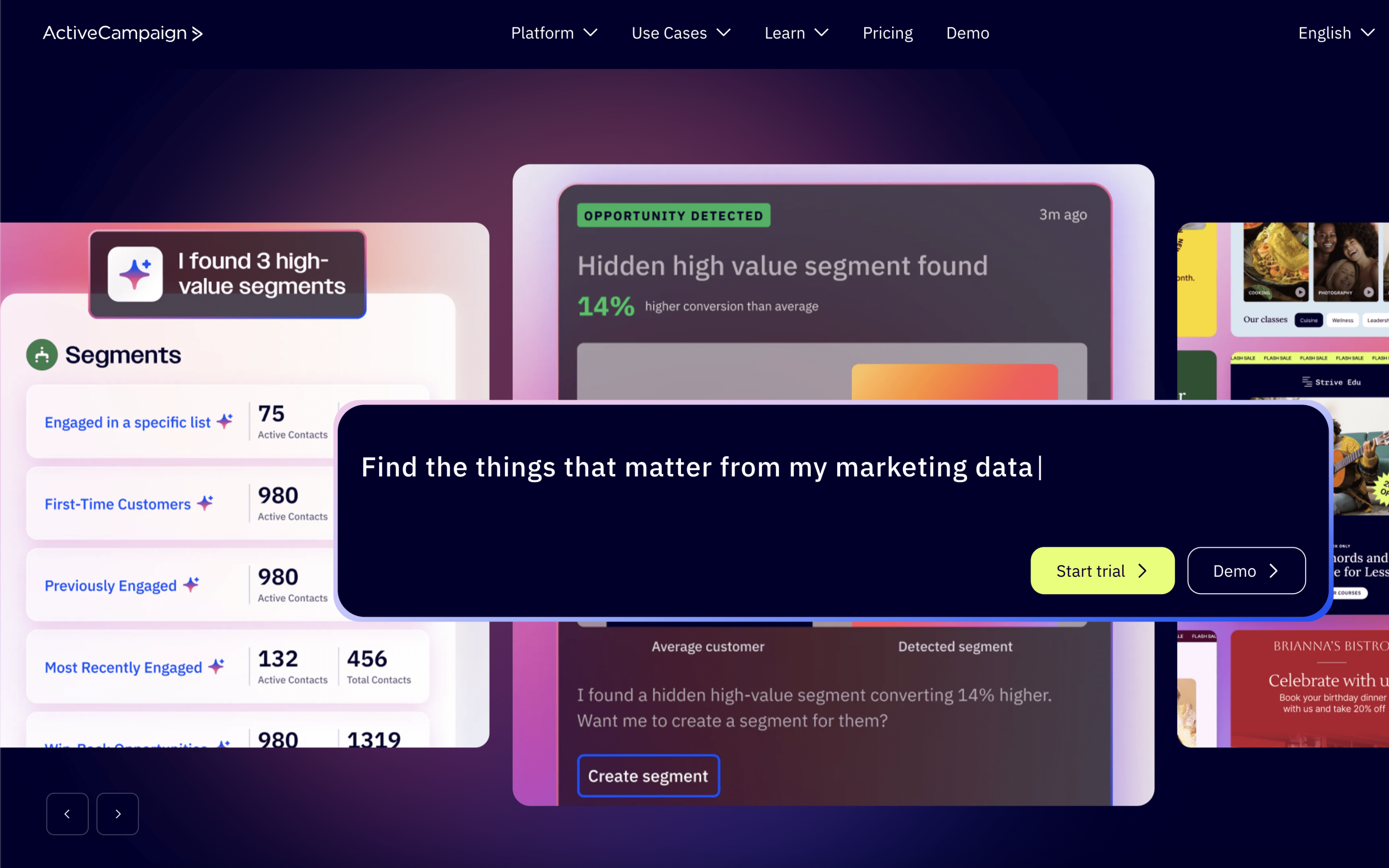
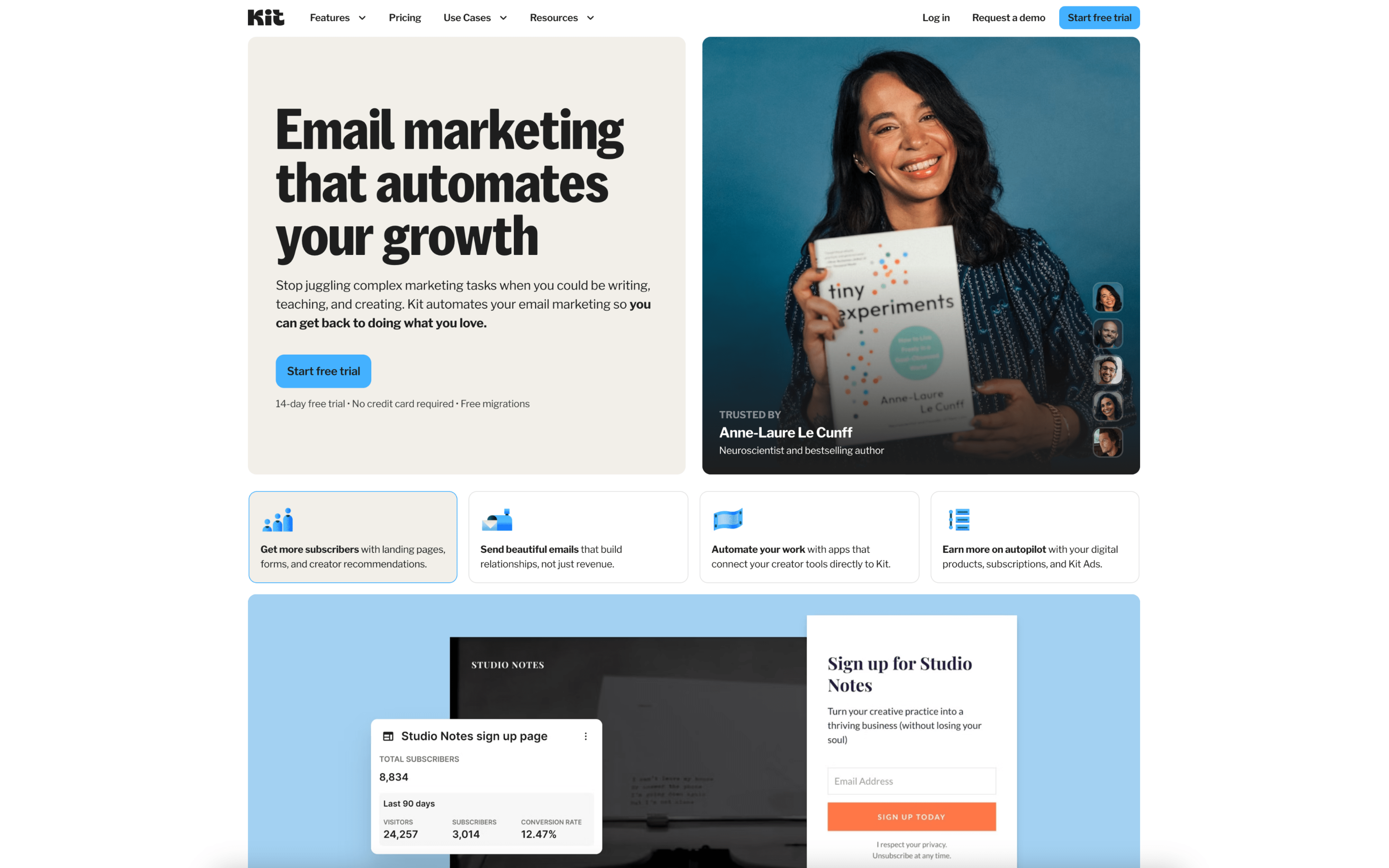
The biggest difference between ActiveCampaign and ConvertKit is how far they push automation and orchestration versus how much they optimize for a clean, focused email workflow. ActiveCampaign is built as an autonomous marketing platform designed to run sophisticated, goal-aware automations and coordinate messaging beyond just email, while ConvertKit keeps the core experience simpler and more direct, centering on email campaigns, tagging, segmentation, and visual automations.
That tradeoff exists because ActiveCampaign has bet on an “autonomous marketing” model where AI-guided strategy and execution sit on top of a powerful automation engine and broad integrations, whereas ConvertKit has evolved around making email marketing and automation approachable and quick to set up, with a tag-based subscriber system and a streamlined interface. In practice, ActiveCampaign’s ambition for cross-channel, data-informed journeys tends to increase flexibility, while ConvertKit’s product bets tend to reduce complexity and keep workflows easier to maintain.
What’s at stake is how you want your lifecycle motion to run day-to-day: whether your stack depends on deeper orchestration, richer routing logic, and centralized automation governance, or whether you benefit more from a lighter operating model that stays focused on email sequences and audience organization. The rest of this page unpacks how this difference shows up in automation depth, segmentation rigor, cross-channel reach, integration reliance, and ongoing operational overhead.